TradeControlUtility Pro
- ユーティリティ
- バージョン: 1.0
- アクティベーション: 10

TradeControl Utility Pro is a trading utility for MetaTrader 5 designed for traders who prioritize risk management and visual organization on the chart. The program combines a compact panel with a minimalist flat design and tools for virtual trade planning (VRP) and position grouping.
Note: This is a utility for manual trading, not an automated expert advisor or signal generator. The program does not guarantee profits. Trading in financial markets involves high risk.
Who is this utility for?
- For day traders and swing traders who make their own decisions but want accurate lot and risk calculations, as well as convenient trade management directly from the chart.
- Basic Features (Panel and Execution):
- Compact interface: A minimalist PNG panel with customizable zoom level, docking angle, fonts, and menu colors.
- Lot calculation: Fixed volume or a percentage of risk relative to the balance (taking into account the distance to the Stop Loss). Protection against overspending via Max Risk and Max Lot limits.
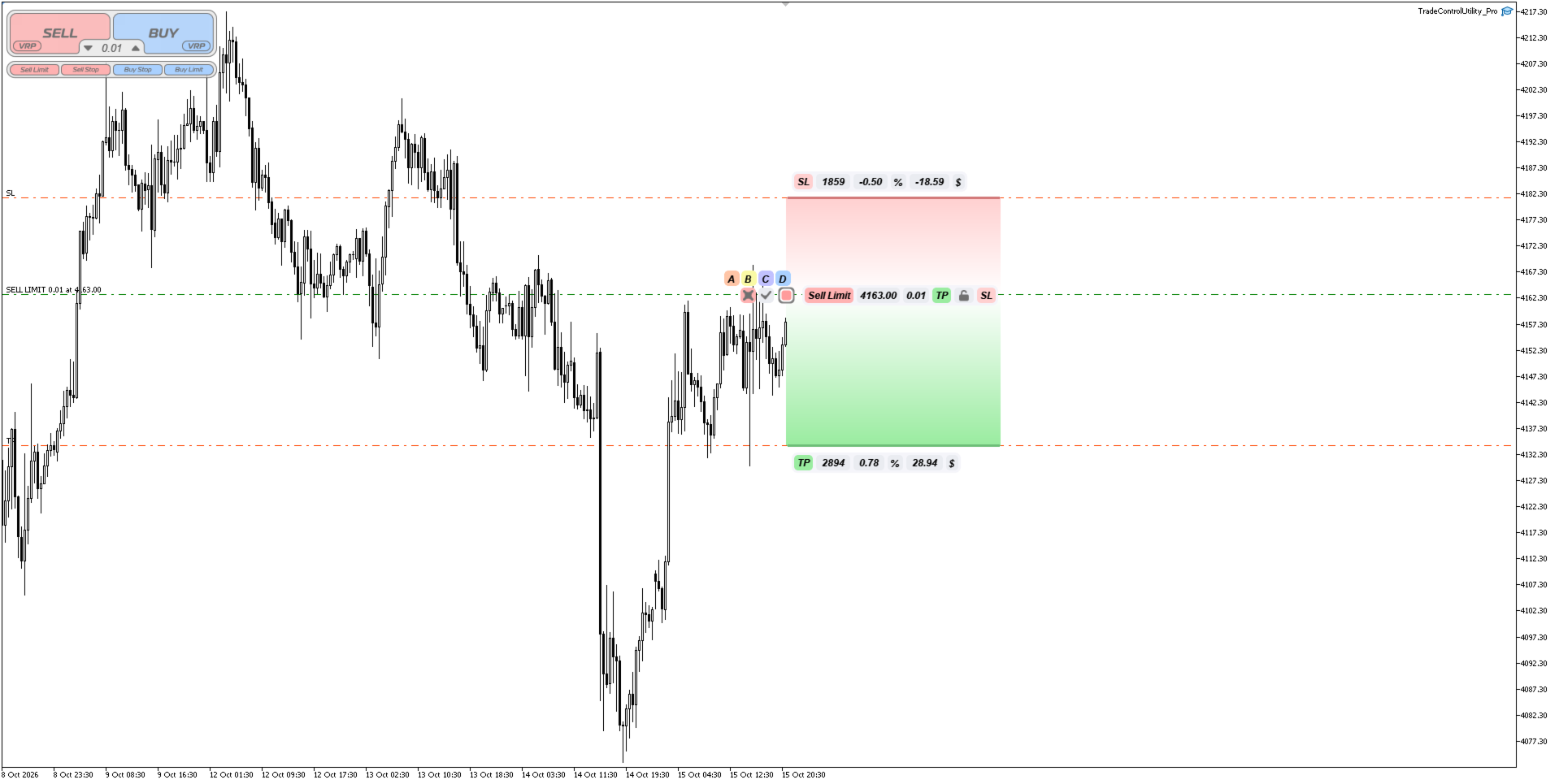
- One-Click Execution: Market and pending orders (Limit/Stop) with customizable offsets in pips.
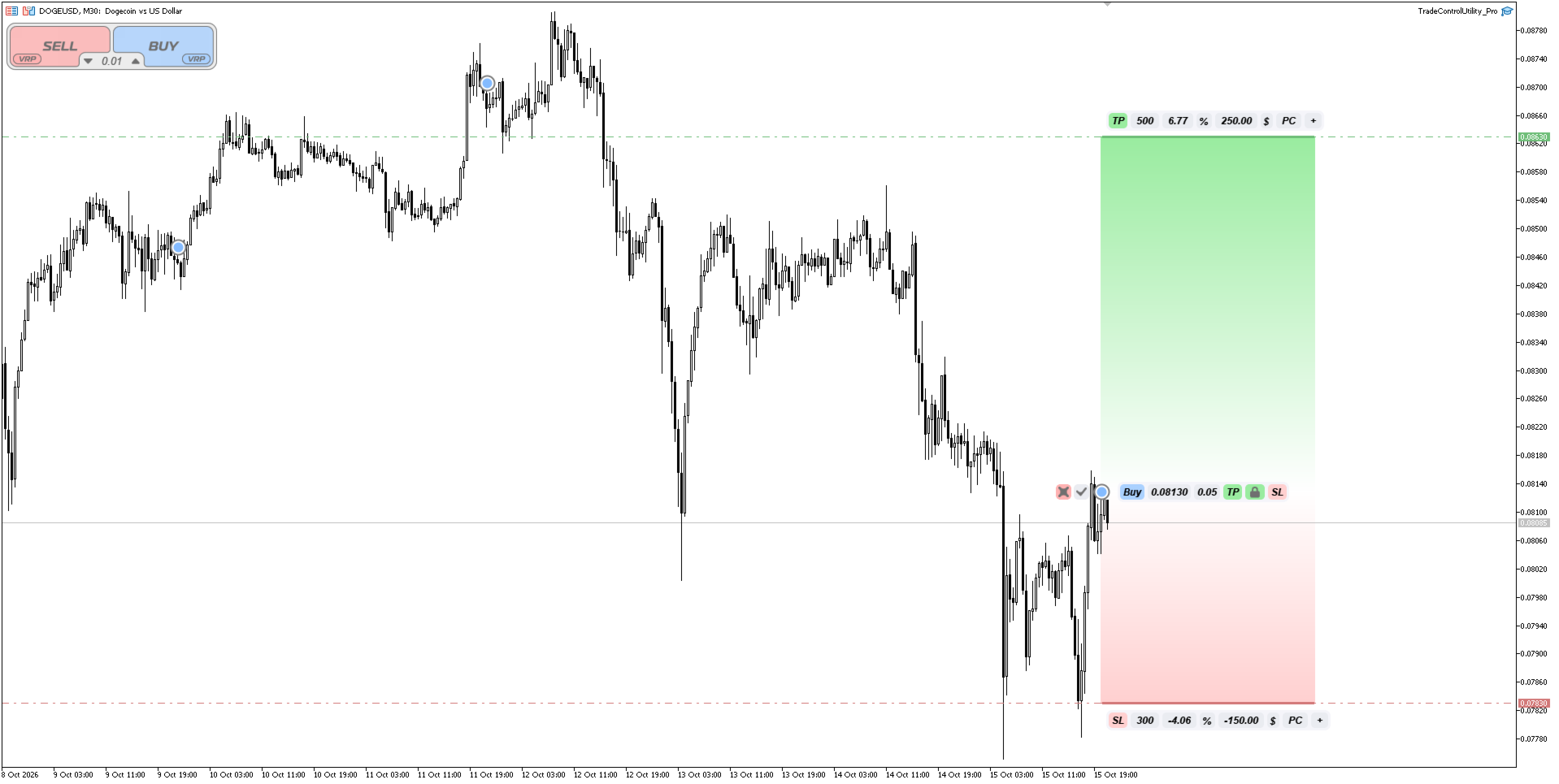
- Chart Menu: Drag-and-drop TP/SL levels. Chain button for optional proportional linking of TP and SL.
- Partial Close: “Ladder” tool (PC/+) for locking in profits (this feature can be enabled in settings; it is disabled by default).
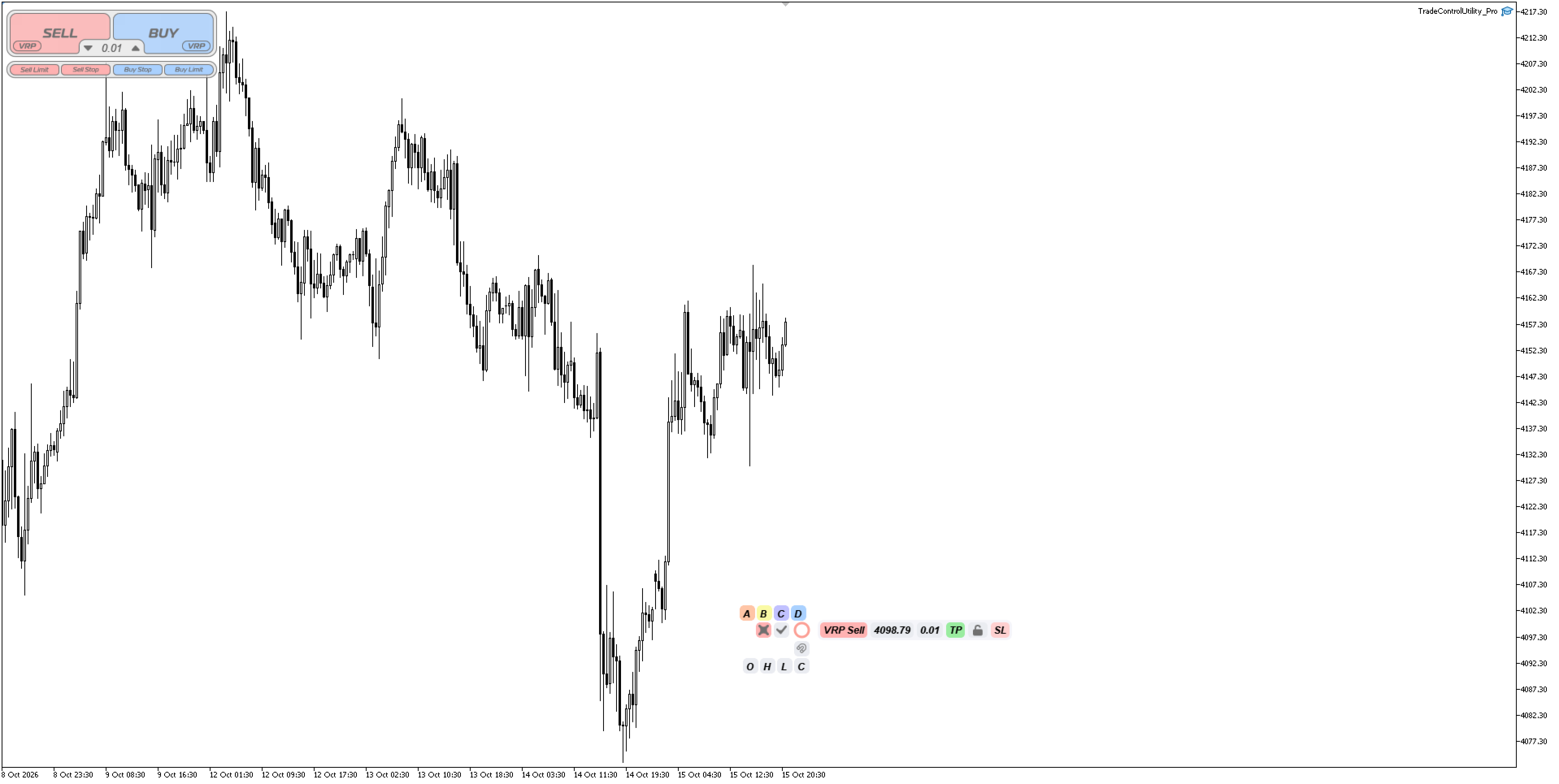
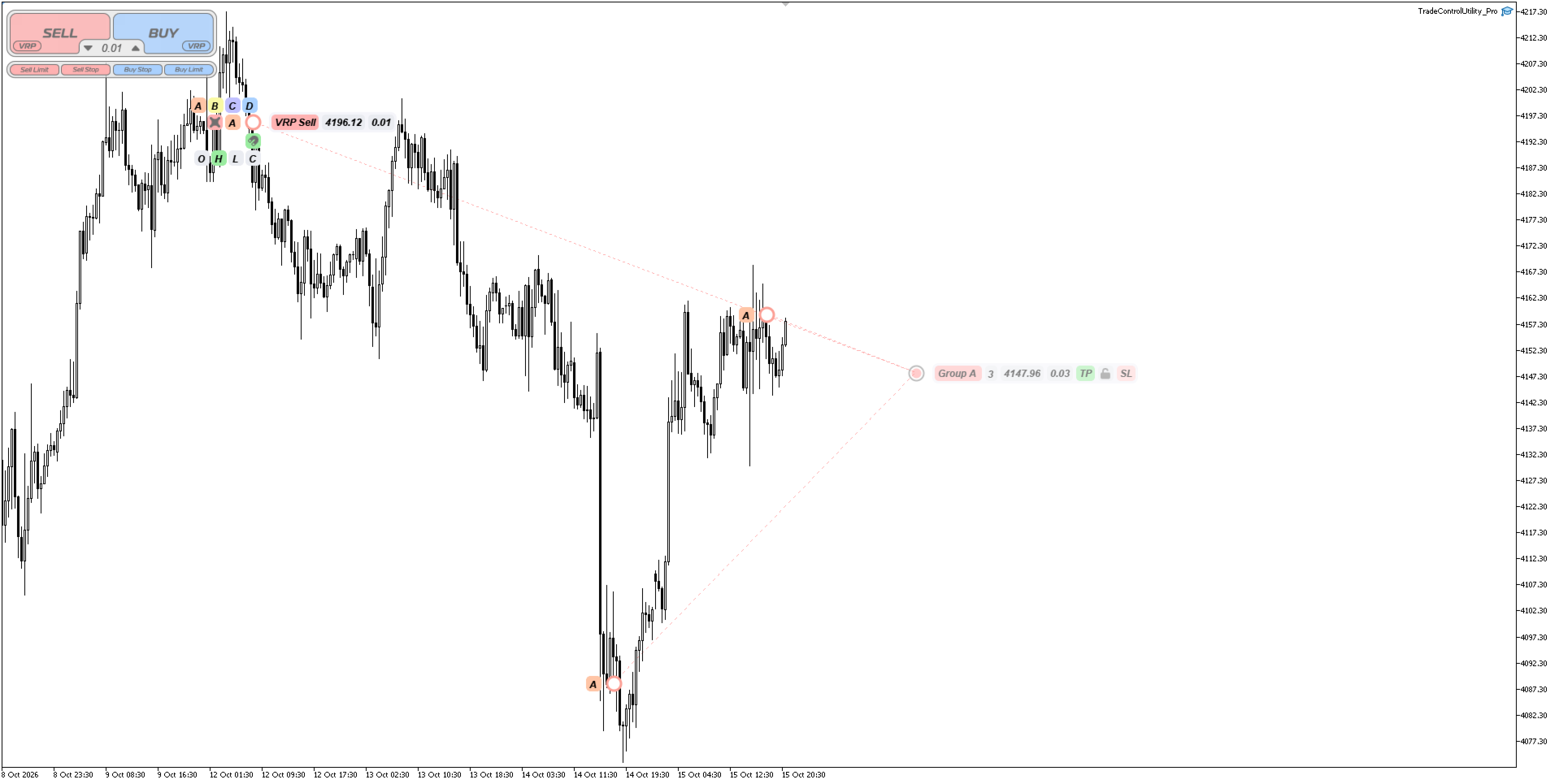
- Virtual Positions (VRP): Mark entry points, TP, and SL on the chart to evaluate scenarios before opening a real position.
Pro Version Features:
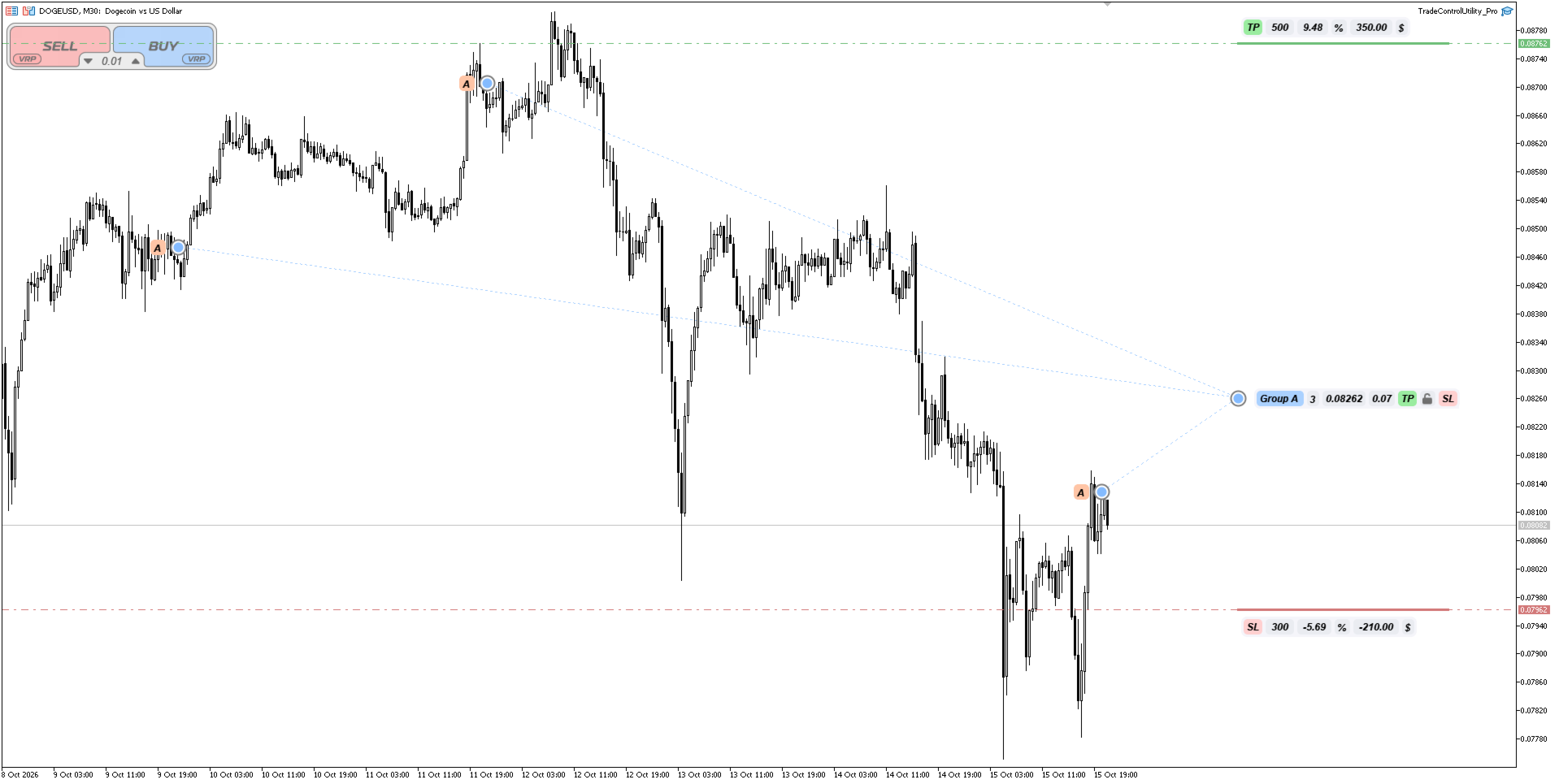
- Grouping (A–D): Combining real, pending, and virtual positions into letter-based groups for batch management and group TP/SL adjustments (where applicable).
- VRP Magnet: Anchoring virtual markers to price levels, OHLC data, or arrows from historical trades.
- Dual Real/Plan BE Workflow: Managing the break-even level for mixed baskets of real and virtual orders.
- Strategy Tester Support: Full functionality in the visual tester (taking into account the MT5 platform’s own limitations on mouse interaction). Includes an auto-grouping option (Buy → Group A, Sell → Group B).
- Enhanced Visualization: Gradient-filled TP-SL zones for better perception of chart depth (the Basic version uses solid colors).
Quick Start:
- Drag the expert advisor onto the chart and enable algorithmic trading in the terminal settings.
- Select the lot mode (Fixed or Risk %) and set the default TP/SL distances in the Inputs tab.
- Use the panel for market orders or place VRP markers for planning.
- Click the menu on the chart to adjust levels, the Chain link, or manage groups.
Important Notes:
The utility does not trade automatically based on indicators.
Results in the strategy tester are intended to test the interface and do not guarantee similar execution speed in the real market.
Broker Dependency: The Partial Close feature depends on your broker’s minimum lot size. Modifications to TP/SL levels (including the Chain UI link) are subject to standard stop-level rules and your broker’s order modification limits.