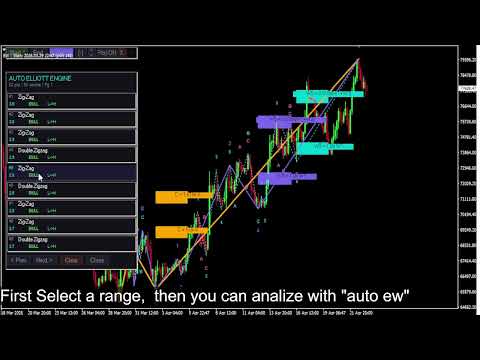
Auto Elliott Engine
- インディケータ
- バージョン: 1.0
- アクティベーション: 5

Auto Elliott Engine
The Auto Elliott Engine is a tool designed for MetaTrader 4 that automates the identification, decomposition, and projection of price structures based on the Elliott Wave Theory.
Powered by a pattern-recognition engine, this indicator processes price action to identify market configurations, translating data into structured scenarios.
Key Features
-
Multi-Degree Recognition: Analyzes price action across multiple fractal levels. From higher degrees, such as Supercycle or Cycle, down to minor structures.
-
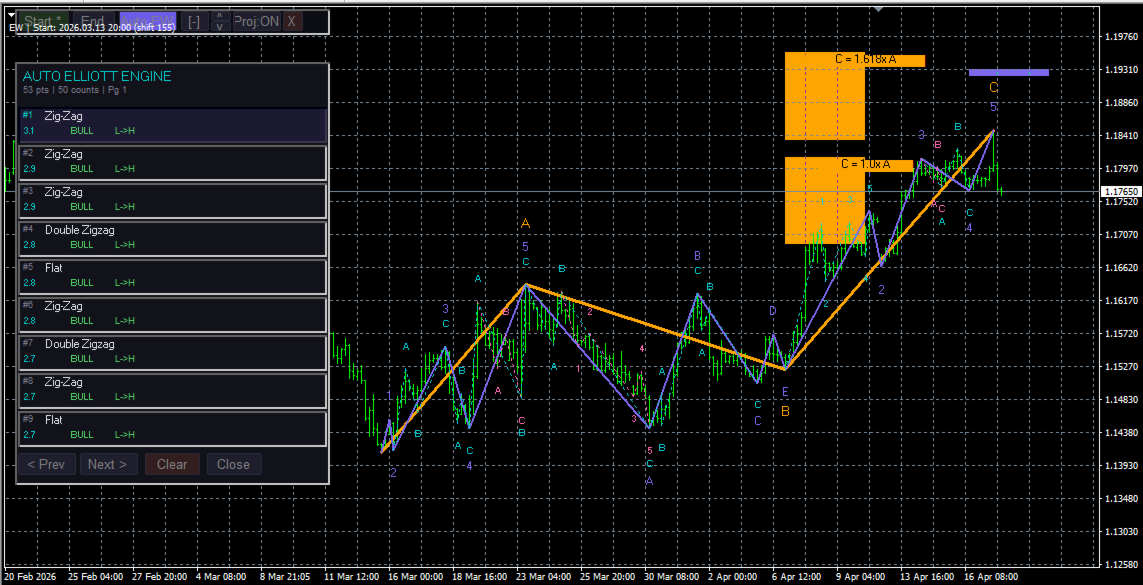
Pattern Decoder: Identifies impulsive formations (Standard Impulses, Contractive/Expanding Diagonals) and corrective patterns (Simple and Complex Zig-Zags, Regular/Expanded Flats, Triangles, and WXY/WXYXZ Combinations).
-
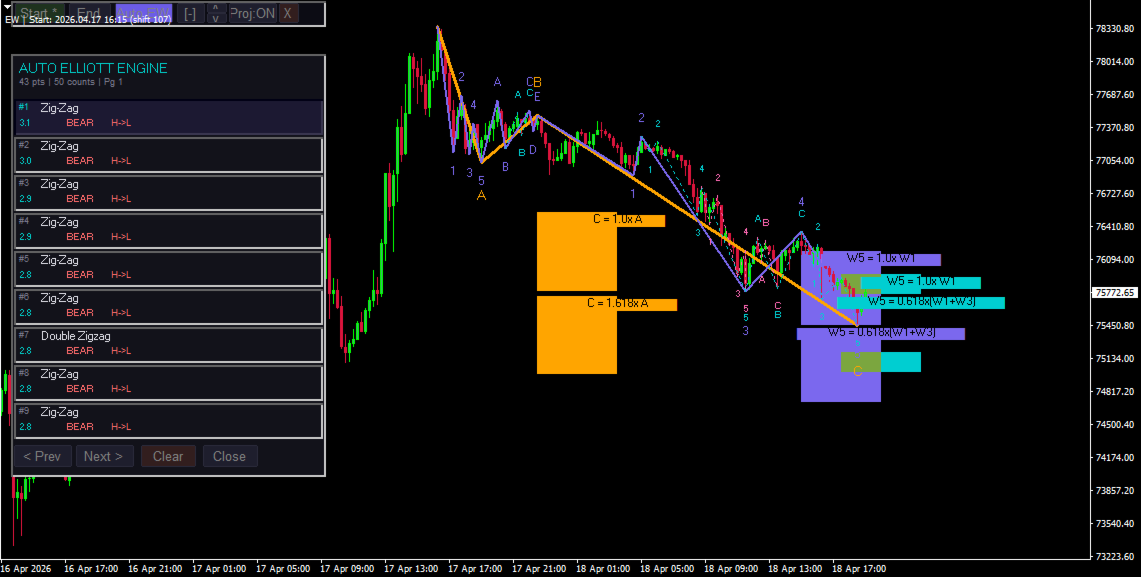
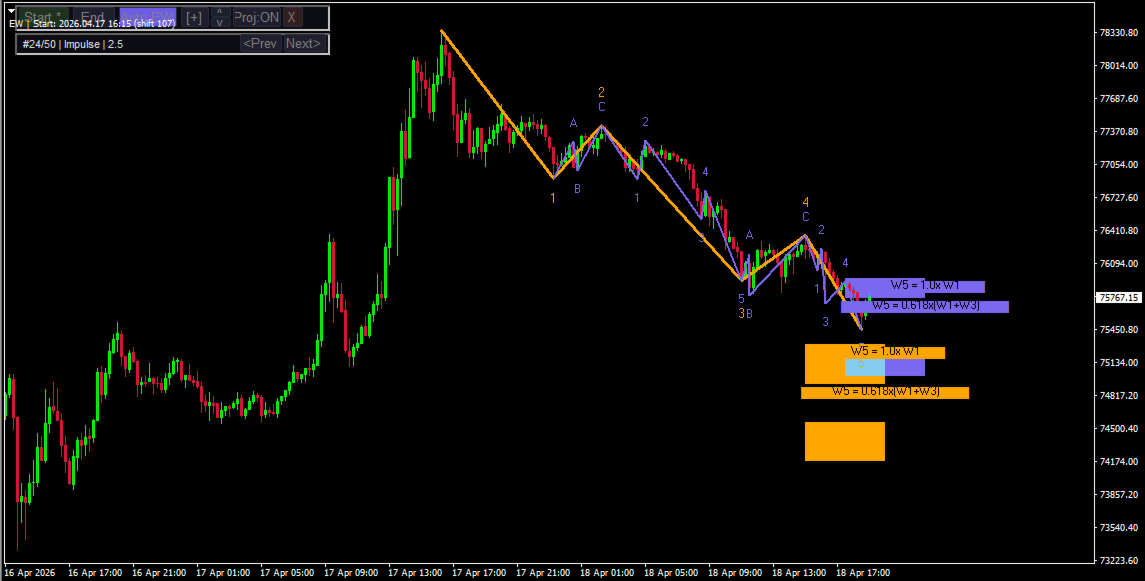
Fibonacci Projections: The system projects retracement and extension zones on the chart based on the active wave. The interface allows for toggling between visualizing key areas of the last wave or a mapping of all calculated ranges.
-
Scoring System: Each suggested count undergoes a qualification process. If a structure shows anomalies or exceeds the margins of classic Elliott behavior, such as excessive retracements or unusual proportions, the engine assigns penalties to prioritize others counts that adhere to classic wave theory.
-
Control Panel: Includes an interactive "Auto EW" panel to analyze, navigate, and review alternative count options within the main workspace.
Ideal For
Technical market analysts and price-action specialists who seek to assist their wave counting and automate the mapping of price expansions and contractions.
Important Note: This indicator does not take into account all Elliott Wave guidelines; for example, it does not include "The Right Look".
How to Use
-
Start the Analysis: Click the "Start" button to select the starting point of the wave count. This should be an extreme point from which the count originates.
-
Historical Range: We recommend selecting a range of 100 to 200 historical bars. Calculating the wave structure is resource-intensive; while you can experiment with a larger historical range, please be aware that processing times will increase. If you require analysis over a larger historical range, we recommend switching to higher timeframes.
-
Run the Count: Click the "Auto EW" button to execute the count within your selected range.
-
Manage Projections: You can toggle the visual projections by clicking the "Proj: ON / Proj: OFF" button.
-
Navigation: Use the "[ + ]" and "[ - ]" buttons on the interface to expand or collapse the list of alternative wave counts.
By default, the indicator is not configured to perform a count automatically as soon as it is loaded onto the chart. It works best when the user selects the range they want the indicator to process and then clicks "Auto EW".