Smart Renko Chart
- Utilità
- Versione: 1.10
- Attivazioni: 10

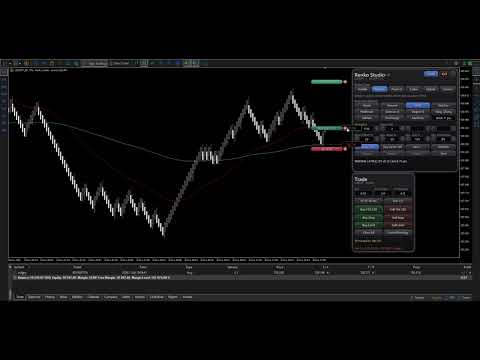
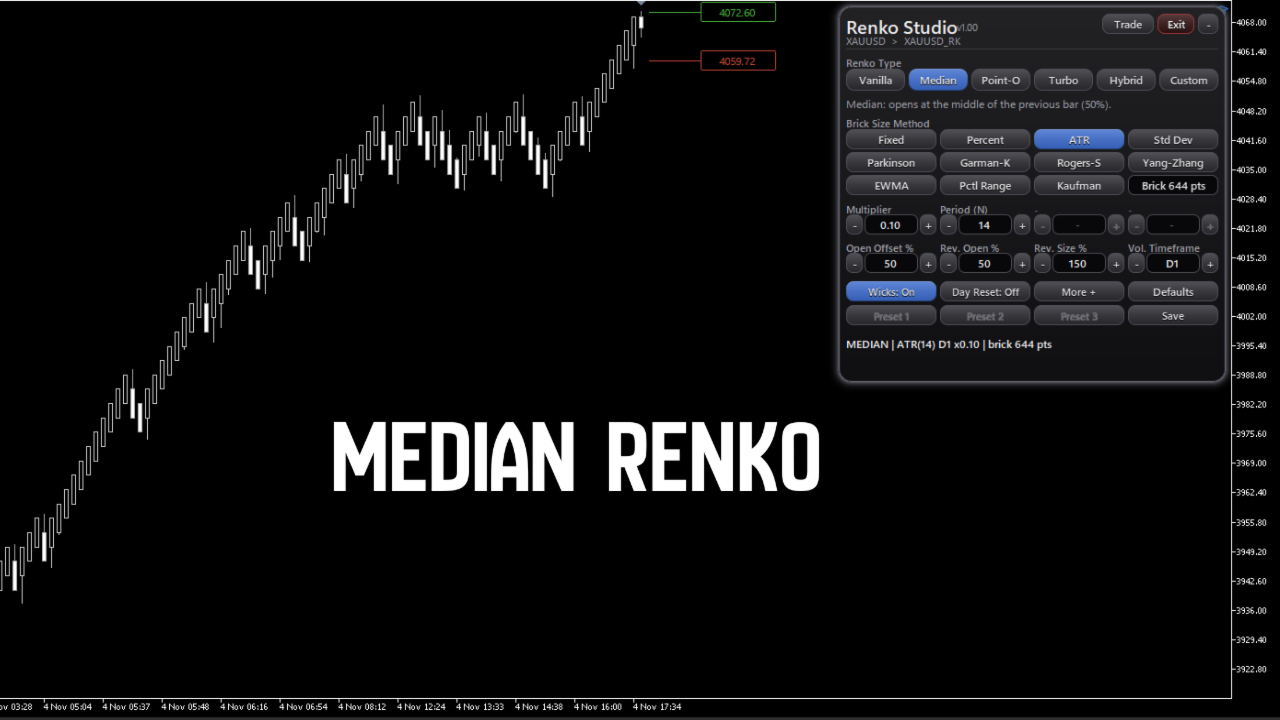
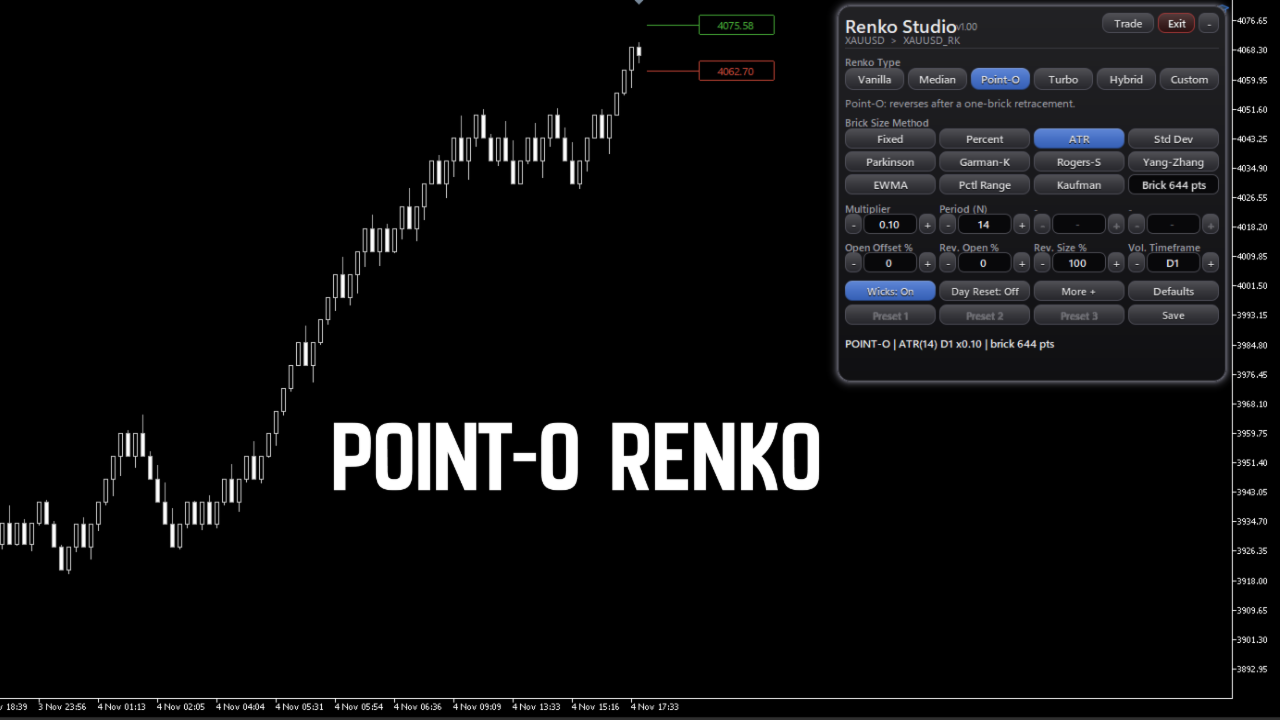
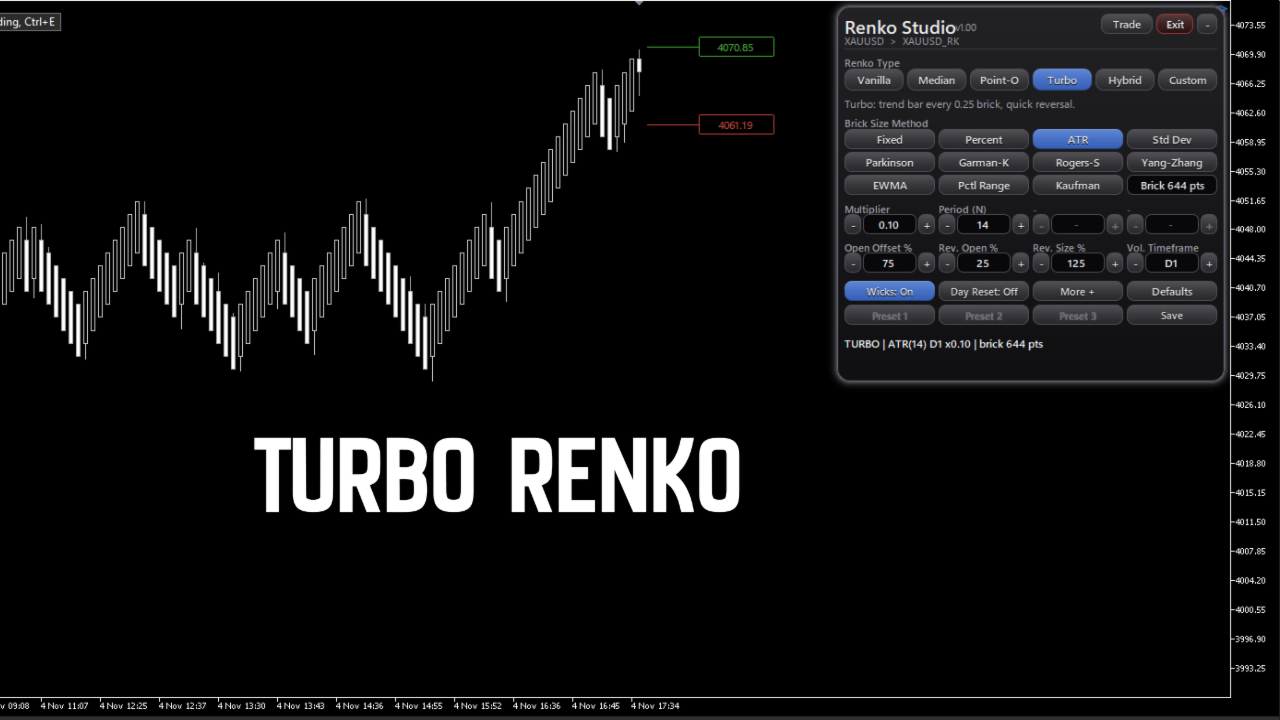
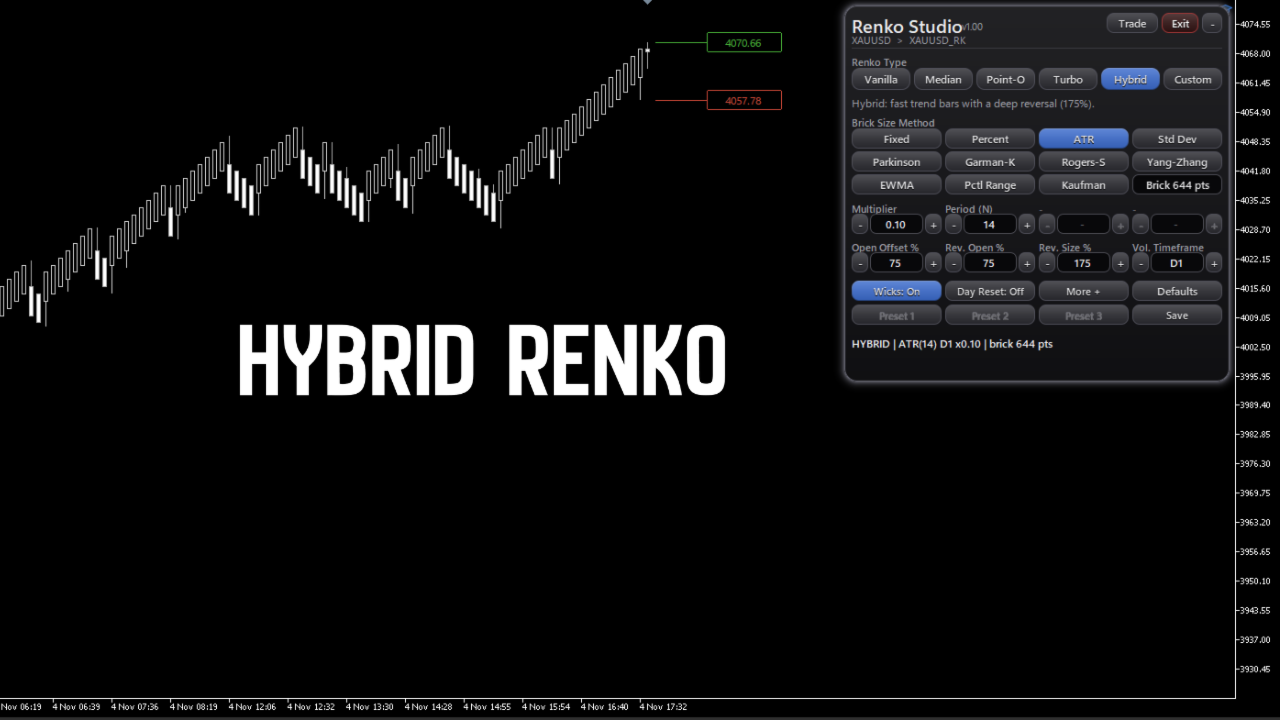
This Expert Advisor creates a custom symbol (for example EURUSD_RK) from the symbol of the chart and converts the same chart to Renko. The chart keeps updating tick by tick. A control panel on the chart lets you change the Renko type and the way the brick size is calculated without restarting.
Markets
It works on any symbol that your broker offers in the terminal: forex pairs, stocks, indices, metals, energies, cryptocurrencies and synthetic indices. The brick size can be set in points, as a percent of the price or from volatility, so the same panel is used for symbols with different prices and number of decimals. For symbols that report a last price, such as stocks, you can choose Last as the price source. Real volume is used when the broker provides it.
How to use it
- Attach the Expert Advisor to a chart of any symbol.
- Press START RENKO. The chart is converted to Renko.
- Change the type, method and parameters from the panel. The chart rebuilds automatically.
- Press EXIT to return to the real symbol and the previous timeframe.
Renko types
Vanilla, Median, Point-O, Turbo, Hybrid and Custom. In Custom you set three values yourself: open offset, reversal open offset and reversal bar size.
Brick size methods
Fixed points, percent of price, ATR, standard deviation, Parkinson, Garman-Klass, Rogers-Satchell, Yang-Zhang, EWMA, percentile of range and Kaufman adaptive. The volatility timeframe, period and multiplier can be adjusted. In Static mode the size is measured at the start of the history, so it does not use data from the future.
History and live data
- Live: every tick is processed. Ticks are not lost between updates, and after a network disconnection the missing ticks are read, so the chart is not rebuilt.
- History: real ticks are used for the last days that the broker provides (default 30), and M1 bars for the older part. When ticks are available, rebuilding the chart gives the same bricks that were seen live.
- The start of the history is aligned to Monday, so rebuilding several times in the same week gives the same chart.
- Volume is the number of ticks.
- You can choose M1 bars only for a faster load.
Other functions
- Wicks, day reset, three user presets, save and defaults.
- Three color themes: Default, Dark and White.
- Information on each brick (open, close, size and time) shown over the chart.
- Optional export of the real time of each brick to a CSV file in the MQL5\Files folder.
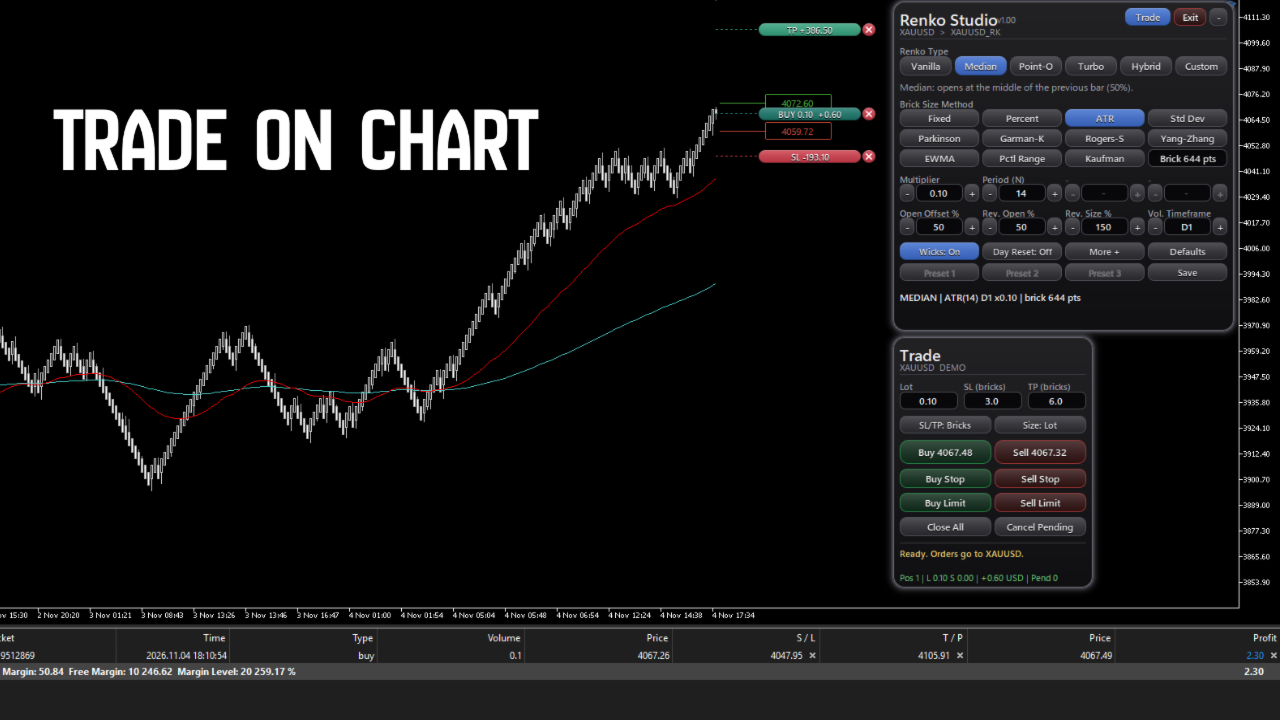
- Trade panel: BUY, SELL, CLOSE ALL, and SL and TP lines that can be dragged. Orders are sent to the real symbol, not to the Renko symbol. Lot size can be fixed or based on risk.
Requirements and limits
- It runs on a live chart. It does not run in the Strategy Tester.
- The number of days of tick history depends on the symbol and the broker. Where there are no ticks, M1 bars are used.
- MetaTrader 5 needs one bar per minute in a custom symbol. For this reason the time shown on a Renko bar is not the real time of the brick. The real time is shown in the brick information and in the CSV export.
- Other Expert Advisors cannot trade the Renko symbol, because MetaTrader 5 does not allow trading on custom symbols.
- Trading from the panel needs Algo Trading enabled in the terminal and in the properties of the Expert Advisor.
- Trading involves risk. This product is a charting tool and does not predict prices or promise any result.
Support
Please use the Comments section of this product or send a private message on MQL5.