Gold Scalp Assistant
- Utilità
- Versione: 1.0
- Attivazioni: 10

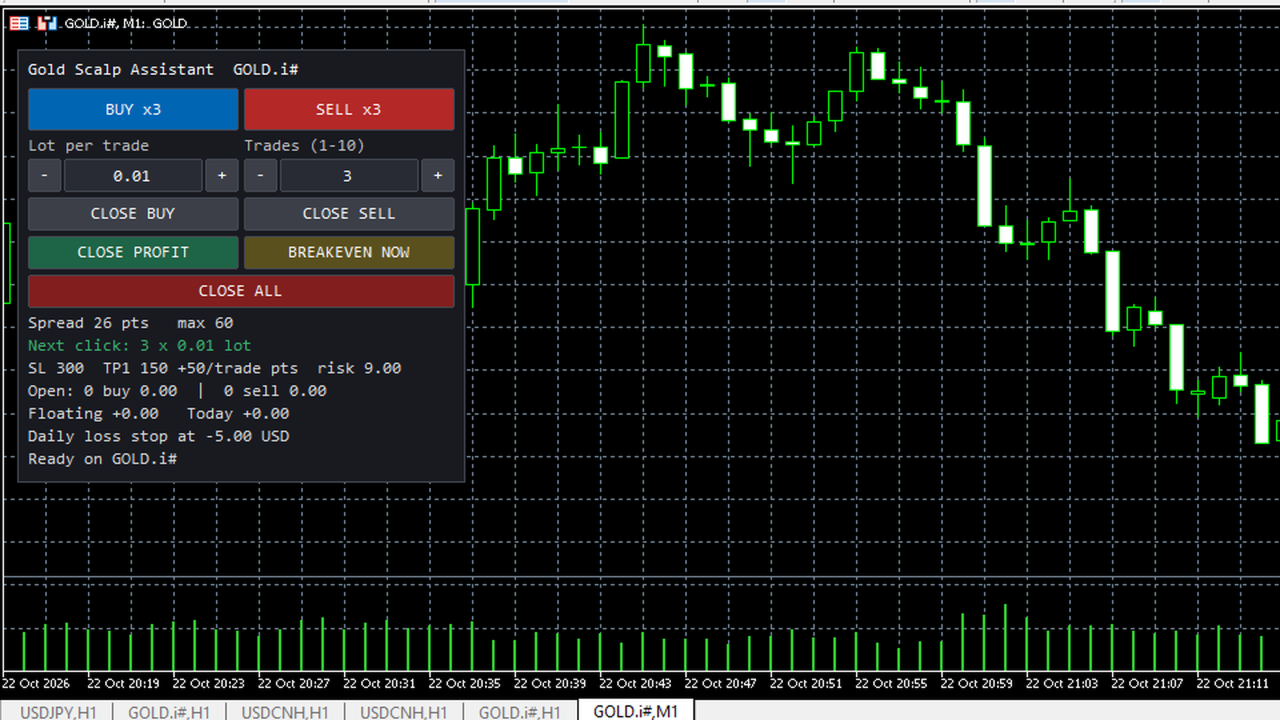
Gold Scalp Assistant is a semi-automatic trade panel for MetaTrader 5. It does not open trades on its own. You decide the direction and press a button; the assistant opens the trades, sizes them, sets the stops and then manages them with the rules you choose. It works on any symbol. The default distances are set for gold quotes with 2 or 3 digits.
Panel
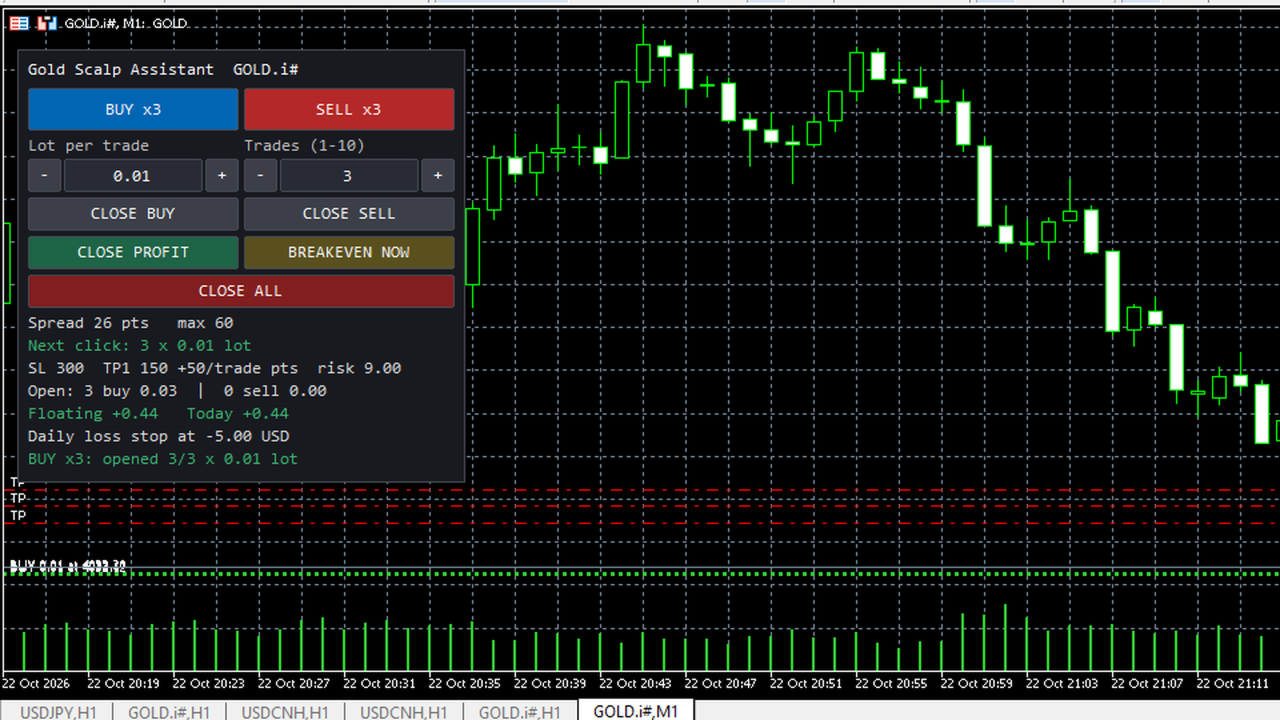
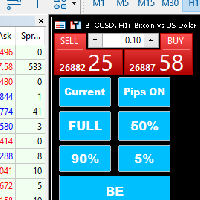
- BUY xN and SELL xN: open N market trades in one click (N = 1 to 10, changed with + and - or typed in).
- Lot field: lot per trade (fixed mode) or risk percent (risk modes), changed with + and - or typed in.
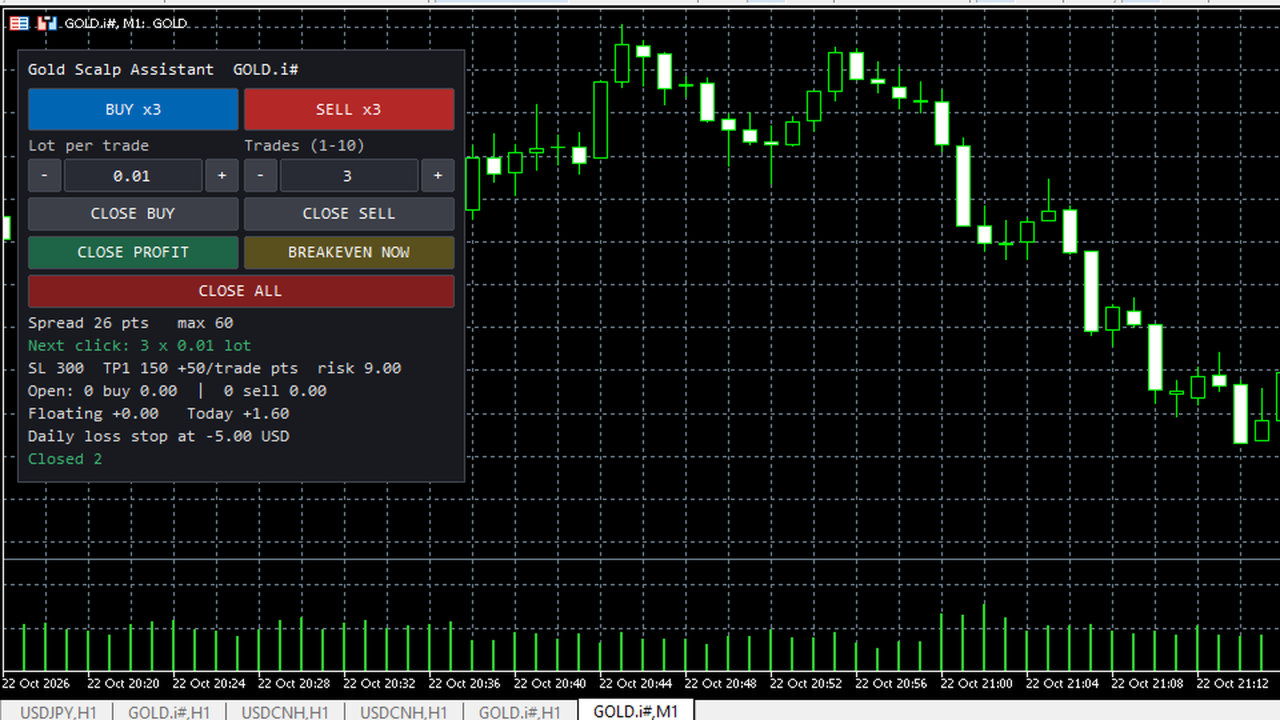
- CLOSE ALL, CLOSE PROFIT (only trades in profit), CLOSE BUY, CLOSE SELL.
- BREAKEVEN NOW: moves the stop loss of every managed trade to the entry price plus the offset, when the price is far enough away for the broker to accept it.
- Status lines: spread and spread limit, size of the next click, SL/TP and money at risk at the stop loss, open buy and sell trades, floating and today's result, daily loss stop level, last message.
- Optional hotkeys (off by default): Shift+B buy, Shift+S sell, Shift+C close all, Shift+P close profit, Shift+E breakeven.
- The panel width follows the font size and the screen scaling, so text and buttons do not overlap. It can be placed in any chart corner.
Lot sizing
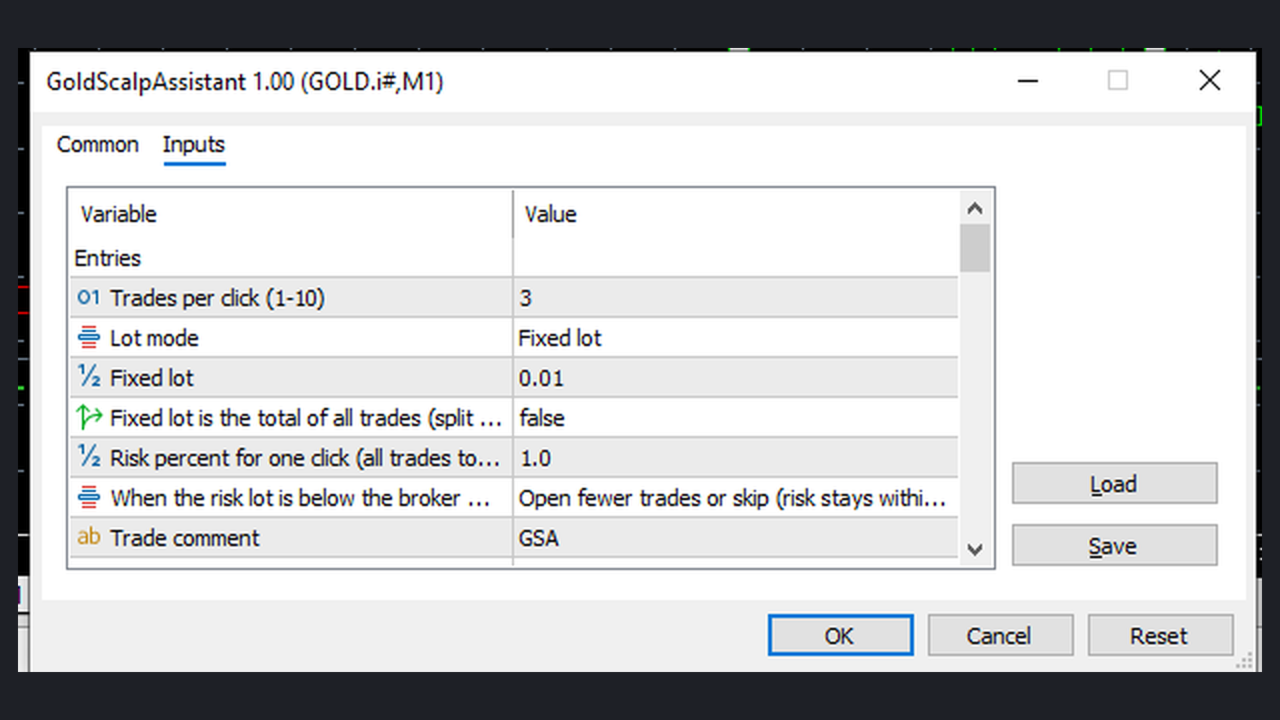
- Fixed lot per trade, or a fixed total lot split across the N trades.
- Risk percent of balance or of equity for the whole click, calculated from the stop loss distance with the symbol's own contract data (stop loss required).
- Every lot is rounded down to the broker's lot step and kept between the minimum and maximum lot.
- When the risk lot is below the broker minimum you choose: open fewer trades or skip the click (risk stays within the limit), or use the minimum lot (risk can be higher than the setting; the panel shows the real amount).
- Before sending, the assistant checks free margin, the maximum open trades, the maximum total lots and the broker volume limit, and opens fewer trades when needed.
Trade management
- Stop loss and take profit in points (x10 on 3 and 5 digit quotes), raw points or price distance.
- Staggered take profits: trade 1 gets TP1, each next trade gets TP1 plus one more step.
- Partial close of a set percent at TP1 (or another distance). It needs a trade of at least two minimum lots; smaller trades are kept whole.
- Automatic breakeven with offset after a set profit distance.
- Trailing stop with start distance, trailing distance and minimum step. Stops are only moved in the profitable direction.
- Basket close: close all managed trades on the chart symbol at a profit or loss amount, or a percent of balance.
Safety
- Maximum spread for new entries, maximum open trades, maximum total lots, slippage limit, retries on requote or price change.
- Filling mode detected from the symbol, with fallback to the other modes.
- Every request is checked with OrderCheck before it is sent. Stops that are too close are widened to the broker minimum (can be switched off).
- No trade requests outside the symbol's trading session.
- Daily loss stop as an amount or a percent of the day-start balance. It counts closed and floating results of managed trades on this symbol. When hit, new entries are blocked until the next server day, and managed trades can be closed. The state is kept when the terminal restarts.
- Magic number for its own trades; optional management of manual trades (magic 0) on the same symbol.
- Netting accounts: one order with the total volume per click.
Strategy Tester
Buttons cannot be pressed in the Strategy Tester, so the assistant simulates button presses there (can be switched off): it opens a few trades about once an hour when flat, presses breakeven after 30 minutes, close profit after 2 hours and close buttons after 4 to 5 hours. This only shows how the functions behave; it is not a trading strategy, and tester results have no meaning for future trading.
Notes and limitations
- Semi-automatic: there are no entry signals and no automatic trading decisions.
- The default distances are meant for gold. On currency pairs enter smaller values: in the default unit 300 means 300 pips on EURUSD (it means 3.00 on gold).
- One chart manages one symbol. Attach it to each symbol you want to use.
- Breakeven, trailing, partial close and basket rules run while the terminal is open and connected. Stop loss and take profit are stored on the broker server.
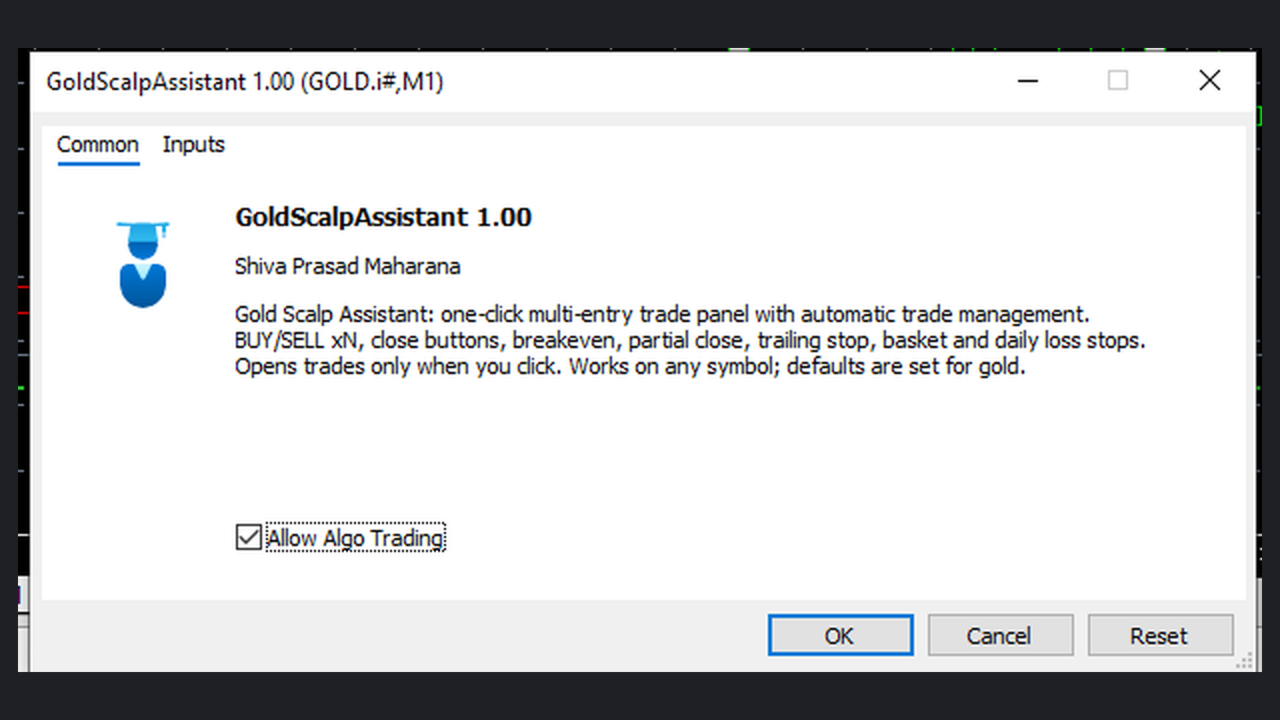
- Requires Allow Algo Trading in the terminal and in the EA settings.
- Fast markets, gaps and broker execution can cause slippage; the stop loss amount is not a guaranteed maximum loss.
- No DLL, no web requests, no external files.