One Click Chart Snap
- Utilità
- Versione: 1.0

One Click Chart Snap captures screenshots of your chart across all selected timeframes with a single button click — or fully automatically on a timer.
Perfect for traders who journal their trades, do multi-timeframe analysis, share setups with a community, or want a visual record of the market at a specific moment.
How it works
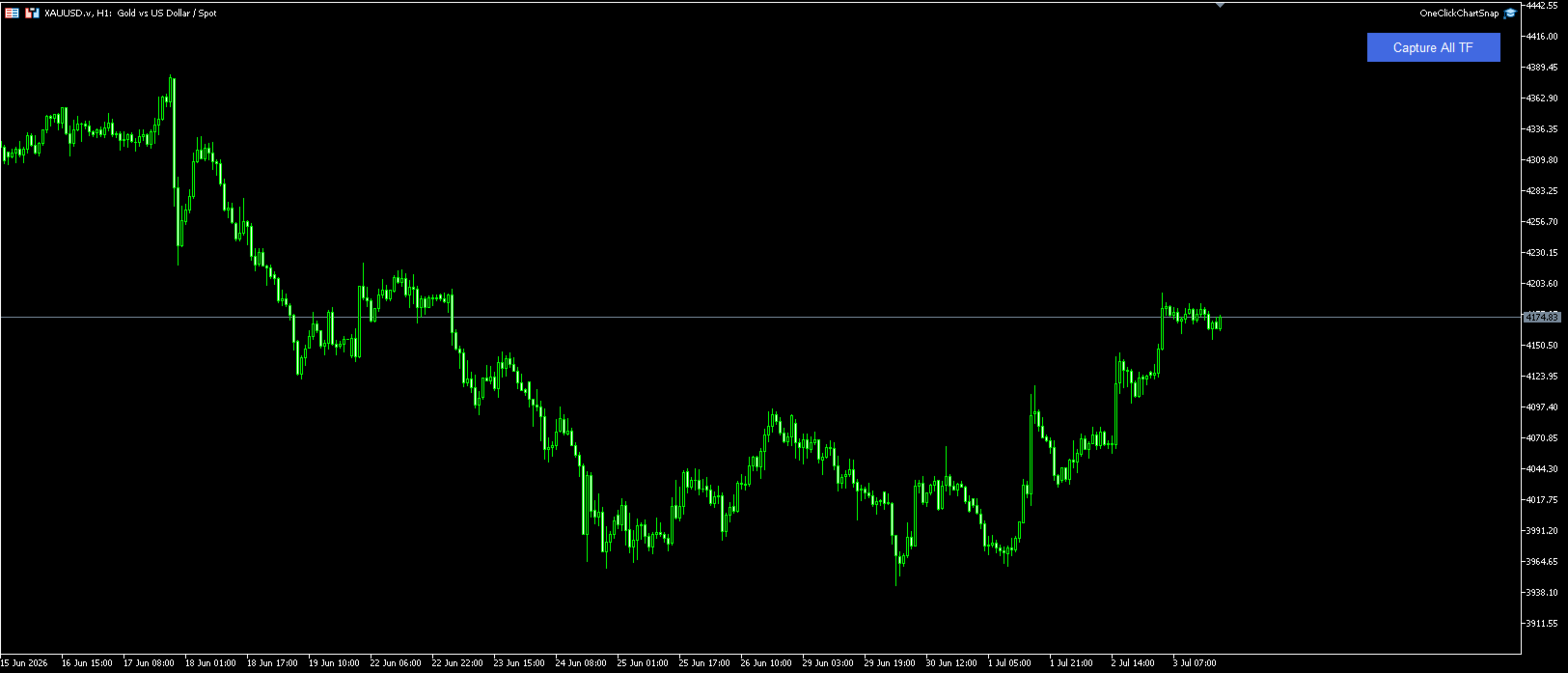
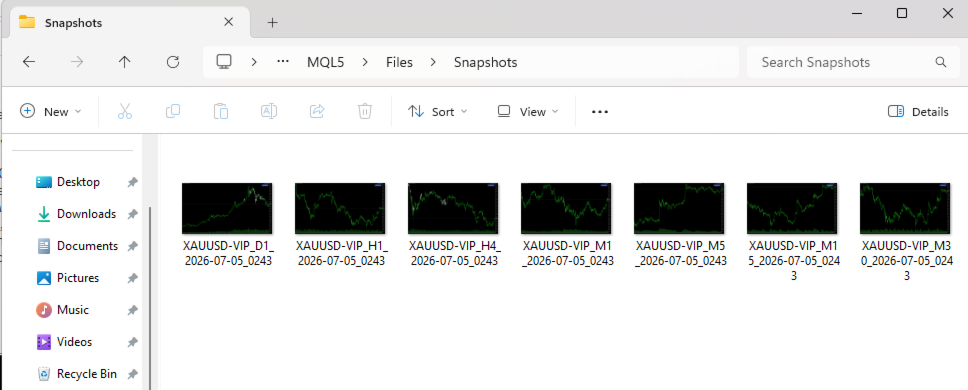
Attach the utility to any chart and a button appears in the top-right corner. One click cycles the chart through every timeframe you enabled (M1 to MN1), captures each one, and returns to your original timeframe. Images are saved to MQL5\Files in the folder you choose, named clearly: SYMBOL_TIMEFRAME_DATE_TIME (e.g. XAUUSD_H1_2026-07-05_1430.png).
Key features
- One click captures every enabled timeframe: M1, M5, M15, M30, H1, H4, D1, W1, MN1
- Auto-capture mode: take snapshots automatically at any interval (e.g. every 4 hours)
- Works on any symbol: Forex, Gold, indices, crypto — anything your broker offers
- Choose image format (PNG, GIF, BMP) and resolution (default 1920×1080)
- Button shows live progress while capturing ("Capturing 3/7...")
- Customizable button position, colors, and label
- Returns to your original timeframe when finished — your chart stays untouched
- Optional alert when capture is complete
Inputs
- Folder name, image format, width and height
- Wait time per timeframe (for chart loading)
- Individual on/off switch for each timeframe
- Auto-capture on/off and interval in minutes
- Button position, colors, and text
Notes
Screenshots are saved inside the terminal's sandbox folder: MQL5\Files<your folder>. Open it via File > Open Data Folder. The utility does not trade and does not access your account — it only takes chart screenshots.