Elliott Wave ABC
- Indicatori
- Versione: 1.0
- Attivazioni: 5

Elliott Wave ABC
Overview
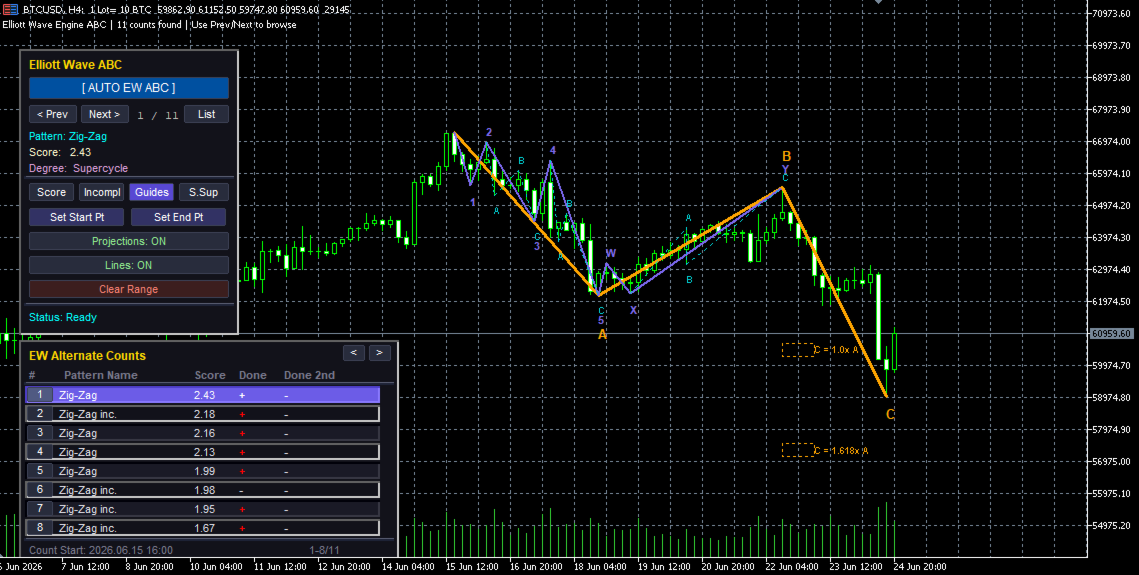
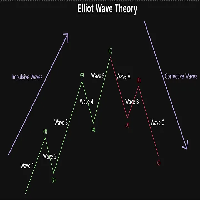
Elliott Wave ABC is an interactive indicator designed for MetaTrader 5 (MT5) that automates the detection, scoring, and visualization of Elliott Wave Zig-Zag (A-B-C) structures. It scans chart data to locate both completed and incomplete Zig-Zag patterns, offering structural analysis, Fibonacci projection targets, and a stacked dual-panel user interface.
This Elliott Wave indicator is only focused an ABC - Zig-Zag Pattern.
This Elliott Wave indicator is only focused an ABC - Zig-Zag Pattern.
---
Key Features
1. Automated Zig-Zag Detection & Decomposition
- Scans historical chart bars for Patterns detection.
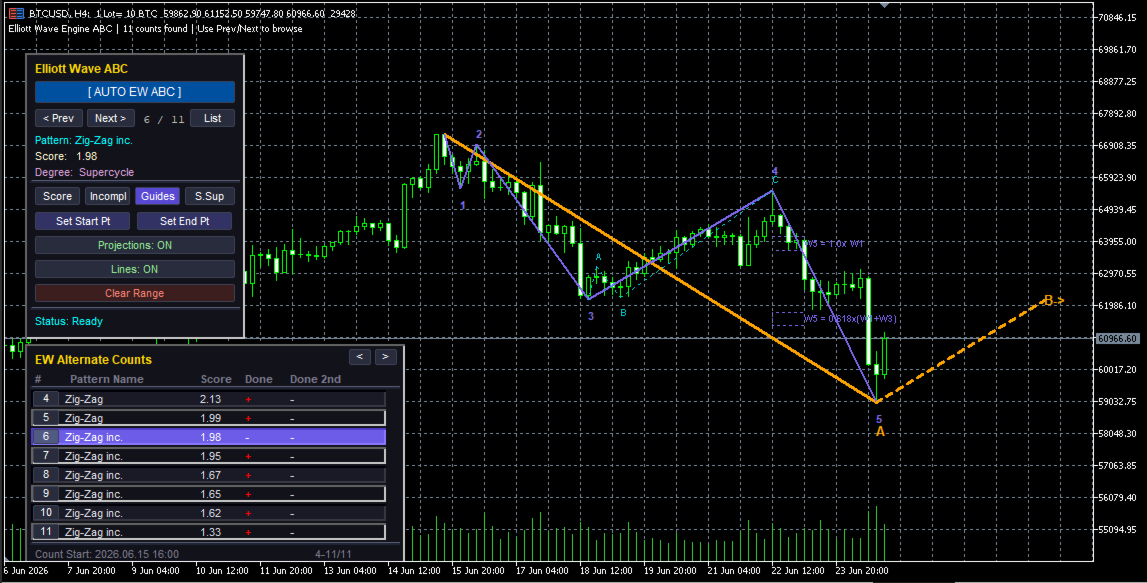
- Specifically tracks and decomposes Zig-Zag (A-B-C) structures and incomplete Zig-Zags (ongoing wave setups).
- Sorts found wave counts dynamically by:
- **Score:** Overall mathematical confidence of the wave structure.
- **Incompl (Incomplete):** Prioritizes counts currently in progress.
- **Guides:** Retracement guideline matches.
- **S.Sup (Score Superior):** Based exclusively on the score of the higher-degree pattern.
2. Incomplete Count Projections
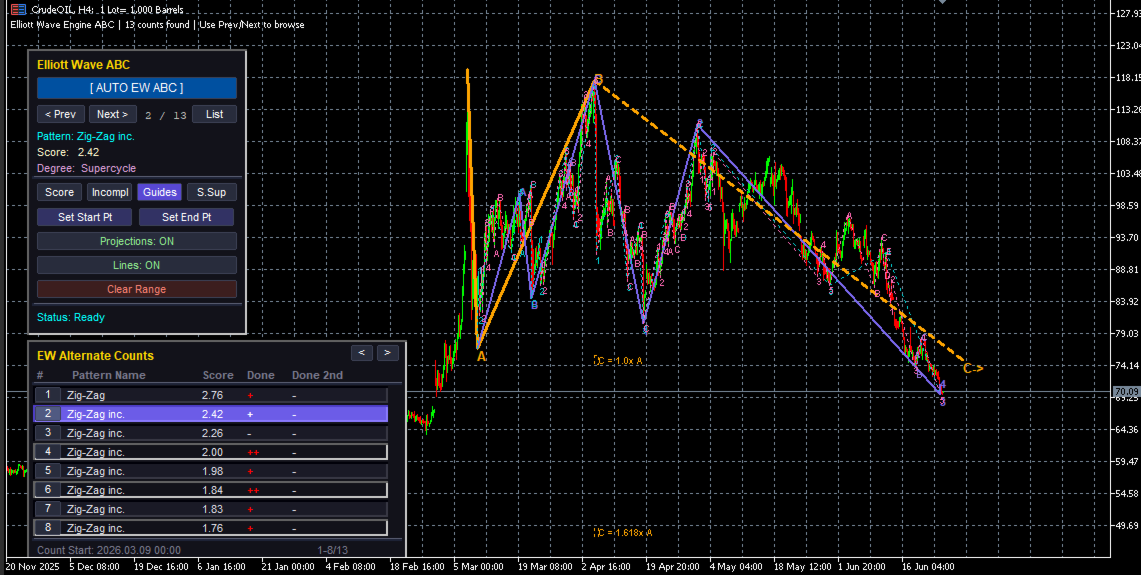
- Identifies incomplete waves and calculates the expected Fibonacci target for the next leg (e.g. projecting Wave B from Wave A, or Wave C from Wave B).
- Projects a clean, colored dashed line 20 bars into the future ending at the target price.
- Appends interactive direction labels (such as `B->` or `C->`) directly on the chart at the projected target level.
3. Stacked Dual-Panel Interface (GUI)
- Main Control Panel ("Elliott Wave ABC"):
- AUTO EW ABC:** One-click automated full-chart scanning.
- Navigation (< Prev / Next >): Seamlessly cycle through all found counts.
- List Toggle: Hides or displays the Alternate Counts panel.
- Set Start / Set End Points: Set manual scanning boundaries by clicking on any chart wicks.
- Clear Range: Clears all markers and lines, resetting the workspace.
- EW Alternate Counts List Panel:
- Appears right below the main panel, stacked vertically.
- Aligns cleanly on left edges for left corners and right edges for right corners.
- Automatically shifts the main panel upwards in bottom-corner configurations to ensure both panels fit on screen.
- Lists up to 8 counts per page with index buttons, pattern names, scores, and completion checks (`+`, `++`, etc.).
- Features mouse-wheel scrolling.
- Click-to-Select: Clicking on any alternate count row instantly updates the chart drawing to showcase that specific pattern.