TradeEcho Master Publisher
- Utilità
- Versione: 3.2
- Aggiornato: 2 settembre 2026

Questo prodotto è stato rinominato PositionRelay Master Publisher.
Installate PositionRelay Master Publisher dal MQL5 Market. Questa scheda TradeEcho è sostituita e verrà nascosta. I titoli Market non possono essere rinominati.
Stesso User ID e API cloud. Disinstallate TradeEcho Master Publisher, quindi collegate PositionRelay Master Publisher sul conto master.
Prodotto complementare: PositionRelay Slave Subscriber.
Parole chiave: copy trading, copiatore di trade, master slave, PositionRelay, rebrand
PositionRelay Master Publisher invia uno snapshot delle posizioni aperte da MetaTrader 5 al relay cloud PositionRelay. È pensato per trader con un conto master che vogliono far rispecchiare su conti slave su altri terminali o broker ingressi, uscite e aggiornamenti di stop loss e take profit con bassa latenza.
Prodotto complementare: PositionRelay Slave Subscriber (gratuito). Installatelo su ogni conto follower dopo che questo EA pubblica. Entrambi gli EA usano lo stesso PositionRelay User ID.
Requisiti:
- Abbonamento cloud PositionRelay attivo (registrazione su positionrelay.com)
- PositionRelay User ID dalla dashboard positionrelay.com
- PositionRelay Slave Subscriber su ogni terminale follower
- Connessione internet stabile sul terminale master
Configurazione:
1. Create un account e abbonatevi su positionrelay.com
2. Installate PositionRelay Master Publisher dal Market
3. Collegate l'EA a un grafico sul conto master
4. Inserite il PositionRelay User ID nell'input InpUserId
5. Impostate opzionalmente InpAccountLabel per la dashboard
6. Abilitate il trading algoritmico e consentite WebRequest per https://ea-sync-production.up.railway.app (Strumenti → Opzioni → Expert Advisor)
7. Installate PositionRelay Slave Subscriber sui conti follower (stesso User ID, InpAccountLabel univoco per ogni slave)
L'EA si connette automaticamente all'API cloud PositionRelay — gli URL degli endpoint sono integrati e non sono input utente.
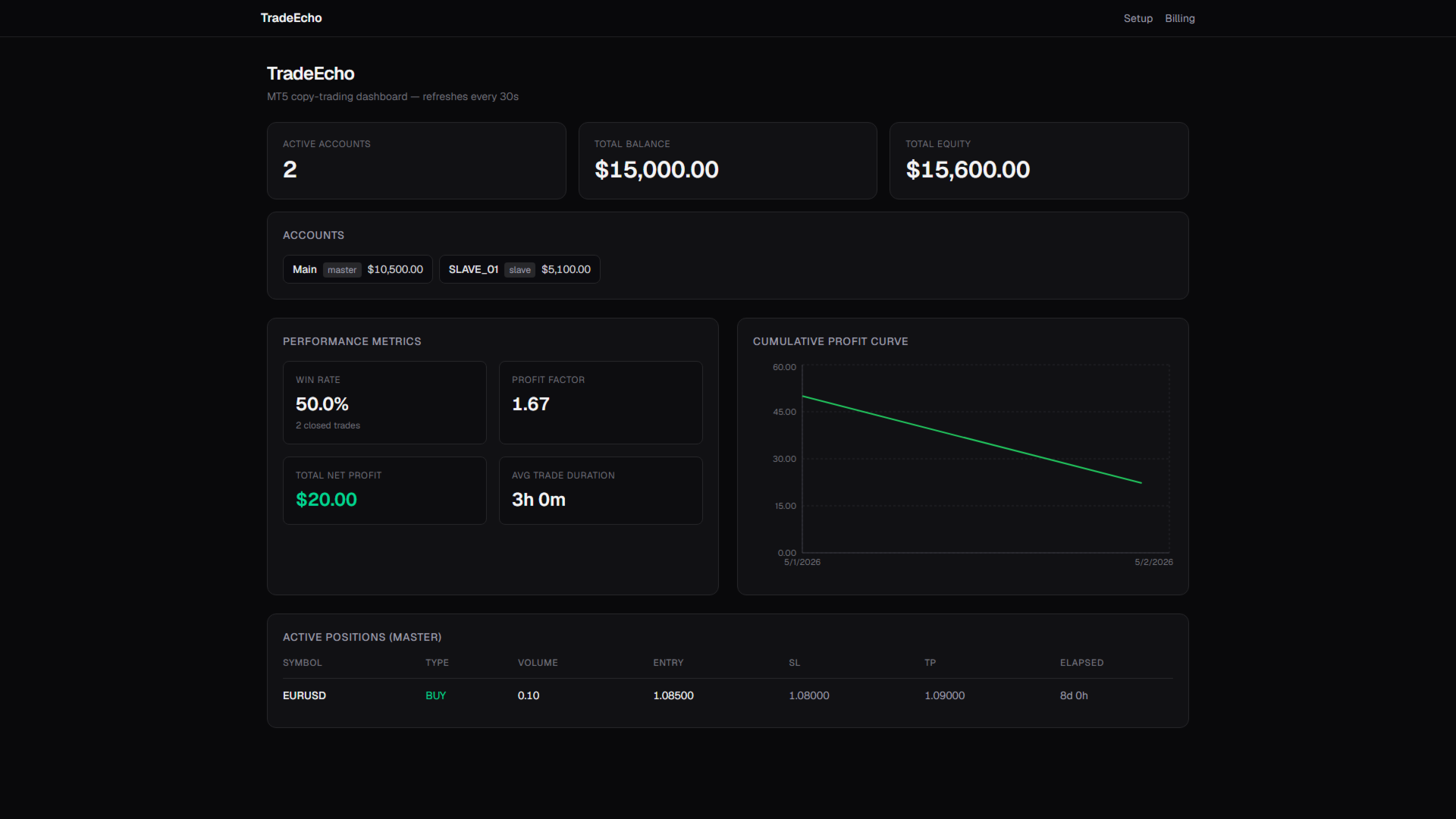
L'EA pubblica saldo, equity, posizioni aperte e cronologia recente delle operazioni chiuse su un timer configurabile. Non apre né chiude operazioni da solo sul conto master.
Parametri di input:
- InpUserId: identificatore del vostro account PositionRelay
- InpAccountLabel: etichetta opzionale nella dashboard
- InpSyncTimer: secondi tra i tentativi di sincronizzazione (predefinito 10)
- InpSyncCooldownMs: millisecondi minimi tra i tentativi di sincronizzazione
- InpHistoryLookbackDays: giorni di cronologia chiusa da includere
Parole chiave: copy trading, copiatore di trade, master slave, sync MT5, mirror posizioni, multi conto, prop firm