
Spread Update Script
- Utilità
-
Samuel Golis
 I develop and trade automated strategies built on real, repeatable market behavior, no martingale, no grid systems, and no unrealistic promises.
 - Versione: 2.0
- Aggiornato: 29 novembre 2025
Simple spread update script for updating your backtesting data and getting them as close as possible to your broker trading spread.
This step is often overlooked but very important to do if you want to have reliable backtests.
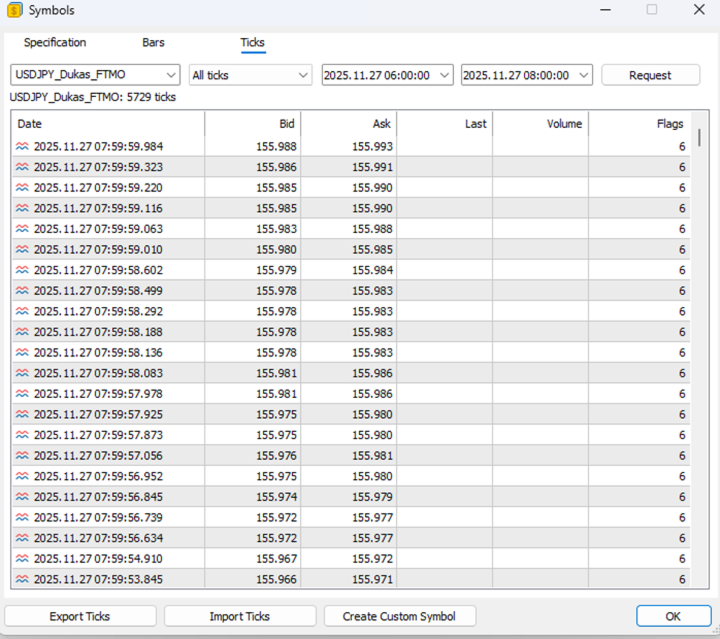
Import downloaded data into your MT5 (e.g. dukascopy data), load specific period of ticks (usual time of your trading) and compare the provided spread with your broker at your trading time.
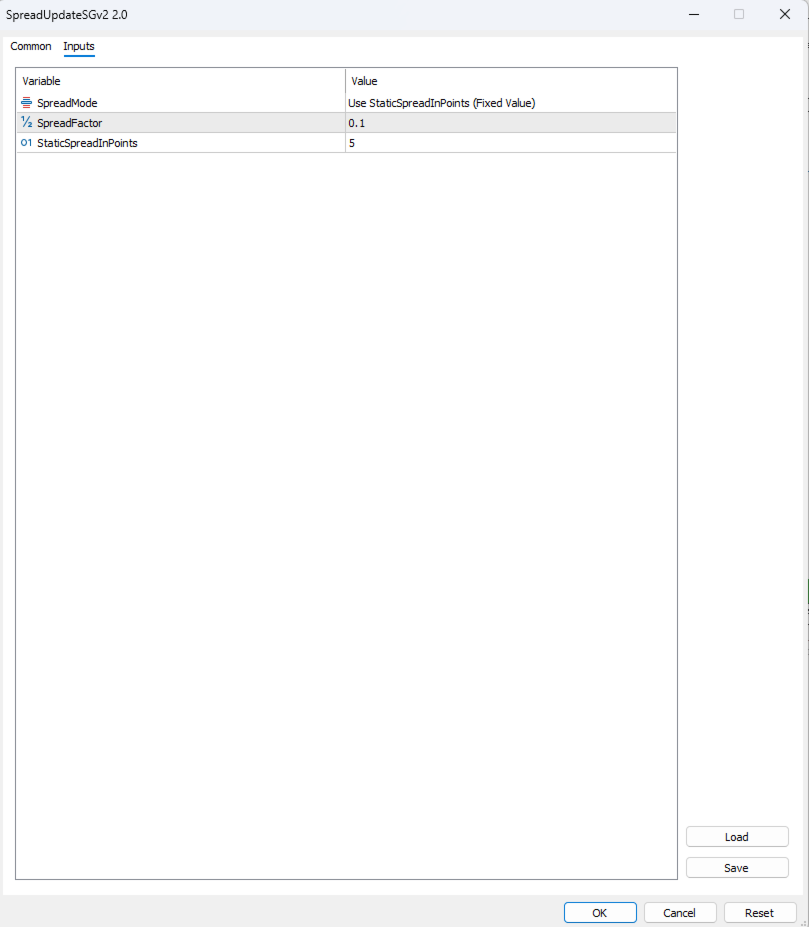
To update the spread, load custom symbol to your market watch, open chart window and drag and drop SpreadUpdateSGv2 to the chart. Make sure you allow algo trading and set wanted settings.
SpreadFactor is simple multiplier, so for example if you want to half the spread just set value to "0.5" .
FixedSpread option allow you to set custom fix spread in points to all ticks.
Script name have to appear in right corner of chart with yellow icon.
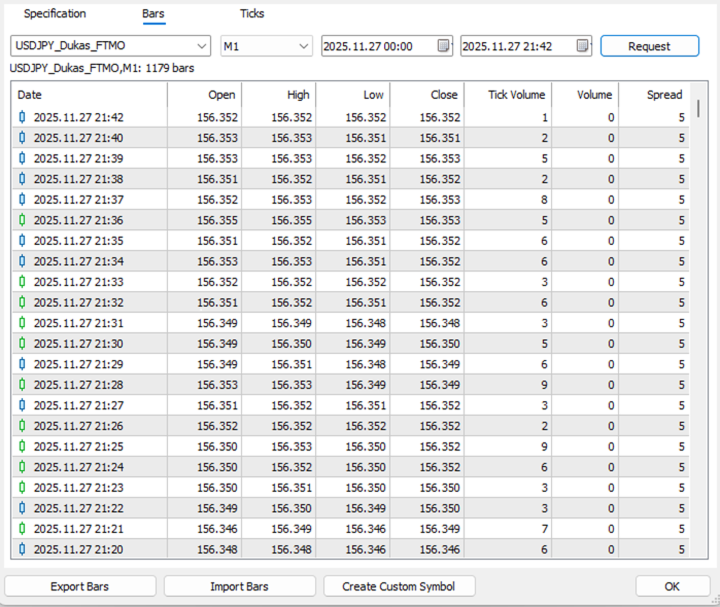
Wait for the script to get work done, it might take couple of minutes, depends on volume of data and power of PC. When done, Script name from right corner will disappear and in Experts tab you should see message that Spread updating is done and number of ticks that were updated.
That's it. Happy backtesting.












































L'utente non ha lasciato alcun commento sulla valutazione.