Delete All Object Script
- Utilità
- Versione: 1.2

Chart Object Cleaner for MetaTrader 5
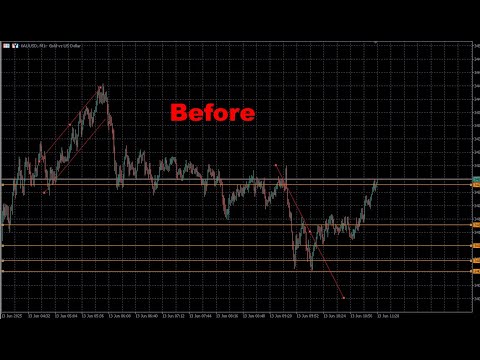
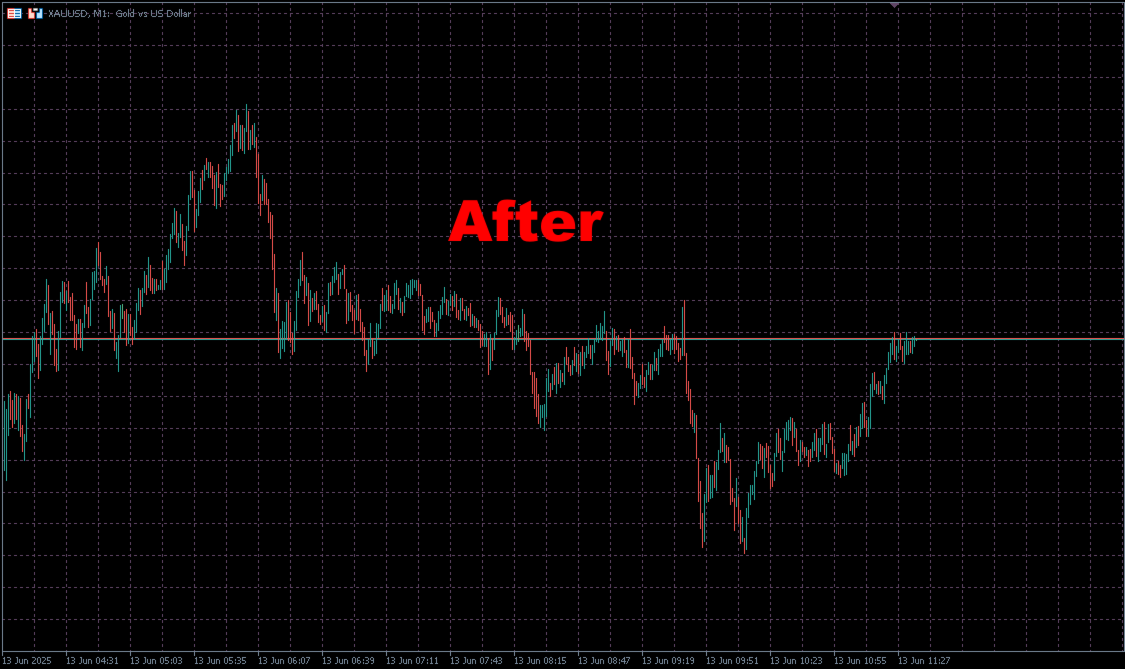
Clean up your MetaTrader 5 charts with this powerful script designed to remove graphical objects from the main chart and sub-windows effortlessly. Perfect for traders who need a clutter-free workspace and speed to focus on their strategies.
This script, created by @LouisMattFX (version 1.02), allows you to selectively delete graphical objects based on your preferences. Whether it's annotations, trendlines, or other indicators on the main chart or sub-windows, this tool streamlines your chart management.
How to Use:
1. Download and install the script from the MQL5 Store.
2. Attach the script to your chart via the MetaEditor or Navigator panel.
3. Configure the input parameters:
- DeleteMainChartObjects: Set to true to remove objects from the main chart (default: true).
- DeleteSubWindowObjects: Set to true to remove objects from sub-windows (default: true).
4. Run the script. It will loop through all objects in the specified windows, delete them, and provide feedback via the Experts tab.
5. The chart will automatically redraw to reflect the changes.
Reference:
For more details, contact the author or join the community to get more trading tool and indicators and EAs
Compatibility: MetaTrader 5
License: Free

























































L'utente non ha lasciato alcun commento sulla valutazione.