
Teaching TINN
- Utilitaires
-
Andriy Sydoruk
 https://www.mql5.com/ru/users/andreys/seller
Large selection of products for different tastes.
e-mail: andriisydoruk@gmail.com - Version: 1.7
- Mise à jour: 12 septembre 2026
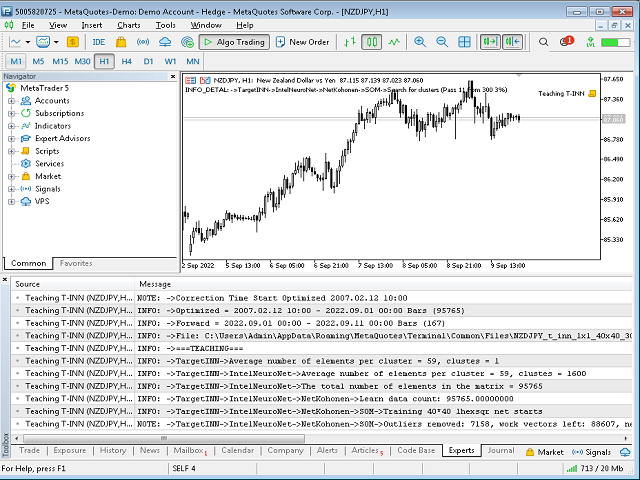
The Teaching T-INN utility was created to train architecture neural networks (T-INN) Target-IntelNeuroNet adapted to the currency market. The utility file must be placed in the scripts folder and run on the chart and timeframe on which you want to train the neural network. The result of the training will be recorded in a file, and the entire training process is displayed in the console on the chart and an additional log file.
Before starting the script, it is necessary to download all the stories and check on the graphics whether it is loaded correctly by rewinding it to the very beginning of the story.
The architecture of the neural network.
The neural network is based on a specially developed architecture (T-INN) Target-IntelNeuroNet. This architecture has advanced learning capabilities on large data sets. The T-INN architecture is distinguished by the fact that it can efficiently train on an unlimited data set while retaining the extrapolation properties of the data. With an increase in the data set, the training time increases, but it is incomparably less than with classical architectures (such as RBF, PNN, GRNN, MADALINE, MLP). And most importantly, with a set of input data of an unlimited size, the neural network will find acceptable solutions to the problem!
How to train a neural network.
- Install the script on the chart
- Adjust the training time and forward period time if required.
- Set the Action field to the agTeaching state, which means that the neural network should be trained.
- Set the Visual parameter to avEtalon, which means the command to display the training data (reference) on the graph.
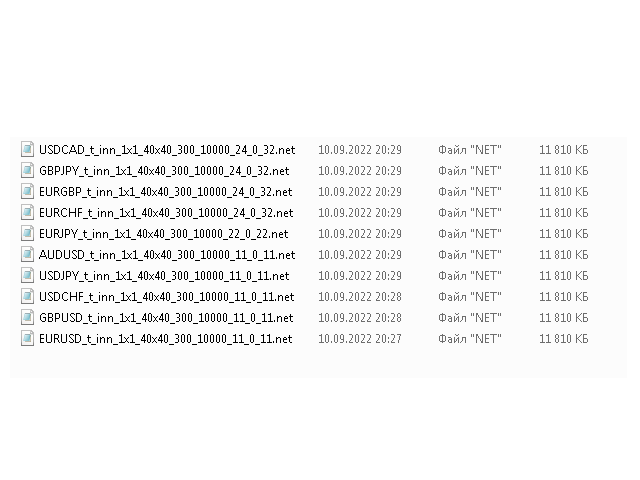
After that, you can run the script and after going through the entire training process, you will receive the resulting file in the expert files folder (by default, common for all metatraders), if you do not specify the neural network file name in the NetFileName field, then it will be created automatically. It is important to correctly set the number of DivisionSubClusters clusters, approximately 20 - 30 clusters are needed for 10,000 bars, setting the DivisionSubClusters parameter, you must remember that this is a two-dimensional space value (that is, squared), for our example it can be DivisionSubClusters=5 (5*5=25 clusters per 10,000 bars.The dependence is as follows: if there are too many clusters, the predictability decreases, if there are too few clusters, the predictability decreases.A golden mean is needed, you can navigate according to the specified formula.
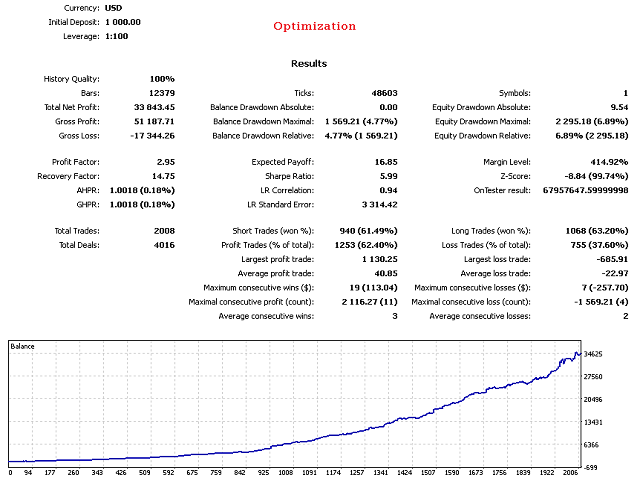
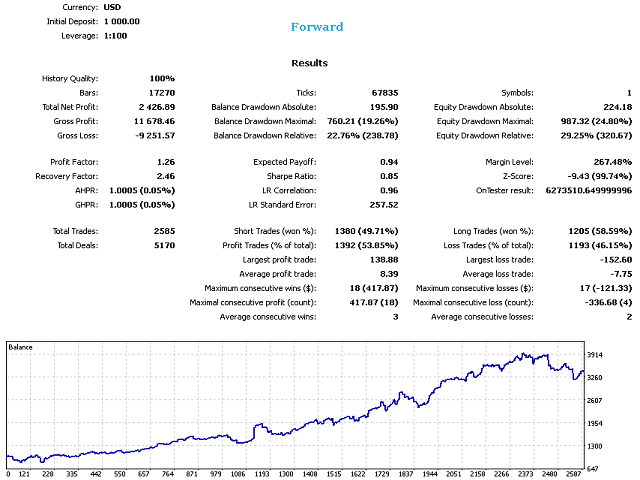
After completing the training, you can check the finished neural network file both on the training and forward periods.
How to test a neural network.
- Install the script on the chart
- Set the training time and the forward period as it was when training the neural network.
- Set the Action field to the agAudit state (check the results in the training period) or to the agForward state (check the results in the forward period).
- Set the Visual parameter to avCalculate, which means a command to display the data generated by the neural network.
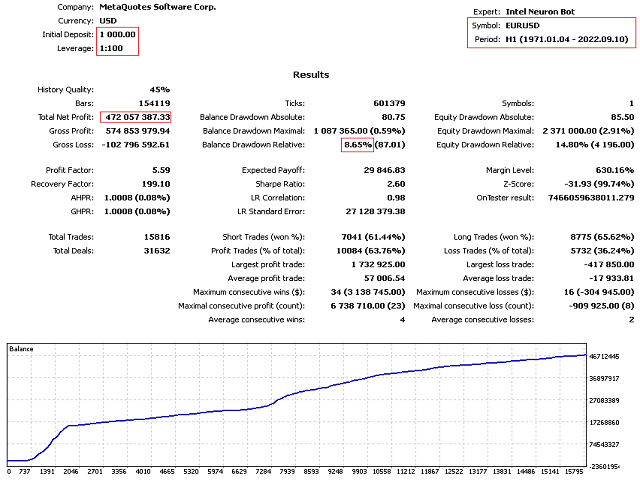
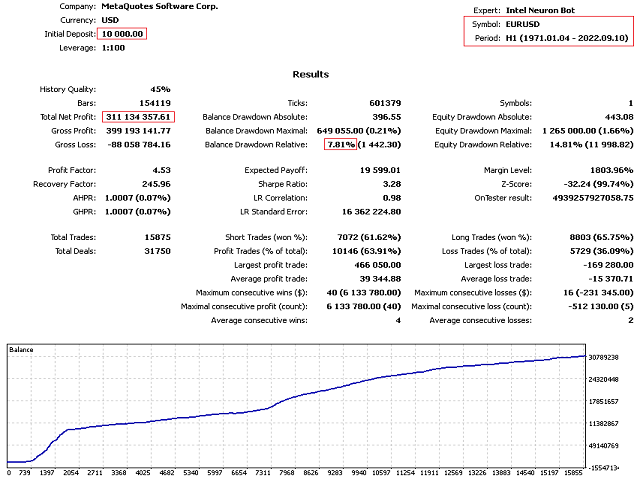
After that, you can run the script and it will show visually and in text form the results of the neural network. In the future, the file can be used in the Intel Neuron Bot, which will be able to trade according to the instructions of the neural network. Also, the bot will be able to adjust the work with various advanced motodata, such as a limited series of orders or stop orders, etc. The bot has a full set of tools for stable operation in the real market.


































































Escape from the uni bot and inform others as soon as you can.I posted a message here due to restrictions.