 MetaTrader 5
 Experts
 Indicators
 Scripts
 Libraries
 Storage
Join our fan page

Mini Prop-Firm Traders Utility Dashboard - indicator for MetaTrader 5

- Views:
- 3639
- Rating:
- Published:
- Updated:
-
 You are missing trading opportunities:
- Free trading apps
- Over 8,000 signals for copying
- Economic news for exploring financial markets
Registration Log inYou agree to website policy and terms of use
If you do not have an account, please register -
 Need a robot or indicator based on this code? Order it on Freelance
Go to Freelance
Need a robot or indicator based on this code? Order it on Freelance
Go to Freelance
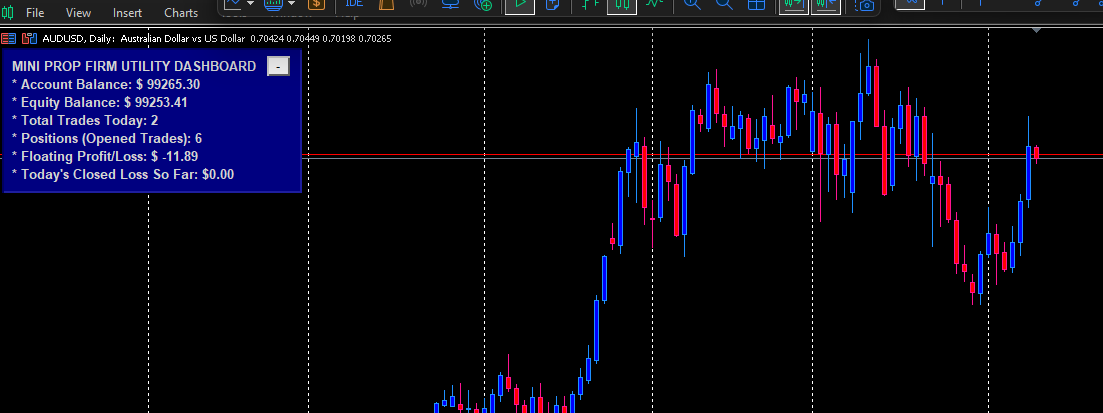
* Track performance accurately.
* Maintain discipline.
* Trade with confidence.
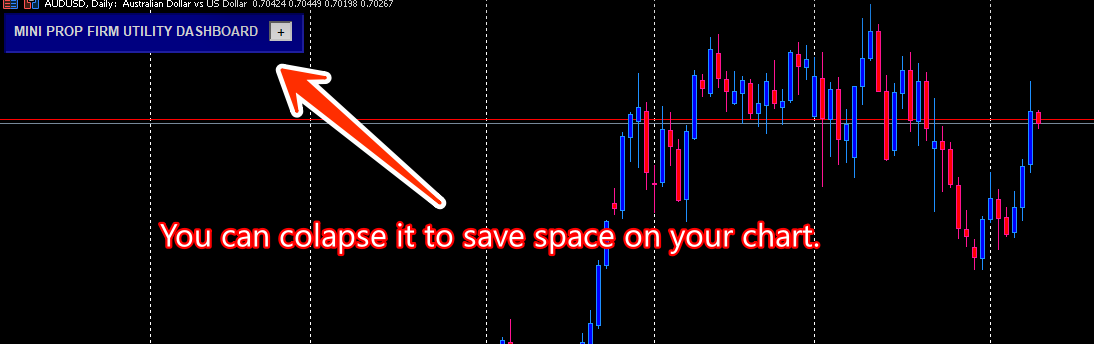
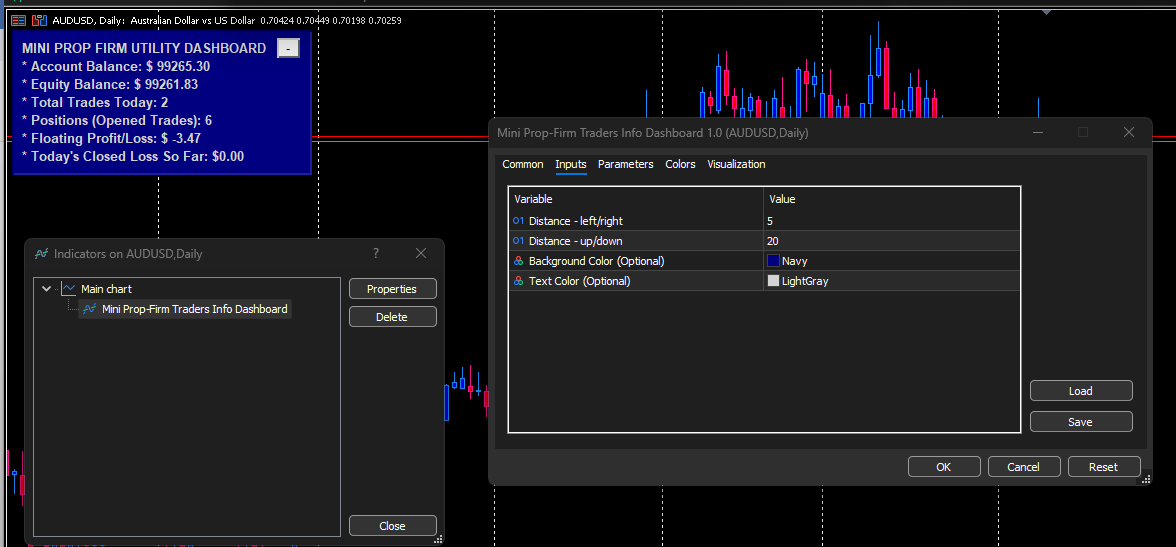
*** It is collapsible and movable across the chart window.
 RSI Grid EA Pro
RSI Grid Overlap Pro is a professional MT5 Expert Advisor combining RSI-based market entries with an adaptive grid recovery system. It features intelligent overlap order management to reduce drawdown, plus virtual trailing stop, breakeven, and three lot sizing modes — fixed, balance-proportional, and risk-based — making it suitable for both conservative and aggressive trading styles.
 ASQ News Filter
Economic calendar trading guard library for MetaTrader 5 with live MQL5 Calendar API integration.
XPro Trade Panel — Full Trade Management Panel for MT5/MT4
One-click trade panel for MT5 and MT4. Manage entries, exits, SL, TP, pending orders and partial closes without touching the keyboard.
BEC Lockin Dashboard Manager
BEC Trade Manager helps you manage active positions on the current symbol using one-click controls for breakeven, trailing logic, partial close, stop-loss removal, profit-side closing, loss-side closing, and fast scalp entries. It also displays key account and symbol information on the chart, including equity, floating profit, daily profit, stop-loss labels, and basket breakeven preview.