
Surge BTC Setup Guide: Running in 5 Minutes, with Risk Presets

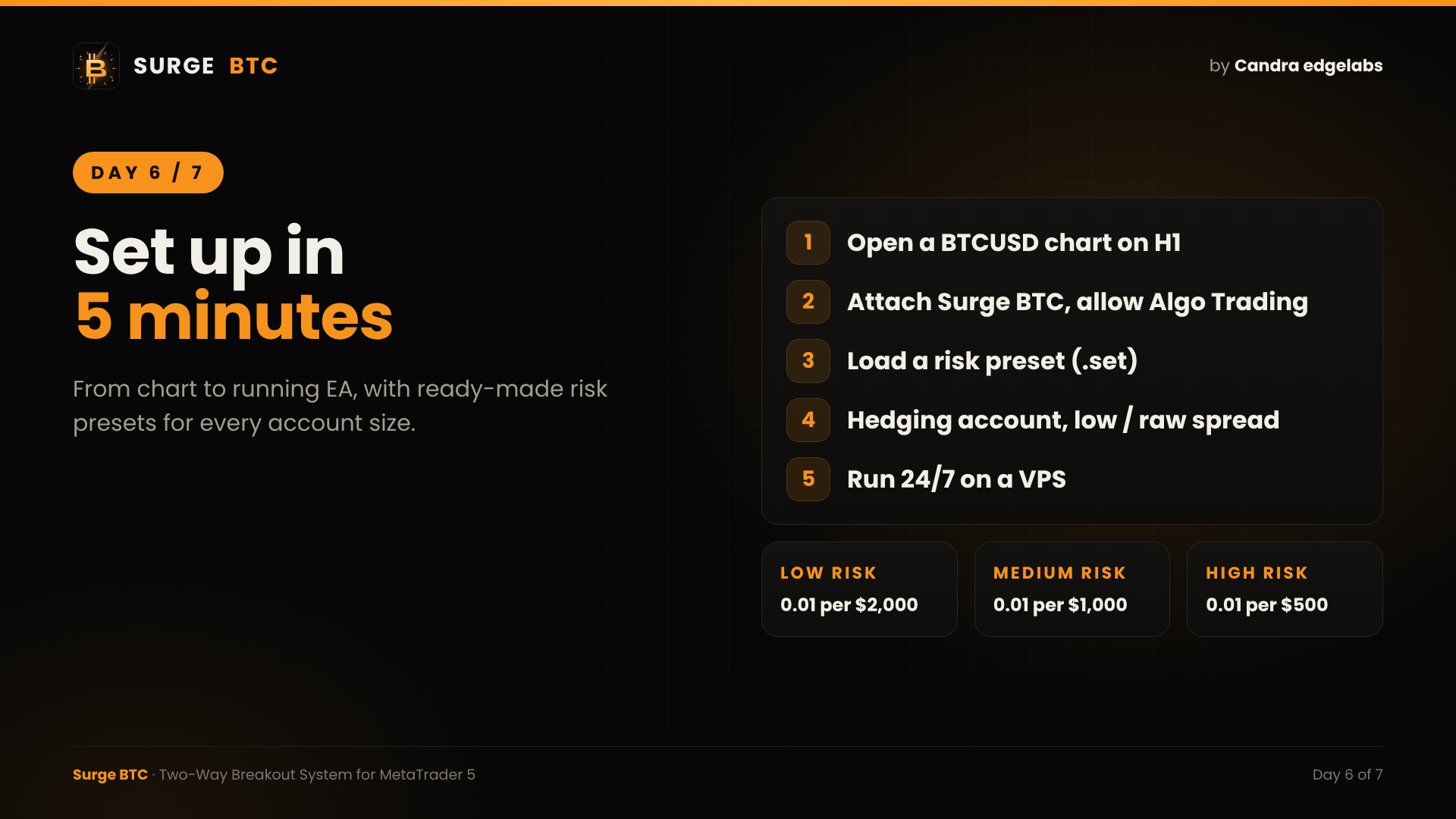
Today: a step-by-step setup guide, from purchase to a running EA.
STEP 1: PREPARE MT5
Tools > Options > Expert Advisors > tick "Allow algorithmic trading".
STEP 2: OPEN THE CHART
Open a BTCUSD chart (or your broker's Bitcoin symbol, such as XBTUSD or BTCUSD.m) and set the timeframe to H1.
STEP 3: ATTACH THE EA
Navigator > Expert Advisors > Market > drag Surge BTC onto the chart. In the Common tab, tick "Allow Algo Trading".
STEP 4: LOAD A RISK PRESET
Every buyer receives a buyer kit with a PDF manual and ready-to-load .set files:
- Backtest Default: fixed 0.01 lot, from $1,000
- Low Risk: 0.01 per $2,000 balance, daily loss 3% / DD 10%
- Medium Risk: 0.01 per $1,000 balance, daily loss 5% / DD 15%
- High Risk: 0.01 per $500 balance, daily loss 8% / DD 25%
Presets 01 to 03 use Risk Balance mode, so the lot grows automatically with your balance.
STEP 5: RUN IT 24/7
Bitcoin trades on weekends too, so a VPS is recommended. The built-in MQL5 VPS works well.
OPTIONAL: NEWS FILTER
Add https://nfs.faireconomy.media under Tools > Options > Expert Advisors > Allow WebRequest, then enable the high-impact USD news filter in the inputs.
RECOMMENDED ACCOUNT
- Hedging account
- Low spread or raw spread on BTC
- Any broker that offers BTCUSD on MT5
Once the Algo Trading button is green, the on-chart dashboard shows the EA status at a glance. That's it.
After purchase, send me a private message and I'll send you the buyer kit.
Surge BTC on MQL5 Market: https://www.mql5.com/en/market/product/203946
Live signal: https://www.mql5.com/en/signals/2397151
Candra edgelabs




