
The simple answer is that it doesn’t rely on one trading setup.
There are nine strategies inside the EA, but they don’t all have to run at the same time. The profile you choose decides which group of strategies will be active.
With the Automated profile, the EA adjusts the setup according to the account balance and the drawdown level selected by the user. Safer settings use fewer strategies. As the activity level increases, more strategies can be enabled, which means more possible trading opportunities.
The dashboard in the screenshot is not there just for decoration. Each row belongs to a different strategy, so you can follow its win rate, closed trades, activity and lot size separately. I wanted users to see what each part of the EA is doing instead of seeing only one combined number.

This is where I believe the EA becomes powerful. It is not one entry setup trying to trade every type of Gold movement. It uses different strategies, manages them together and keeps their performance separated on the dashboard.
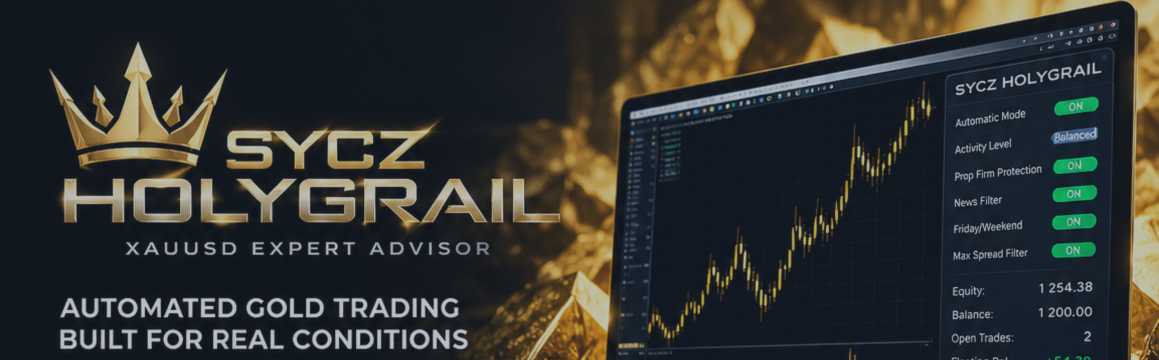
The EA also handles pending orders, Stop Loss, Take Profit, break-even, trailing, virtual expiration and position sizing automatically. The NFP filter and the general high-impact news filter are separate, and prop-firm users can enter their own daily and maximum drawdown limits.
Right now, I’m running it on an FTMO challenge and also on a small live account. The live history is still developing, so I’m not going to pretend that we already have years of live data. Anyone interested can follow the account and watch how it develops over time.
Live signal:
EA page:
View Sycz HolyGrail Gold and download the demo
No external set file is needed for the recommended setup. Attach it to XAUUSD H1 and use the default settings with the Automated profile.
If you’re using a prop-firm account, choose the Prop Firm profile and enter the limits required by your firm.
My advice is simple: download the demo, test it yourself and decide if it fits the way you want to trade Gold.