How to calculate your risk per trade (formula and worked example)

Most trading accounts are not lost on one bad idea. They are lost because position size was random: a big lot on one trade, a small lot on the next. Fixing your risk per trade is the simplest way to make results measurable and losing streaks survivable. This short guide shows the formula and a worked example.
1. Choose how much you accept to lose on one trade
Pick a fixed percentage of your account. Many traders use between 0.5% and 1%, and prop firm rules often push it lower. This is not a recommendation, only a common range: the right number depends on your strategy, your drawdown limit and how many losses in a row you can tolerate.
2. Decide the stop loss first, then calculate the lot
The stop loss comes from the market (a level, a swing, an ATR multiple), never from the lot you would like to trade. Then:
Lot size = (Account balance x Risk %) / (Stop loss in pips x Value of one pip per 1 lot)
Worked example (EURUSD, account in USD)
- Balance: 5,000 USD. Risk: 1% = 50 USD.
- Stop loss: 25 pips. Value of one pip for 1 standard lot on EURUSD: about 10 USD.
- Lot size = 50 / (25 x 10) = 0.20 lots.
- If the stop loss is hit, you lose about 50 USD (1%), plus spread and slippage.
- With a wider stop of 50 pips, the same formula gives 0.10 lots. A wider stop means a smaller lot, so the money at risk stays the same.
3. Check the details that change the result
- The value of a pip depends on the symbol and on your account currency. Gold, indices and JPY pairs are different from EURUSD. Read it from the symbol specification of your broker.
- The lot must respect the minimum, the step and the maximum of your broker. On a small account the minimum lot can already risk more than your limit.
- Spread, commission and slippage make the real loss a little bigger than the planned one.
- Total open risk matters too: three trades at 1% each are 3% at risk at the same time.
Doing it by hand versus using a tool
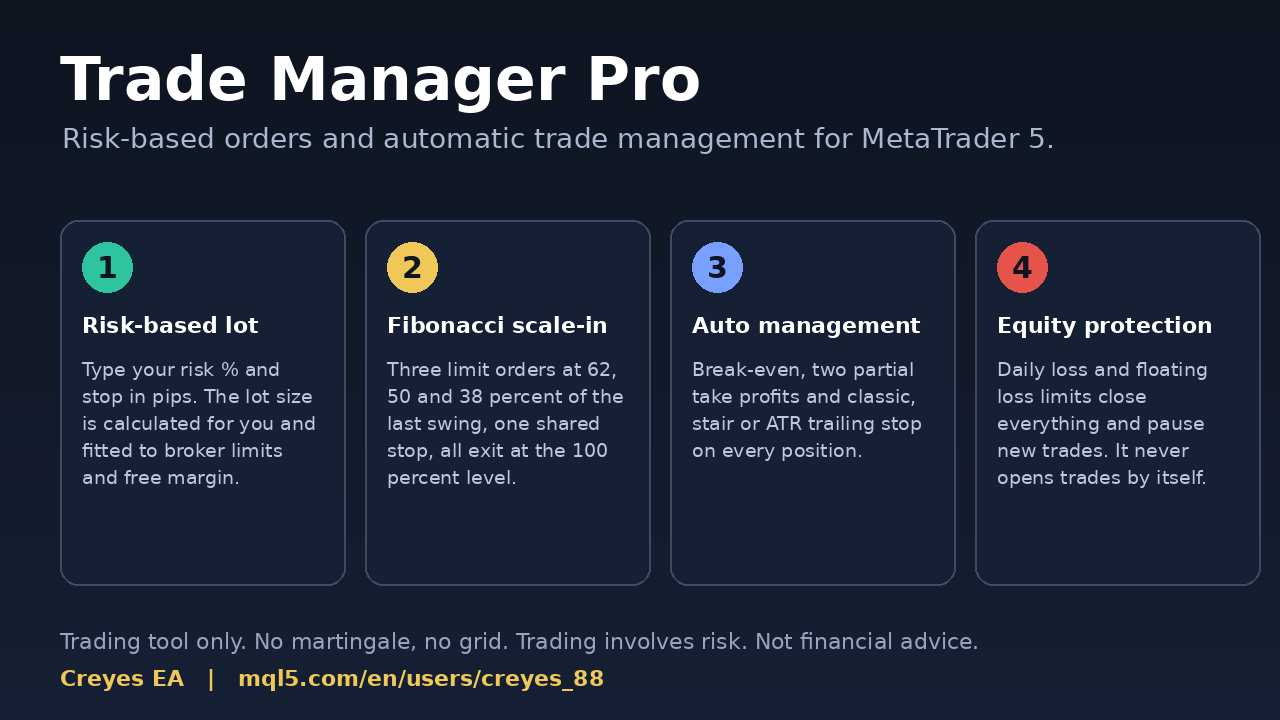
The calculation is simple, but doing it by hand before every entry is slow and easy to get wrong when the market is moving. Creyes Trade Manager Pro is a utility for MetaTrader 5 that calculates the lot from your risk % and stop loss in pips, shows it on the chart panel before you click, and sends the order with stop loss and take profit. It also includes break-even, partial take profits, trailing stop (classic, stair-step or ATR) and an optional equity protection. It never opens trades on its own: every entry is placed by you. Please test it on a demo account first.
If you also trade a funded or challenge account, you may like Creyes Prop Firm Guard, which watches the daily and maximum loss rules of the account.
Risk warning: trading leveraged products such as Forex and CFDs involves a high risk of loss. Position sizing reduces the risk but does not remove it, and it cannot guarantee any result. The numbers in this article are examples only, not recommendations or advice. Use only money you can afford to lose.
Author: Creyes EA - mql5.com/en/users/creyes_88. Comments and questions are welcome.