
MSX AI Multi Symbol Scalper — What Does “Scalper” Really Mean? — Article #31
Understanding the Product Name, Timeframe Flexibility & Multi-Stage Profit Management
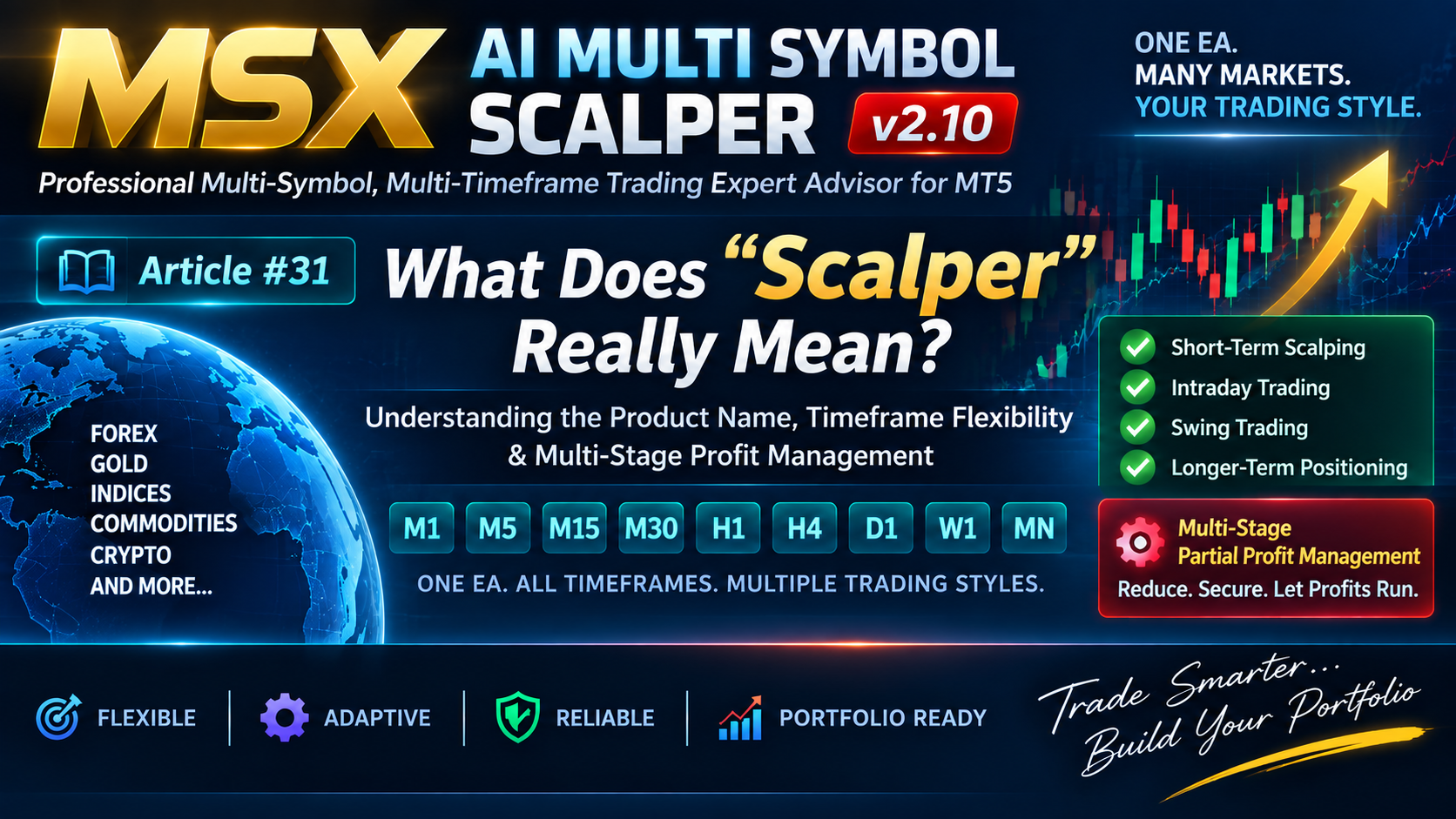
The word “Scalper” in MSX AI Multi Symbol Scalper does not mean that the Expert Advisor is restricted to M1, M3 or M5 trading.
This is an important distinction because a visitor seeing the product name for the first time may reasonably assume that it is designed only for very short-term trading.
That is not the architecture of this EA.
1. The EA Is Not Restricted to Short Timeframes
MSX AI Multi Symbol Scalper supports the standard MetaTrader 5 timeframe range from:
M1 → M2 → M3 → M4 → M5 → ... → D1 → W1 → MN
The actual timeframe available for a deployment depends on the standard MT5 timeframe selected by the user.
Therefore, the same EA architecture can be configured for different trading horizons, including:
- Short-term scalping
- Intraday trading
- Swing trading
- Longer-term positional trading
The selected timeframe is a configuration decision, not a fixed limitation imposed by the product name.
2. Why Is It Called “Scalper”?
The name Scalper primarily reflects the EA's approach to Multi-Stage Partial Profit Management.
Instead of requiring the entire position to be closed at one single event, the EA can progressively reduce an open position according to configurable parameters.
The relevant controls include:
- Enable Multi-Stage Partial Close
- Partial Close Trigger
- Maximum Volume Closed per Step
This allows part of an open position to be reduced while a remaining portion can continue participating in the market.
3. Partial Profit Management and Remaining Position
The concept is different from simply applying a traditional trailing stop or moving the entire position to breakeven.
With Multi-Stage Partial Profit Management, the position volume can be reduced progressively as configured profit conditions are reached.
For example, conceptually:
Initial Position
↓
Partial Profit Step
↓
Reduced Position
↓
Another Partial Step
↓
Remaining Position
The remaining volume can continue according to the EA's configured trade-management and exit conditions.
This is one of the reasons the product name includes the word Scalper, even though its timeframe architecture is not restricted to scalping timeframes.
4. Timeframe and Trading Style Are Separate Decisions
A user can therefore configure the same EA architecture differently according to the intended trading style.
Short-Term Configuration
A lower timeframe may be selected for more frequent market evaluation.
Intraday Configuration
A trader may select a timeframe and session structure appropriate for intraday operation.
Swing Configuration
A higher timeframe can be used to evaluate broader market movements.
Positional Configuration
The EA can also be configured on higher MT5 timeframes where the trader's strategy requires longer-duration market analysis.
The EA does not automatically determine which timeframe is appropriate for the user's account.
5. Why This Distinction Matters
A visitor who sees “Scalper” and assumes:
“This EA can only be used on M1–M5.”
would therefore misunderstand an important part of the product architecture.
The more accurate interpretation is:
Scalper = Multi-Stage Partial Profit Management philosophy
while:
Timeframe = User-configurable trading parameter
These are separate concepts.
6. One EA, Different Trading Horizons
The same underlying architecture can therefore be used in different configurations without requiring a different EA for every trading horizon.
A user may choose:
One EA + M1
or:
One EA + M15
or:
One EA + H1
or:
One EA + D1
depending on the intended configuration.
The actual trading behavior will still depend on the selected symbol, timeframe, indicators, filters, risk settings, sessions and other parameters.
Conclusion
MSX AI Multi Symbol Scalper should not be interpreted as an M1/M5-only Expert Advisor.
The EA supports a broad MT5 timeframe range, while its “Scalper” designation primarily refers to its Multi-Stage Partial Profit Management architecture.
This distinction is important for understanding the product correctly:
The timeframe determines the market-analysis horizon.
The Multi-Stage Partial Profit system defines an important part of the trade-management philosophy.
The user remains responsible for selecting and testing the configuration appropriate to their own trading requirements.
Explore the MSX AI Trading Ecosystem
The MSX AI Trading ecosystem brings together the flagship MT5 Expert Advisor, multilingual documentation, technical Knowledge Base, historical Strategy Tester studies, forward-market demonstration records and ongoing YouTube educational content. Explore the resources below for a deeper study and evaluation of the system.
MSX AI Multi Symbol Scalper
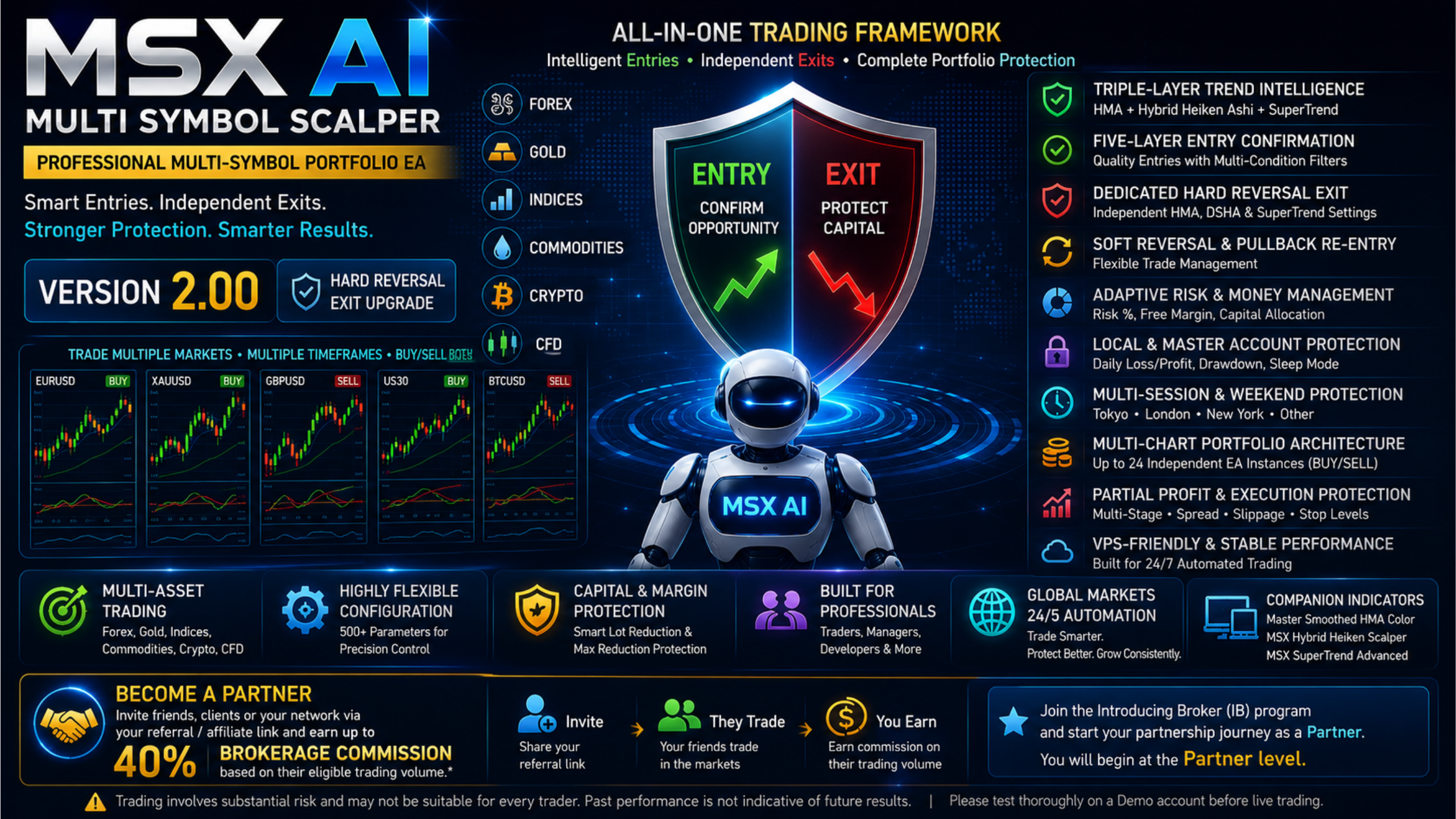
MSX AI Multi Symbol Scalper is a flexible multi-symbol, multi-chart Expert Advisor for automated trading across Forex, Gold, Indices, Commodities, Cryptocurrencies and other broker-supported CFDs.MSX AI Knowledge Base
This Knowledge Base serves as the official documentation center for MSX AI Multi Symbol Scalper. It provides organized educational articles covering installation, deployment, configuration, trading architecture, money management, capital protection and portfolio administration.
Read the Knowledge Base — Articles & Technical Documentation
Official Product Documentation — 12 Languages
The core product documentation is available in English, Russian, Chinese, Spanish, Portuguese, French, German, Italian, Japanese, Korean, Turkish and Hindi.
View the 12-Language Documentation
12-Symbol / Asset Strategy Tester Analysis Series
The objective of this series is to document individual historical tests so that traders can study the system, compare different markets and perform their own evaluation.• BTCUSD • XAUUSD • USDJPY • USTEC • US500 • US30 • XAGUSD • ETHUSD • JP225 • USOIL • EURUSD • AUS200
View Strategy Tester Reports & Default .SET File Information
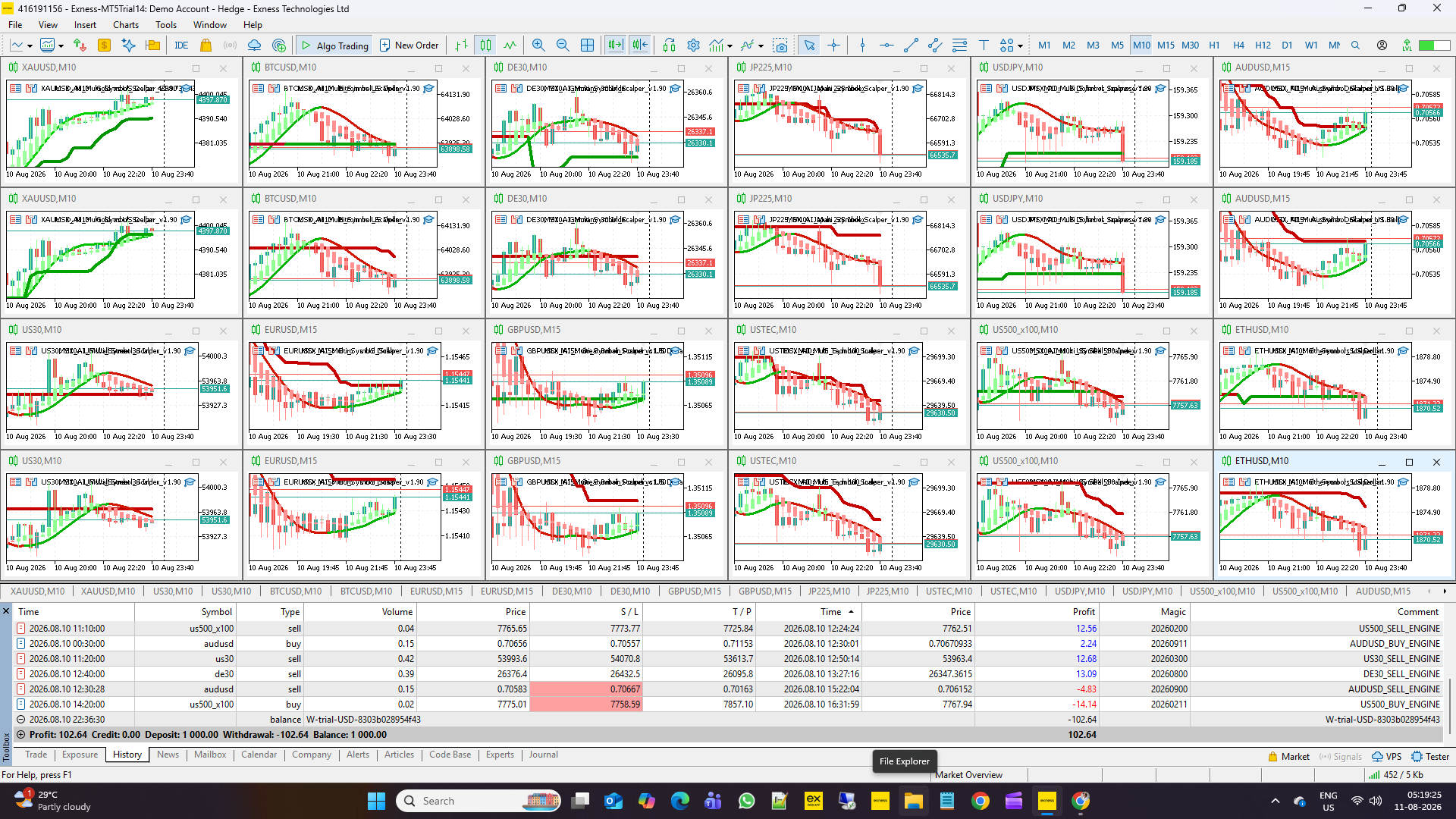
Forward / Live-Market Demo Performance Evidence
This Master BlogPost serves as the central index for the monthly forward live-market demo trading reports of MSX AI Multi Symbol ScalperView the Forward Live-Market Demo Trading Record Series
MSX AI Multi Symbol Scalper — YouTube Educational Series
The educational series currently includes Shorts Vedios continues to explain the EA's architecture, trading logic, risk management, portfolio deployment and other system components.
Watch the Educational Video Series
Official MSX AI Trading YouTube Channel
Visit the Official YouTube Channel
MSXAI MultiSymbolScalper MultiTimeframeTrading ScalpingEA IntradayTrading #SwingTrading #PositionTrading #PartialProfit #MT5EA #MetaTrader5 #msxaitrading