Trendline break setups are one of the most common entry triggers in manual technical trading. The idea is simple: price respects a trendline for several touches, then breaks through. That break signals a potential shift in momentum and a trade opportunity.
The problem is not identifying the setup. Most traders who use trendlines can spot a valid break when they see one. The problem is being there when it happens.
Why Trendline Breaks Are Hard to Execute Manually
A trendline break does not announce itself. Price moves when it wants to move, not when you are watching the screen. Manual execution depends on being present at the exact moment the condition is met.
Common execution failures:
- Price breaks and moves 30 pips before you notice. You either chase or skip.
- You watch the line for an hour, look away for five minutes, and the entry triggers while you are gone.
- You see the break live but hesitate on stop placement and enter late or not at all.
- You enter on a tick that touched the line but price immediately reverses. You wanted candle confirmation but clicked too fast.
These are not strategy problems. They are execution problems. The setup was valid. The process failed.
How to Set Up a Trendline Break Trade in MT5
Before automating anything, it helps to define what a trendline break trade actually requires.
A complete setup needs:
- A trendline placed at the correct price level
- A defined trigger condition: tick cross or candle close confirmation
- A stop loss level relative to the line or recent structure
- A take profit target
- A defined lot size
- Optional: breakeven rule once the trade is in profit
- Optional: trailing stop after entry
Most MT5 traders handle all of this manually at the moment of entry. That means calculating pips under pressure, placing the order, then modifying it to add SL and TP. If the market moves fast, mistakes happen.
Tick Cross vs Candle Confirmation
One decision that affects execution quality is when to trigger. Two common approaches:
Tick cross: The trade triggers as soon as price touches or crosses the line. Faster. More sensitive to false breaks and high-spread moments.
Candle close confirmation: The trade triggers only after a completed candle closes beyond the line. A buy breakout requires the candle to open below the line and close above it. Slower entry, but filters out single-tick noise and wicks that do not follow through.
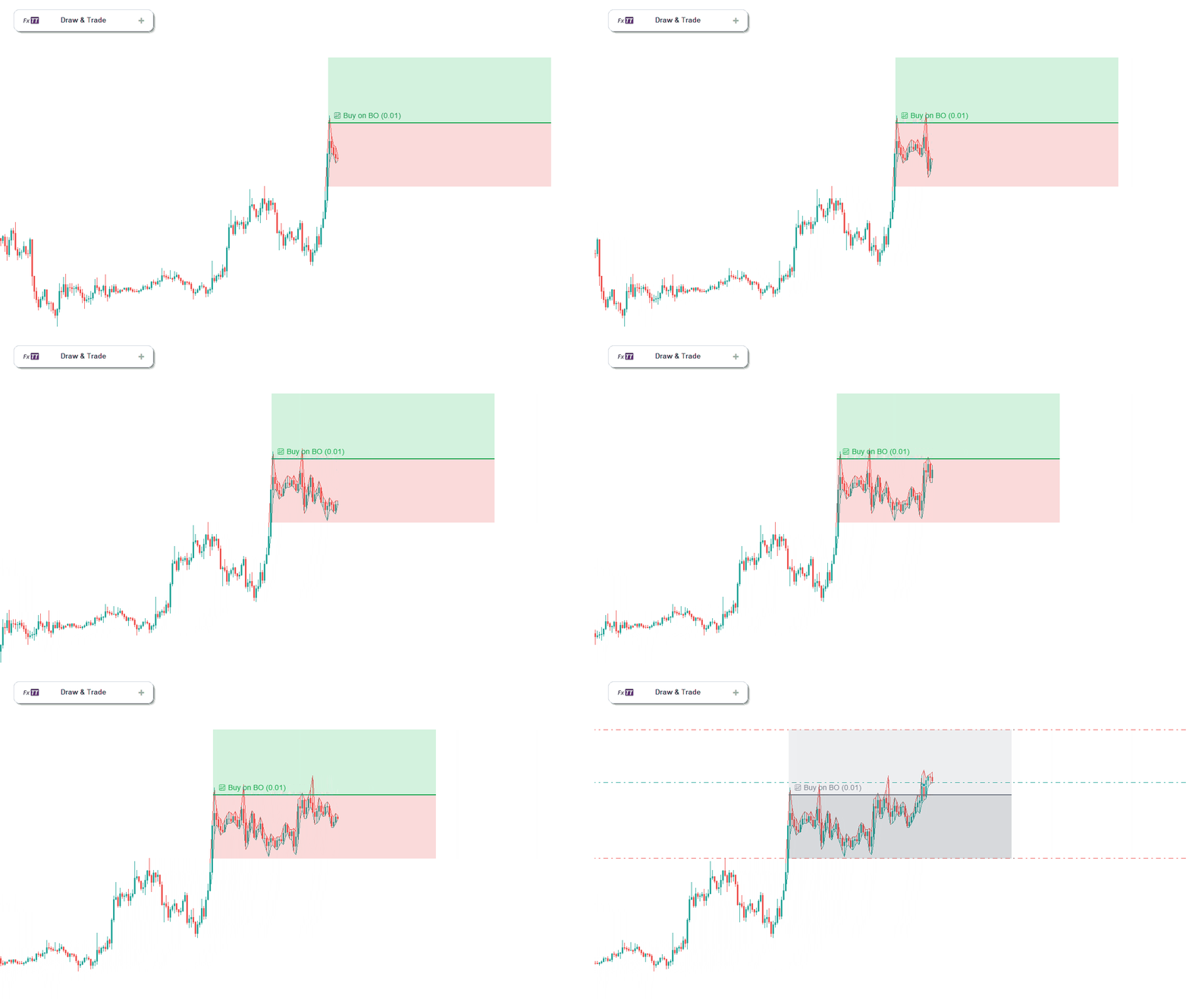
Neither is universally better. The right choice depends on the instrument, timeframe, and how the line is placed. What matters is applying the rule consistently, not changing it mid-session.
The Real Cost of Manual Execution
Manual trendline trading is not just about missing entries. It is about what happens after entry too.
Traders who enter manually often:
- Forget to move stop to breakeven when price reaches their target distance
- Trail the stop inconsistently, sometimes too tight, sometimes not at all
- Close positions early because they are watching the chart and second-guessing
- Change TP impulsively when price approaches the level
The setup was correct. The management after entry introduced the inconsistency.
A Rule-Based Approach to Trendline Execution
The solution is to convert each trendline setup into a defined rule before the trade triggers. Not after. Before.
That means placing TP and SL zones visually on the chart before entry, so risk and reward are confirmed before the trade opens:
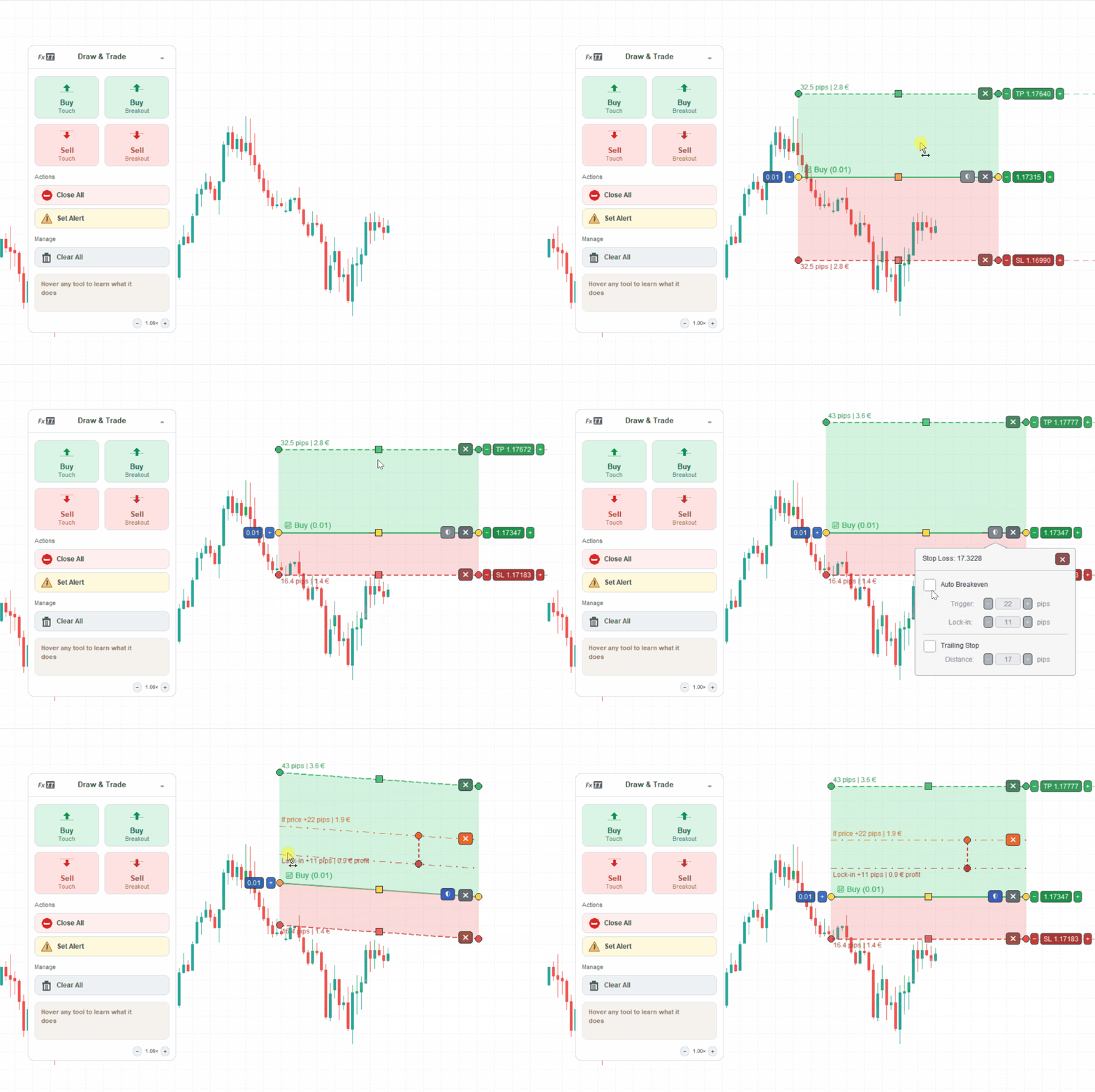
And defining the breakeven rule in advance, visible and adjustable on the chart:

When all of this is defined before the trade triggers, execution becomes a monitoring task, not a decision task. The trader is not making choices under pressure. They made the choices when the chart was calm.
Using Trendline PRO to Automate the Rule
Trendline PRO is an MT5 Expert Advisor built for exactly this workflow. The trader draws the setup on the chart, configures the rule visually, and lets the EA monitor price.
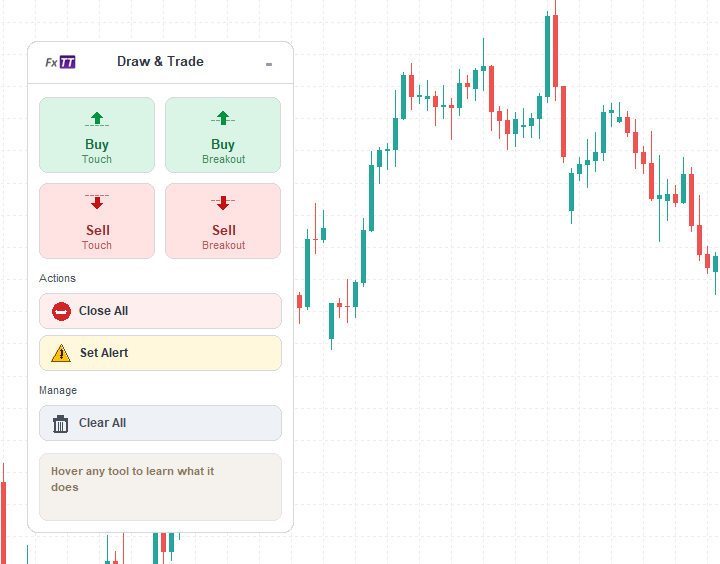
Lines are added from the chart panel, positioned by dragging, and configured visually. Entry, TP zone, SL zone, volume, breakeven, and trailing stop are all set at the line level before the trade triggers.
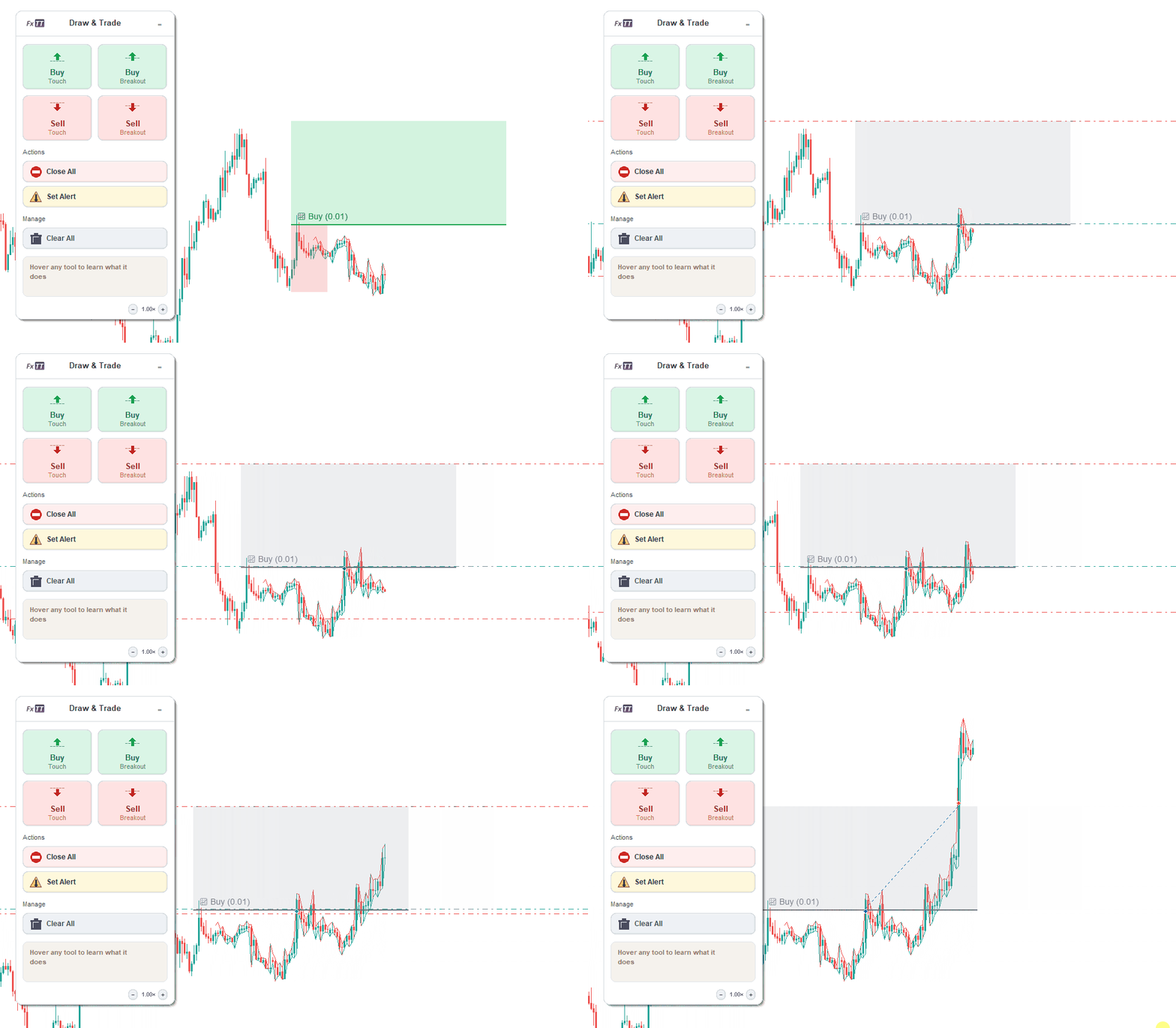
It supports tick-cross entries and closed-candle breakout confirmation. Trading is disabled by default. It can run in alert-only mode for traders who want notification without automation. When trading is enabled, it checks spread, margin, and symbol volume rules before placing any order.
It does not generate signals. It does not include a strategy. It executes the rule the trader defines.
If you trade trendline breaks manually in MT5 and execution consistency is the problem, this is the tool built for that specific workflow.
You can find Trendline PRO on the MQL5 Market: https://www.mql5.com/en/market/product/174433
Test on a demo account before using on a live account. Trading involves risk.