Multi Timeframe Boxes and Sessions
- 指标
- 版本: 1.0

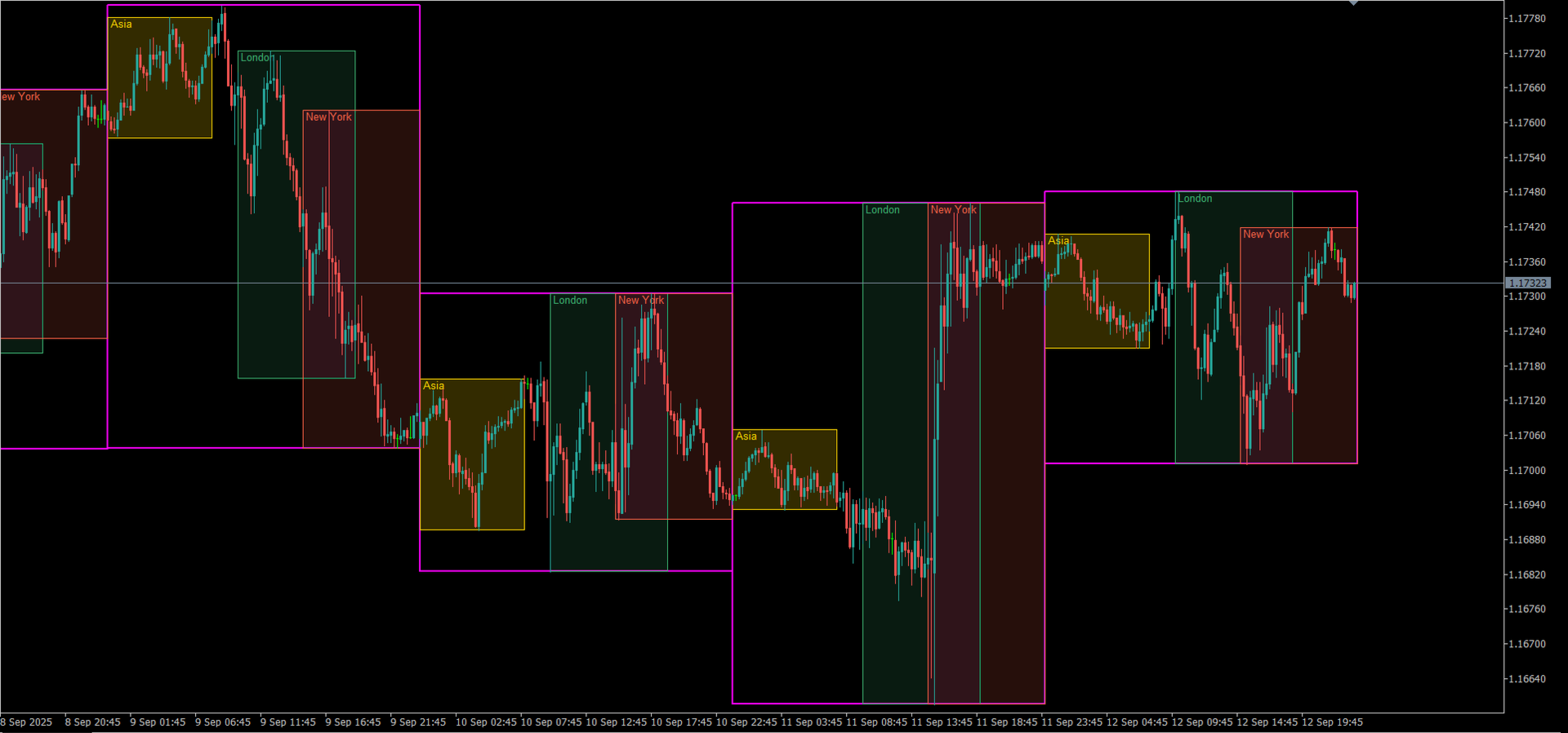
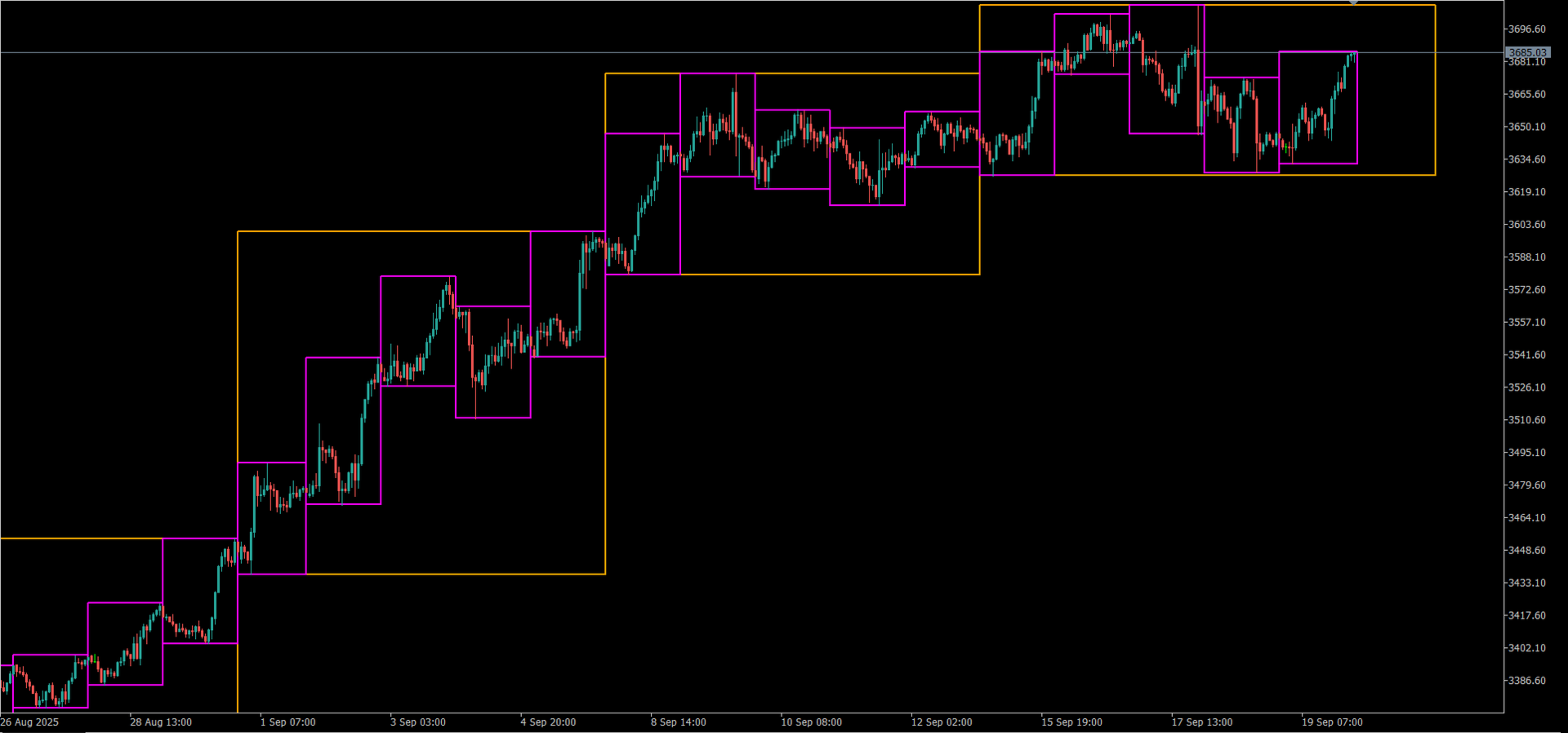
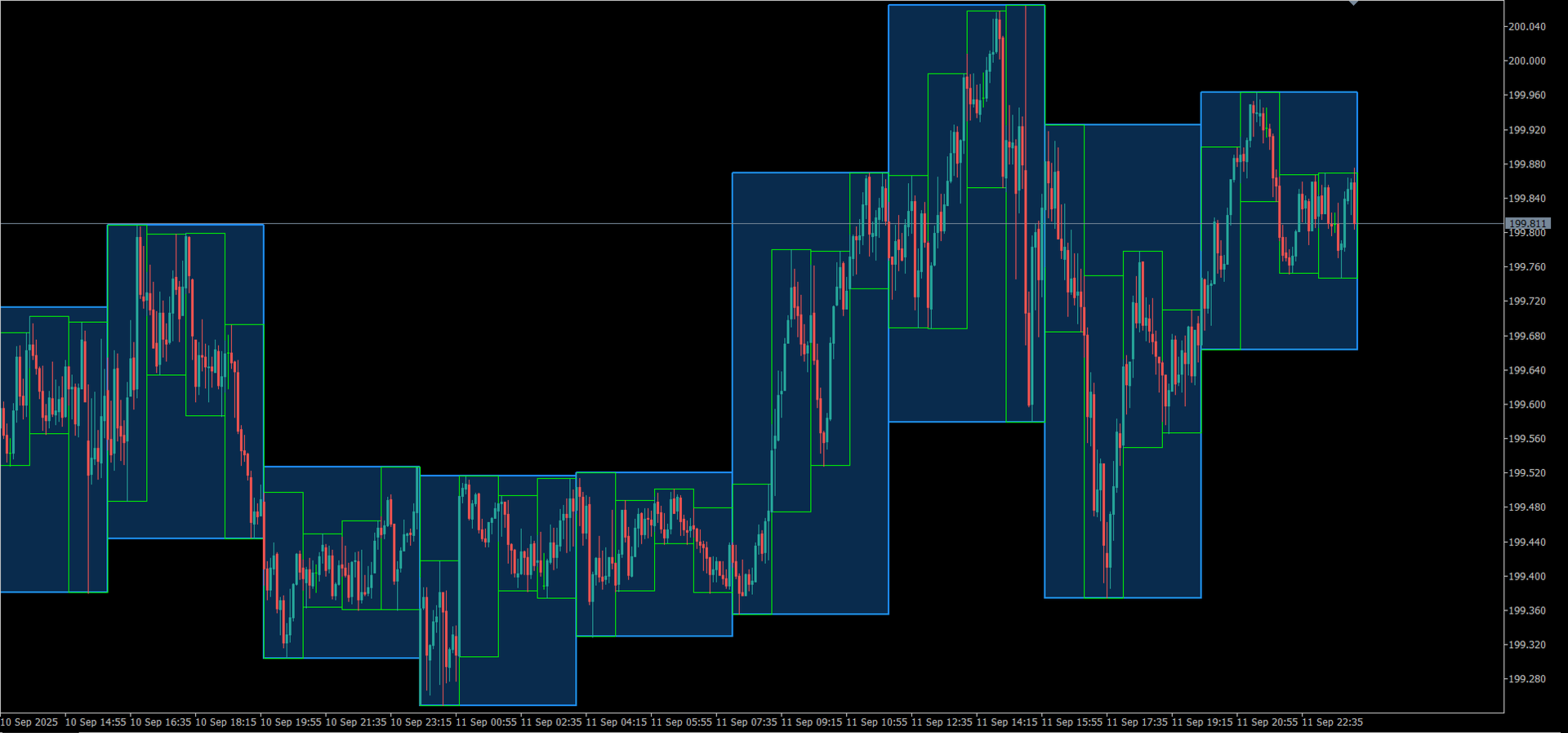
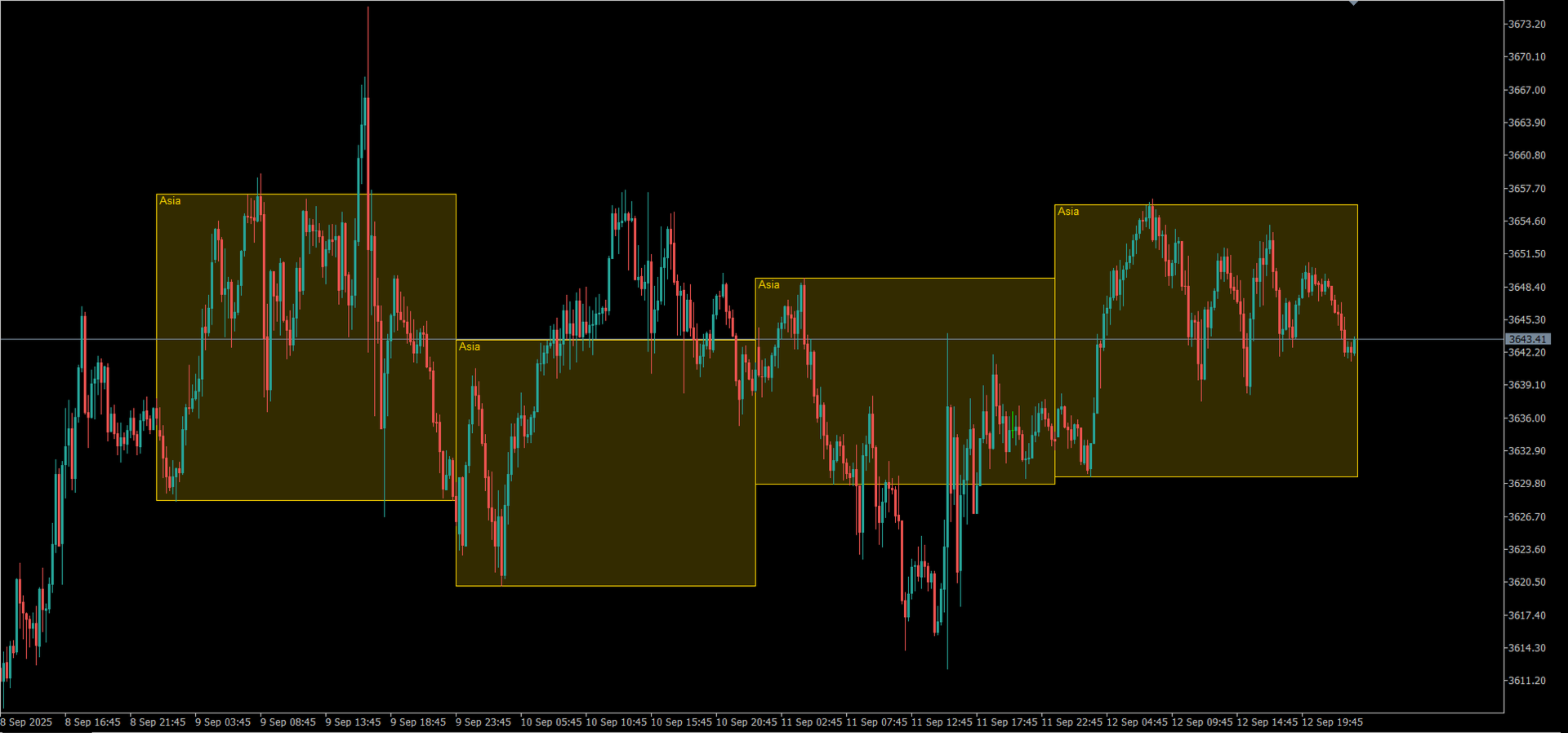
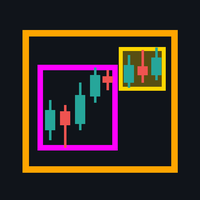
Draws the high-low range of higher-timeframe bars (MN to M5) and of the Asian, London and New York sessions as boxes on your chart, each with its own colour, width, fill and transparency.
Multi Timeframe Boxes and Sessions shows the ranges of higher timeframes and of the trading sessions as boxes on a lower-timeframe chart. It only draws boxes: it does not trade and does not give signals or alerts.
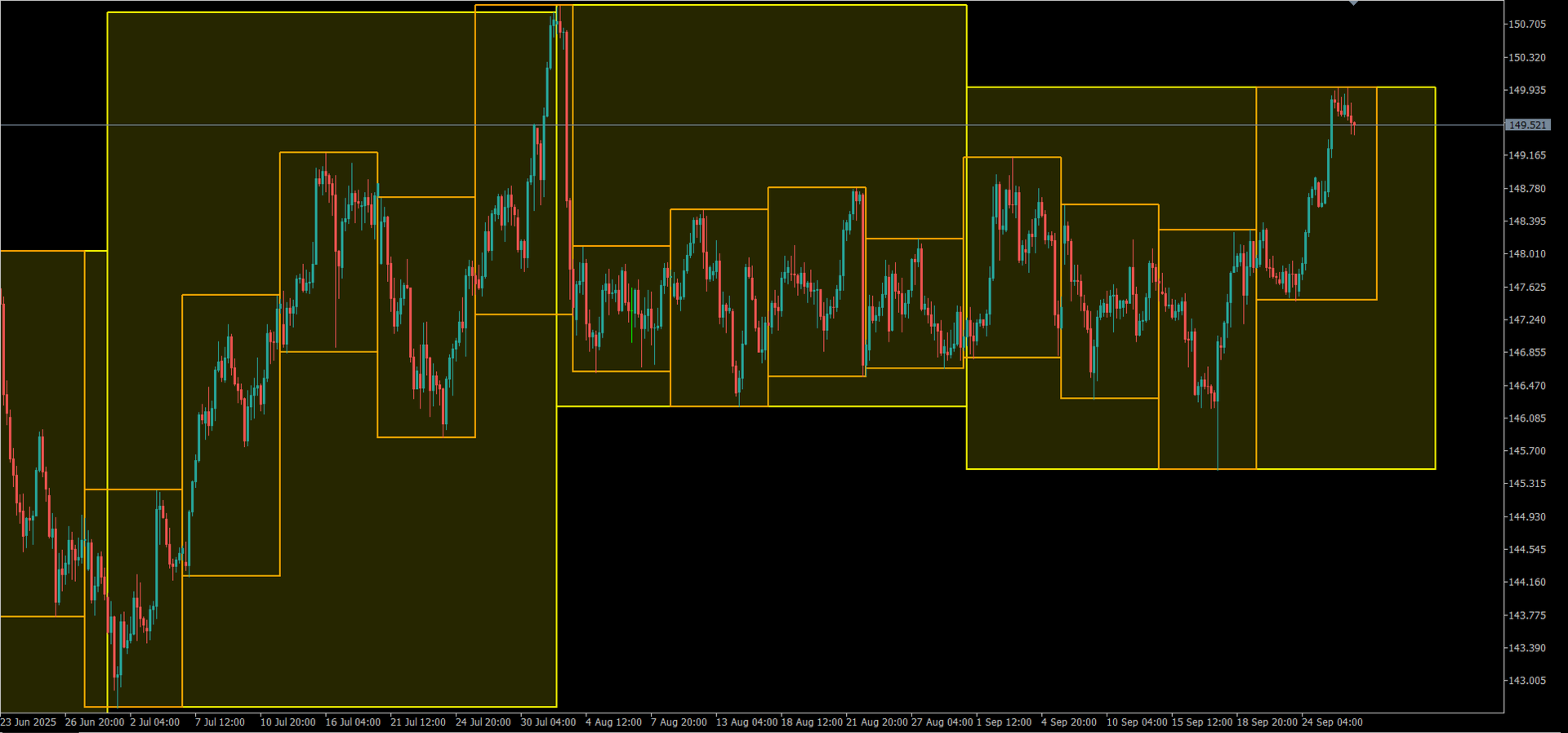
Timeframe boxes
- The high-low range of each bar of MN, W1, D1, H4, H1, M30, M15 and M5, drawn as a box on the current chart.
- Any combination at the same time, for example W1 and D1 on an H1 chart, or H4 and H1 on an M5 chart.
- Only timeframes higher than the chart's are drawn, so each box covers more than one chart bar.
- Monthly boxes follow the real length of each month.
- Optional time shift in hours, for example to draw daily boxes from midnight to midnight New York time; the range follows the shifted window.
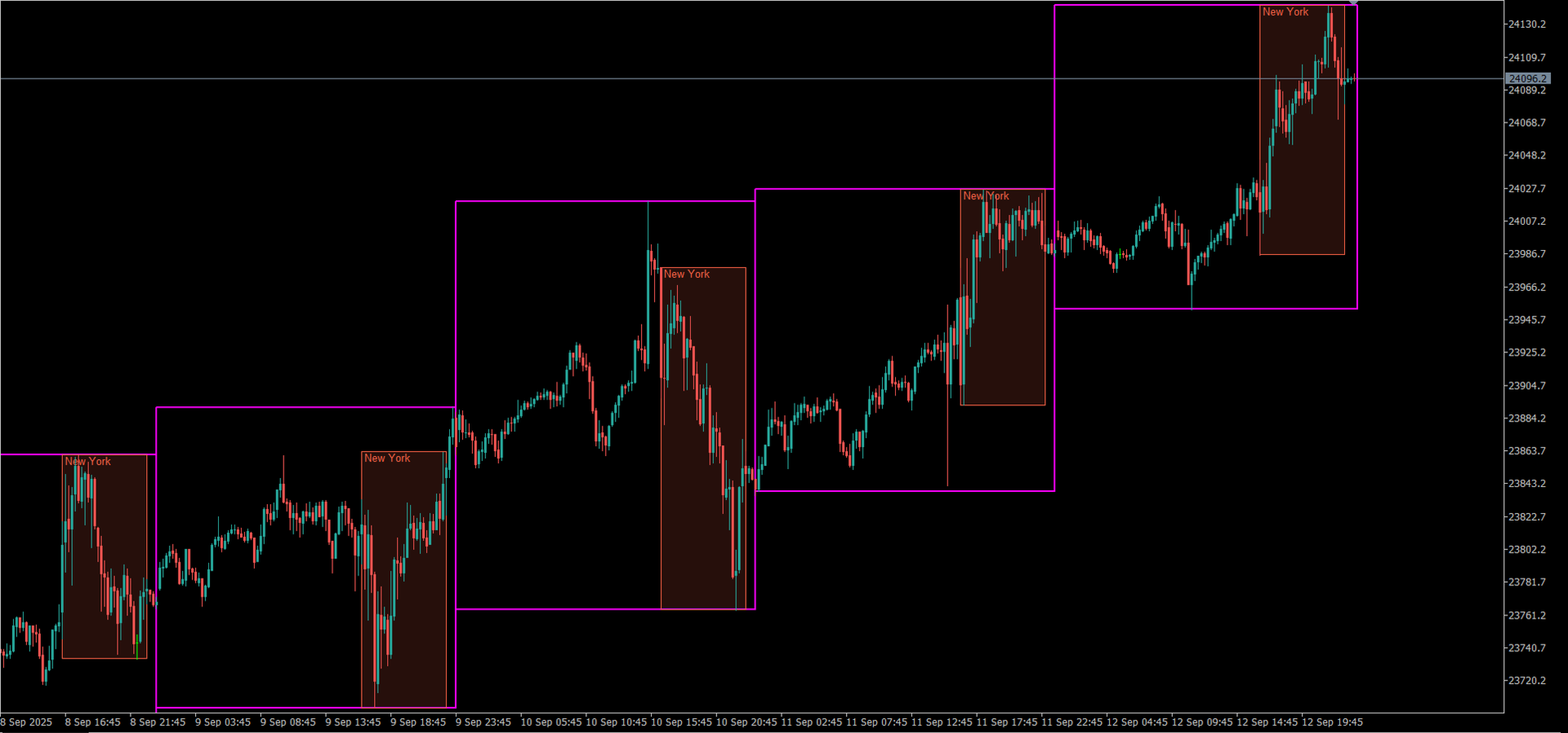
Session boxes
- Asian, London and New York sessions, each with its own start and end time in server time.
- Sessions that cross midnight are supported (for example 22:00-02:00).
- Optional extension of each box to the end of the server day, to see how the price behaves after the session.
- Optional session name inside each box; on a light background the names are drawn darker so they stay readable.
For every kind of box
- Colour, line width (0 = no outline), fill on or off and fill transparency from 0 to 100.
- Number of boxes or days to draw.
- Boxes are drawn behind the bars and cannot be selected or moved by accident; they are removed when the indicator is removed.
- Several copies on one chart, each limited to a range of chart timeframes: for example one set of boxes on H1 to D1 charts and another on M1 to M15 charts.
Updating
- Once a second only the most recent boxes are updated; everything is redrawn only when a new bar of a box's timeframe starts or more history is loaded.
- Tested on forex pairs, gold and index CFDs. It works on any symbol that has price history in the terminal; session boxes need M1 history.
Default settings and server time
With the default settings the indicator draws 90 daily boxes and the three sessions of the last 60 days. Session times are in your broker's server time. The defaults fit servers whose clock is New York time + 7 hours (GMT+2 in winter, GMT+3 in summer). On another server, compare the time in the title of the Market Watch window with the time in New York and shift the session times by the difference. Example: on a server at New York + 5 hours, use 22:00-06:00, 08:00-17:00 and 13:00-22:00. For the US index cash session on a New York + 7 server, set the New York session to 16:30-23:00.
User guide (inputs one by one, examples, troubleshooting): https://www.mql5.com/en/blogs/post/779907