
Copy Mt5 to Mt4 and Mt5
- Yardımcı programlar
- Sürüm: 9.40
- Güncellendi: 18 Şubat 2021
- Etkinleştirmeler: 5

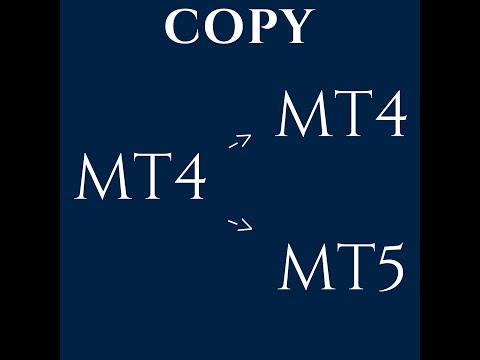
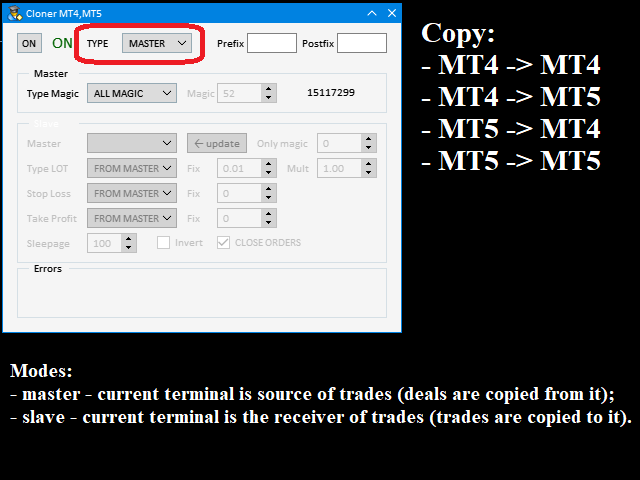
Supported copying directions
- MetaTrader 4 → MetaTrader 4
- MetaTrader 4 → MetaTrader 5
- MetaTrader 5 → MetaTrader 4
- MetaTrader 5 → MetaTrader 5
⚠️ For MT4 ↔ MT5 copying you need both versions (MT4 + MT5).
Working modes
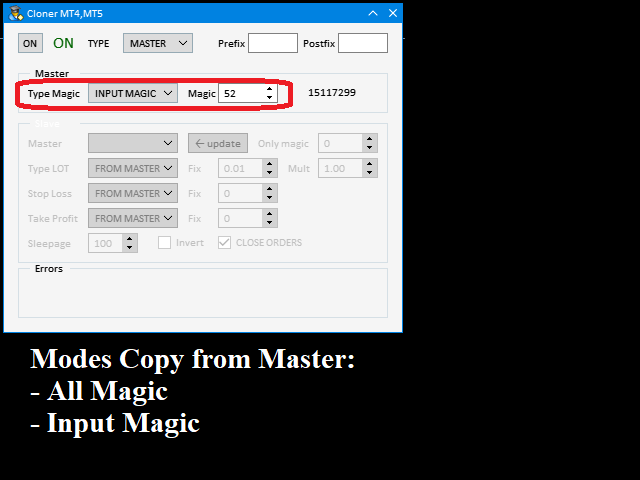
- Master mode - The terminal is the source of trades (orders are sent from it).
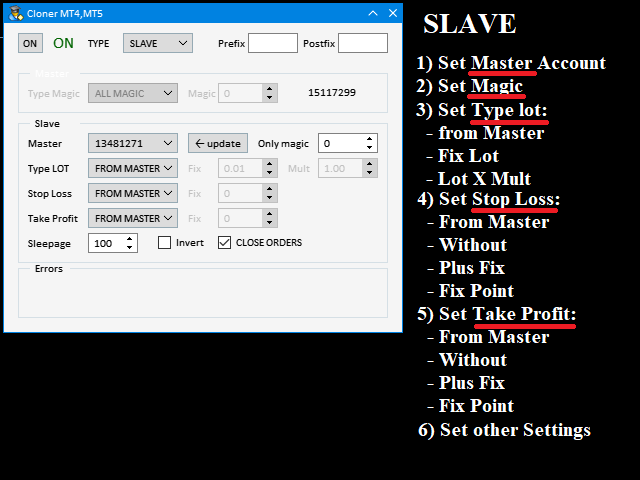
- Slave mode - The terminal receives and copies trades from the Master.
- “From myself” mode - Deal multiplier mode (useful if you trade via Signals).
What can be copied
- Buy / Sell trades
- All symbols or only the current symbol
- All Magic Numbers or only selected Magic
Trade modification options
-
Lot size:
- From Master
- Fixed Lot
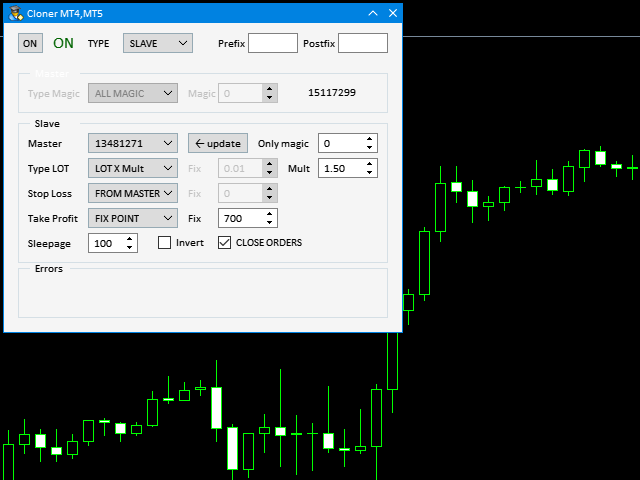
- Lot × Multiplier
- Stop Loss:
- From Master
- Without SL
- Fixed points
- Master SL + offset
-
Take Profit:
- From Master
- Without TP
- Fixed points
- Master TP + offset
- Invert trades (Buy ↔ Sell)
- Disable order closing
- Max slippage control
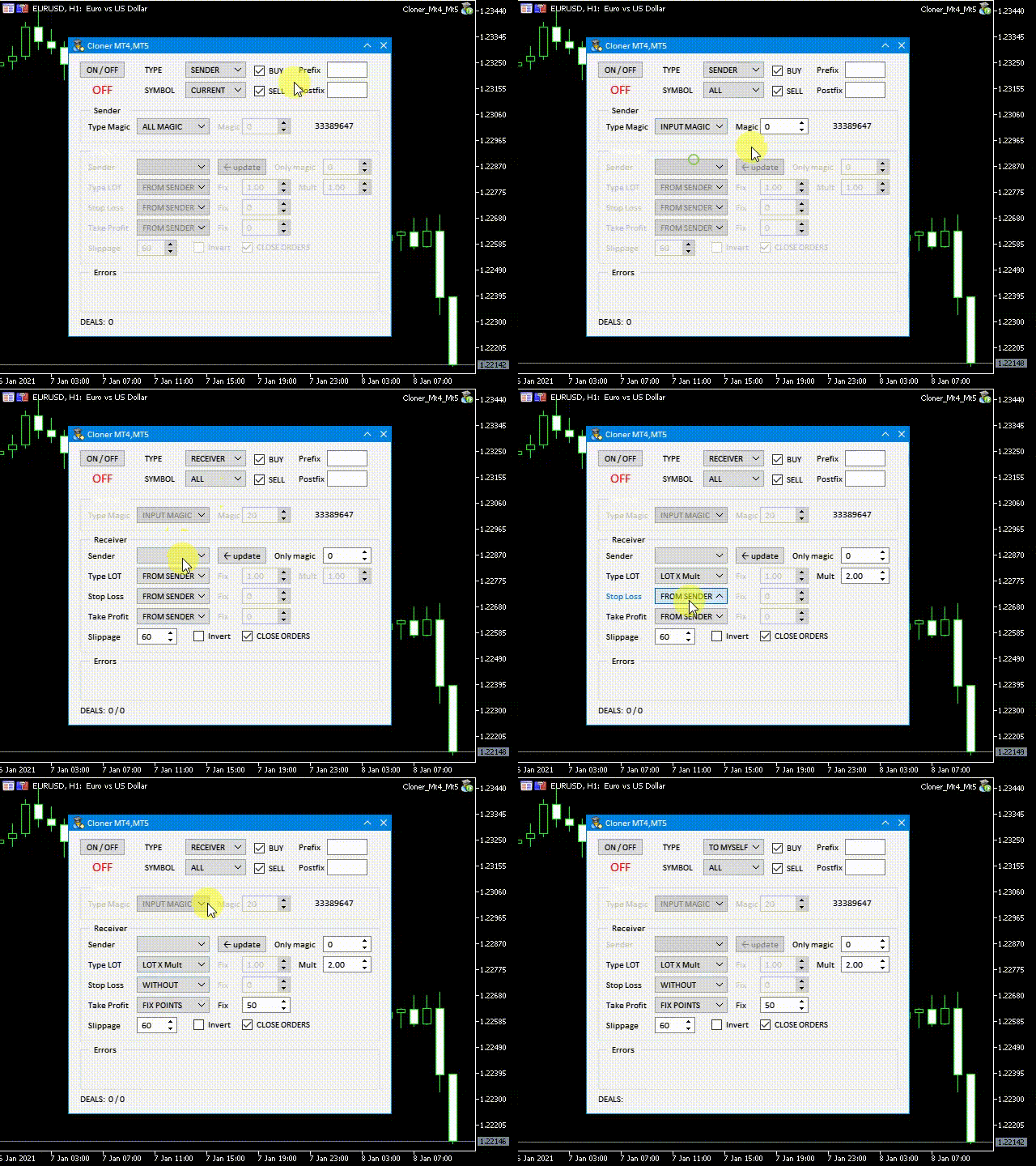
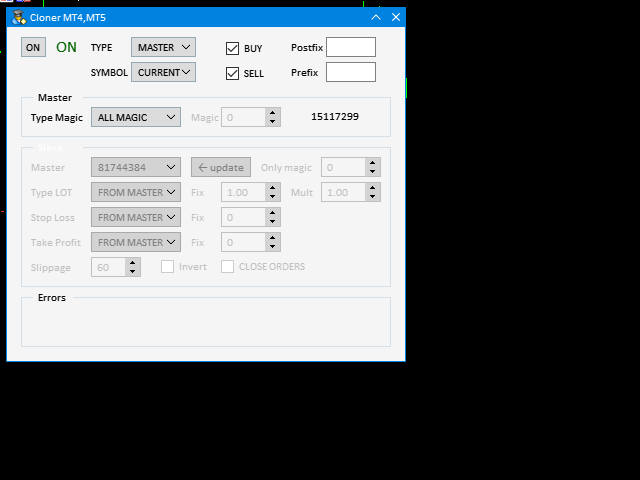
All parameters are configured via on-chart graphical panel.
Quick Start (summary)
Master terminal
- Start the utility in Master mode
- Select all trades or trades with specific Magic
- Set symbol prefix/postfix if needed
- Press ON
Slave terminal
- Start the utility in Slave mode
- Select Master account
- Configure lot / SL / TP copy options
- Set slippage, invert, close rules
- Press ON
Important limitations (please read)
- Copier works only on the symbol chart where it is attached
- For multiple symbols — run it on each symbol separately
- Both terminals must be running on the same PC or VPS
- For MT4 ↔ MT5 copying you must buy both platform versions
Before buying
Please watch the video to understand the setup and workflow.
Feedback
After use, please leave a comment — your feedback helps improve the product and its stability.
Versions
- MetaTrader 4 version: https://www.mql5.com/en/market/product/52329
- MetaTrader 5 version: https://www.mql5.com/en/market/product/52330













































































easy interface. good. thanks.