TimeZones
- Göstergeler
- Sürüm: 1.4
- Etkinleştirmeler: 5

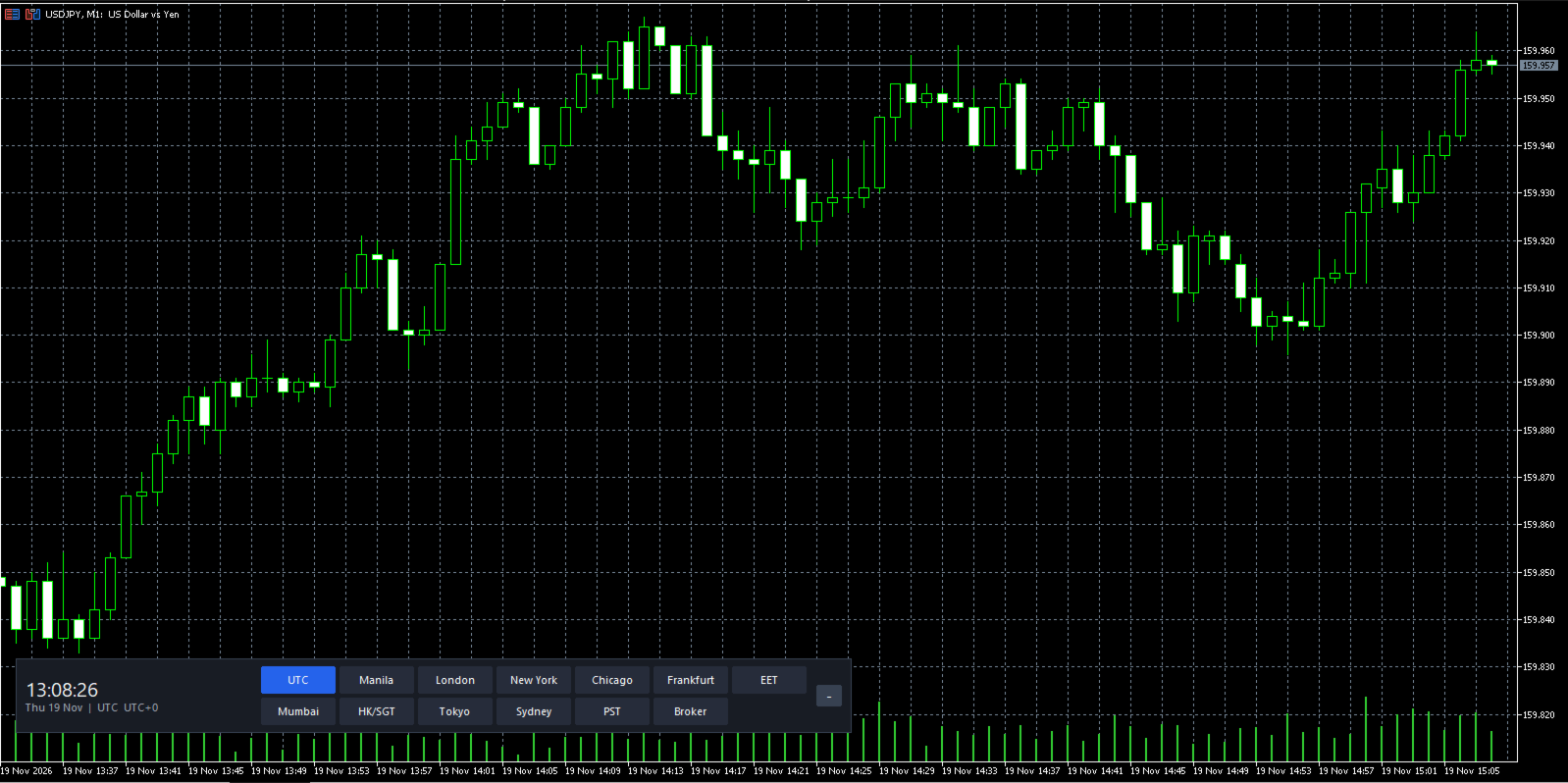
TimeZonePanel puts a clean, compact world-clock strip right above your chart’s time axis, so you can compare broker server time with the markets that matter to you at a glance.
Features
- 13 one-click zones: UTC, Manila, London, New York, Chicago, Frankfurt, Eastern Europe (EET), Mumbai, Hong Kong/Singapore, Tokyo, Sydney, PST and Broker server time
- Live clock with seconds, plus the date, zone name and UTC offset
- Automatic daylight saving for US, EU and Australian zones, which you can switch off if you prefer fixed offsets
- Minimize button to collapse the panel to just the clock and restore it when needed
- Left, centre or right alignment, adjustable margins and button rows, and automatic scaling for high-DPI screens
- Remembers your selected zone and minimized state per chart
- Dark theme, no chart clutter, and light on resources (updates once per second)
Notes
- It is a display tool only: no trading, no buffers and no signals.
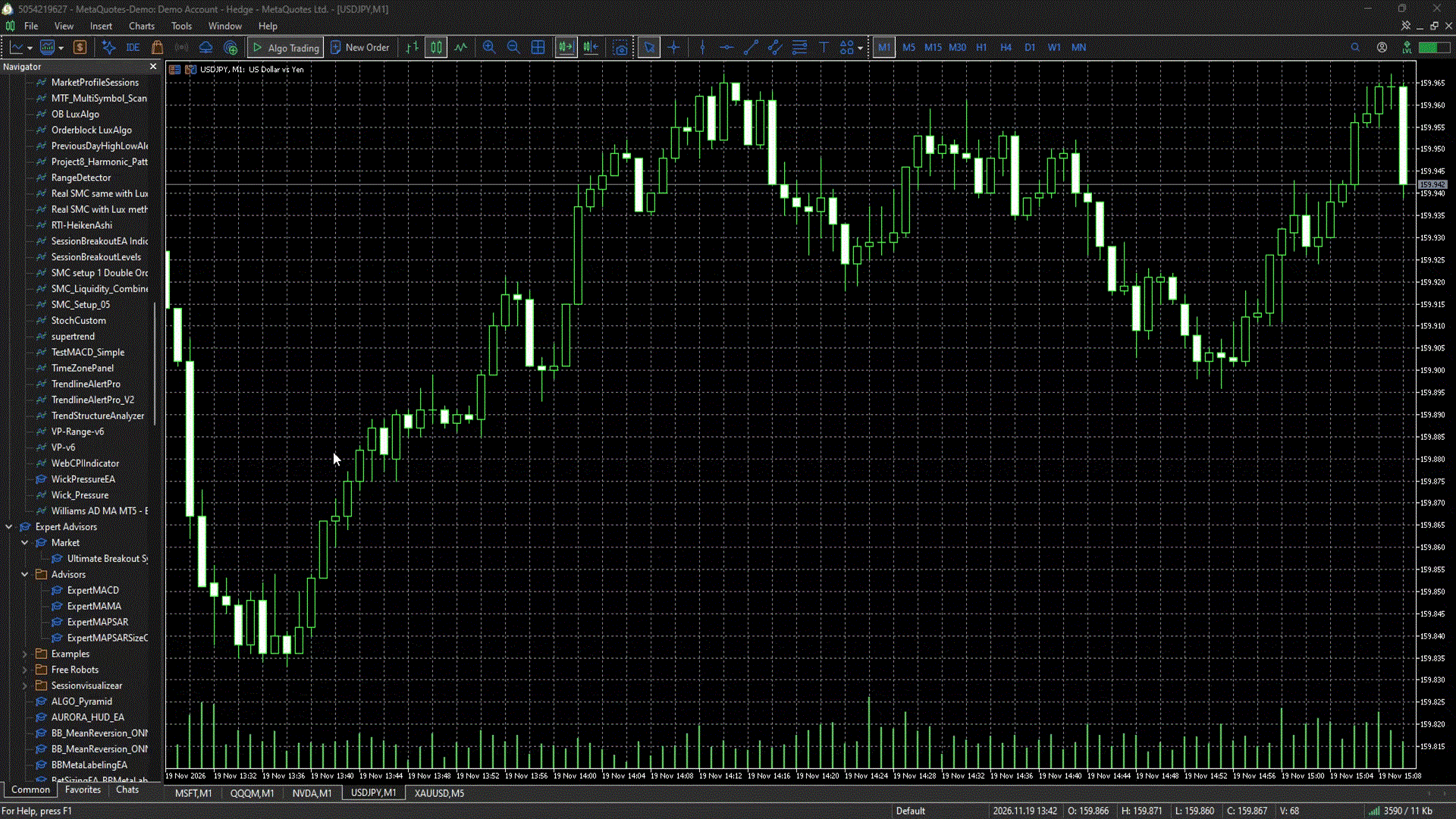
- Add it to any chart: Navigator > Indicators > TimeZonePanel.