TRader Easy Assist
- Yardımcı programlar
- Sürüm: 1.4
- Etkinleştirmeler: 5

TRader EASY ASSIST — One-Click Trading Dashboard for MT5
Description
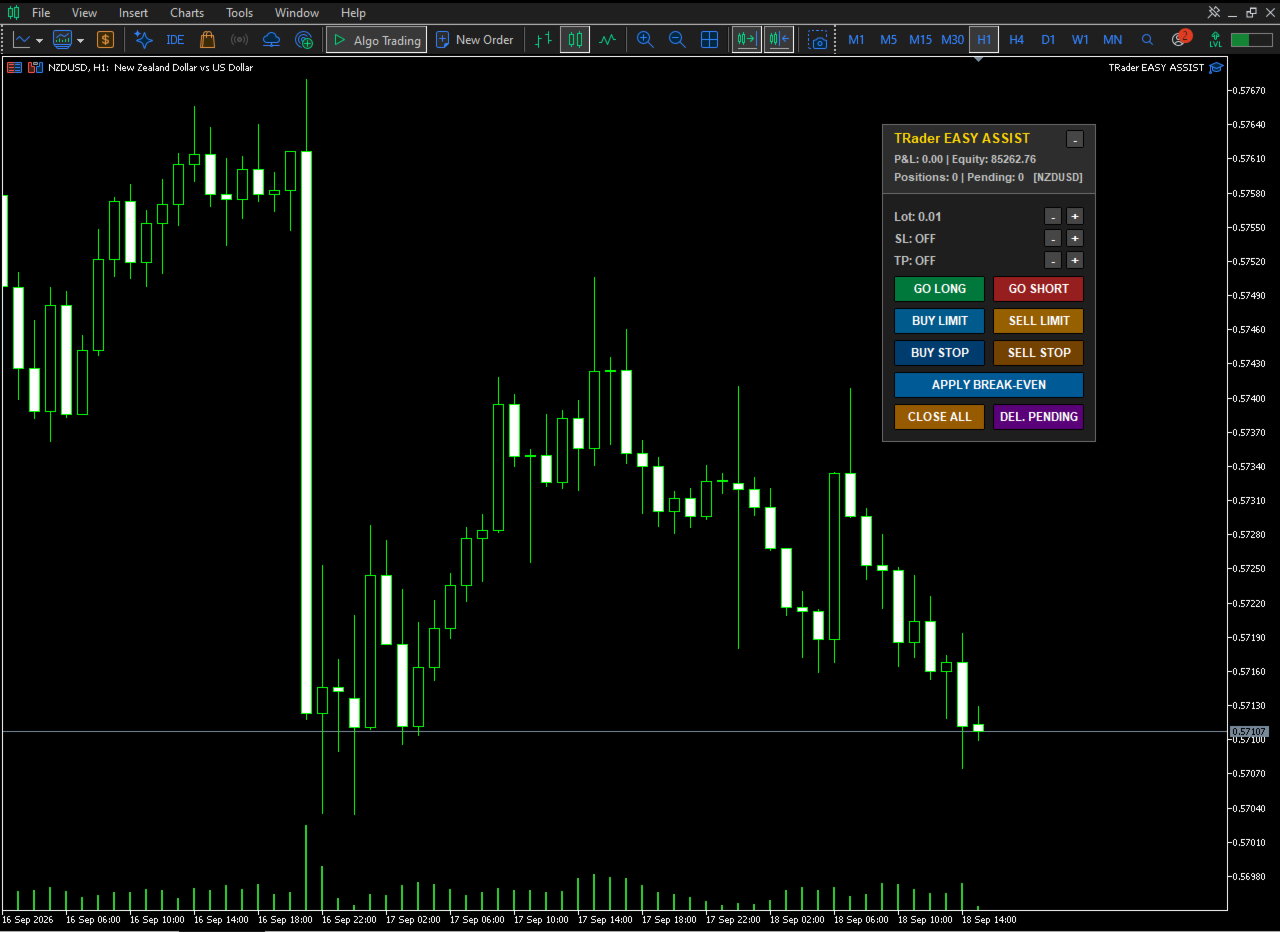
TRader EASY ASSIST places a compact, draggable control panel directly on your chart, turning MT5 order execution into a single click.
Built for scalpers, day traders, and anyone who values speed and precision. Works on any symbol and any timeframe.
Key Features
-
One-click market orders — GO LONG / GO SHORT with automatic SL/TP applied
-
Visual pending orders — Place Buy/Sell Limit & Stop using draggable entry, SL, and TP lines directly on the chart
-
Live Lot/SL/TP controls — Adjust values on the panel with + / - buttons; settings persist across timeframe changes and reloads
-
Trade management — Break-Even, Close All, and Delete Pending in one click
-
Live account info — P&L, equity, position count, and pending count updated every second
-
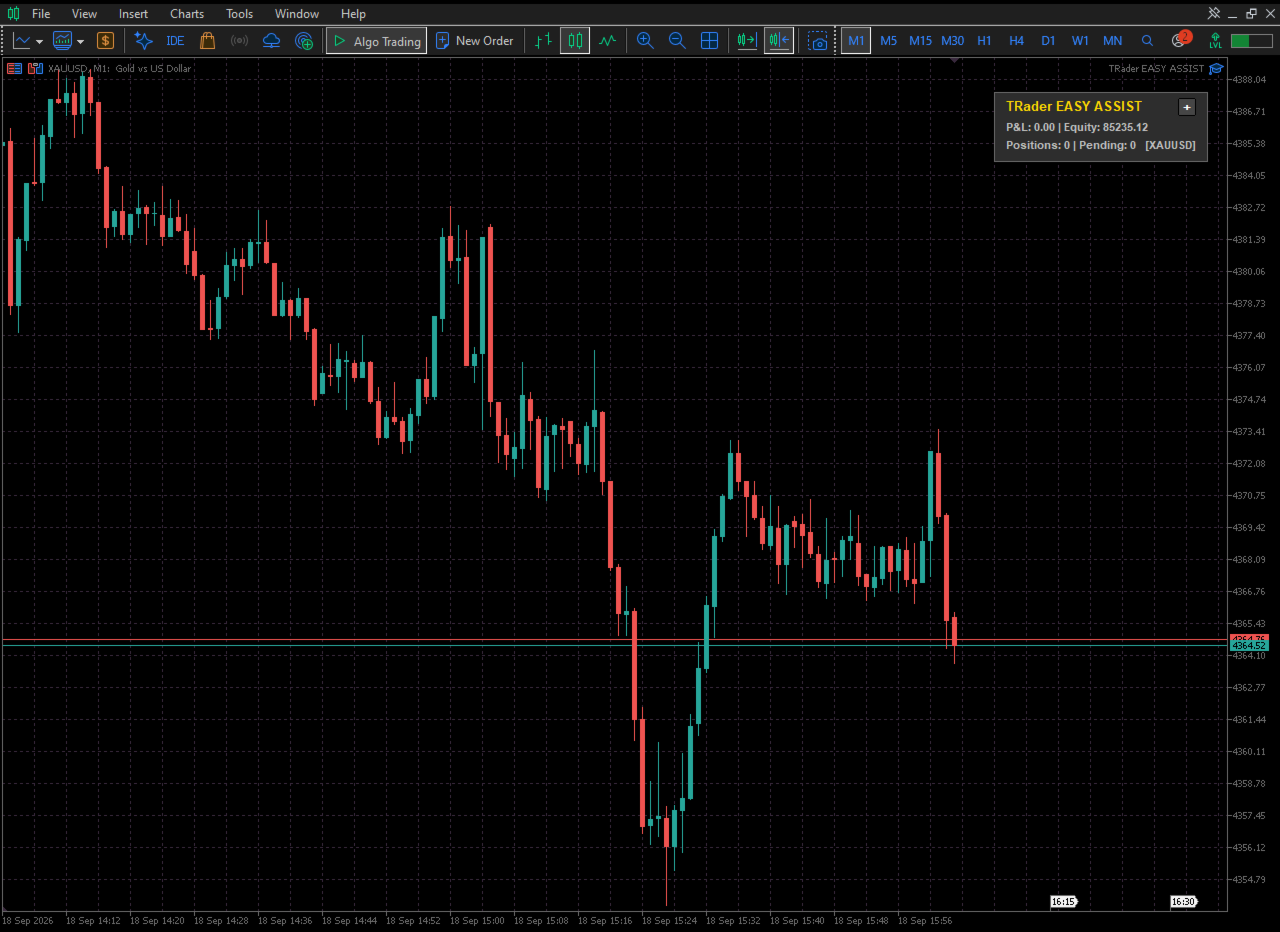
Minimize / maximize — Collapse to a title bar for a clean chart
-
Position memory — Panel location and settings saved per chart
-
Customizable — Colors, fonts, button sizes, sound alerts, and multi-symbol mode
-
Universal — Any symbol, any timeframe, any broker
Inputs
Lot size and step, SL/TP points and steps, slippage, magic number, pending buffer distance, panel position and dimensions, colors, sound options, and a "manage all symbols" toggle.
Requirements
MetaTrader 5 (any build). No external dependencies — pure MQL5.
How to Use
-
Attach the EA to any chart.
-
Set lot size, SL, and TP on the panel.
-
Click GO LONG / GO SHORT for instant entries.
-
For pending orders, click the order type, drag the price line to your level, and click PLACE.
-
Use Break-Even, Close All, and Delete Pending as needed.
-
Drag the title bar to reposition. Click – to minimize.
Speed, precision, and clarity — right on your chart.