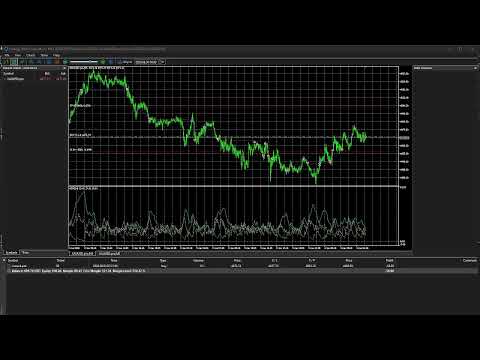
MA Pullback Bot
- Uzmanlar
-
Ian Duncan Oumo
 I am a skilled trader and programmer with seven years of experience in both fields. Combining my passion for financial markets and software development, I have built a successful career developing and selling Expert Advisors (EAs) on the MQL market. My expertise spans algorithmic trading, strategy
 - Sürüm: 2.1
- Güncellendi: 1 Temmuz 2026
- Etkinleştirmeler: 5
Pullback Trading Bot
Overview
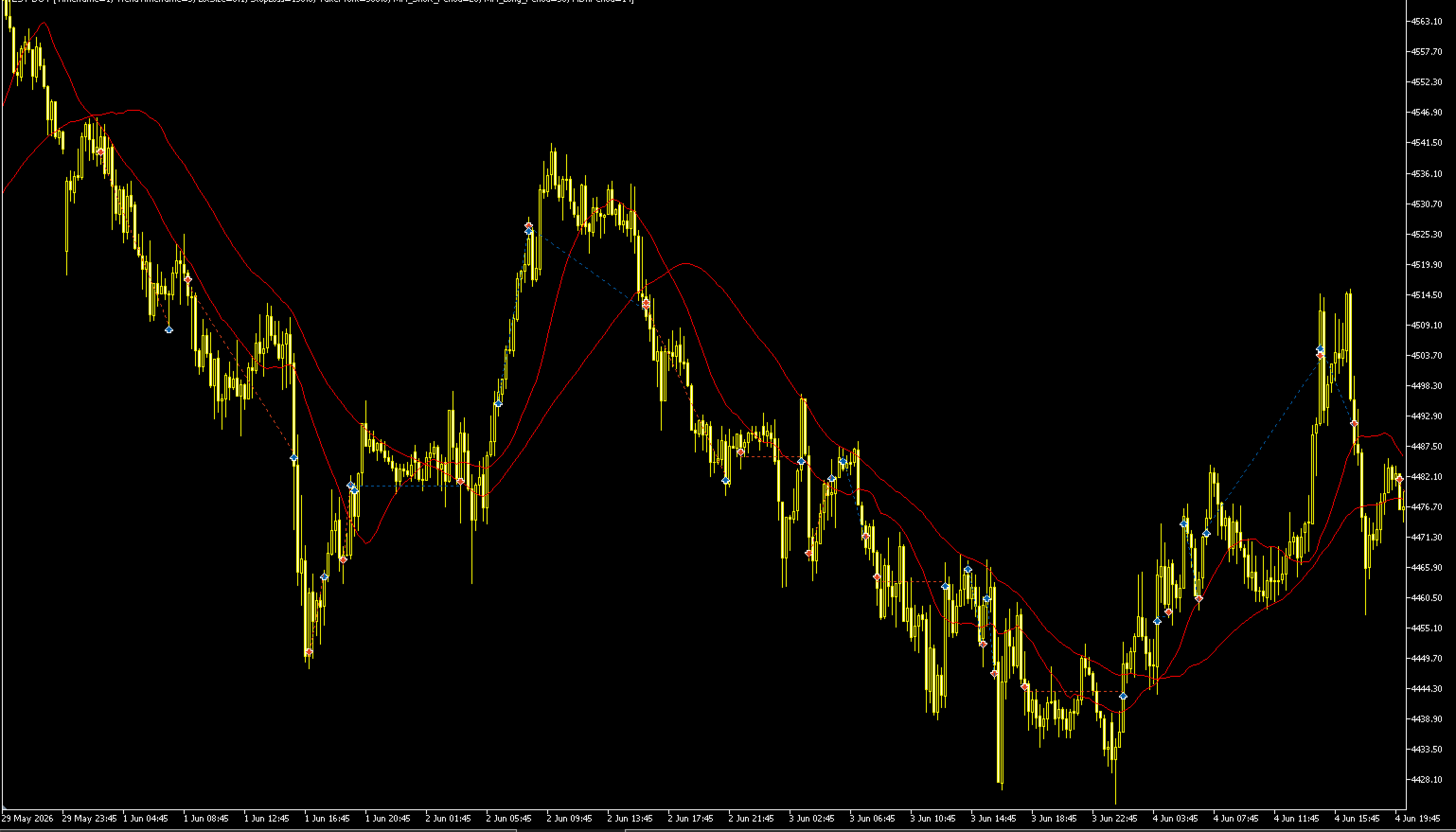
Pullback Trading Bot is an automated Expert Advisor designed to trade with the trend instead of chasing price. It combines higher timeframe trend analysis with lower timeframe pullback entries to identify high-probability trading opportunities.
The EA uses a state-based trading system that waits patiently for market conditions to align before opening a trade. This helps reduce unnecessary entries and keeps trading disciplined.
The strategy is suitable for traders who prefer trend-following systems with controlled entries and automated trade management.
StrategyThe trading process follows three simple steps:
1. Detect the Trend
The EA first identifies the market direction using two Moving Averages on the selected trend timeframe.
-
Buy when the short Moving Average is above the long Moving Average.
-
Sell when the short Moving Average is below the long Moving Average.
2. Wait for a Pullback
Instead of entering immediately, the EA waits for price to retrace against the current trend.
This allows entries to occur closer to value rather than buying after strong rallies or selling after large drops.
3. Confirm Continuation
After the pullback, the EA waits for price action to show that the trend is continuing before placing a trade.
This confirmation helps filter weak pullbacks and reduces false entries.
Features✔ Fully automated trading
✔ Trend-following strategy
✔ Intelligent pullback detection
✔ Candle confirmation before entry
✔ Multi-timeframe analysis
✔ Automatic Stop Loss
✔ Automatic Take Profit
✔ Automatic Breakeven protection
✔ One position per symbol
✔ State machine logic to avoid duplicate trades
✔ Designed for disciplined trend trading
Trade ManagementThe EA automatically manages every position.
Features include:
-
Automatic Stop Loss
-
Automatic Take Profit
-
Breakeven protection after price reaches approximately half of the Take Profit distance
-
Prevents multiple positions in the same direction
No manual intervention is required after a trade has been opened.
Recommended TimeframesThe EA is flexible and can be used on different markets.
Recommended combinations include:
-
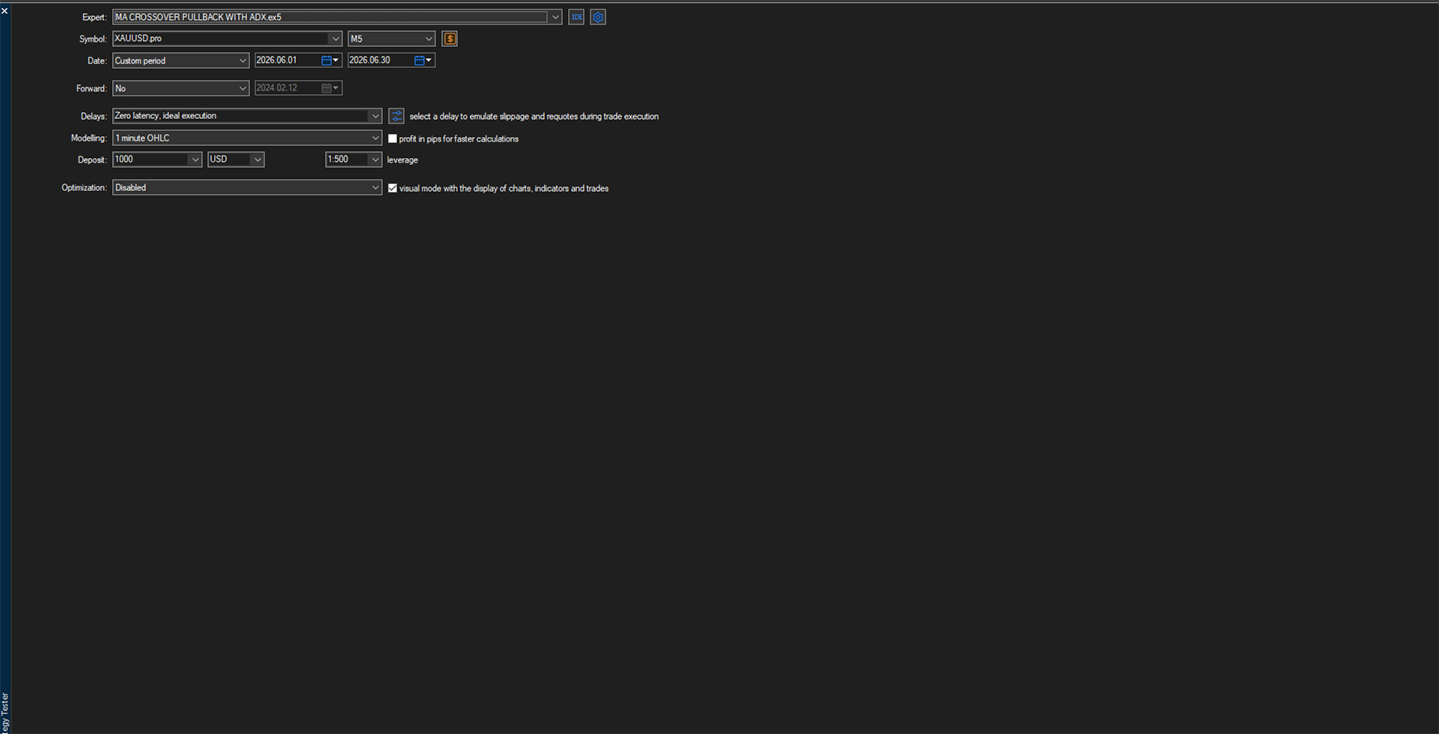
Trend: M5 | Entries: M1
-
Trend: H1 | Entries: M5
-
Trend: H4 | Entries: M15
Users are encouraged to optimize settings for their preferred broker and instrument.
Recommended InstrumentsThe EA may be used on:
-
XAUUSD (Gold)
-
Major Forex pairs
-
Minor Forex pairs
-
CFDs
-
Indices (broker dependent)
Performance depends on spread, execution quality, and market volatility.
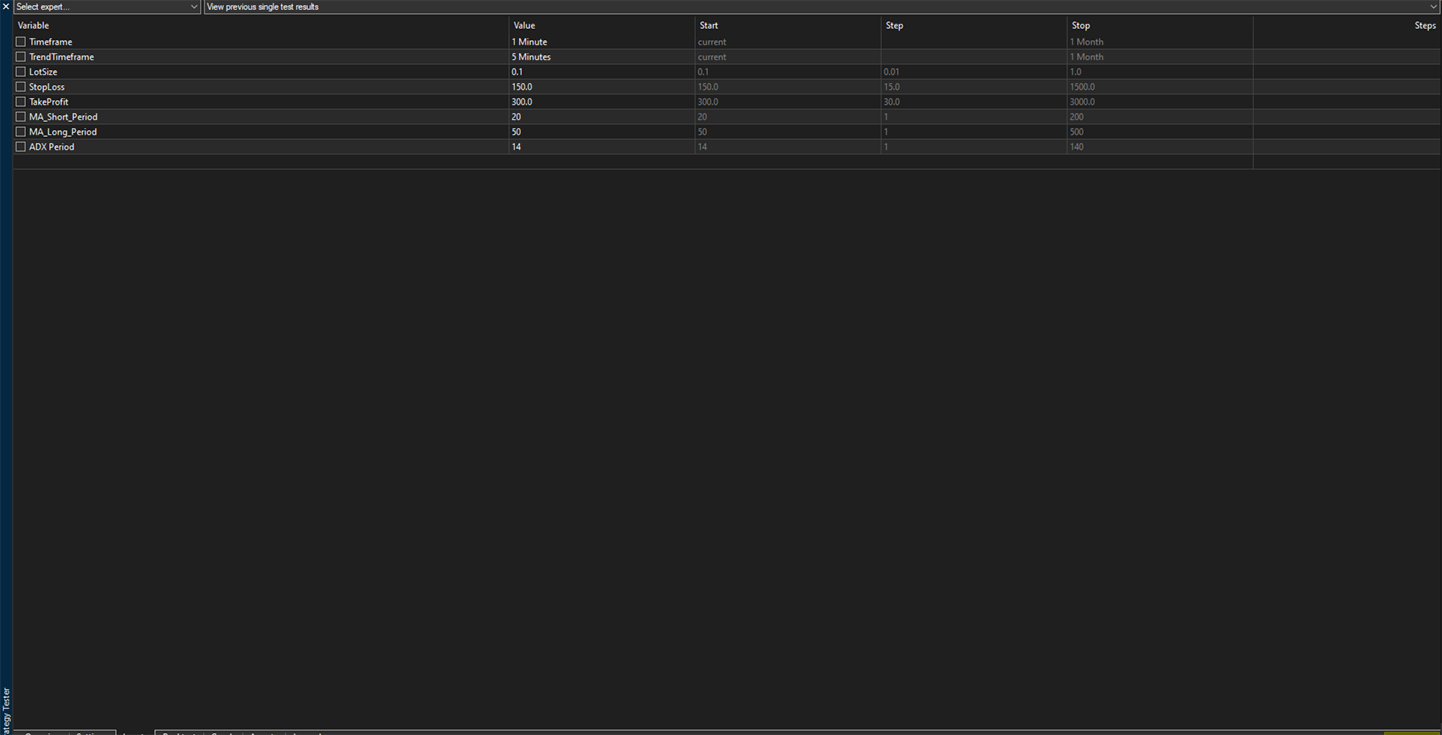
Input ParametersTrading Timeframe
Timeframe used for trade execution.
Trend Timeframe
Higher timeframe used to determine the market trend.
Lot Size
Trading volume used for each position.
Stop Loss
Distance of the Stop Loss in points.
Take Profit
Distance of the Take Profit in points.
Short Moving Average Period
Period used for the fast Moving Average.
Long Moving Average Period
Period used for the slow Moving Average.
ADX Period
Period used by the ADX indicator during confirmation.
Default Inputs| Parameter | Default |
|---|---|
| Timeframe | M1 |
| Trend Timeframe | M5 |
| Lot Size | 0.10 |
| Stop Loss | 150 |
| Take Profit | 300 |
| Short MA | 20 |
| Long MA | 50 |
| ADX Period | 14 |
-
Trades only in the direction of the prevailing trend.
-
Waits for pullbacks instead of chasing price.
-
Uses confirmation before entering trades.
-
Automatically protects profits using breakeven logic.
-
Simple and transparent strategy.
-
Easy to configure.
-
Suitable for beginners and experienced traders alike.
-
Low maintenance after setup.
-
Compatible with MetaTrader 5.
Trading involves financial risk. No Expert Advisor can guarantee profits under all market conditions. Results depend on market volatility, broker execution, spreads, slippage, and account settings.
Always test the EA on a demo account before using it on a live trading account and ensure that the settings are appropriate for your trading objectives.