Visual Risk Assistant Panel
- Yardımcı programlar
- Sürüm: 1.8
- Güncellendi: 10 Temmuz 2026
- Etkinleştirmeler: 10

Visual Risk Assistant Panel for MT5
The Visual Risk Assistant Panel is a utility for MetaTrader 5 designed for manual traders who require precise position sizing. It allows users to define risk parameters visually on the chart, eliminating the need for manual lot size calculations.
Functional Overview
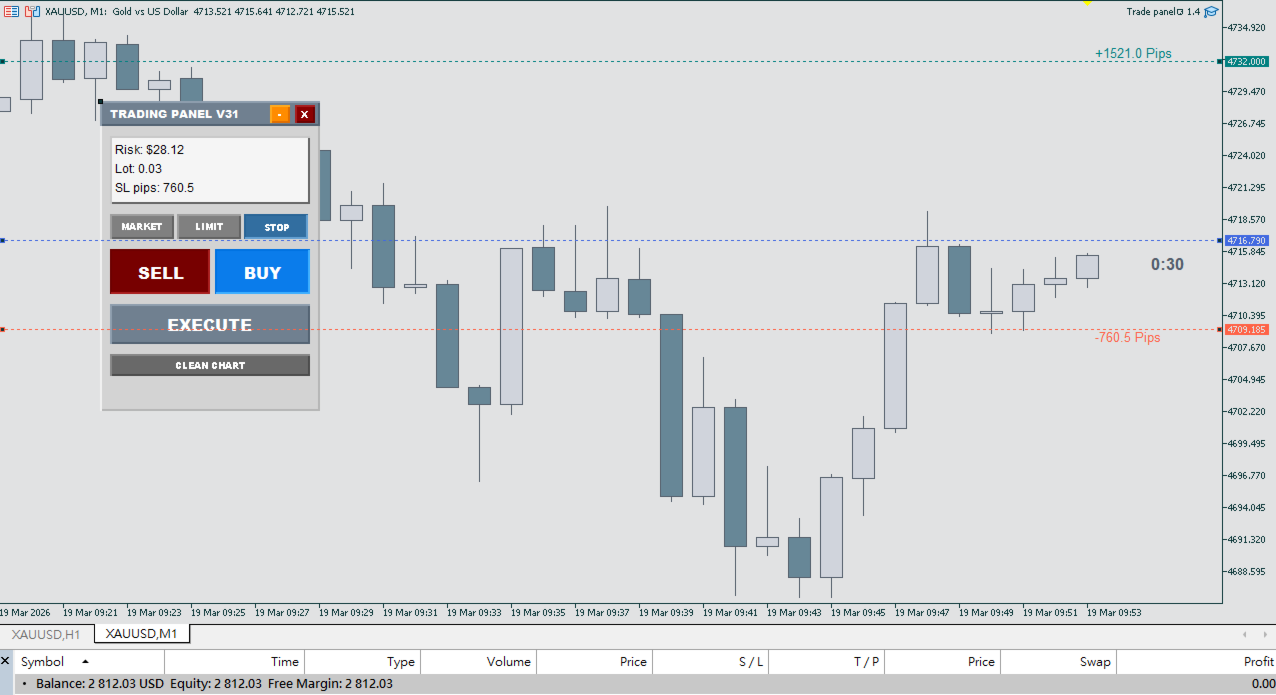
The utility uses a drag-and-drop interface to manage trade execution. By moving graphical lines, the program automatically calculates the required lot size based on your account balance, the instrument's contract size, and the distance between your entry and stop loss.
Main Features
-
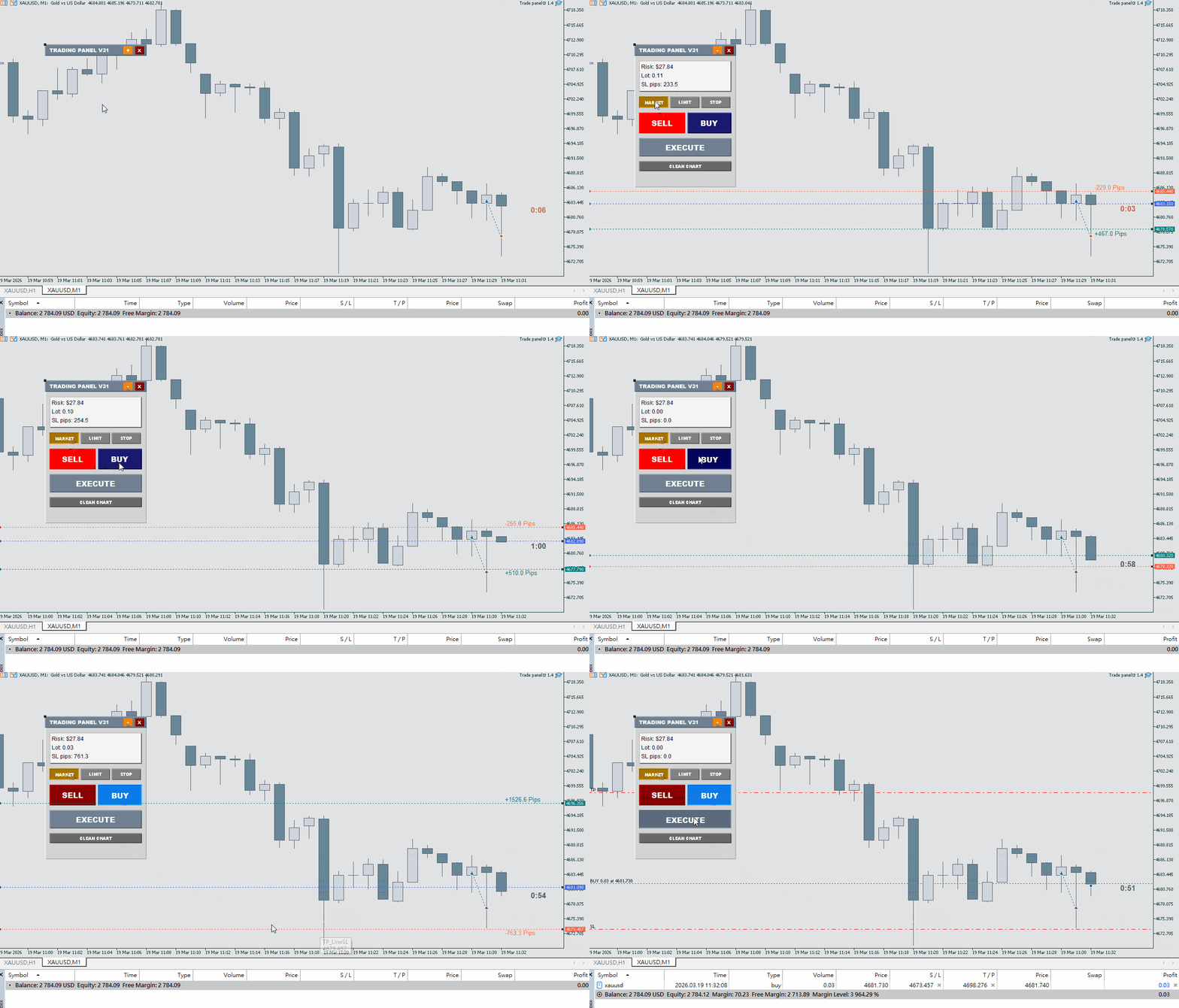
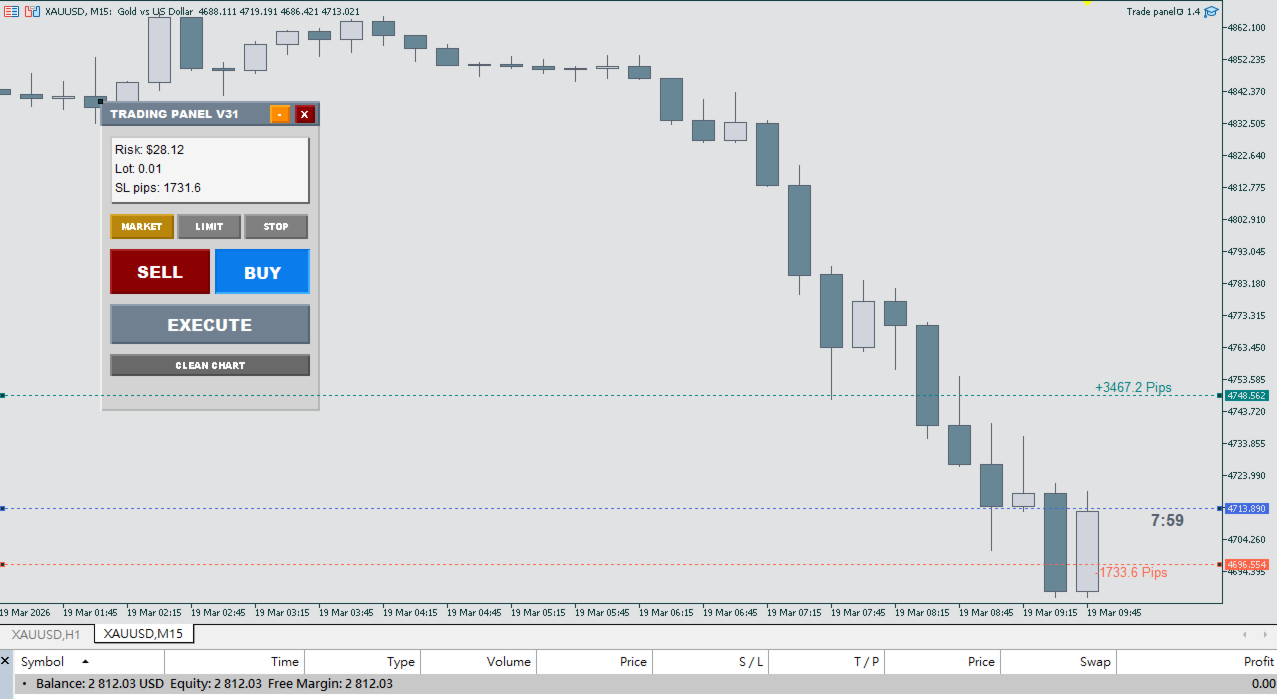
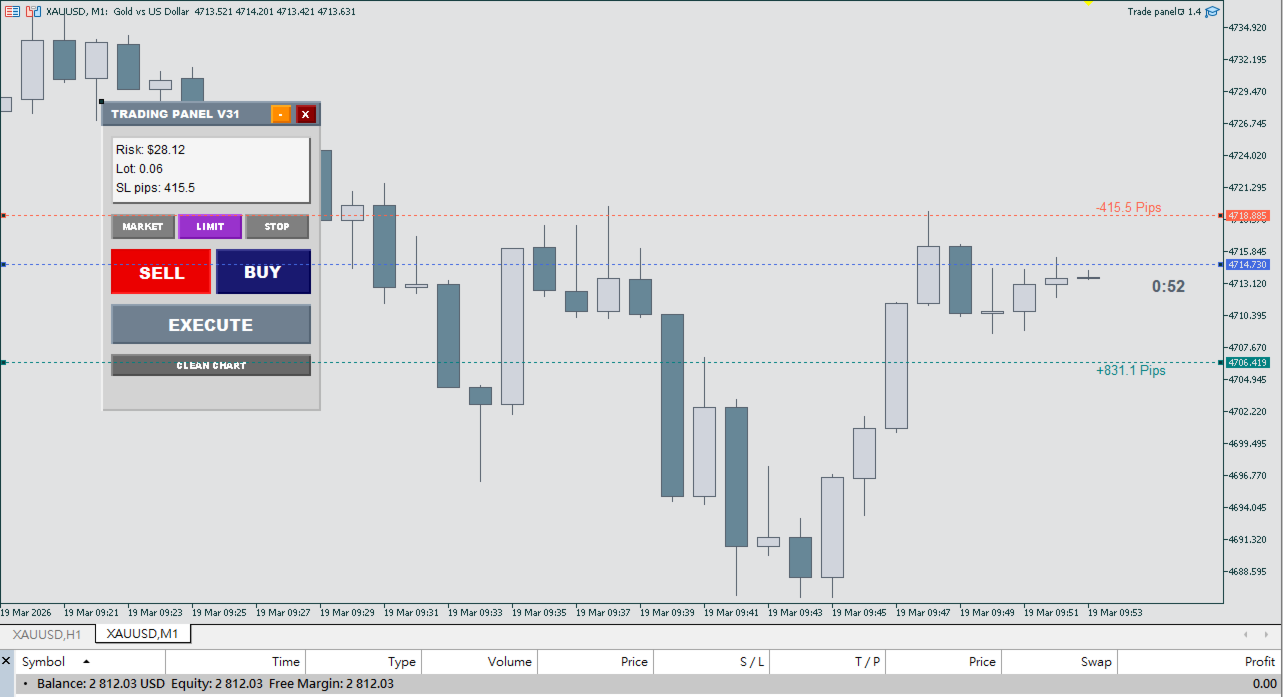
Visual Line Interaction: Adjust three distinct lines on the chart:
-
Entry Line (Blue): Defines your execution price.
-
Stop Loss (Red): Defines your exit point for a loss.
-
Take Profit (Green): Defines your target exit point.
-
-
Real-Time Math: The panel updates your Lot Size and Risk Amount (both in currency and percentage) instantly as you move the lines.
-
Automated Order Selection: The program identifies the appropriate order type (Market, Limit, or Stop) based on the current market price relative to the Entry line.
-
Reward Ratio Management: Users can set a target R:R ratio. When this feature is active, adjusting the Stop Loss line will move the Take Profit line to maintain the specified ratio.
-
High-Visibility Interface: Features large buttons for execution and clear text displays for risk parameters.
User Guide
-
Deployment: Attach the utility to any MT5 chart.
-
Activation: Click the Buy or Sell button on the panel to display the trading lines.
-
Positioning: Drag the Red line to your Stop Loss level and the Blue line to your Entry level.
-
Verification: Observe the "Lots" and "Risk" values displayed on the panel.
-
Execution: Press the 'EXECUTE' button to place the order with the calculated parameters.
Input Parameters
-
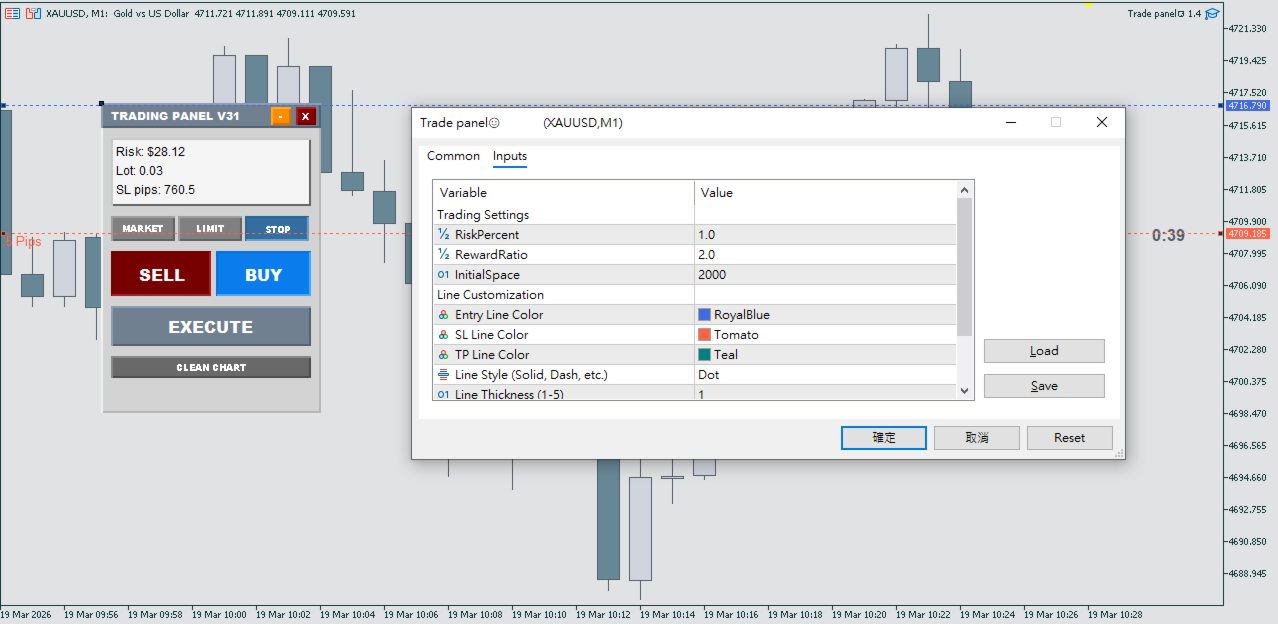
Risk Mode: Choose between Risk by Percentage of Equity/Balance or Fixed Cash Amount.
-
Fixed R:R: Define the multiplier for the automated Take Profit calculation.
-
Line Customization: Adjust colors and styles (Solid or Dashed) for the Entry, SL, and TP lines.
-
Panel Settings: Customize header and button colors to suit light or dark chart backgrounds.