Simple Dashboard Pro
- Göstergeler
- Muhammad Tamimul Huda
- Sürüm: 4.30
- Etkinleştirmeler: 10
Simple Dashboard - Multi Strategy Scanner
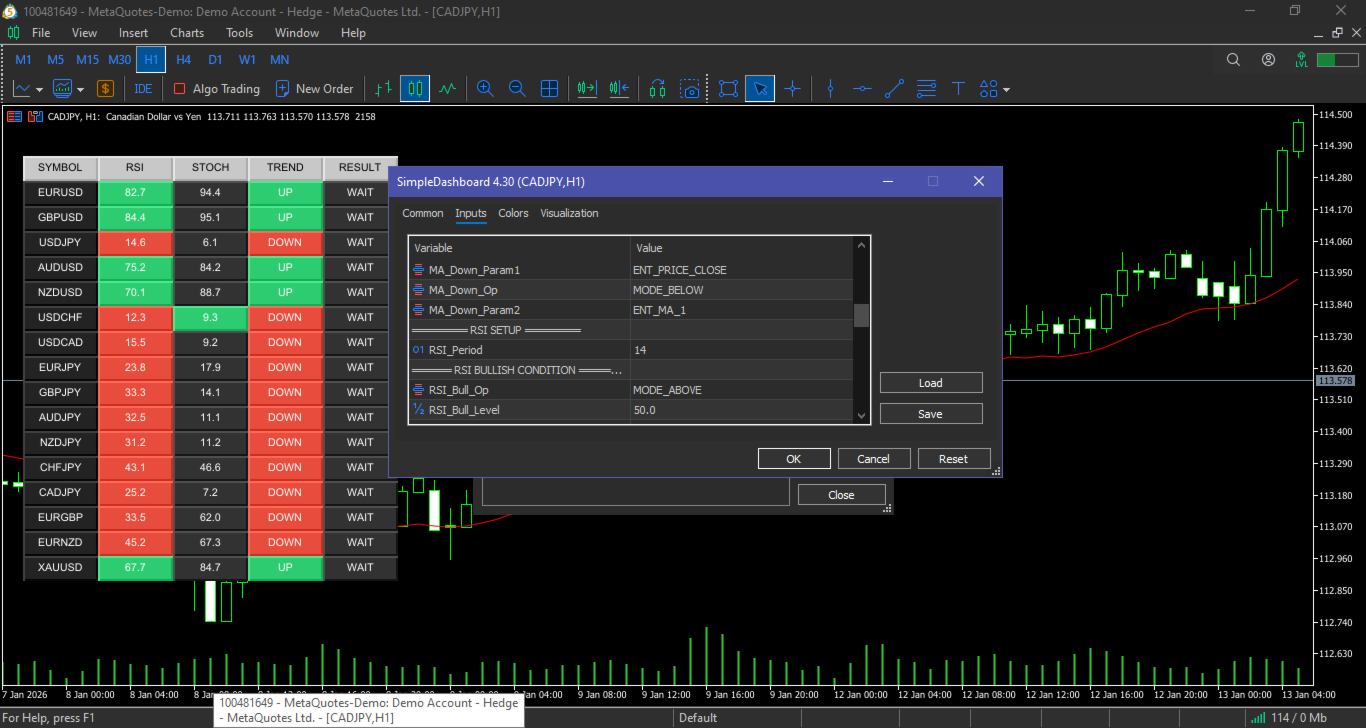
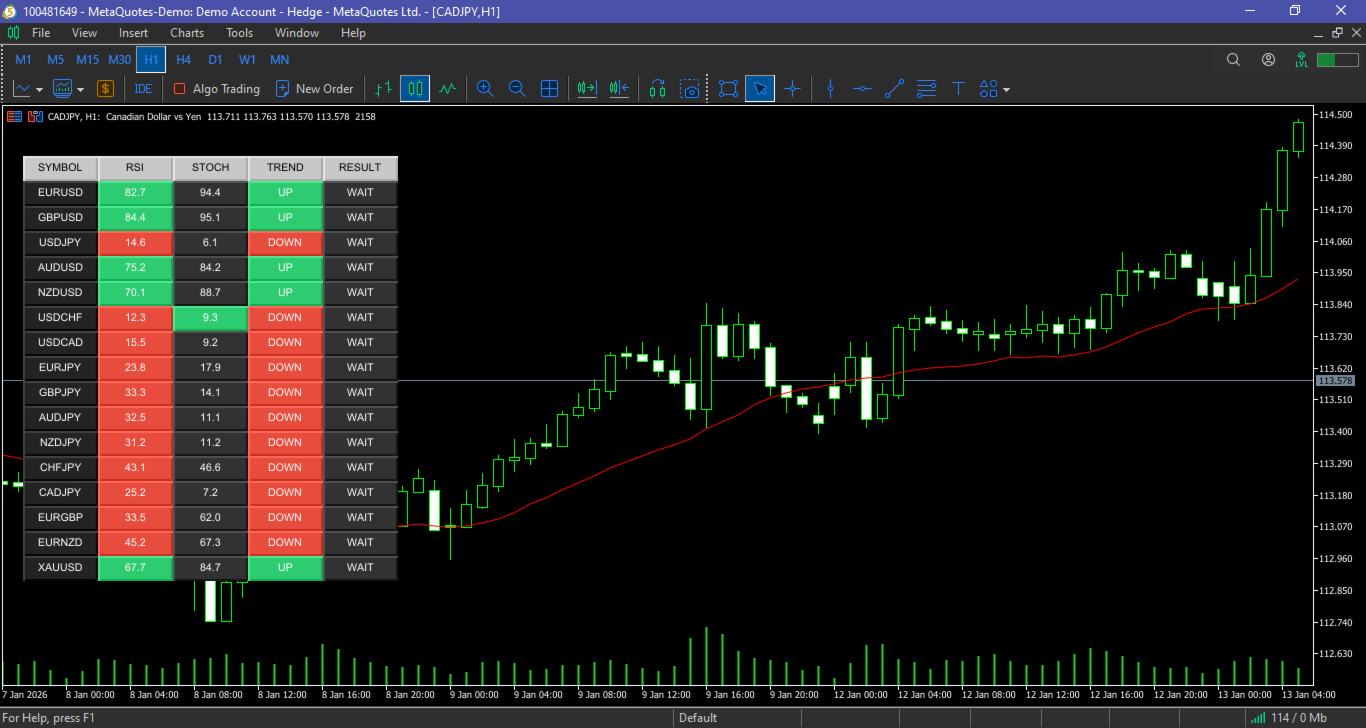
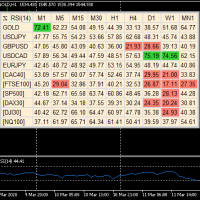
A fully customizable trading dashboard. Monitor Trend, Momentum, and Entry triggers for multiple symbols in one panel. Includes Alerts & Fast Navigation.
Key Features
-
Multi-Symbol : Monitor all your favorite pairs (Forex, Crypto, Metals, Indices) in one place.
-
Auto-Adaptive Layout: The dashboard automatically creates new columns if you add many symbols. No more cut-off lists!
-
Smart Alert System: Get instant Push Notifications to your phone or Desktop Alerts when a valid Buy/Sell signal occurs. (Anti-spam logic included).
-
Fast Navigation: Simply click on any symbol name to instantly switch the chart to that symbol.
-
Fully Modular Logic: Configure each indicator's rule independently (Cross, Levels, Zone, etc.).
-----------------------------------------------------------------------------------------------------------------------------------------------------------------------------------------------------
How It Works (The 3-Layer Logic)
-
Trend Filter (Moving Average):
-
Checks the main trend direction.
-
Customizable: Choose between "Price > MA" (Trend Follow) or "Fast MA > Slow MA" (Crossover).
-
-
Momentum Filter (RSI):
-
Checks trade signal strength.
-
Customizable: Choose "Above 50" for trends or "Oversold < 30" for reversals.
-
-
Entry Trigger (Stochastic):
-
Pinpoints the exact entry timing.
-
Customizable: Detect Golden/Death Crosses, specifically inside Overbought/Oversold zones.
-
The "Signal" Column acts as the final judge. It only says BUY NOW or SELL NOW if your chosen combination of indicators agrees.
----------------------------------------------------------------------------------------------------------------------------------------------------------------------------
Input Parameters Guide
1. Basic Setup
-
Symbols : List pairs separated by commas (e.g., EURUSD, GBPUSD, XAUUSD).
-
Timeframe : The timeframe to scan.
-
Max Rows Per Column : Number of rows before splitting into a new column (e.g., 10).
2. Moving Average Settings
-
Define Period and Method for MA 1 and MA 2.
-
Logic Rule: You can define what "Uptrend" means. Example: Select Price Above MA 1 .
3. RSI Settings
-
Define Period and Bullish/Bearish Levels.
-
Logic Rule: Example: RSI Above 50 = Bullish.
4. Stochastic Settings
-
Define K, D, and Slowing.
-
Logic Rule: Select Cross Type ( Golden Cross ) and Position ( Below Level 20 ).
5. Signal Requirements
-
Here you can toggle True/False for each indicator.
-
Example: If you only want to trade based on MA and Stochastic, set Req_Buy_RSI = false .
6. Alerts
-
Use_Mobile_Notif : Send signal to MT5 Mobile App.
-
Use_Desktop_Alert : Popup sound on PC.