Ordem Facil
- Утилиты
-
Clesio Hector Dufau Da Conceicao
 22 года опыта в области информационных технологий, включая техническую поддержку, разработку систем, обучение и управление командой.
Управление технологической инфраструктурой с группой технической поддержки, распределенной в 6 основных городах. - Версия: 1.0
- Активации: 20
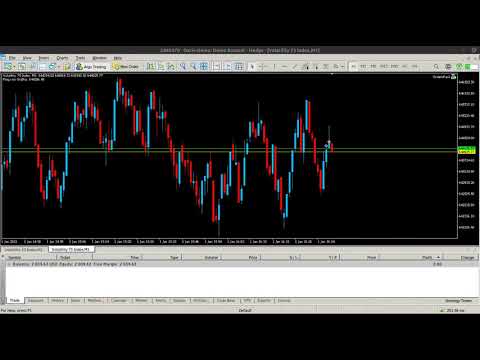
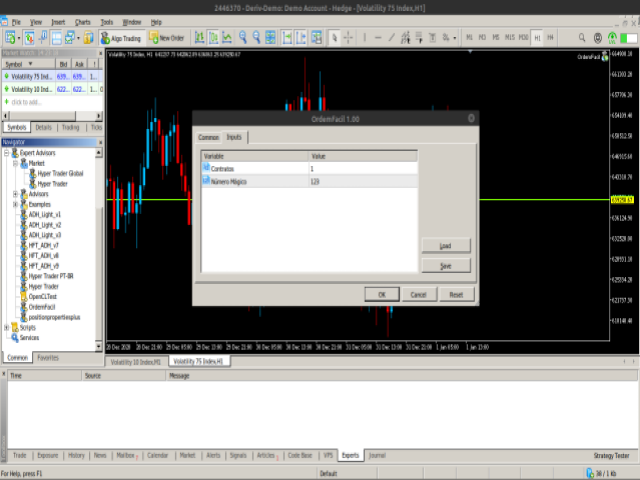
EA Ordem Fácil helps you open pending buy and sell orders (buy or sell stop) using the SHIFT, CTRL keys and mouse left button click.
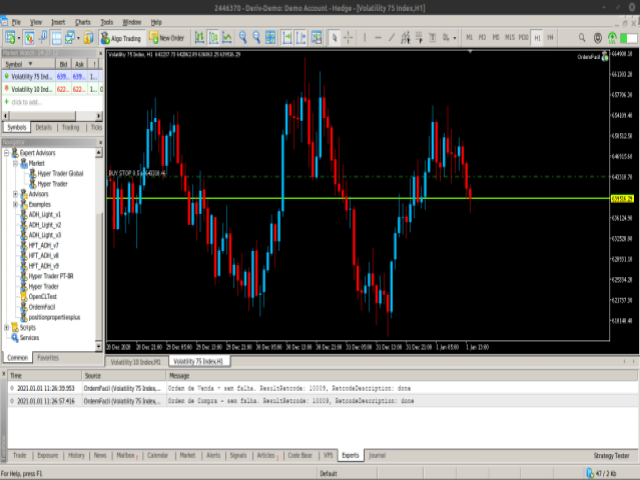
To create a buy stop order, press the SHIFT key (only once) and click on mouse left button on the chart above the price.
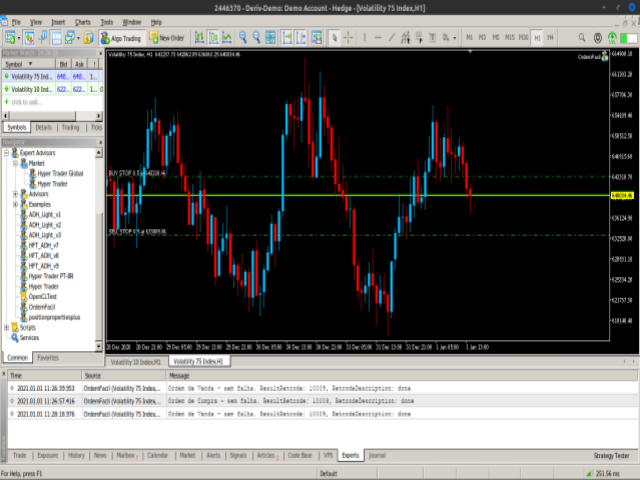
To create a sell stop order, press the CTRL key (only once) and click on mouse left button on the chart below the price.
While the order is not opened, when you moving the mouse cursor on the chart, on the left and above corner of the chart appears the price where the mouse cursor is positioned, to facilitate choice.
To create a buy stop order, press the SHIFT key (only once) and click on mouse left button on the chart above the price.
To create a sell stop order, press the CTRL key (only once) and click on mouse left button on the chart below the price.
While the order is not opened, when you moving the mouse cursor on the chart, on the left and above corner of the chart appears the price where the mouse cursor is positioned, to facilitate choice.