Chart Reporter
- Утилиты
- Версия: 1.17
- Обновлено: 15 октября 2026

Stop journaling trades manually. Let your terminal do it.
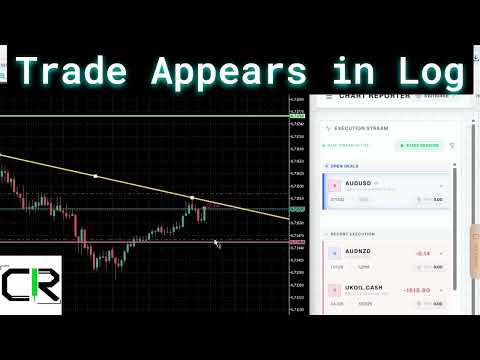
Chart Reporter is a free Expert Advisor that turns MetaTrader 5 into a fully automated trading journal. Every position you open, scale, or close is captured in real time — complete with a chart screenshot at the moment of execution — and pushed to a private cloud dashboard you can review from any browser.
No spreadsheets. No screenshots dragged into folders. No "I'll log it later" debt at the end of the week.
What it does
- Auto-journals every trade. Entries, partial exits, and full exits are captured the instant the deal hits your account history. Symbol, volume, direction, entry/exit prices, P&L, magic number, and broker comment are all preserved.
- Captures the chart at execution time. A screenshot is taken at the moment the trade fires, so you have visual evidence of exactly what the chart looked like when you (or your strategy) pulled the trigger.
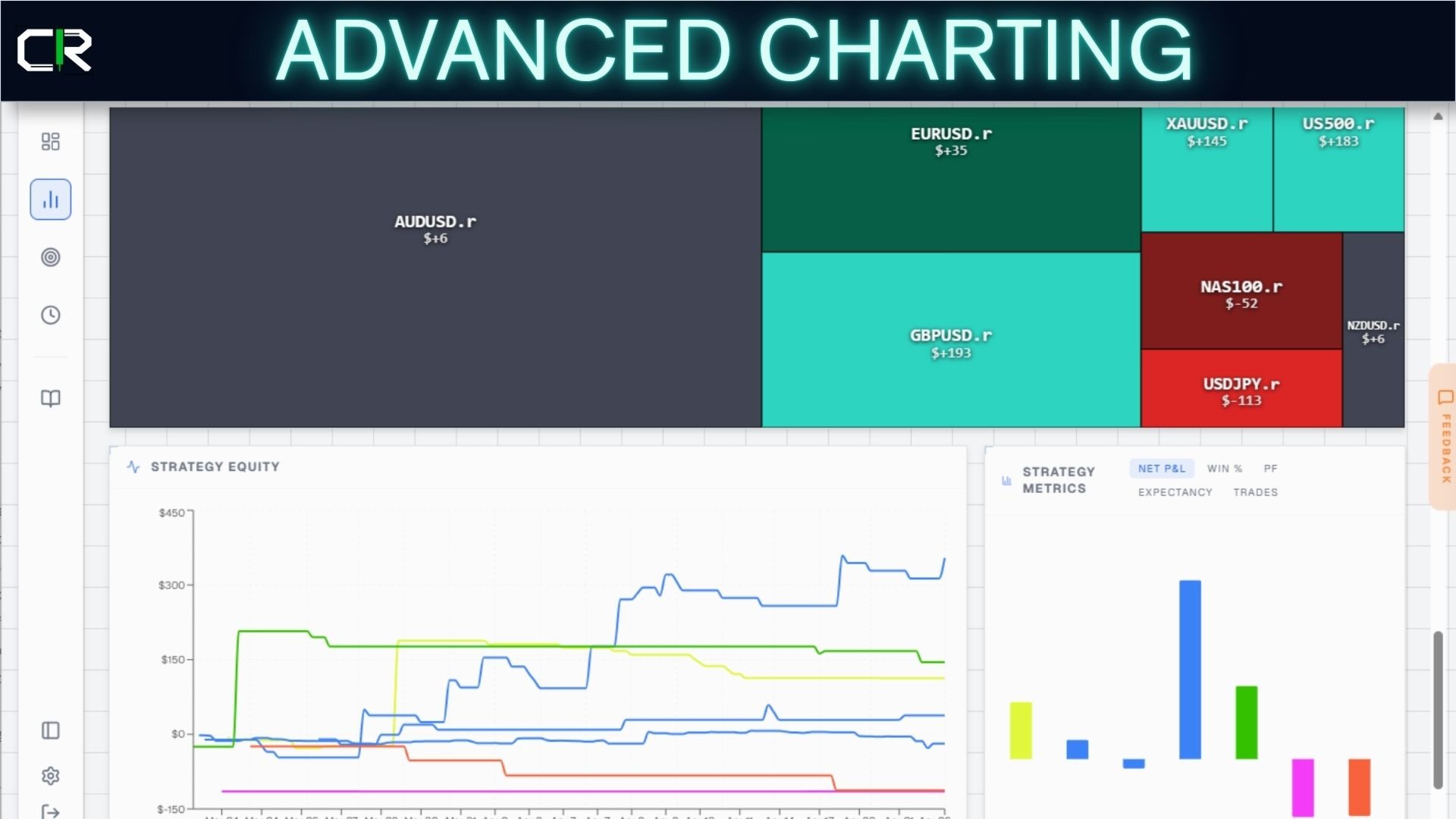
- Syncs to a private cloud dashboard. Your trades and screenshots appear seconds later at app.chartreporter.com — searchable, filterable by symbol, strategy, and session, with full-screen screenshot review.
- Manual session grouping. Built-in Start Session / Stop Session buttons let you tag a block of trades as a single session (e.g. "London open") for cleaner review later.
- Magic-number aware. Trades from EAs and signal services are correctly attributed to their strategy, so algo and discretionary trades stay separated in your journal.
- Multi-account ready. Attach the EA to as many MT5 terminals or accounts as you like — they all sync into one unified journal under your account.
How it works
- Download and attach ChartReporter.ex5 to any chart in MT5.
- The EA prompts you once for an API key (free — sign up at www.chartreporter.com).
- That's it. Trade as you normally would. The EA listens for trade events on your account and silently uploads them.
- Open the web dashboard to review trades, browse screenshots, tag strategies, and add notes.
Why traders use it
- You'll actually have a journal. The number-one reason traders don't keep one is friction. Chart Reporter removes the friction entirely.
- You'll see your real edge (or lack of it). Every trade tagged with strategy, session, and chart context — not "I think I do better in the London session", but data.
- You'll have receipts. When you're funded by a prop firm, when you're reviewing with a coach, when you're rebuilding confidence after a drawdown — the screenshots are already there.
Free 7 day trial of ALL features, then a limited free forever experience.
The EA itself is free. Forever.
- Free tier — Last 3 days of trade history on the dashboard. Unlimited live ingestion.
- Pro ($19/mo) — 90 days of history. Auto Screenshot capture
- Sovereign ($29/mo) — Unlimited history, plus an MCP endpoint that lets Claude or other AI assistants query your trading data directly.
You can use the EA indefinitely on the free tier. Upgrade only when you want deeper history.
Requirements
- MetaTrader 5 (any broker).
- "Allow WebRequest for listed URL" enabled in MT5 → Tools → Options → Expert Advisors, with https://api.chartreporter.com added.
- A free ChartReporter account (sign up at www.chartreporter.com).
Privacy
Your trade data is yours. It's stored against your account, never sold, never aggregated into "signal" products. You can delete your data at any time from the dashboard. The EA only sends trade events from the account it's attached to — it does not read other accounts, files, or memory on your machine.