AAS Tester
- Utilitários
- Versão: 1.0
- Ativações: 5

AAS Tester is a manual market replay and trading practice utility for MetaTrader 5.
The program creates a separate replay chart and sequentially replays historical data from the currently connected broker.
You can study past price action as if the market were moving in real time, without seeing future prices.
AAS Tester is designed for manual backtesting.
All trades inside the replay environment are virtual and do not affect your real trading account.
MAIN FEATURES
• Historical broker tick replay.
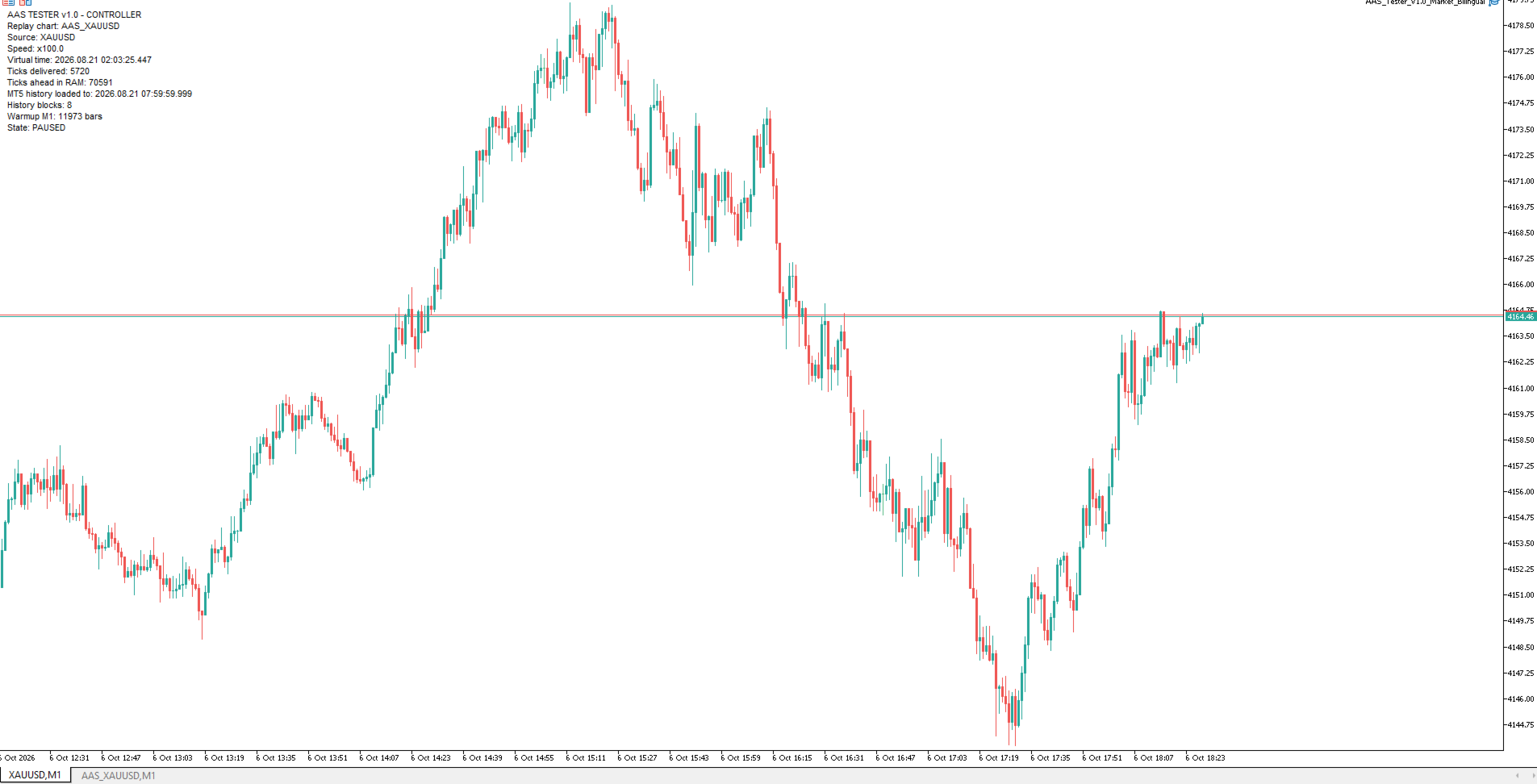
• Separate AAS_<symbol> replay chart.
• PLAY / PAUSE.
• Adjustable replay speed.
• Forward navigation by bars and time.
• Jump to a selected date and time.
• Timeframe switching during replay.
• Historical warmup before replay starts.
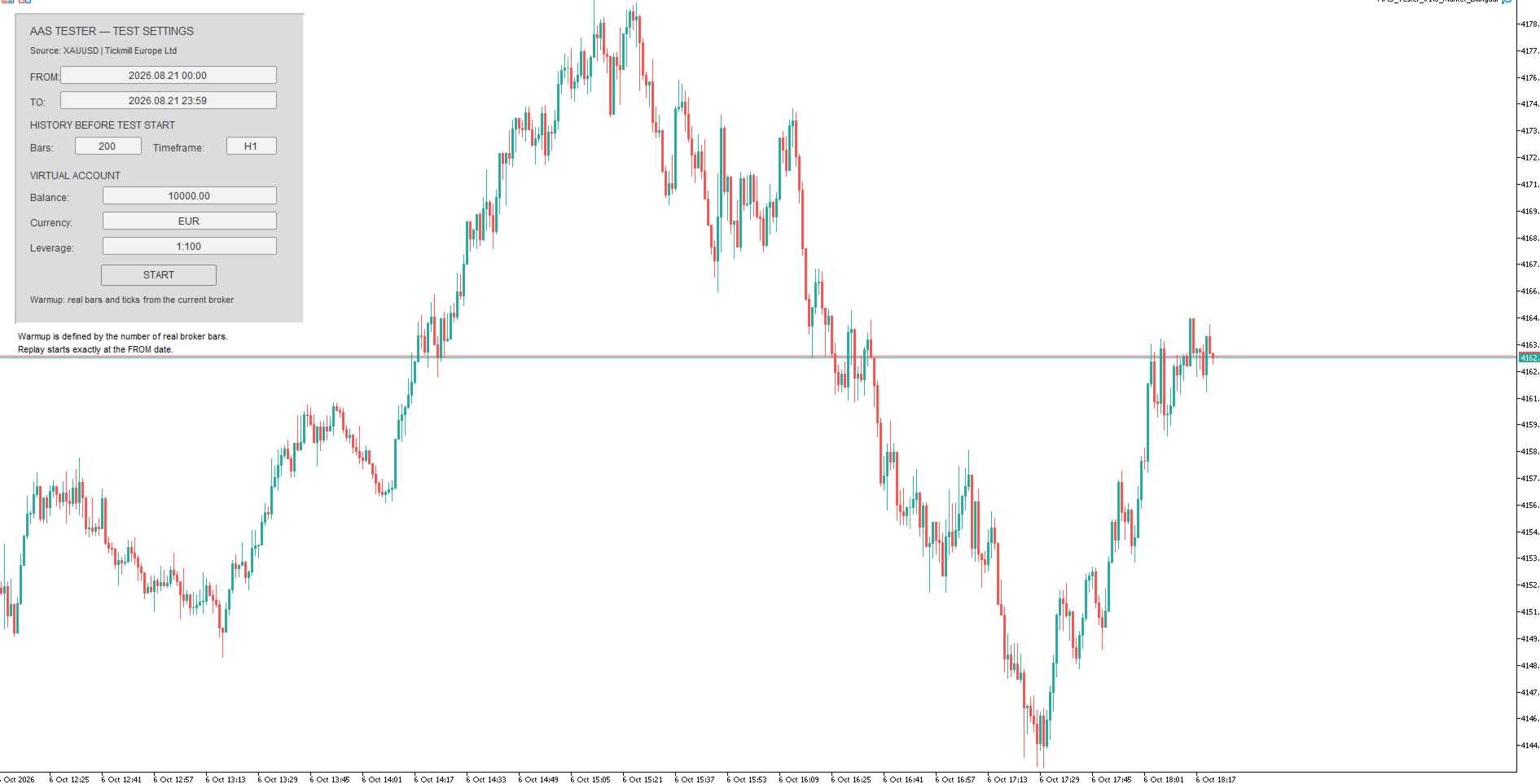
• Virtual account with configurable balance, currency and leverage.
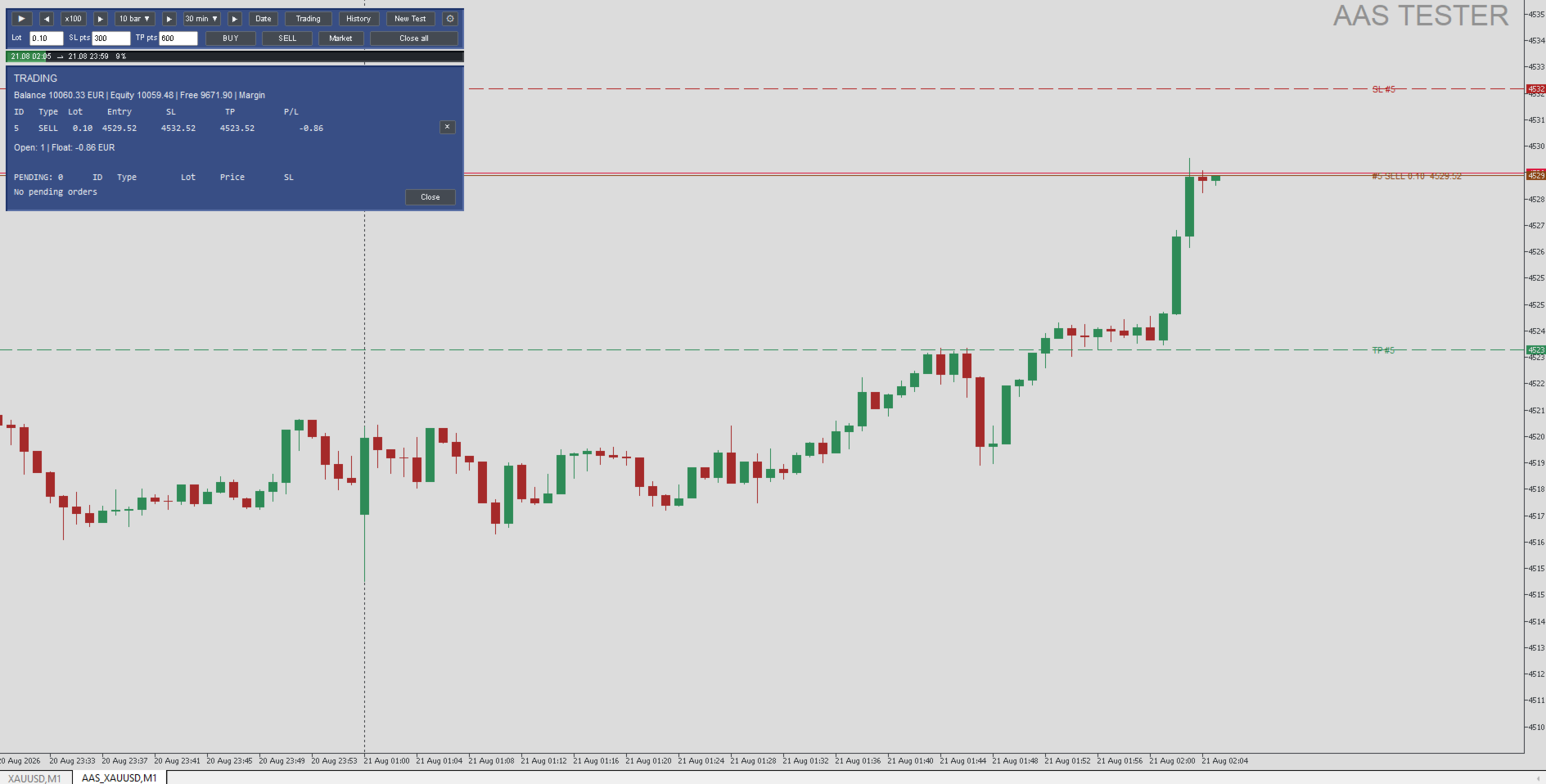
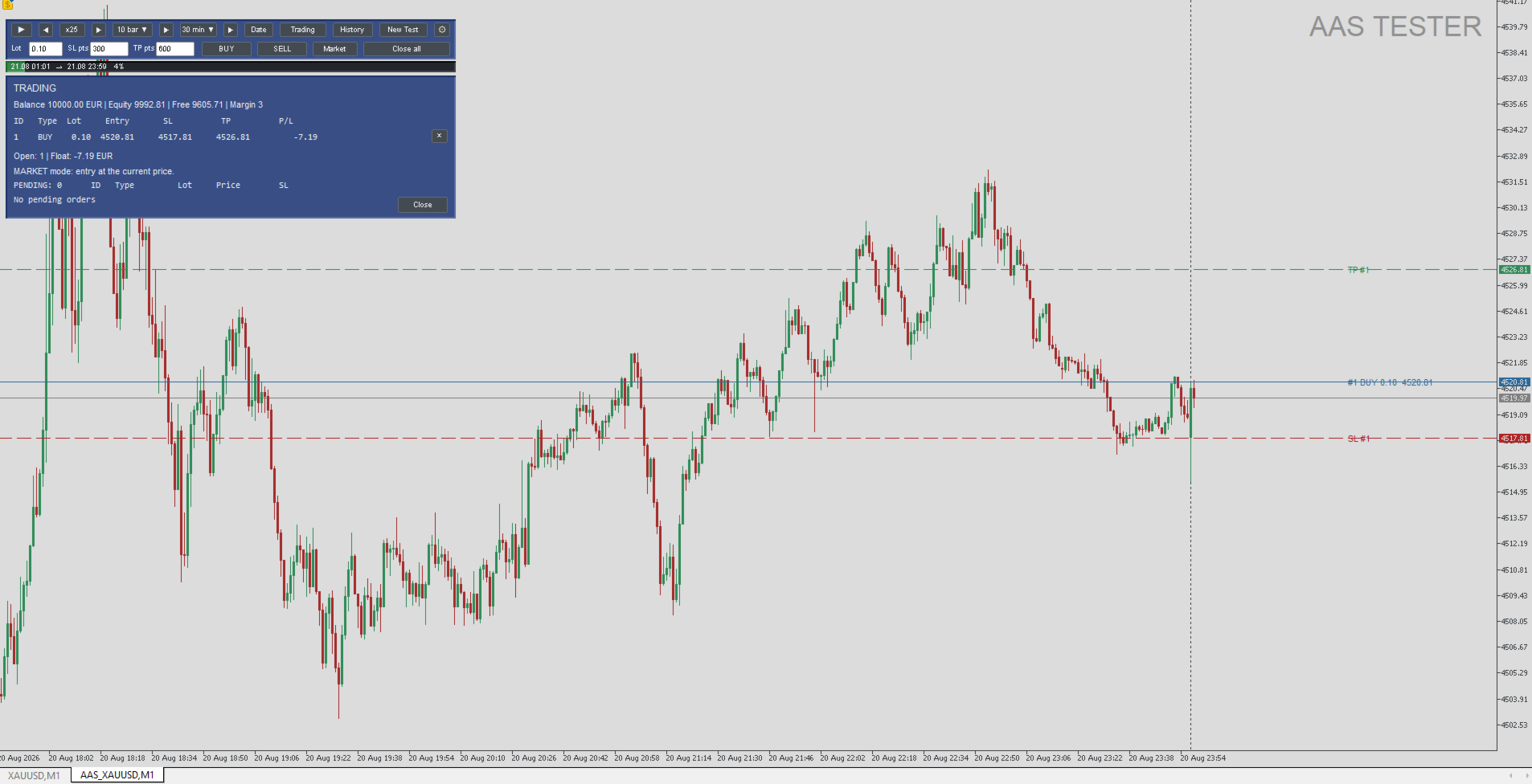
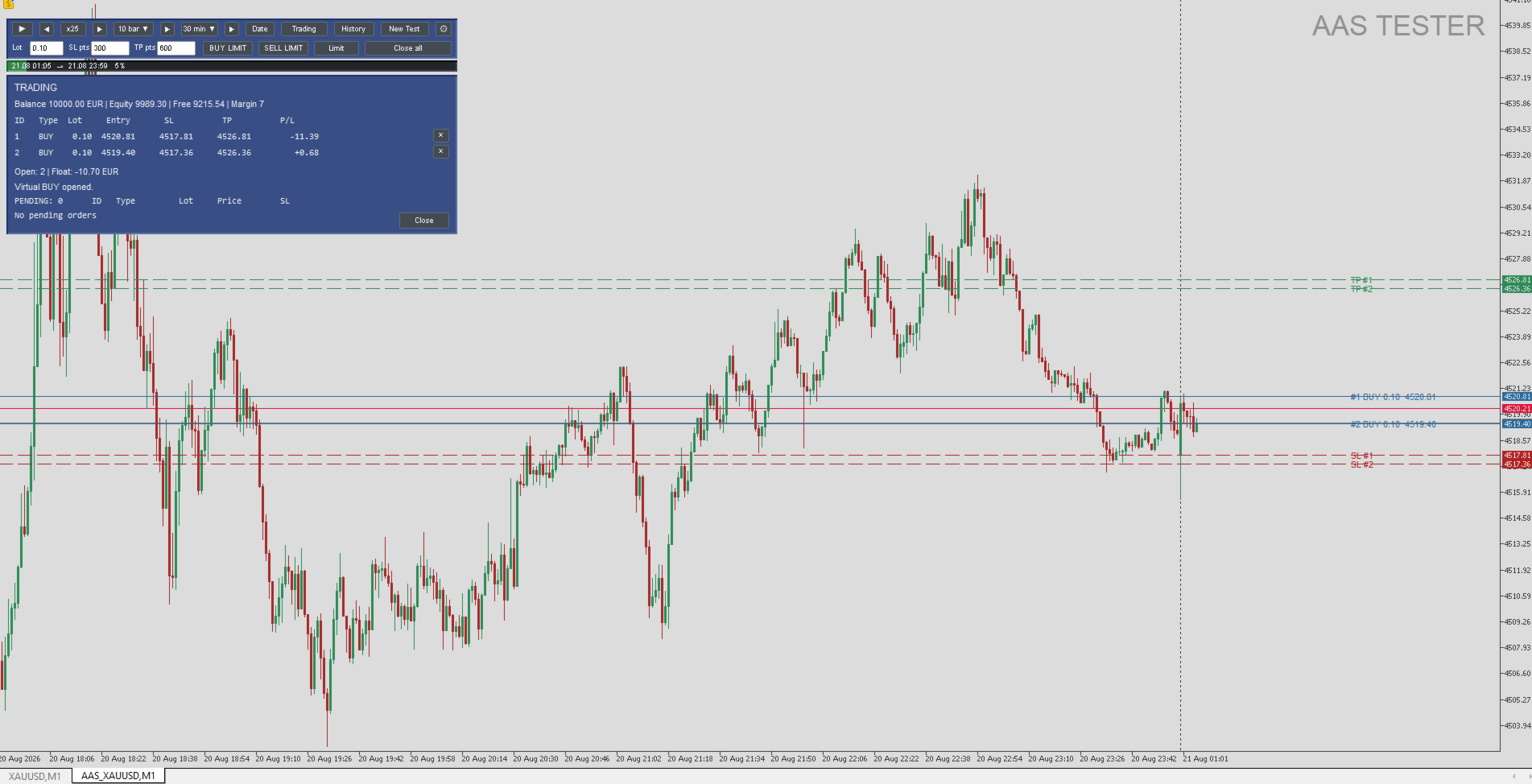
• Manual BUY and SELL trades.
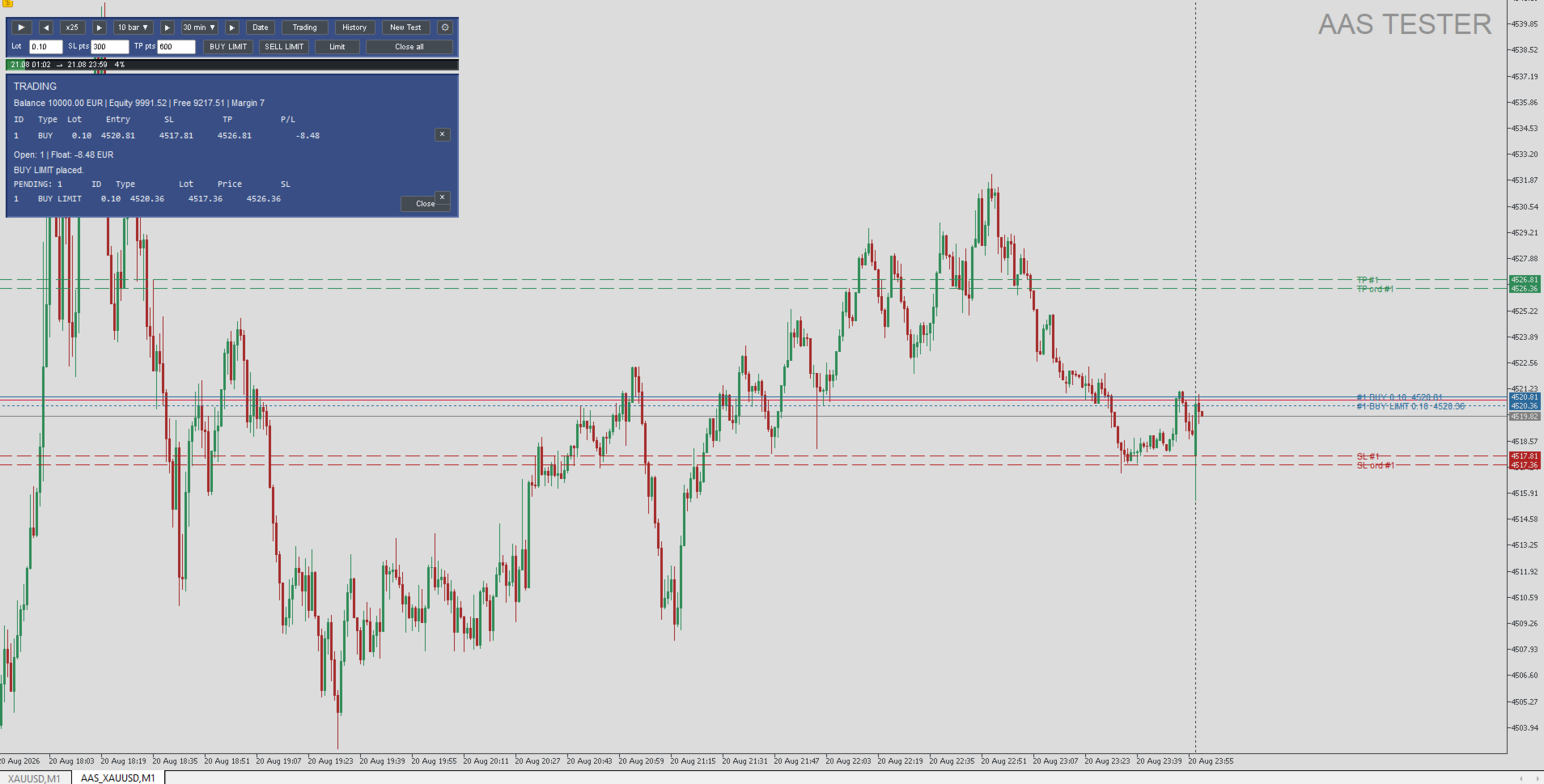
• BUY LIMIT and SELL LIMIT orders.
• Virtual Stop Loss and Take Profit.
• Adjustable ENTRY, SL and TP levels directly on the chart.
• Multiple simultaneous virtual positions.
• Open positions and pending orders panel.
• Individual position closing and Close All.
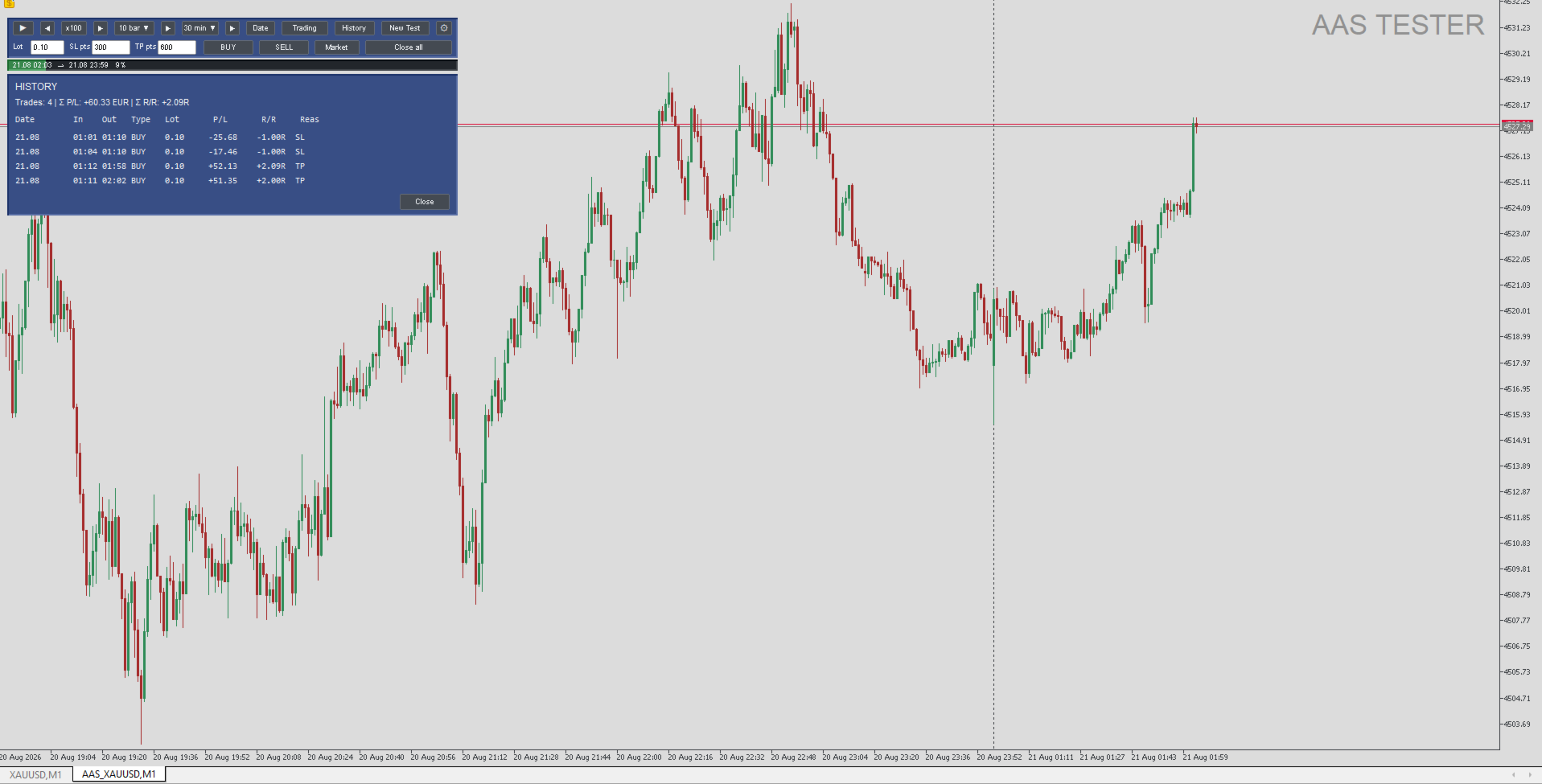
• Trade history with P/L and R/R results.
• New Test without restarting MetaTrader 5.
• English and Russian interface.
QUICK START
1. Install AAS Tester from the MetaTrader 5 Market.
2. Open a normal chart of the symbol you want to test.
3. Attach AAS Tester to that chart.
4. Select the replay period, warmup settings and virtual account parameters.
5. Press START.
6. AAS Tester will create a separate AAS_<symbol> replay chart.
7. Use PLAY / PAUSE, replay speed and bar/time navigation to control replay.
8. Use BUY, SELL, BUY LIMIT and SELL LIMIT for virtual trading.
9. Adjust ENTRY, SL and TP directly on the replay chart.
10. Use Trading to view current positions and History to review completed trades. Press New Test to start another replay session.
VIRTUAL TRADING
All trades are executed only inside the AAS Tester replay environment. Before each test you can configure: • virtual balance; • virtual account currency; • leverage. Market BUY/SELL trades and BUY LIMIT / SELL LIMIT pending orders are supported. Stop Loss and Take Profit are processed using the historical replay price. Multiple virtual positions can be open at the same time.
TRADE HISTORY
The History panel displays completed virtual trades. For each trade, AAS Tester shows key information including: • date and time; • BUY or SELL direction; • lot size; • P/L result; • R/R result; • closing reason such as SL or TP.
HISTORICAL DATA
AAS Tester uses historical data from the broker currently connected to MetaTrader 5.
The program does not replace missing historical ticks with data from external sources.
Available replay depth depends on the broker, trading symbol and the amount of history available in the terminal.
WARMUP
Before replay starts, AAS Tester can load a selected number of real historical bars before the replay start date. T
his provides market structure and context before the point where manual testing begins.
MAIN SETTINGS
The user can configure: • interface language; • source symbol; • replay start and end; • virtual balance; • virtual currency; • leverage; • warmup bars and timeframe; • initial replay speed; • initial replay timeframe; • chart appearance; • visibility of price lines, grid, volumes and other chart elements. For most users, the default values of the advanced performance parameters are recommended.
IMPORTANT
AAS Tester is a tool for manual historical testing and trading practice. It is not an automated trading robot and does not make trading decisions for the user. AAS Tester is not designed to automatically open real trades. All BUY, SELL, LIMIT, SL and TP operations inside the replay environment are virtual. Historical testing results do not guarantee future trading performance.
REQUIREMENTS
• MetaTrader 5. • Terminal connected to a broker. • Historical data available for the selected symbol. AAS Tester does not require external DLLs, third-party price feeds or external market-data files.