Noetrix Partial Entry
- Utilitários
- Versão: 1.0

Noetrix Partial Entry
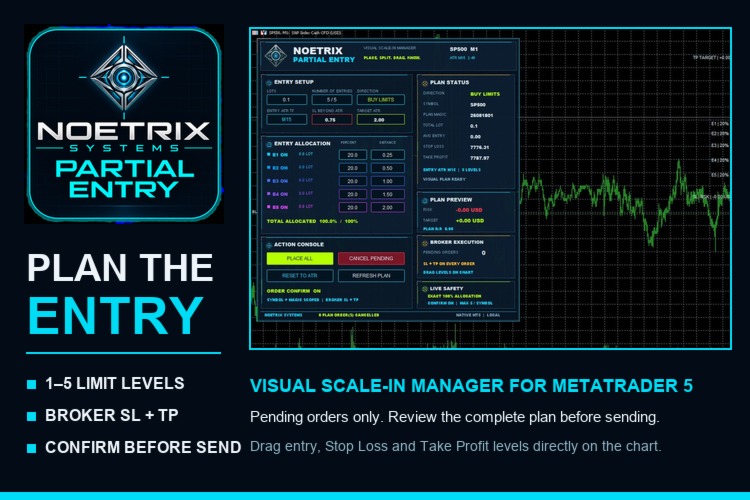
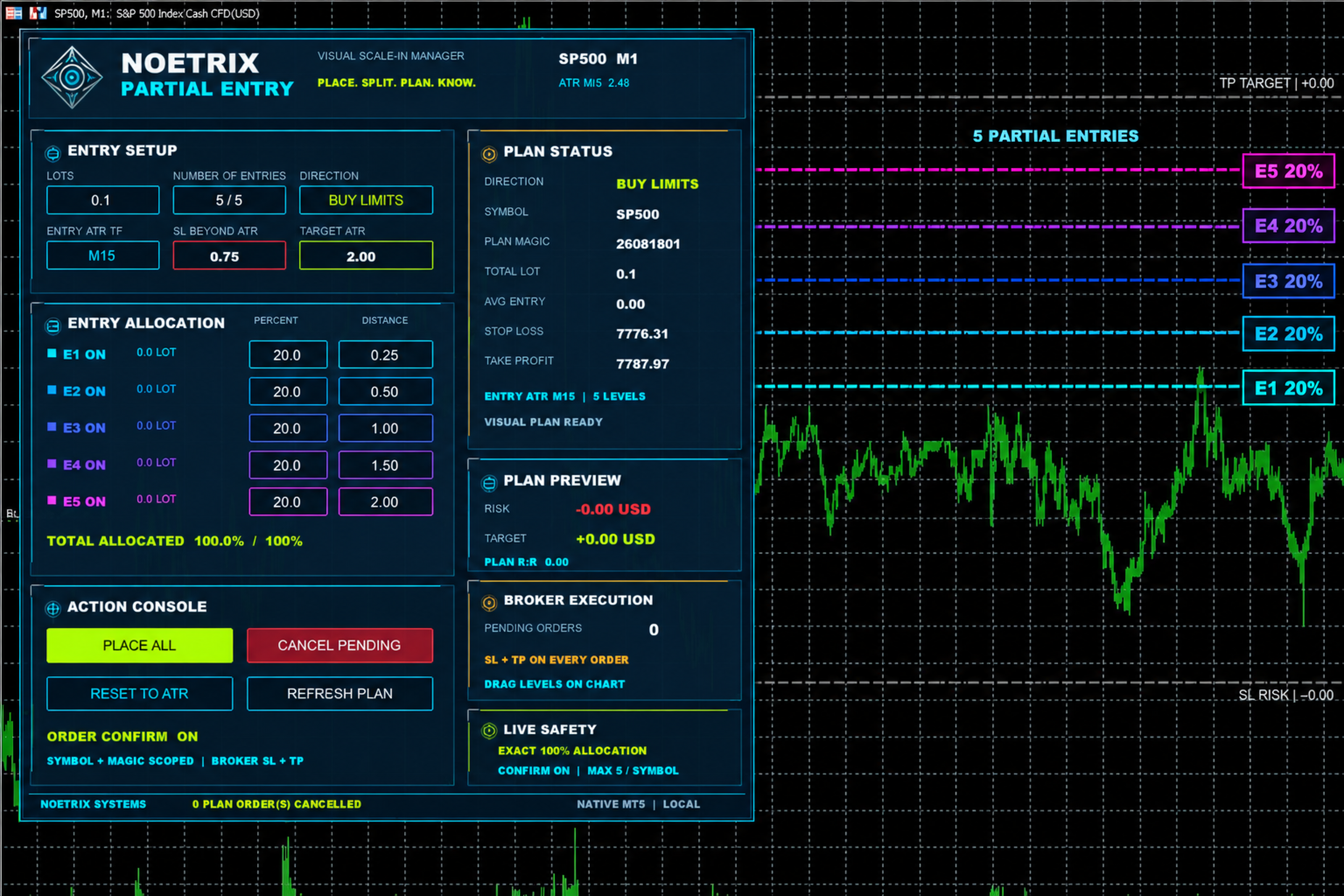
Noetrix Partial Entry is a visual scale-in planning utility for MetaTrader 5. It helps discretionary traders build and manage a staggered pending-entry plan directly on the chart.
The utility does not generate trading signals and does not place orders automatically. A plan is sent only after an explicit click on PLACE ALL and, by default, a confirmation dialog.
MAIN FEATURES
• Build from 1 to 5 Buy Limit or Sell Limit entries.
• Split a total volume across the enabled entry levels.
• Use ATR-based spacing as a starting point.
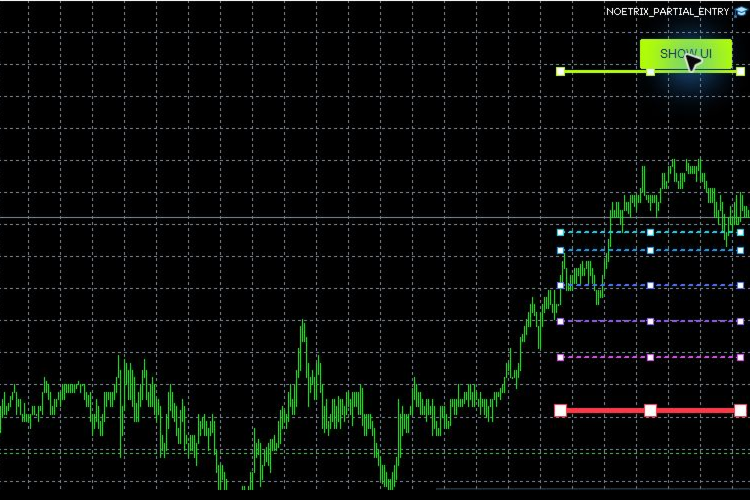
• Drag entry, Stop Loss and Take Profit levels directly on the chart.
• Apply one broker-side Stop Loss and Take Profit to every pending entry.
• Display weighted entry, planned risk, potential reward and reward-to-risk ratio.
• Validate symbol volume rules, stop distances and entry order before sending the plan.
• Roll back previously submitted legs if one leg fails during placement.
• Modify active pending orders when their chart levels are moved.
• Cancel only the pending orders created by the current plan and magic number.
• Optionally cancel remaining pending entries after the first fill.
BASIC USE
1. Attach Noetrix Partial Entry to the chart you want to trade.
2. Select Buy Limits or Sell Limits.
3. Choose the number of entries and total volume.
4. Adjust allocation percentages and ATR offsets if required.
5. Move the entry, Stop Loss and Take Profit lines to the desired prices.
6. Review the weighted entry, maximum planned risk and reward-to-risk ratio.
7. Click PLACE ALL and confirm the plan.
The utility uses pending limit orders only. All submitted orders include broker-side Stop Loss and Take Profit values when the broker accepts the plan.
INPUTS
• DefaultTotalLots — initial total plan volume.
• DefaultEntryCount — initial number of entry levels.
• DefaultDirection — Buy Limits or Sell Limits.
• ATRTimeframe / ATRPeriod — volatility reference used to initialize the plan.
• SLBeyondDeepestATR — initial Stop Loss distance beyond the deepest entry.
• TargetATR — initial Take Profit distance from the current price.
• Entry1ATR ... Entry5ATR — ATR offsets for individual entries.
• Entry1Percent ... Entry5Percent — volume allocation percentages.
• PlanMagicNumber — identifier used to track the plan orders.
• RequirePlanConfirmation — asks for confirmation before submitting a plan.
• CancelRemainingAfterFirstFill — optionally removes unfilled plan orders after the first entry fills.
• MaxDeviationPoints — maximum deviation included in trade requests.
NOTES
• Algorithmic trading must be enabled for order placement and modification.
• The symbol must support pending limit orders and the requested volume.
• Allocation percentages are normalized by the interface and must result in valid broker volumes.
• The utility manages orders for the current symbol and its configured magic number.
• Trading involves risk. Verify every plan before confirmation and test the utility on a demo account first.