AlgoFX Risk Panel
- 유틸리티
- 버전: 1.0

AlgoFX Risk Panel removes the manual math from every trade.
How it works
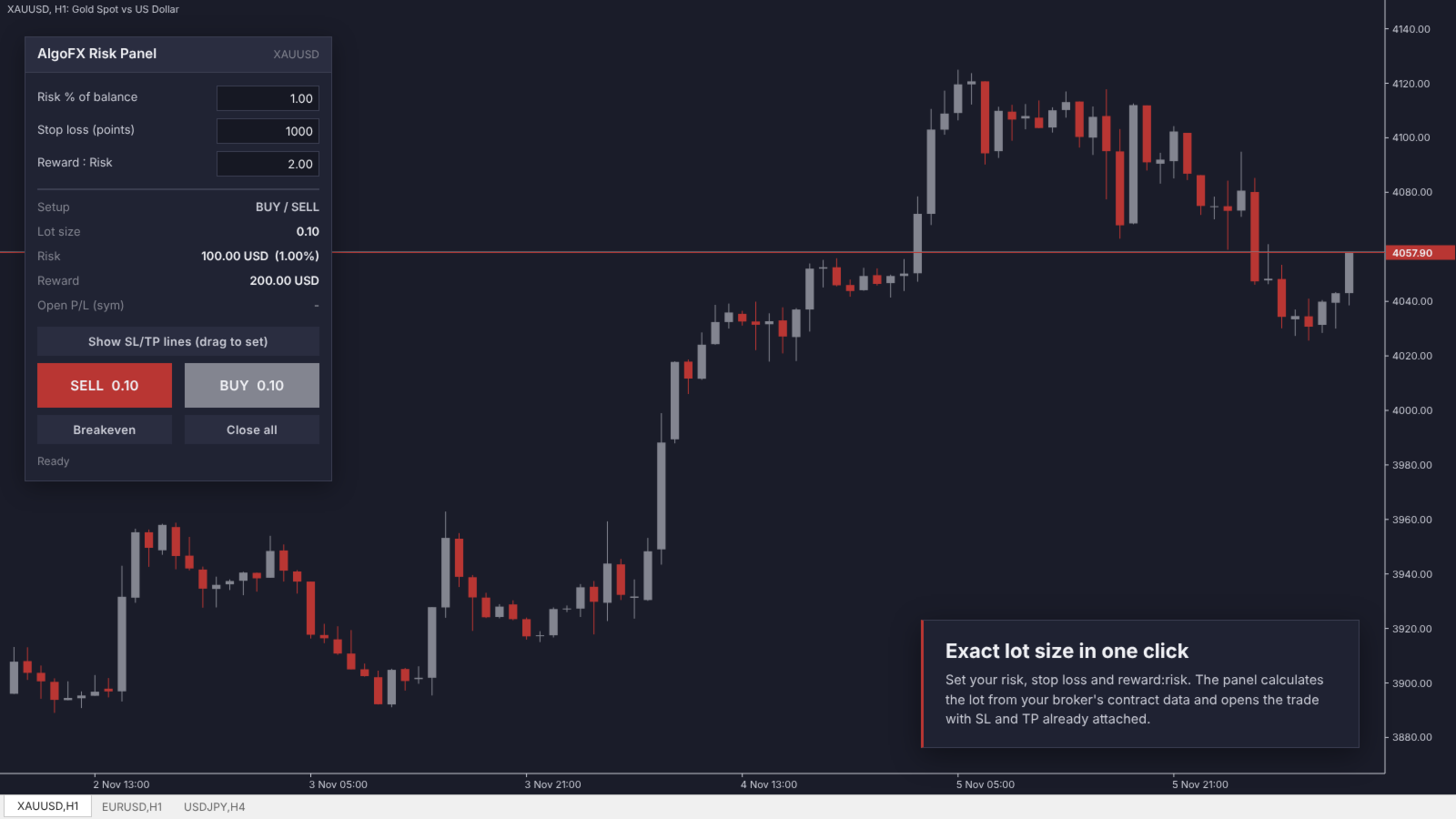
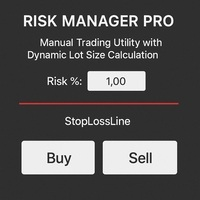
- Enter your risk (% of balance, % of equity, or a fixed amount).
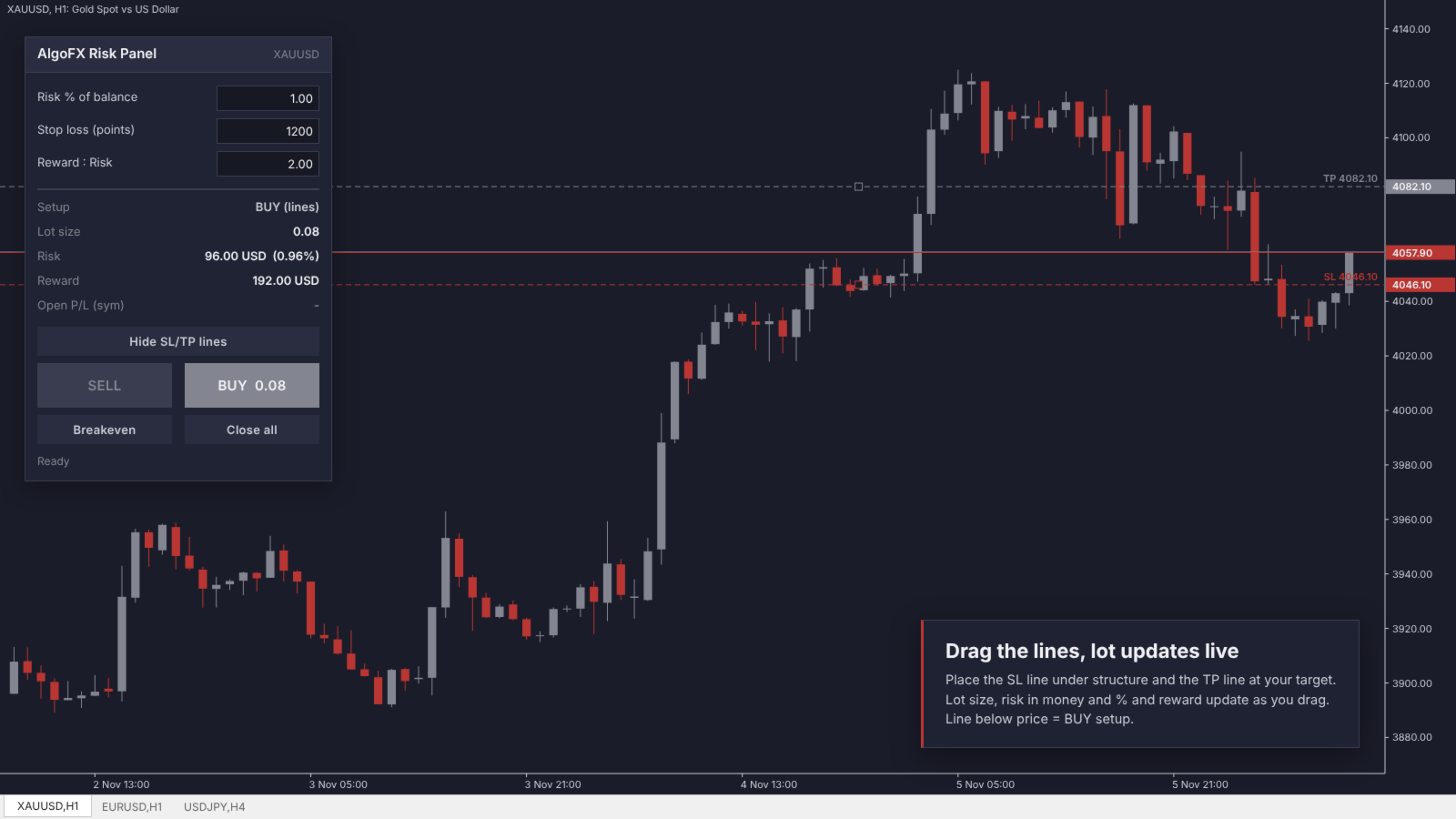
- Enter the stop loss in points, or click "Show SL/TP lines" and drag the SL line on the chart.
- Set reward:risk, or drag the TP line.
- Click BUY or SELL. The lot size, SL and TP are applied automatically.
Features
- Exact lot calculation using the broker's own contract data (works on forex, gold, indices, crypto CFDs)
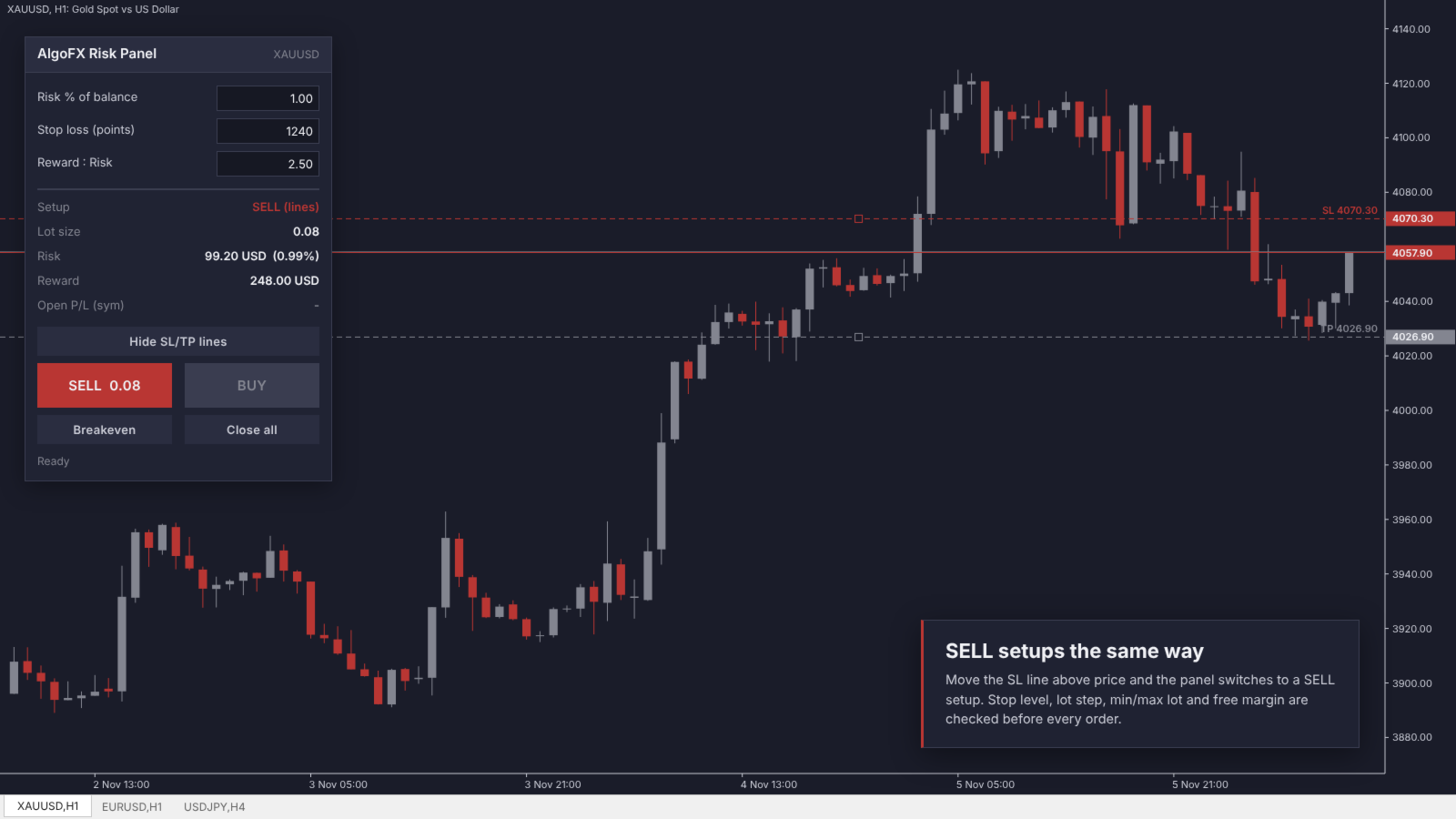
- Respects minimum/maximum lot, lot step, stop level and free margin
- Draggable SL and TP lines; the setup direction follows the SL line
- Shows lot, risk in money and %, reward, and open P/L for the symbol
- Breakeven button for all positions on the symbol
- Close all button with a confirm click
- Clean dark chart theme; your original chart colors are restored when the panel is removed
- Scales correctly on high-DPI screens
Inputs
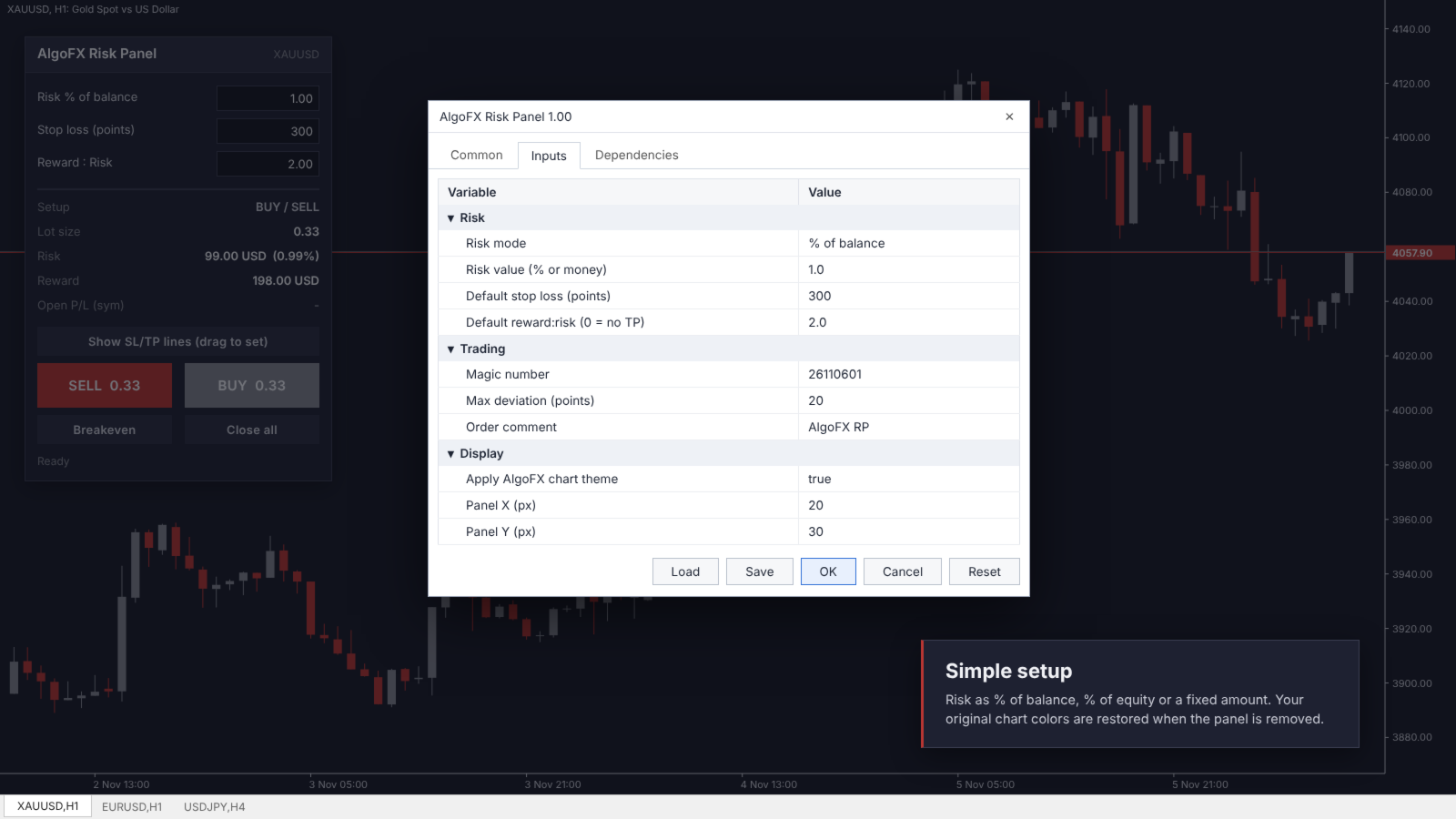
- Risk mode and value
- Default stop loss (points) and reward:risk
- Magic number, max deviation, order comment
- Apply chart theme on/off, panel position
Notes
- Commission is not included in the risk calculation; on commission accounts the real risk is slightly higher.
- In the Strategy Tester (non-visual) the panel places occasional demo trades so the calculation engine can be checked. On a live chart it never trades unless you click a button.
Feedback and feature requests are welcome in the comments.