D7 Symbol Inspector
- 유틸리티
-
Donizeti Aparecido Alves Ferreira Junior
 Software developer and founder of D7 Bots, building algorithmic trading tools for MetaTrader 5.
 - 버전: 1.0
Know the broker symbol before you evaluate the EA.
D7 Symbol Inspector is a free, read-only MetaTrader 5 chart utility. It brings the symbol fields that often decide whether an EA can size, place or protect an order into one panel — without sending or modifying a trade.
Who it is for
Use it before testing an Expert Advisor on a broker symbol, especially when the symbol has a suffix, unusual contract size, nonstandard volume steps or a spread that changes through the session.
What it reads
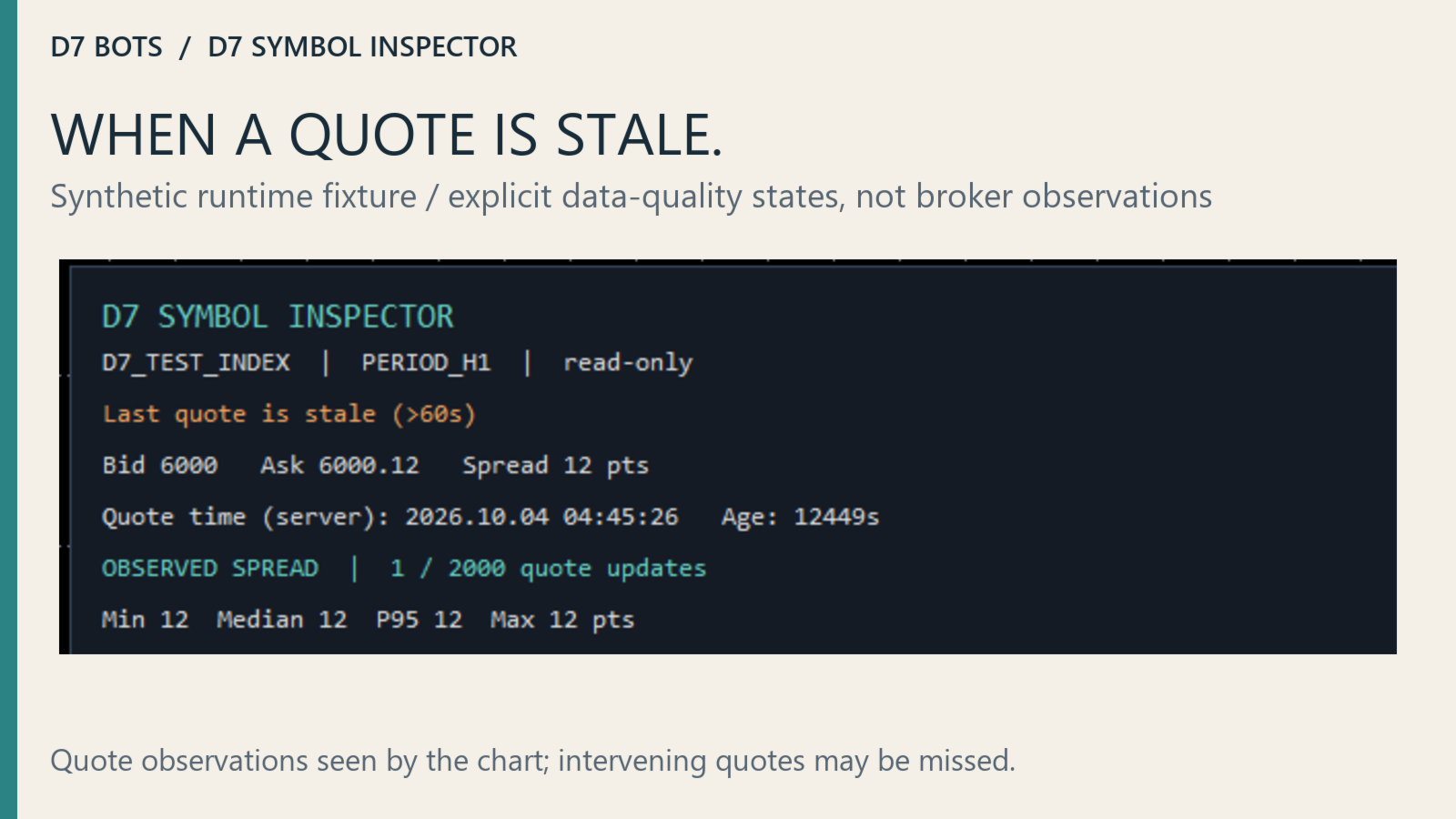
- Last available bid, ask, spread in points, quote server time and estimated age.
- Observed spread sample: minimum, median, P95 and maximum.
- Digits, point, tick size and broker-reported profit/loss tick values.
- Contract size, volume min/step/max/limit, stops/freeze levels and execution modes.
Observed spread — what it means
The spread sample is the last N quote observations seen by this running chart instance. It is not a historical tick export and not an execution test. Duplicate timestamp/bid/ask snapshots are ignored, but MT5 event processing can still miss intervening quotes.
The default sample capacity is 2,000 observations. You can set 10–10,000. Median uses the center of the sample; P95 uses nearest rank. Reattaching, reloading, or changing chart symbol/timeframe resets the sample.
Always read the quote timestamp and age before interpreting spread statistics. A stale quote can remain visible when the market is closed or the connection is unavailable.
Core specifications shown
- Bid / ask / spread in points.
- Quote server timestamp and estimated staleness.
- Digits, point and trade tick size.
- Profit and loss tick values per lot in account currency.
- Contract size.
- Minimum, step and maximum volume.
- Aggregate volume limit.
- Stops level and freeze level.
- Symbol trade mode and execution mode.
A trade mode describes broker permission for that symbol; it does not prove the current session is open.
Setup
- Install from the MT5 Market and open the exact symbol you want to inspect.
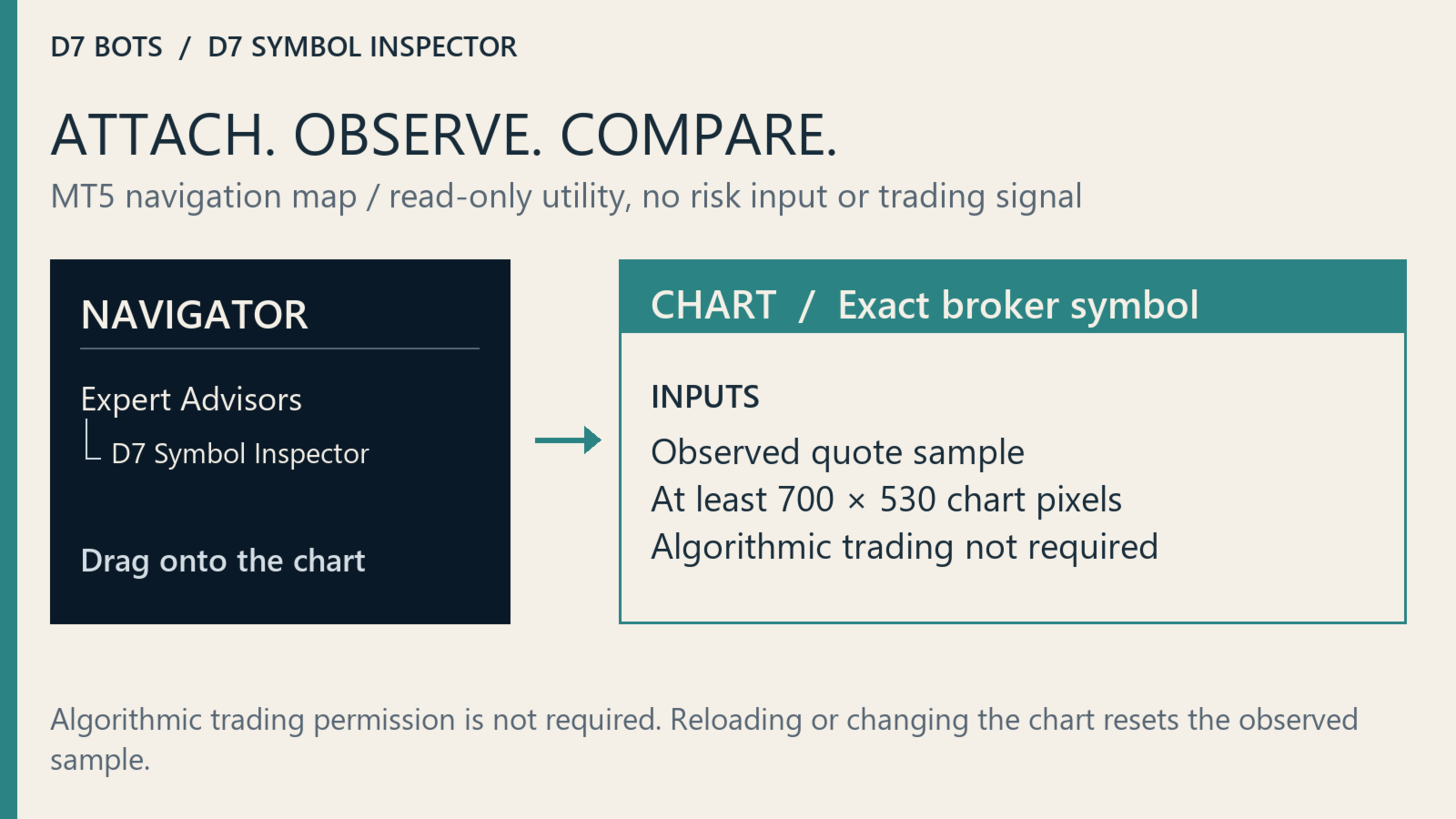
- Attach D7 Symbol Inspector from Navigator → Expert Advisors.
- Algorithmic trading permission is not needed for its read-only calculations.
- Use at least 700 × 530 chart pixels at standard scaling.
- Use separate charts if you want to inspect several symbols at the same time.
Inputs: SampleCapacity 10–10000 (default 2000), RefreshSeconds 1–60 (default 1), LeftMargin 12 and TopMargin 28.
Current limits
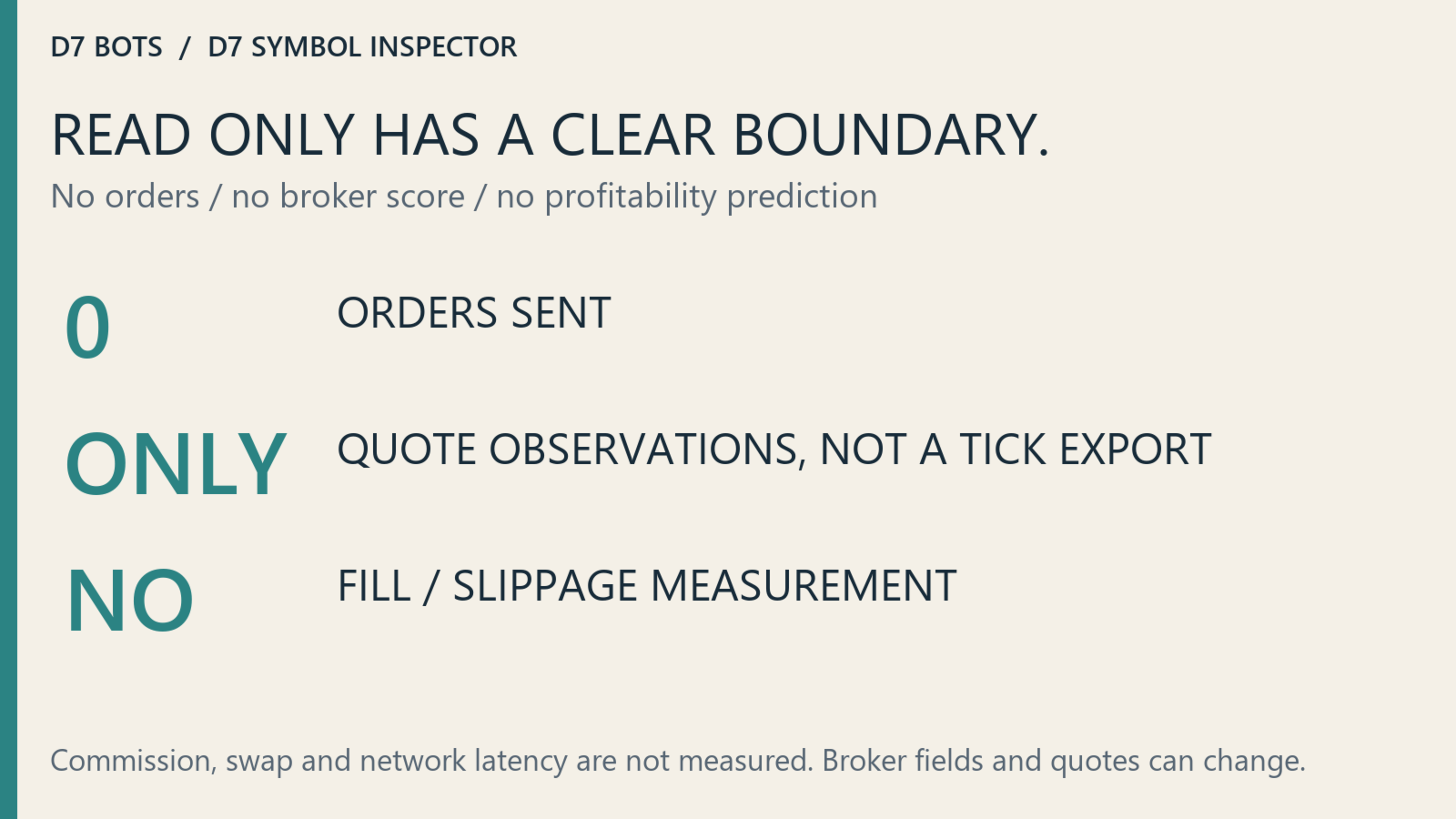
D7 Symbol Inspector does not measure commission, swap, slippage, fill quality or network latency. It does not score a broker, predict strategy profitability or recommend a trade. Broker values can change, and a zero tick value can mean conversion data are unavailable.
The software validation includes deterministic core and chart checks, but those are software tests — not trading backtests.
The panel examples used in the gallery are synthetic runtime fixtures; they are not broker observations and do not show trading results.
The utility is free and sends no orders. Attach it to the broker symbol you plan to test, collect observations during the session that matters to you, then compare the panel with the EA's documented requirements.