Candle Timer SCT
- 유틸리티
- 버전: 1.1
- 업데이트됨: 12 6월 2026

Simple Candle Timer
Simple Indicator for MetaTrader 5
v1.0 | MQL5 | MT5
- MM:SS Countdown
- Text Colour
- X/Y Position
- Font Size
- Font Name
- How it works:
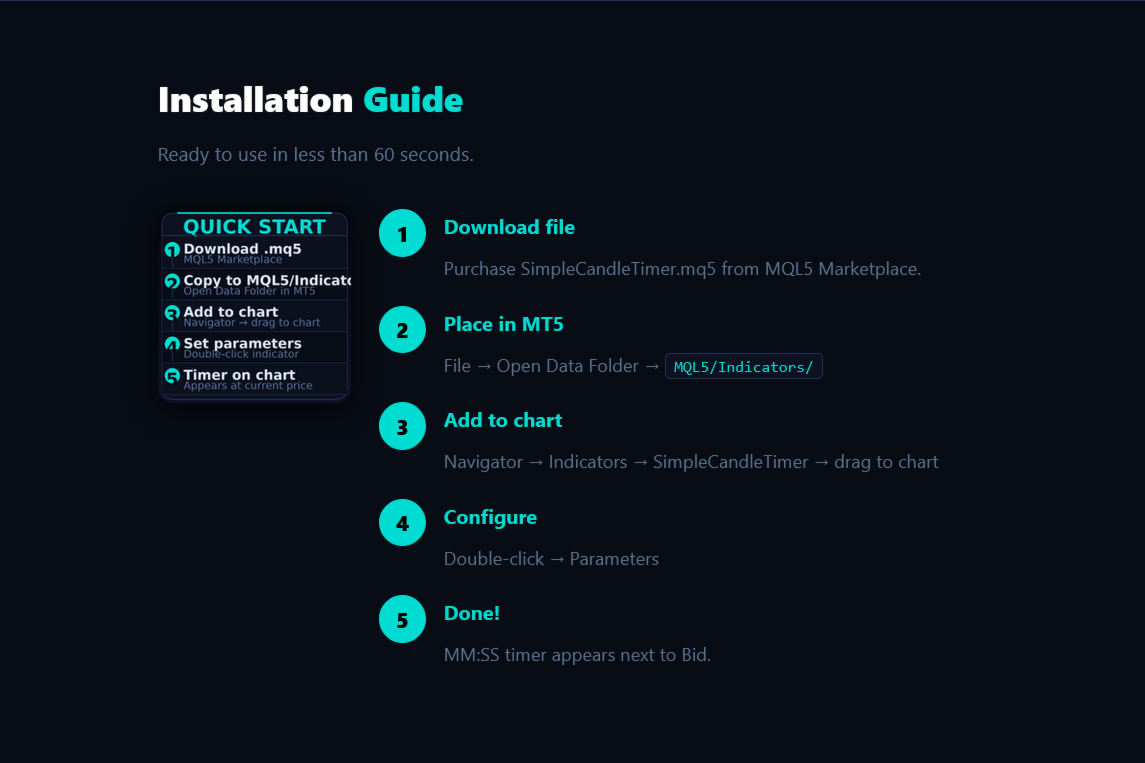
- Installation
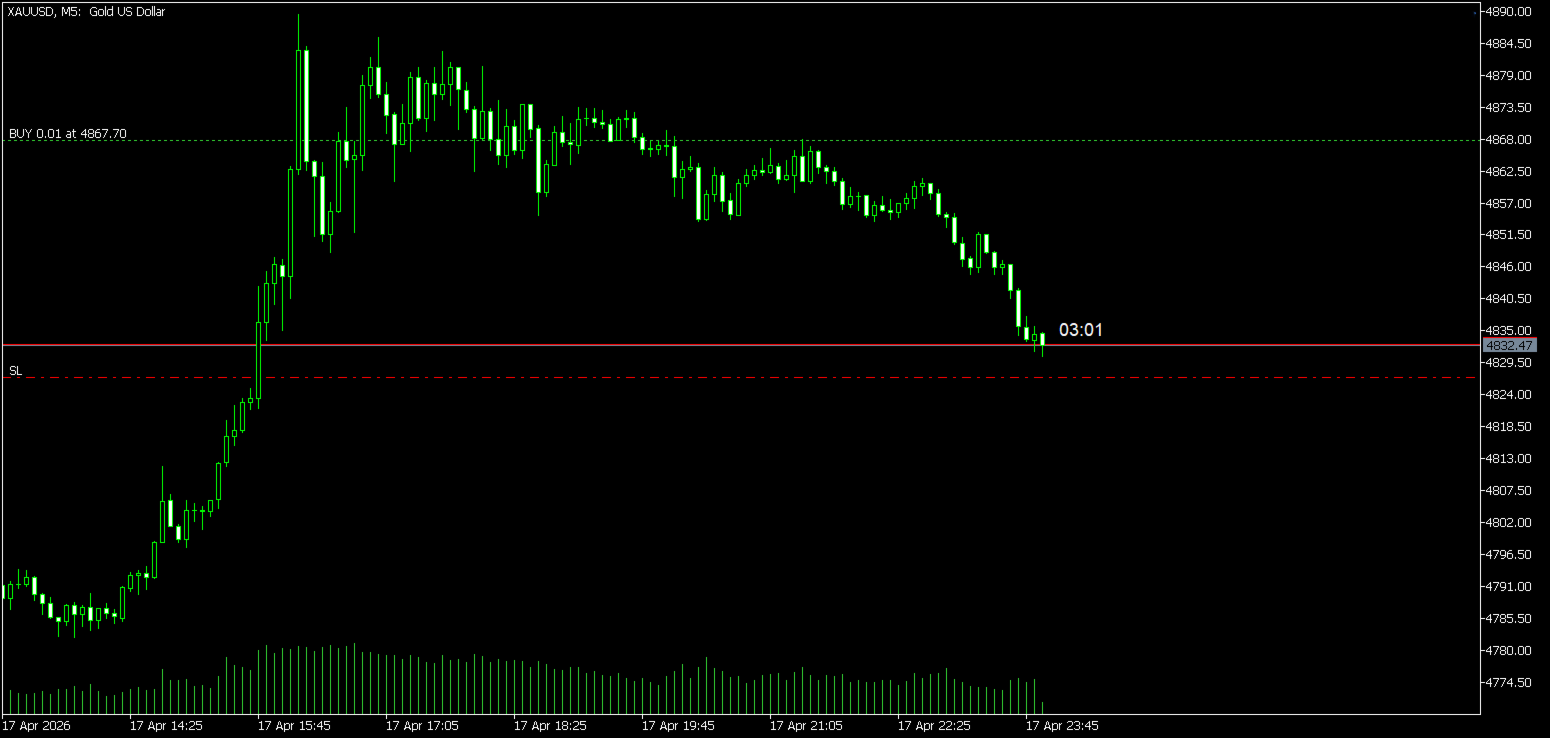
Simple Candle Timer v1.0 is a lightweight MetaTrader 5 indicator.
It displays the remaining time until the current candle closes directly on the
chart, next to the current Bid price. No subwindows, non-intrusive, minimal
resource usage
• Every second (OnTimer) and each tick (OnCalculate) calculates remaining candle seconds
• Formats result as MM:SS and places OBJ_TEXT object at chart coordinates [time, price]
• X position = current time + InpTimerXShift bars forward (InpTimerXShift × period / 5)
• Y position = Bid + InpTimerYShift pixels converted to price unit (PxToPrice)
• Object is hidden from object list (OBJPROP_HIDDEN=true) — does not interfere with work
1. Download file
Purchase SimpleCandleTimer.mq5 from MQL5 Marketplace.
2. Place in MT5
MT5: File - Open Data Folder - MQL5 - Indicators. Copy the .mq5 file.
3. Add to chart
Navigator - Indicators - SimpleCandleTimer - double-click or drag to
chart.
4. Set parameters
Double-click indicator on chart - Parameters tab - adjust as needed.
5. Done!
The MM:SS timer appears immediately next to the current Bid price.
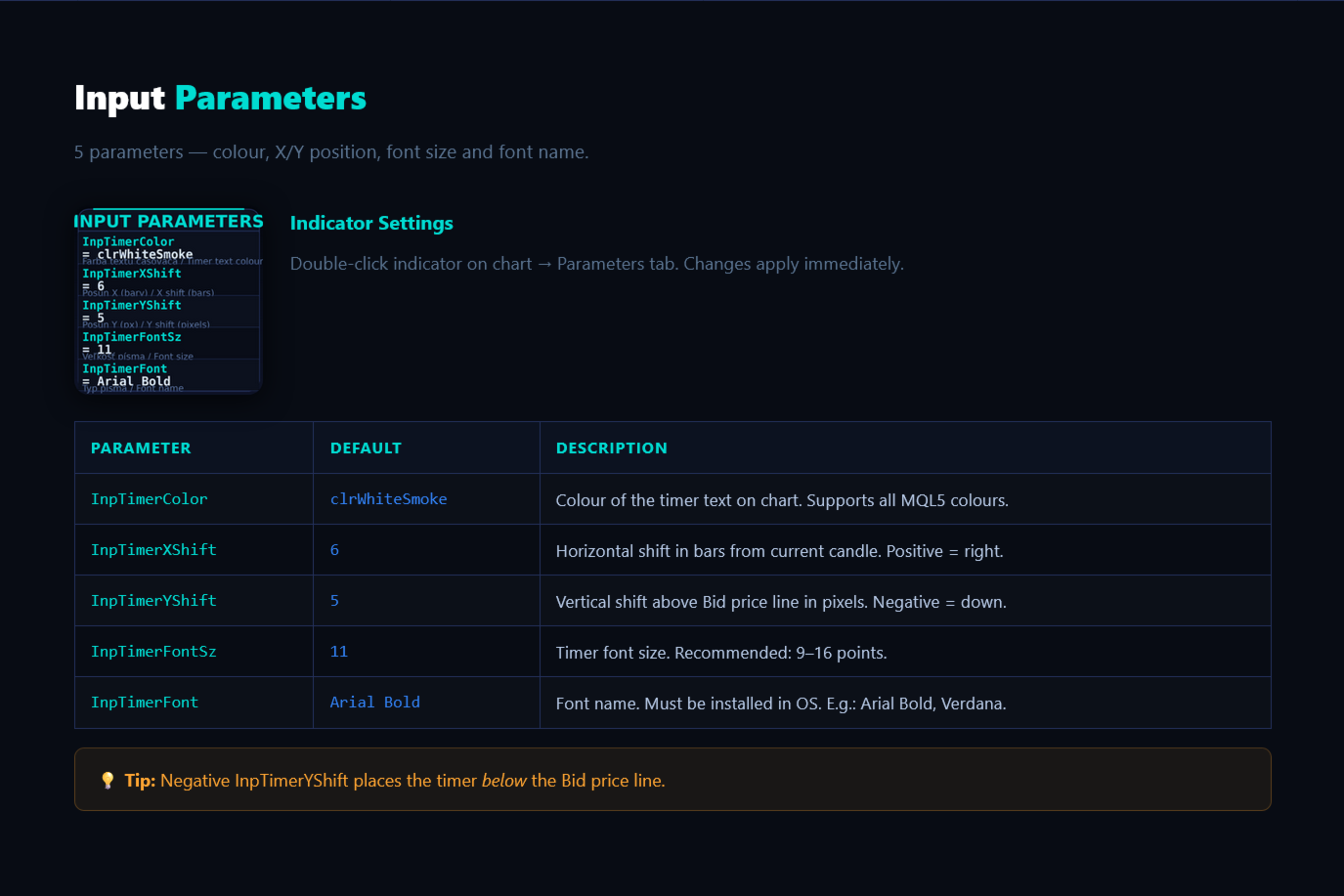
- Input Parameters
Parameter Default Description
InpTimerColor clrWhiteSmoke Colour of the timer text on chart. Supports all MQL5 colours.
InpTimerXShift 6 Horizontal shift of the timer from current candle in bars. Positive = forward (right side of ch
InpTimerYShift 5 Vertical shift above the Bid price line in pixels. Positive = up, negative = down.
InpTimerFontSz 11 Timer font size. Recommended values: 9–16 points.
InpTimerFont Arial Bold Font name. Must be installed in OS. Examples: Arial Bold, Verdana, Courier New.
- Detailed parameter descriptions:
InpTimerColor (default: clrWhiteSmoke)
Colour of the timer text on chart. Supports all MQL5 colours.
InpTimerXShift (default: 6)
Horizontal shift of the timer from current candle in bars. Positive = forward (right side of chart).
InpTimerYShift (default: 5)
Vertical shift above the Bid price line in pixels. Positive = up, negative = down.
InpTimerFontSz (default: 11)
Timer font size. Recommended values: 9–16 points.
InpTimerFont (default: Arial Bold)
Font name. Must be installed in OS. Examples: Arial Bold, Verdana, Courier New.
- Tips & Best Practices
Colour for dark themesWhiteSmoke or White is ideal on dark MT5 backgrounds. For light backgrounds use Black or DimGray.
X shift (InpTimerXShift)Higher value moves timer further right from current candle. For narrow chart use 3–4, for wide monitor 8–10.
Y shift (InpTimerYShift)Value of 5 pixels is ideal for most resolutions. Increase to 8–10 if you need more separation from the price line.
Font size
For small monitors (1080p): 9–11. For 4K monitors: 13–16. Adjust according to overall chart scale.
Font name
Arial Bold, Verdana Bold and Courier New Bold are most readable. Ensure font is installed in OS.
Multiple charts
Each chart has its own independent indicator instance. Differentiate with colour for quick identification.
Performance
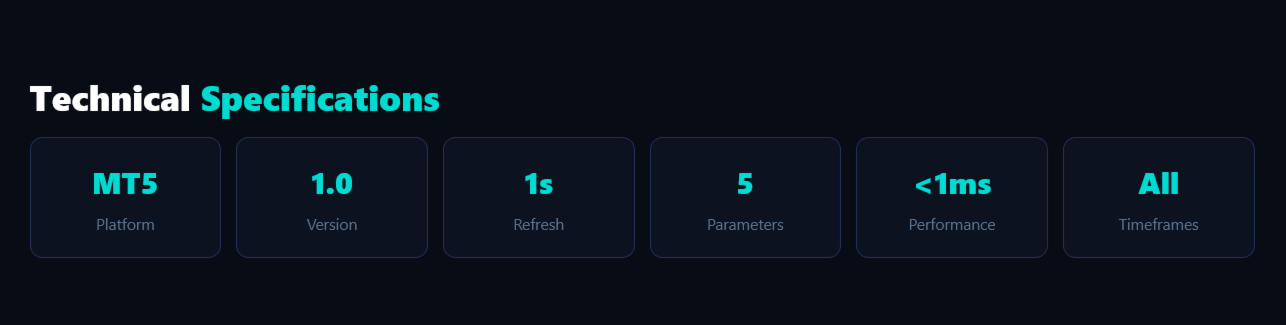
The indicator is extremely lightweight — updates take < 1ms. Safe for scalping and EA-driven charts.
- 5. Technical Specifications
Platform MetaTrader 5 (MT5)
Language MQL5
Version 1.0
Window Main chart window (indicator_chart_window)
Refresh Every second (OnTimer) + every tick (OnCalculate)
Timeframes M1, M5, M15, M30, H1, H4, D1, W1, MN1
Symbols All (Forex, CFD, crypto, stocks, indices)
Accounts Real + Demo, all MT5 broker
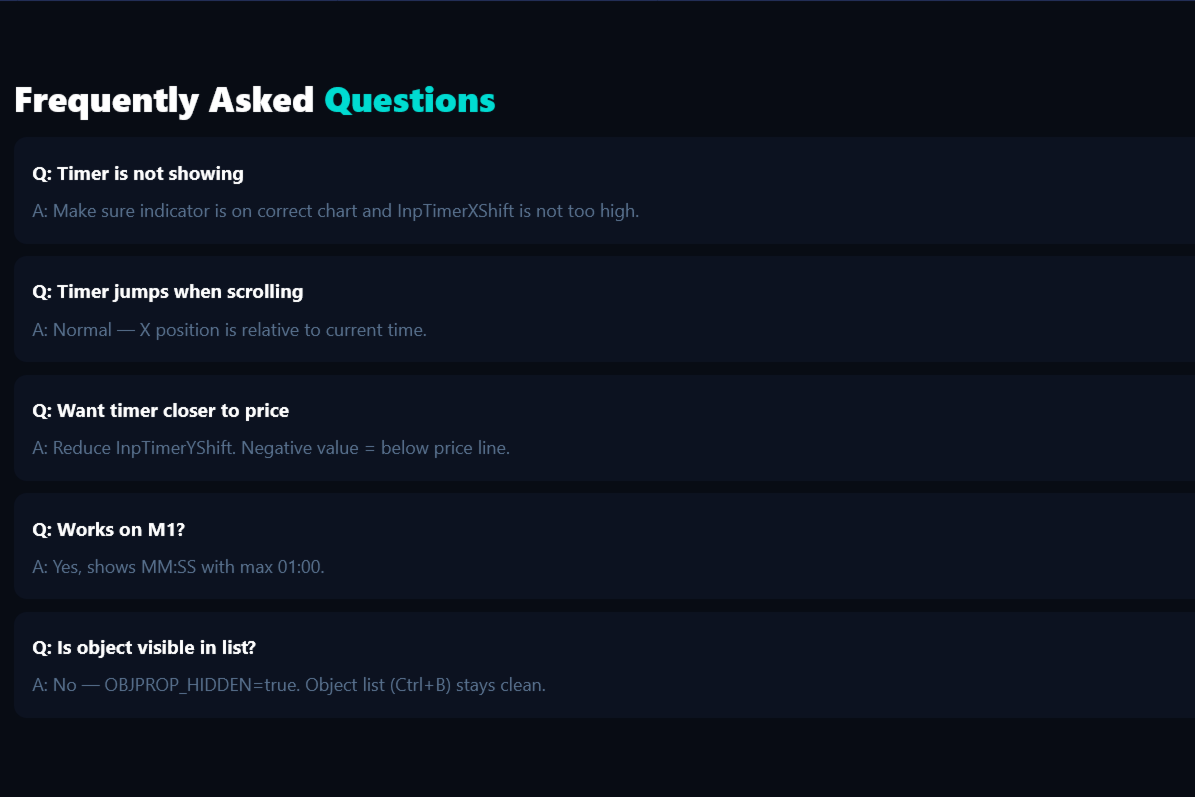
- FAQ
Q: Timer is not showing on chart
A: Make sure the indicator is added to the correct chart. Check that InpTimerXShift is not too high for the
current chart width.
Q: Timer "jumps" when scrolling the chart
A: This is normal behaviour — X position is relative to current time, not a fixed point on the chart.
Q: I want the timer closer to the price line
A: Reduce InpTimerYShift to 2–3 pixels. A negative value places the timer below the price line.
Q: Does it work on M1 timeframe?
A: Yes. On M1 the indicator displays seconds differently — shows MM:SS with maximum 01:00.
Q: Can I change the format from MM:SS?
A: In this version the format is fixed MM:SS. For custom formats the source code needs modification.