VPro Risk Tool
- インディケータ
- バージョン: 1.0
- アクティベーション: 5

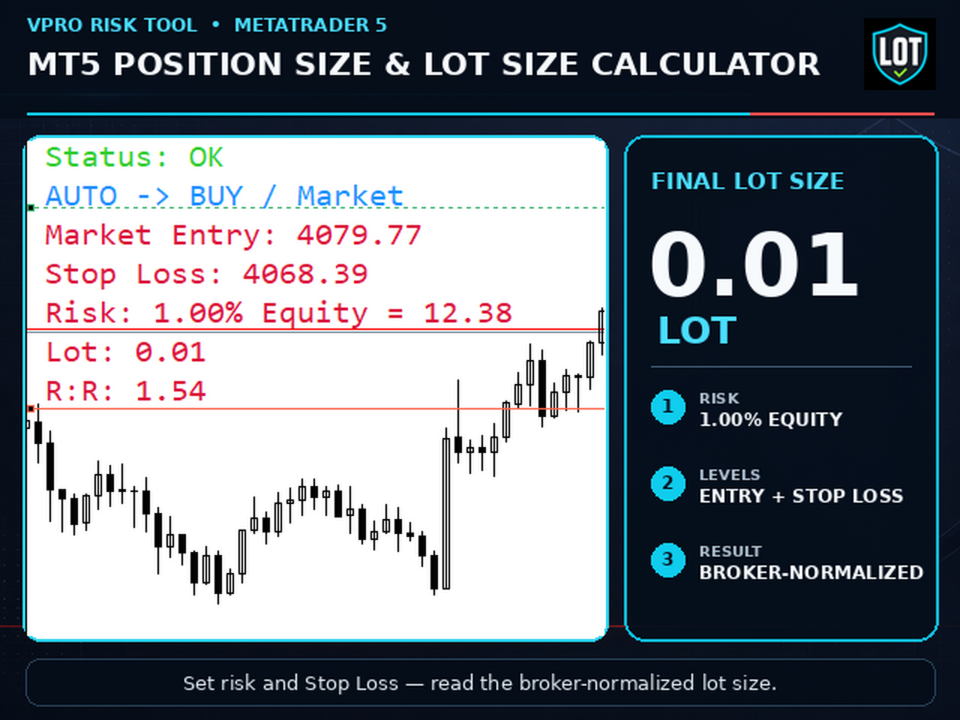
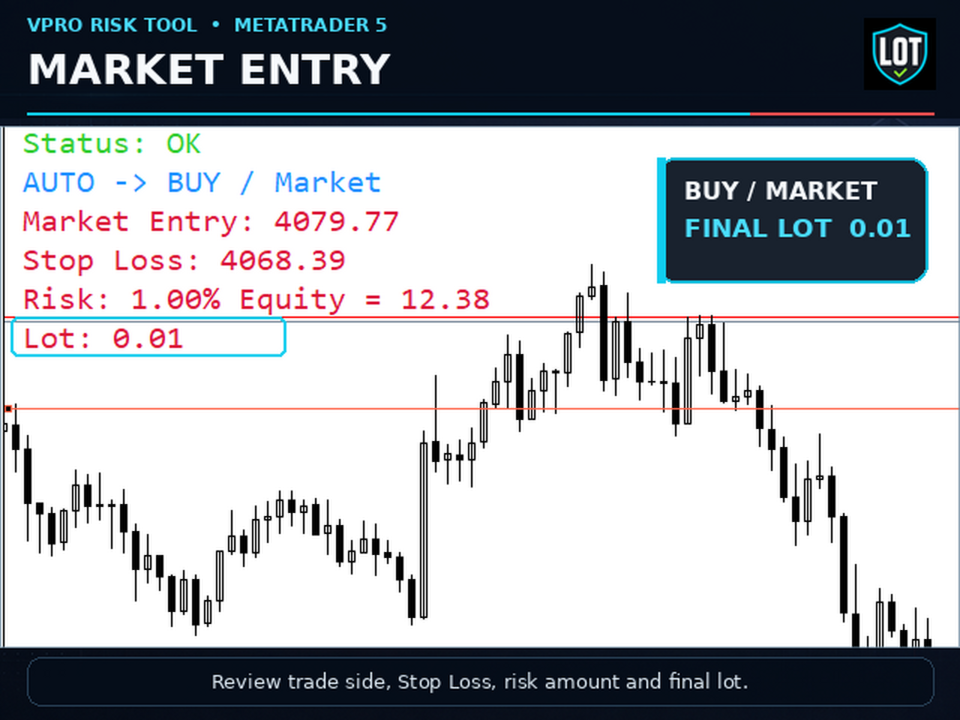
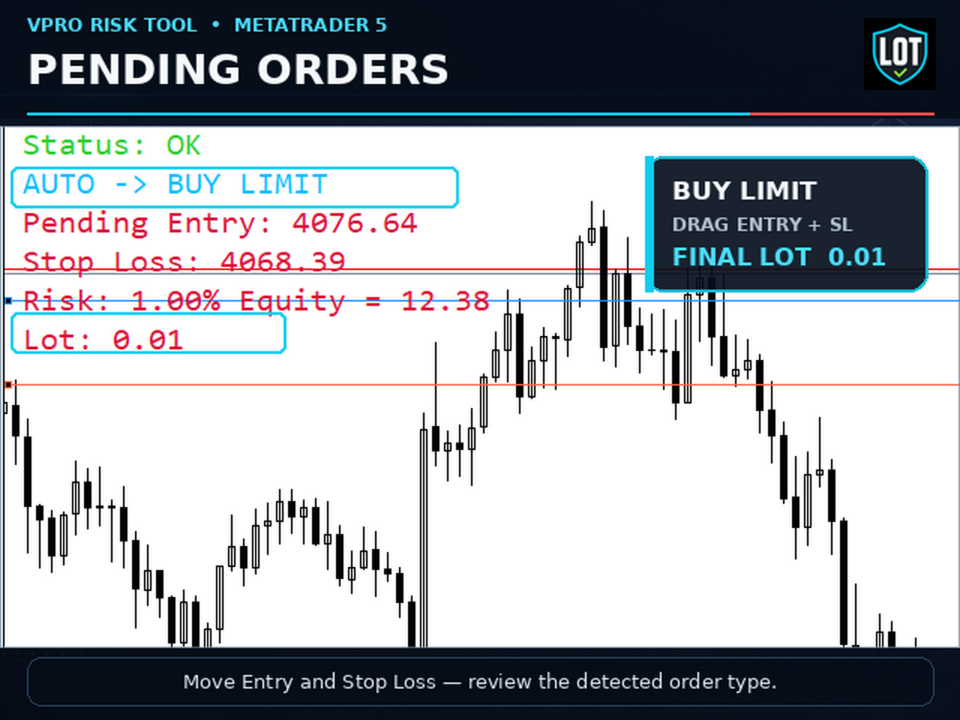
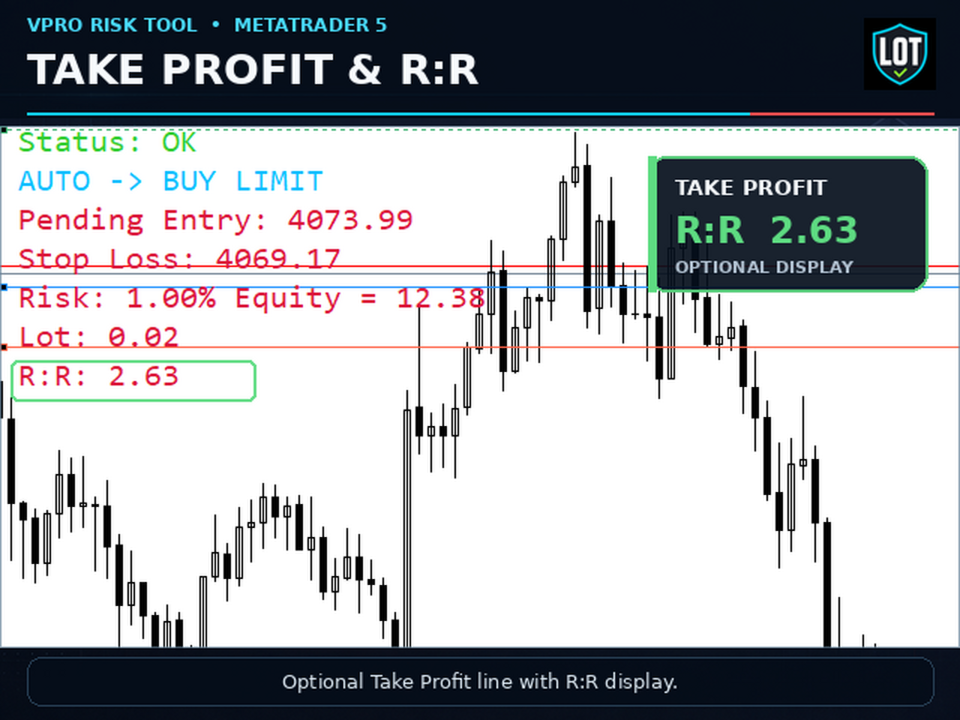
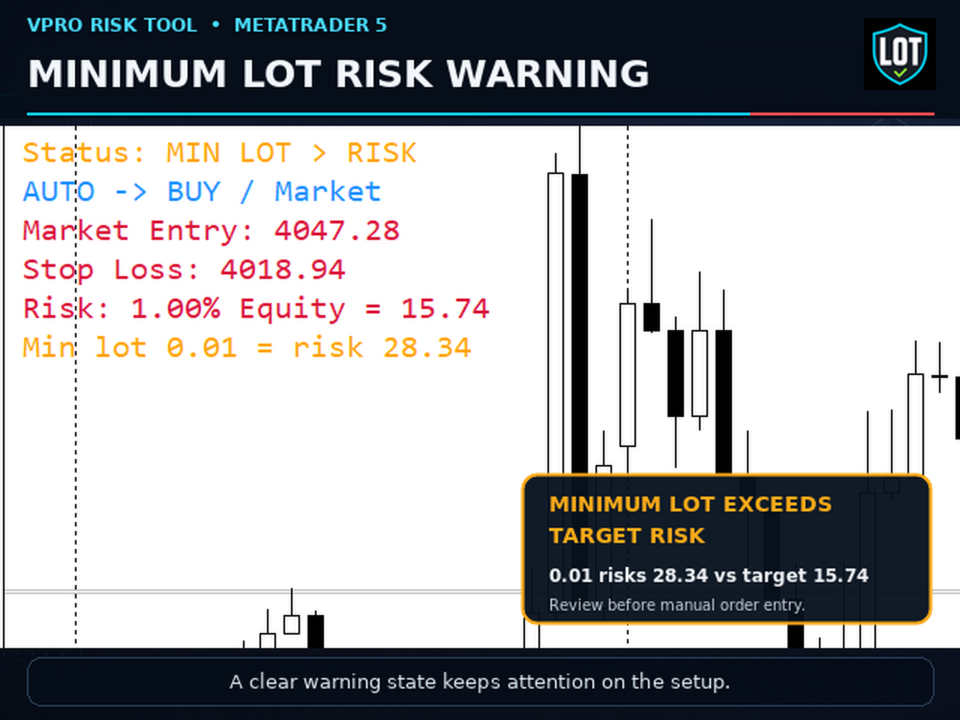
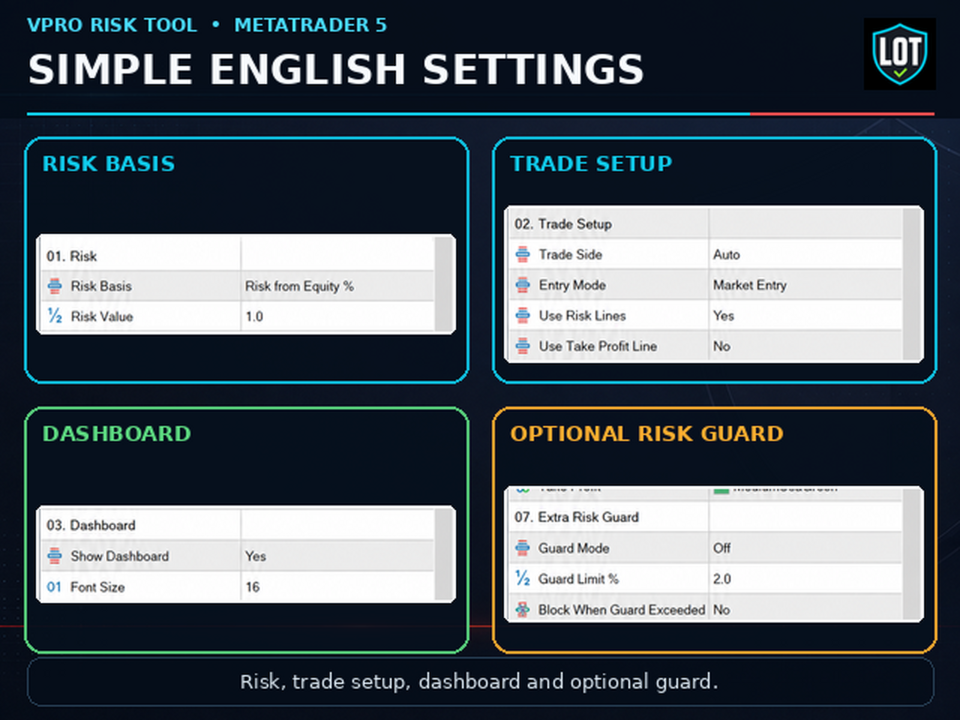
VPro Risk Tool is a risk calculator, position size calculator and lot size calculator for MetaTrader 5. Set your risk, Entry and Stop Loss. The tool calculates the planned risk amount and final lot size from the selected risk method, account data, current symbol specifications and broker limits. Plan Market Entry or Pending Order setups with automatic BUY / SELL detection when Trade Side is set to Auto. An optional Take Profit line enables R:R display. VPro Risk Tool does not open trades, send orders, provide trading signals or predict trading outcomes. It is a manual risk-planning utility. The trader remains responsible for every order. How it works 1. Select Risk Basis: Balance %, Equity % or Fixed Money, and enter Risk Value. 2. Select Market Entry or Pending Order. Move the Stop Loss line and, for a pending order, the Entry line. 3. Check the selected or automatically detected trade side, order type, risk amount, final lot size, optional R:R and any warnings before preparing the order manually. Main functions - Balance %, Equity % and Fixed Money risk modes - Market Entry and Pending Order planning, with automatic BUY / SELL detection when Trade Side is set to Auto - Draggable Stop Loss line and draggable Entry line in Pending Order mode - Optional Take Profit line and R:R display - Lot normalization to the current symbol's minimum lot, maximum lot and lot step - Compact dashboard with status, trade side, order type, Entry, Stop Loss, risk amount and final lot size - Warnings and clear reasons when no calculation is available, plus optional Guard Mode - Cleanup of the indicator's chart objects when it is removed Broker limits and risk guard The final lot size is normalized to the current symbol's broker limits. Guard Mode provides an additional risk limit. Guard Limit % sets its threshold, and Block When Guard Exceeded controls whether the calculation is blocked after that threshold is exceeded. VPro Risk Tool only calculates and displays the result. It does not block, place or manage an order in the trading platform. Interface The dashboard can be shown or hidden. Its text size, position, spacing and colors can be adjusted. Line colors, startup cleanup, line reset and update-throttling controls are also available. Demo testing An MQL5 Market demo can be tested only in the MetaTrader 5 Strategy Tester. Run the test in Visual mode to move the chart levels and inspect the dashboard before purchase. Known limitation Only one active copy of VPro Risk Tool is supported per chart. Multiple active copies on the same chart are not supported because the indicator uses fixed names for its Entry, Stop Loss, Take Profit and dashboard objects. Use separate charts when multiple copies are required. Important note Always verify the final order parameters in MetaTrader before placing a trade. Contract specifications, spread, execution conditions, commissions and account-currency conversion can affect the actual trading result.