Overnight Range Box
- インディケータ
- バージョン: 1.1
- アクティベーション: 5

Overview
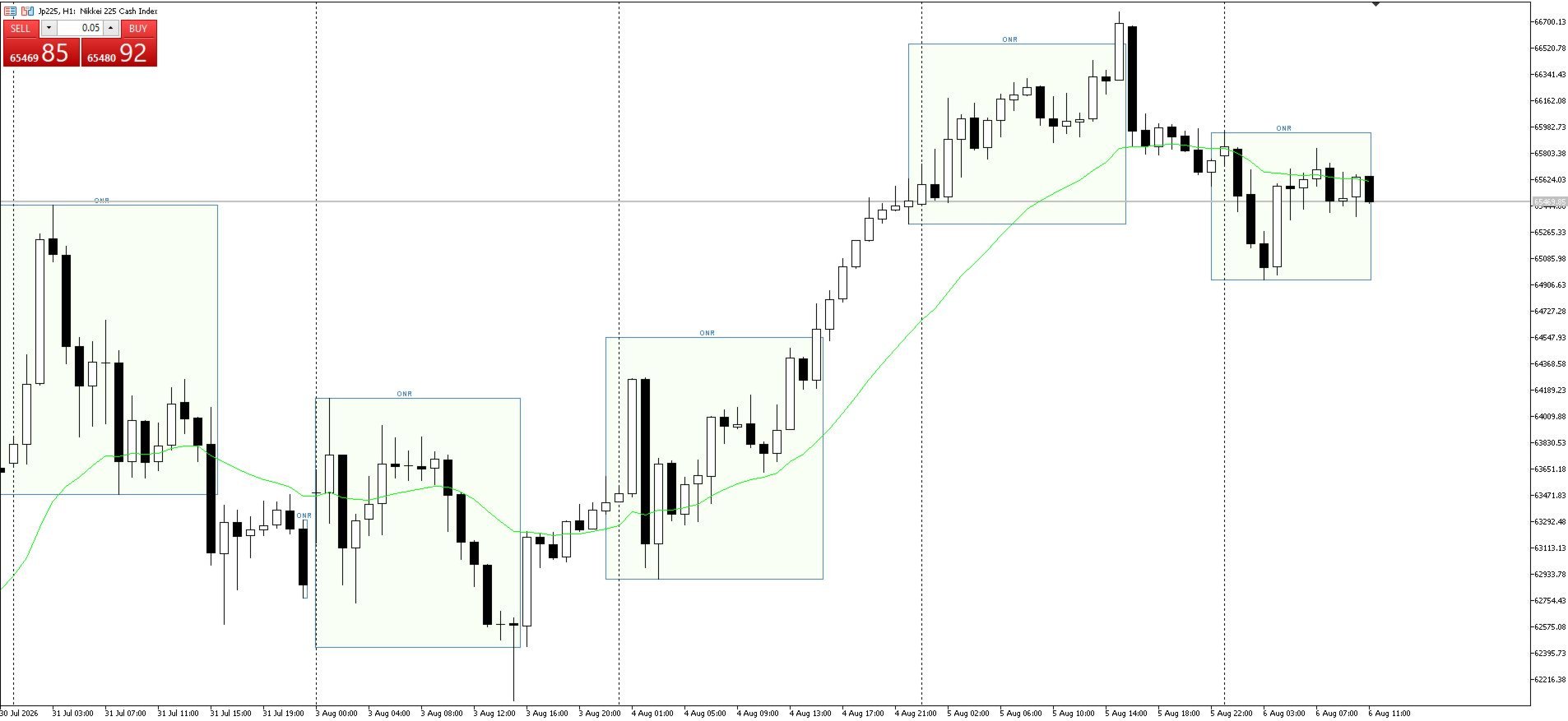
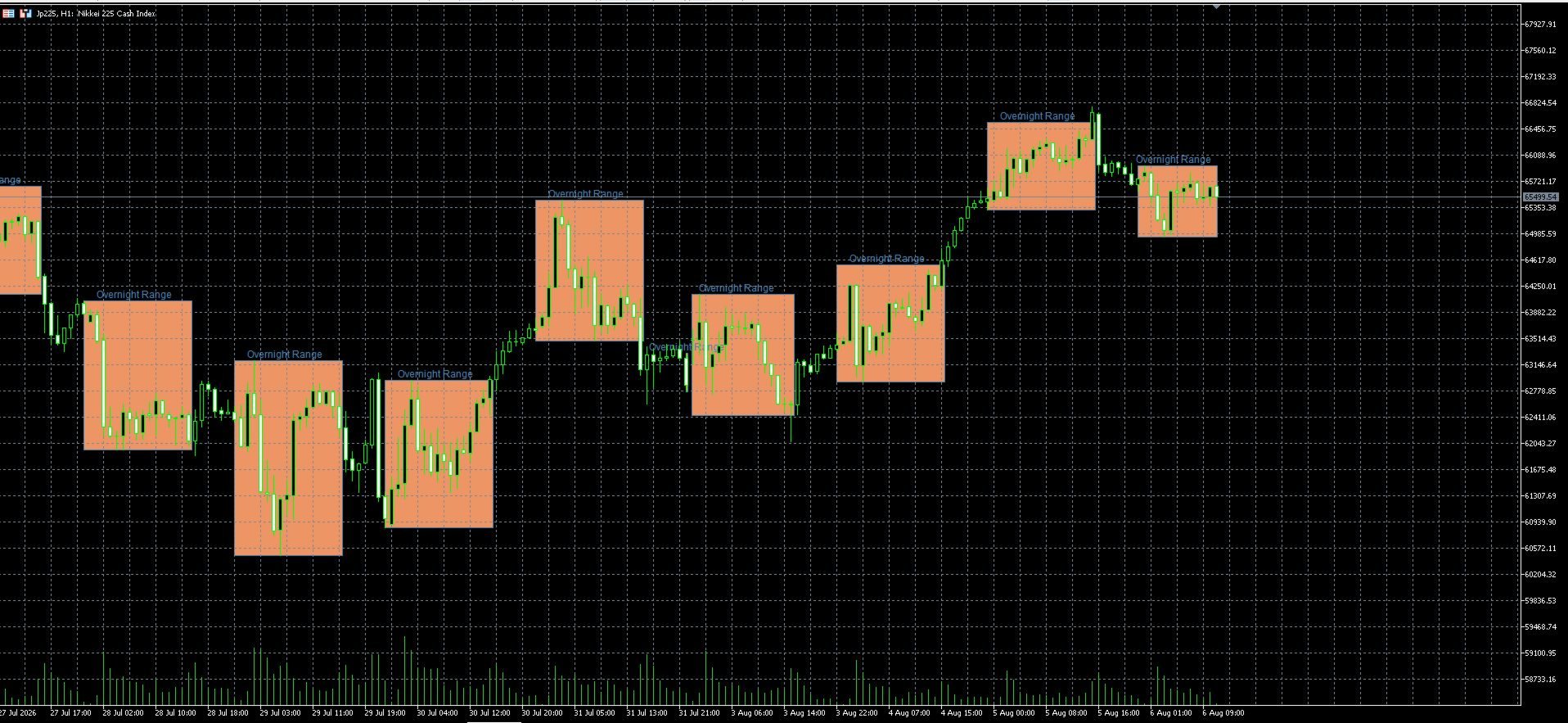
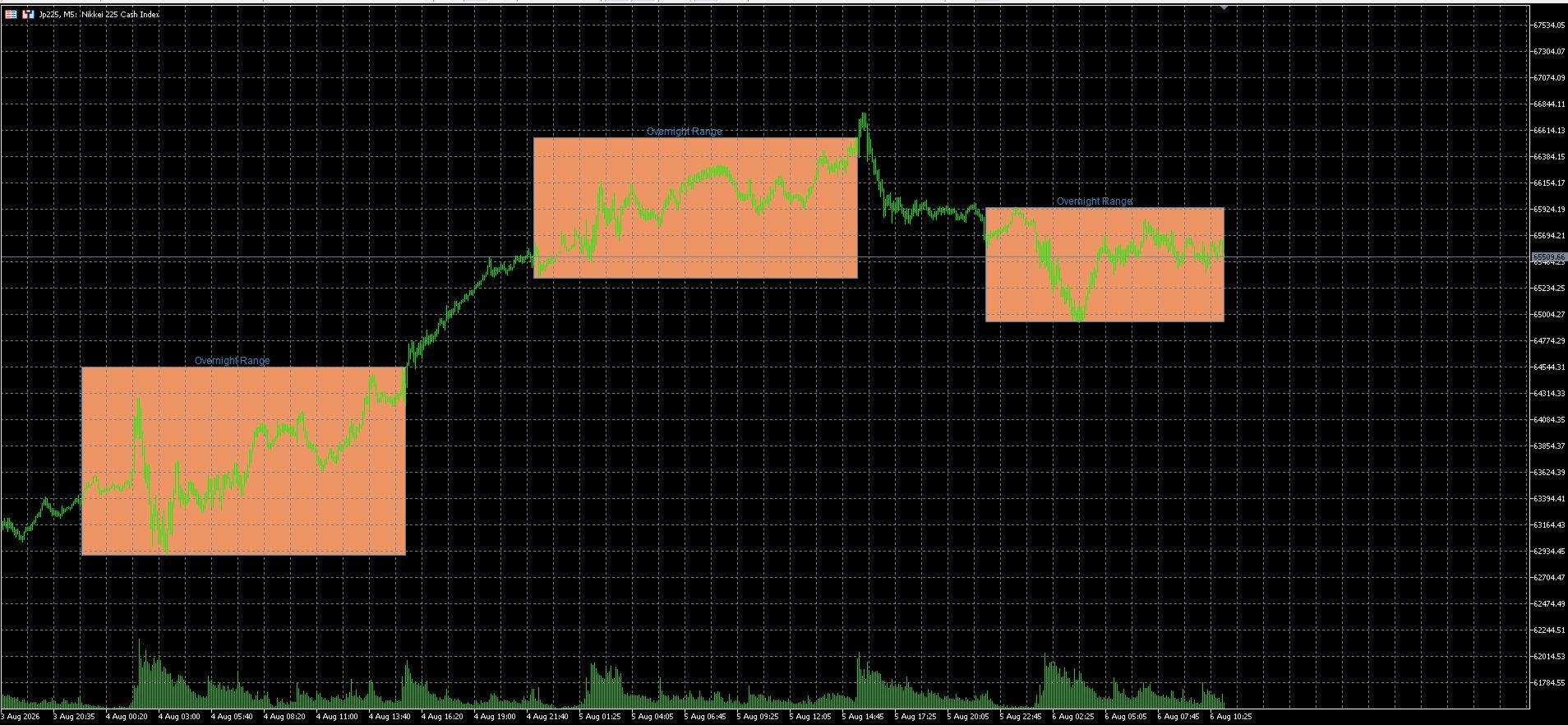
Overnight Range Box is a visual session indicator for MetaTrader 5. It marks the high and low of a configurable overnight or intraday trading session directly on the chart.
The indicator can display completed historical sessions as well as the currently developing range. Session times, colors, labels and extensions can be adjusted to suit different markets, brokers and trading routines.
The product is intended for traders who use session structure, overnight highs and lows, range breakouts, liquidity levels or opening-range context in their chart analysis.
Main features
- Configurable session start and end time
- Broker-time or manually shifted session calculation
- Historical range boxes for multiple trading days
- Optional display of the current incomplete session
- Configurable box color, transparency, border and line style
- Optional session label
- Optional date in the label
- Optional extension of the range box after the session ends
- Optional extension of the session high and low as horizontal lines
- Separate calculation timeframe
- Adjustable refresh interval
- Support for sessions that cross midnight
- Automatic handling of weekends and sessions without price data
Typical applications
The indicator can be used to visualize:
- Overnight ranges
- Asian-session ranges
- Pre-market ranges
- European or United States trading sessions
- Session highs and lows
- Breakout and failed-breakout areas
- Liquidity reference levels
- Intraday support and resistance derived from previous sessions
The session is fully configurable. The default time window is only a starting setting and can be adapted to the symbol and broker server time.
Time settings
The indicator supports two time modes:
Broker time
The entered session times are interpreted according to the MetaTrader broker server time.
Manual shift
A manual shift in minutes can be applied when the required session differs from broker time.
This allows the same indicator to be adapted to different broker time zones and daylight-saving configurations.
Range display
For every completed session, the indicator determines the highest and lowest price within the configured period and draws a box between these levels.
The current session can also be shown before it is complete. In this case, the box updates as new highs or lows are formed.
Users can choose how many historical sessions should remain visible on the chart.
Optional extensions
The range box can end with the session or continue until a separately configured extension time.
The session high and low can also be extended as horizontal lines. This is useful when the levels remain relevant during the following trading session.
Inputs
The main inputs include:
- Session start hour and minute
- Session end hour and minute
- Session time mode
- Manual time shift
- Number of sessions displayed
- Current incomplete-range display
- Range fill color and transparency
- Border color, width and style
- Label text, font, size and position
- Optional date suffix
- Box extension time
- High and low line extension
- Calculation timeframe
- Refresh interval
Default configuration
The default session is configured from 22:00 to 15:30 in broker time.
These values are intended as an example and should be adjusted to the selected market, symbol and broker server time.
For precise session alignment, compare the broker time shown in MetaTrader with the exchange or market session you want to analyze.
Installation
- Purchase and install the indicator through the MQL5 Market.
- Open the required MetaTrader 5 chart.
- Drag Overnight Range Box from the Navigator onto the chart.
- Set the session start and end time.
- Select broker time or apply a manual shift.
- Adjust the visual settings and number of displayed sessions.
- Confirm the settings.
Important information
Overnight Range Box is a visual analysis tool. It does not open, modify or close trades.
The indicator does not provide profit guarantees or predict future price movements. Range highs and lows are reference levels whose relevance depends on the market, timeframe and trading method.
Results may differ between brokers because of different server times, symbols, price feeds and trading-session data.