Caicai Quant Copier Pro
- ユーティリティ
- バージョン: 4.10
- アクティベーション: 5

The Caicai QuantCopier Pro is not just an ultra-fast local trade copier; it is a full-fledged quantitative intelligence dashboard designed for systematic traders and portfolio managers. It bridges deep statistical analysis of multiple Expert Advisors (EAs) with a near-zero latency transmission/reception engine.
If you run dozens of EAs or grid strategies and need to separate what actually profits from what destroys your account, this is the definitive ecosystem to manage, filter, optimize, and copy your trades.
💡 The Masterstroke: The "Demo to Real" Setup
The most powerful way to profit with our tool is to separate research from execution. Put your entire EA portfolio (even the riskiest ones) running 24/5 on a Demo Account using our Master module. Let the dashboard work risk-free, absorbing telemetry and calculating the Score for each strategy.
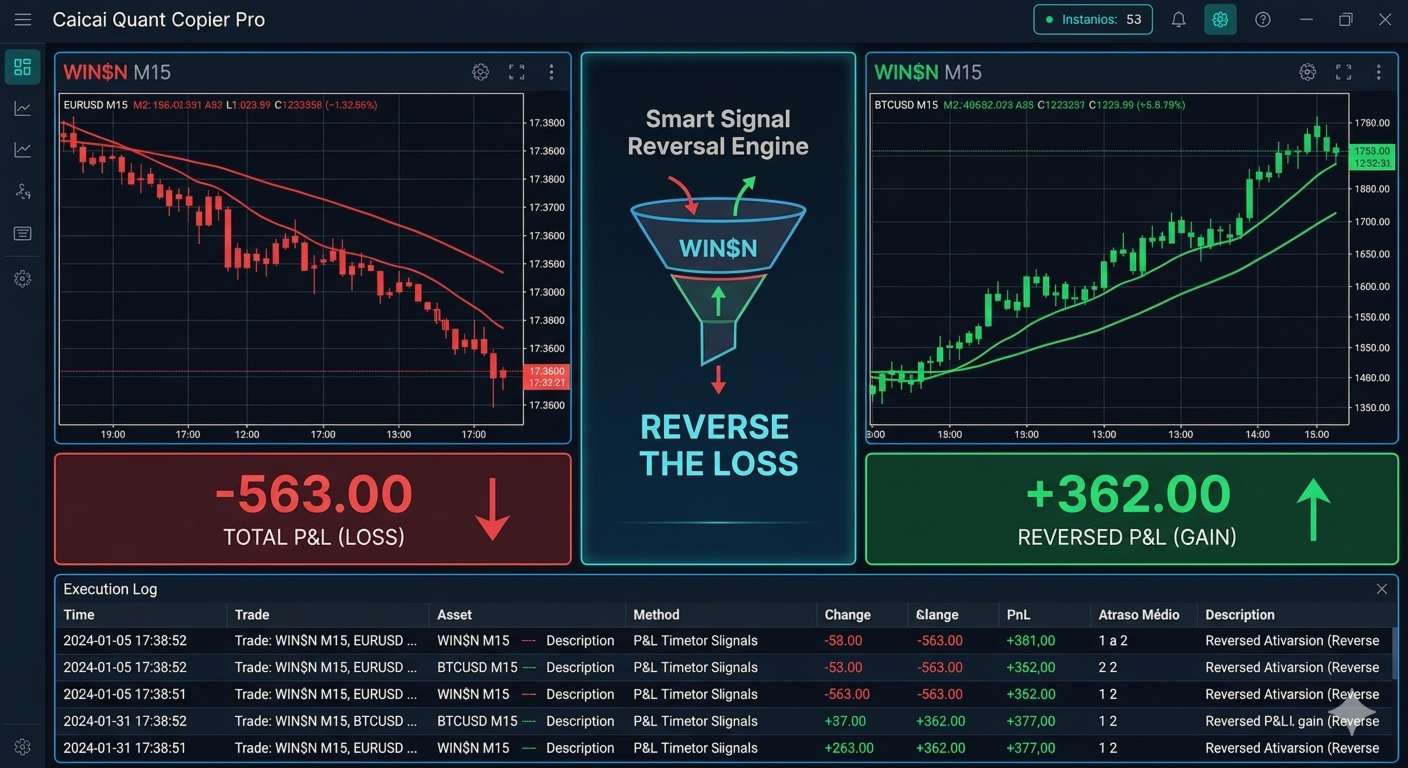
Then, connect your Real Account using the Slave module. Configure it to accept only the "High Chance" trades or to profit from the worst EAs by turning on the Trash Signal Inversion (Fading). Turn your Demo account into a free data lab and use your Real account only to harvest the best profits!
🔥 Key Features
📊 Module 1: High-Performance Quantitative Dashboard
Developed with CCanvas technology for fluid rendering, modern visuals, and zero terminal freezing:
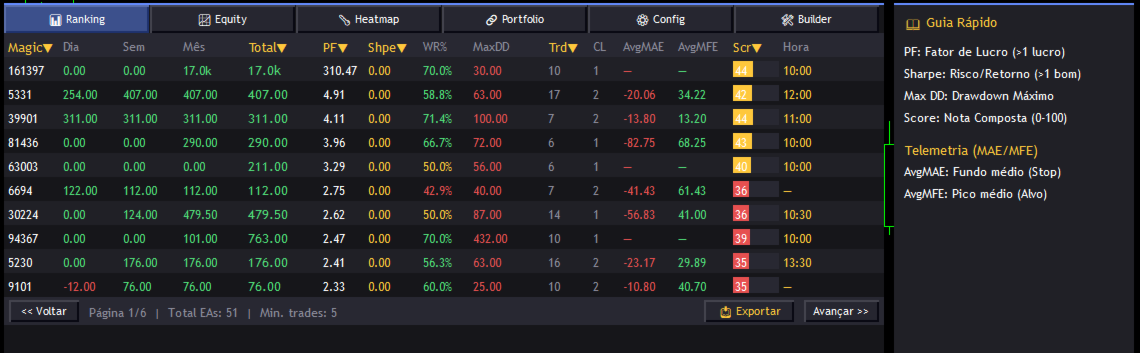
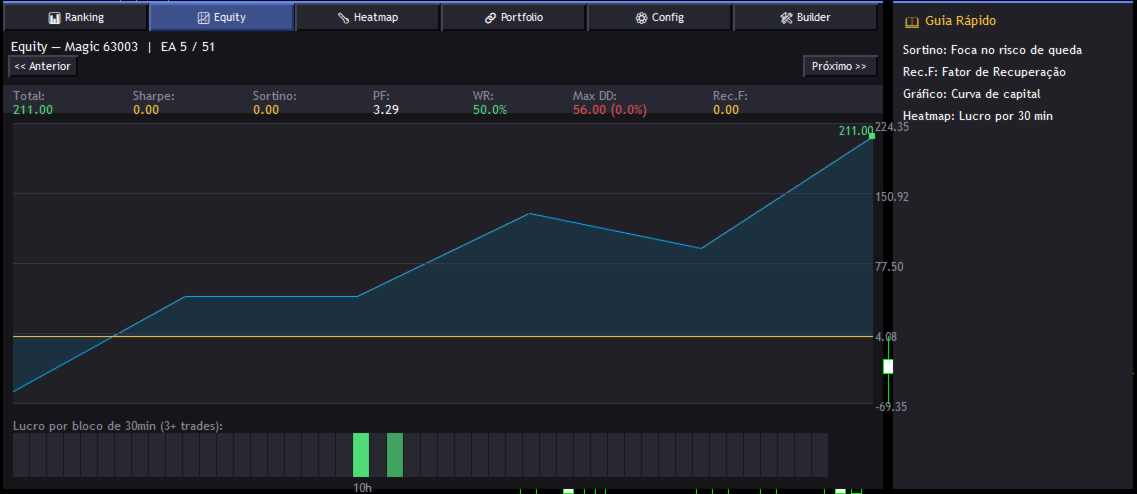
- Institutional Metrics: Auto-calculation of Sharpe Ratio, Sortino Ratio, Recovery Factor, Profit Factor, and Max Drawdown.
- Composite Score: Grade each EA (0-100) based on customizable weights.
- Profitability Heatmap (30 min): Visual heatmap crossing days of the week with hours of the day. Visually discover the golden hours and the bleeding hours of each EA.
- Portfolio Simulator: Group specific Magics to see the combined Equity Curve and discover Correlation (Daily Matrix) to avoid risk overlap.
⚙️ Module 2: Telemetry Engine & Dynamic Exits
The EA tracks the "breathing" of each trade, learning from history to protect your capital:
- MAE / MFE Tracking: The panel continuously saves the average dip (Maximum Adverse Excursion) and average peak (Maximum Favorable Excursion) of each strategy.
- Dynamic SL/TP (Optional): The transmitter sends real exit levels based on your historical MAE/MFE, shielding the Slave from unexpected volatility spikes.
- Risk Alerts: Push/Terminal notifications for Critical Drawdown or a sudden drop in Win Rate.
🧠 Module 3: Smart Copier & "Trash" Filter
Master/Slave transmission via the FILE_COMMON directory for same-PC execution with minimum latency:
- Advanced "Trash" Logic: It doesn't rely solely on Win Rate. The filter requires confirmation of real financial loss and consecutive losses before classifying an EA as Trash.
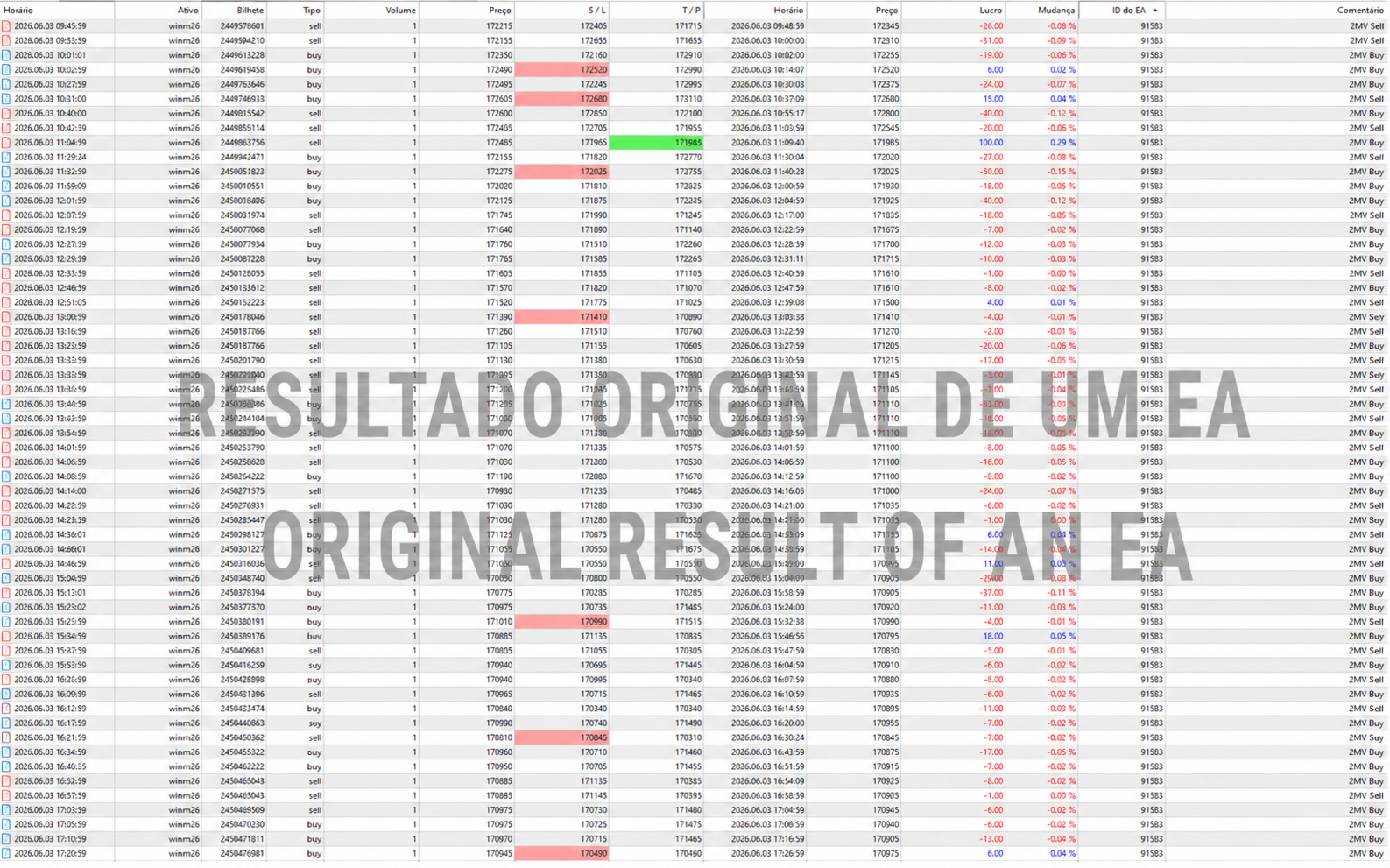
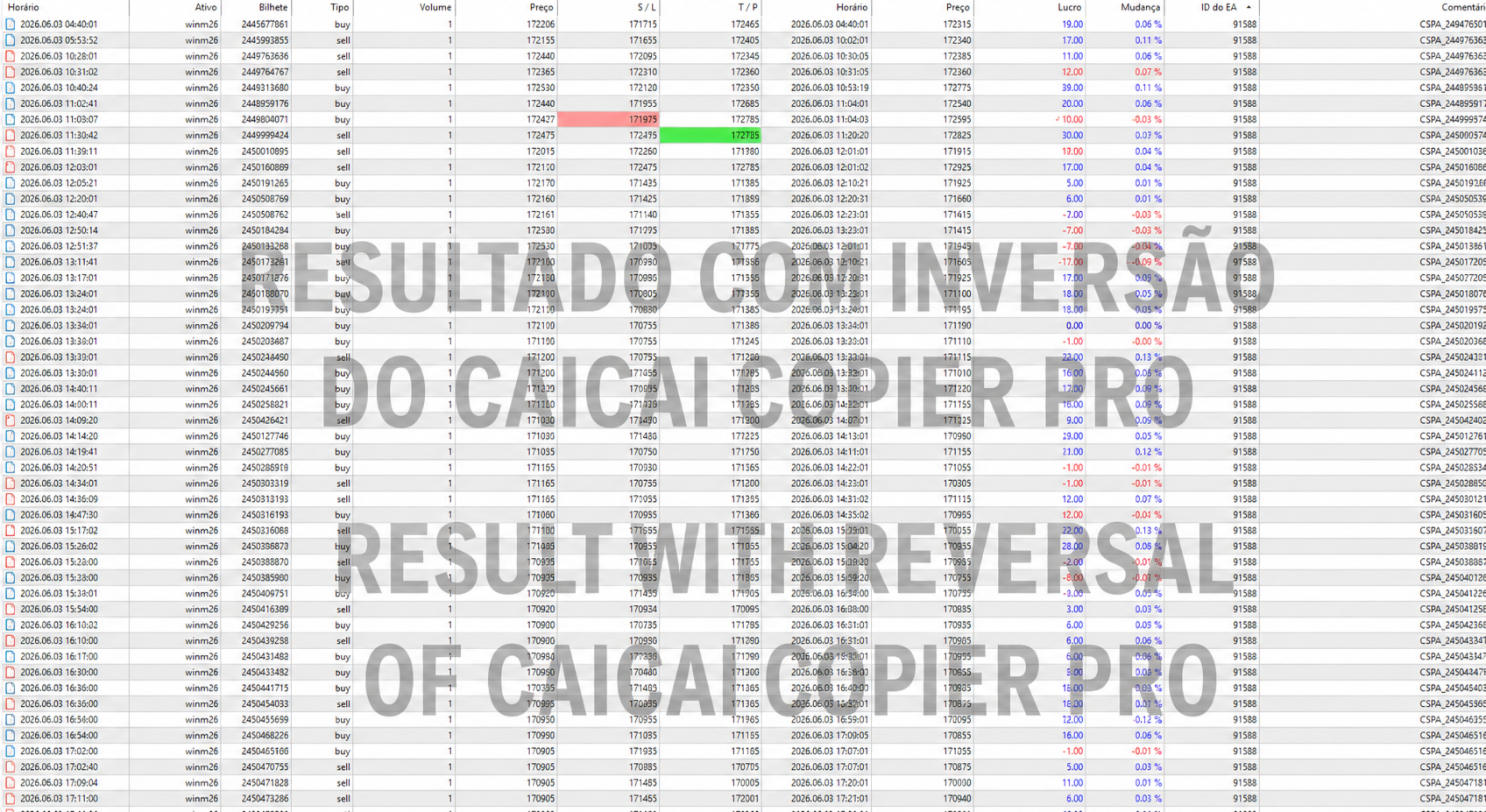
- Fading (Signal Inversion): Invert trades from losing EAs. The Master sends a BUY when the original EA sells, crossing the telemetry (MAE becomes MFE).
- Anti-Orphan Management: Safety system on the Slave. If synchronization is lost, it forces the closure of open trades to protect the account.
🚀 Quick Setup Guide
- Open a MetaTrader 5 Terminal (e.g., Demo Account). Drag the EA to an empty chart and choose the MASTER Operation Mode. Turn the Signal Transmitter ON.
- Open a SECOND MetaTrader 5 Terminal (e.g., Real Account) on the same computer.
- Drag the EA to a chart and choose the SLAVE Operation Mode. Set your lot multiplier.
- Done! The local system is now synced and trading.
💻 Highlighted Settings (Inputs)
- Magic Filter: Read the entire terminal or limit copying only to the EAs you checked in the Builder tab.
- Quality Thresholds: Set the minimum score and Win Rate for "High Chance" trades.
- Multi-Instance: Customizable prefixes to run multiple Slaves without conflicts on the same PC.
- Data Export: Export the generated reports directly to CSV in the MQL5/Files folder (ideal for Python/Excel analysis).
🌍 Smart Language: The dashboard automatically detects your terminal's language and adjusts to English or Portuguese natively.
Questions or Support? Join our community: https://t.me/CaicaiTrader