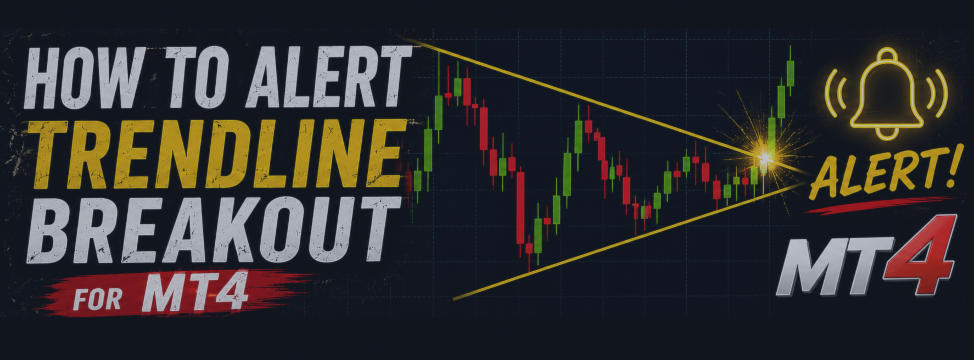

"I just want an alert when price touches this trendline."

If you've traded for any length of time, you've felt this frustration.
I know I did — many times.
You draw a clean trendline. You know exactly where you want to act.
But you can't watch the chart all day.
You step away for a moment, and it happens — price touches your line, reverses perfectly, and you missed the entire move.
Horizontal lines have built-in alerts on most platforms.
Diagonal lines? Nothing.
That gap always bothered me. So I built a tool to close it.
■ Why diagonal lines are critical
Trendline-based setups are some of the most powerful in price action trading:
- Enter on a trendline bounce
- Exit when price breaks through your trendline
- Wait for a triangle to compress, then trade the breakout
By the time price reaches a horizontal level, the opportunity has often already started from the diagonal.
"Horizontal lines are too slow" — I thought that constantly.
■ The indicator I built: MagicalTouch
MagicalTouch sends an alert the moment price touches or crosses any line you draw on the chart — including diagonal trendlines, channels, and triangle boundaries.
Draw a line. That's it. MagicalTouch watches it for you, around the clock.
Multiple lines, all monitored simultaneously.
■ Key Features
- Alerts on any diagonal or horizontal line
- Alert types: pop-up, sound, push notification, email
- Monitor multiple lines at the same time
- No setup required — just draw a line and it starts watching immediately
- Choose between: alert on break (real-time) or alert on candle close (confirmed break)
- Set two lines as upper and lower bounds — get alerted when price breaks out of the range (perfect for boxes, ranges, and triangle breakouts)


■ Practical Use Cases
[Trendline Bounce Entry]
Draw your trendline. When price touches it, you get the alert.
Check the chart, confirm the setup, enter with confidence.
[Trendline Break Exit]
Draw your exit line in advance.
When price closes through it, MagicalTouch notifies you immediately.
[Triangle / Range Breakout]
Draw two lines — one above, one below.
Whichever side breaks first, you'll know the instant it happens.
No more staring at the screen waiting for the move.
[Confirmed Break Filter]
Worried about false breakouts? Switch to "alert on candle close" mode.
You'll only be notified after the candle confirms the break.
■ Get MagicalTouch
Available now on the MQL5 Market:
If you've ever missed a trendline entry because you weren't watching, this indicator was built for exactly that moment.
---