MACD Platinum
- Indicatori
- Versione: 1.10
- Aggiornato: 27 ottobre 2026
- Attivazioni: 15

MACD Platinum Pro On-Chart is a multi-timeframe MACD indicator that brings momentum analysis directly onto your price chart. Advanced AI tools had been used for the most accurate programming of this indicator.
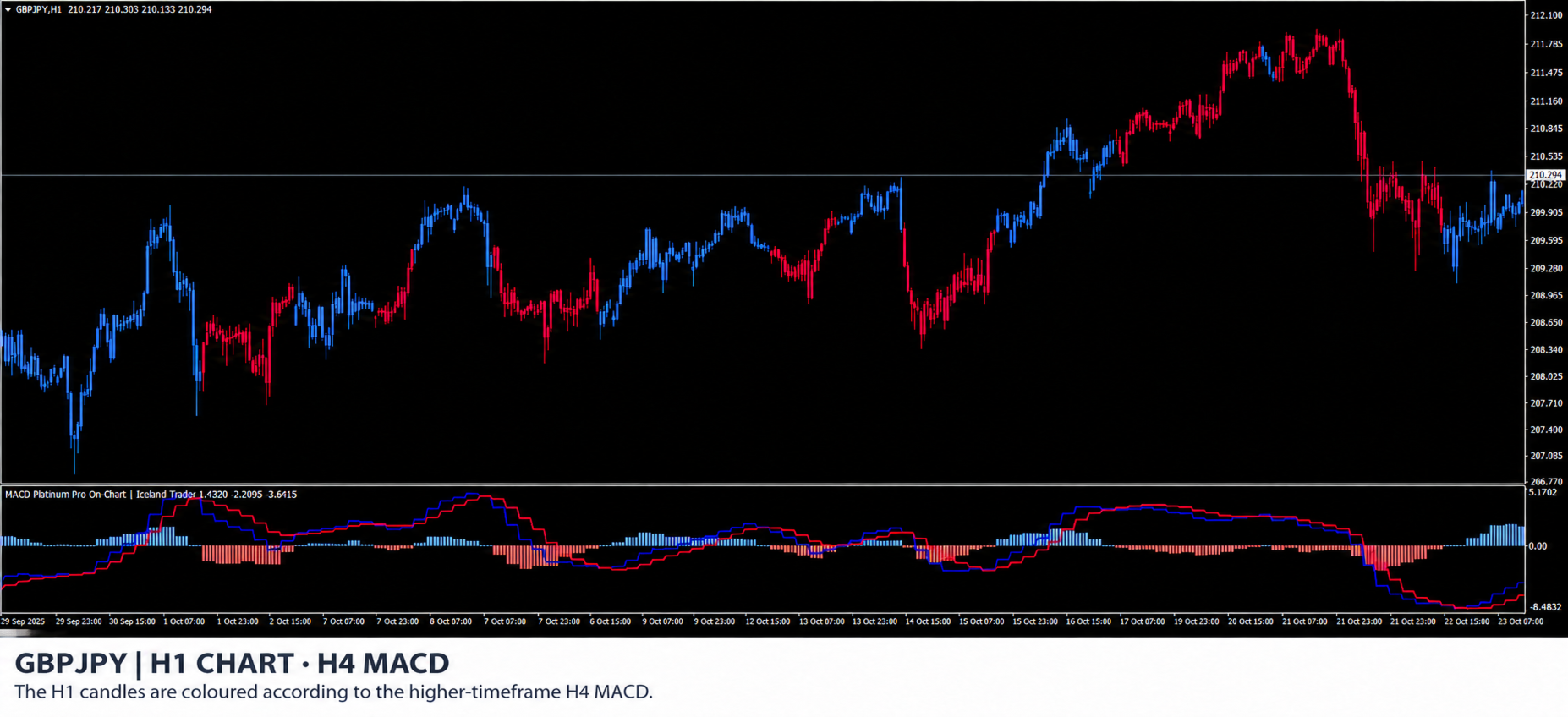
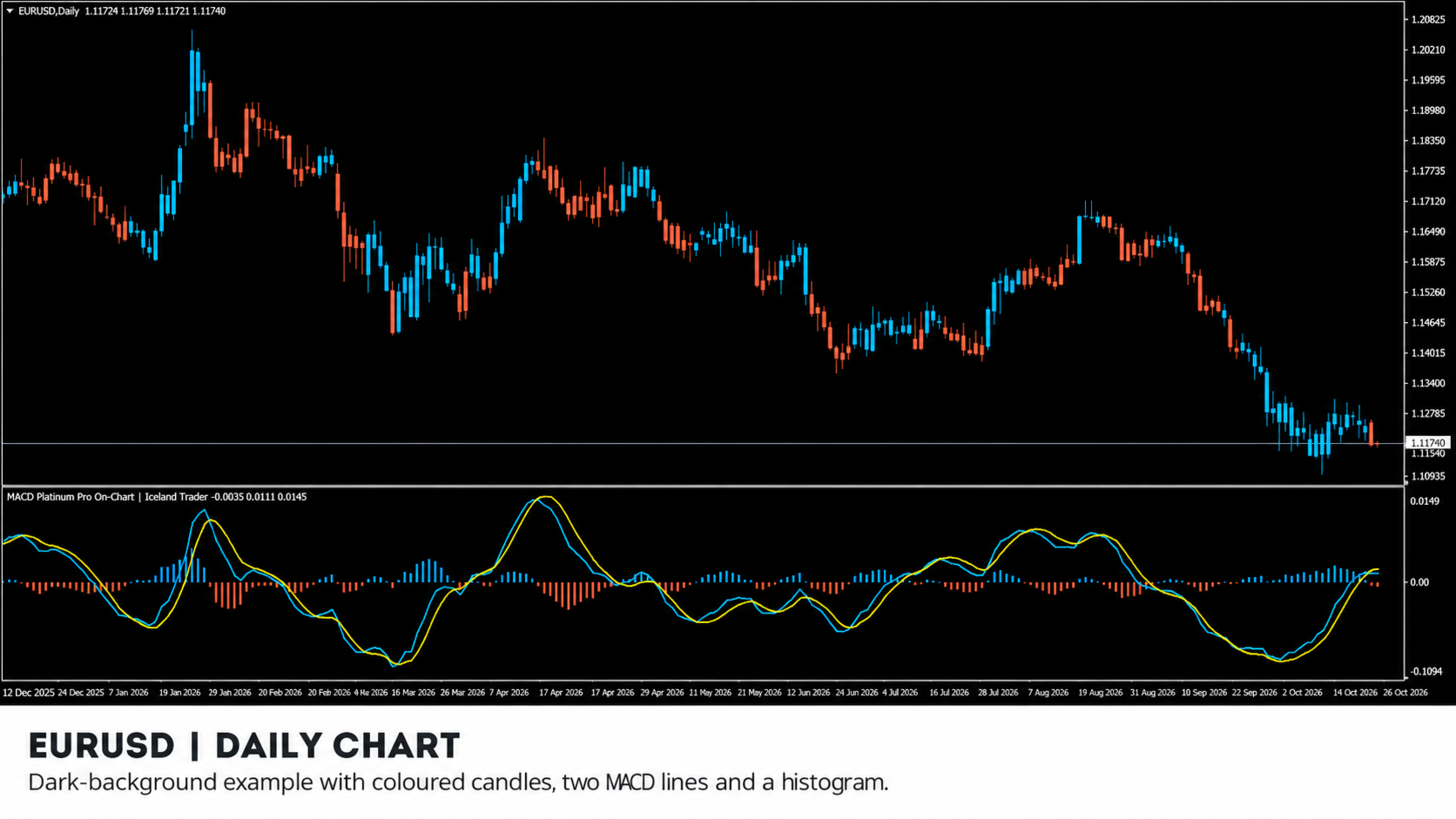
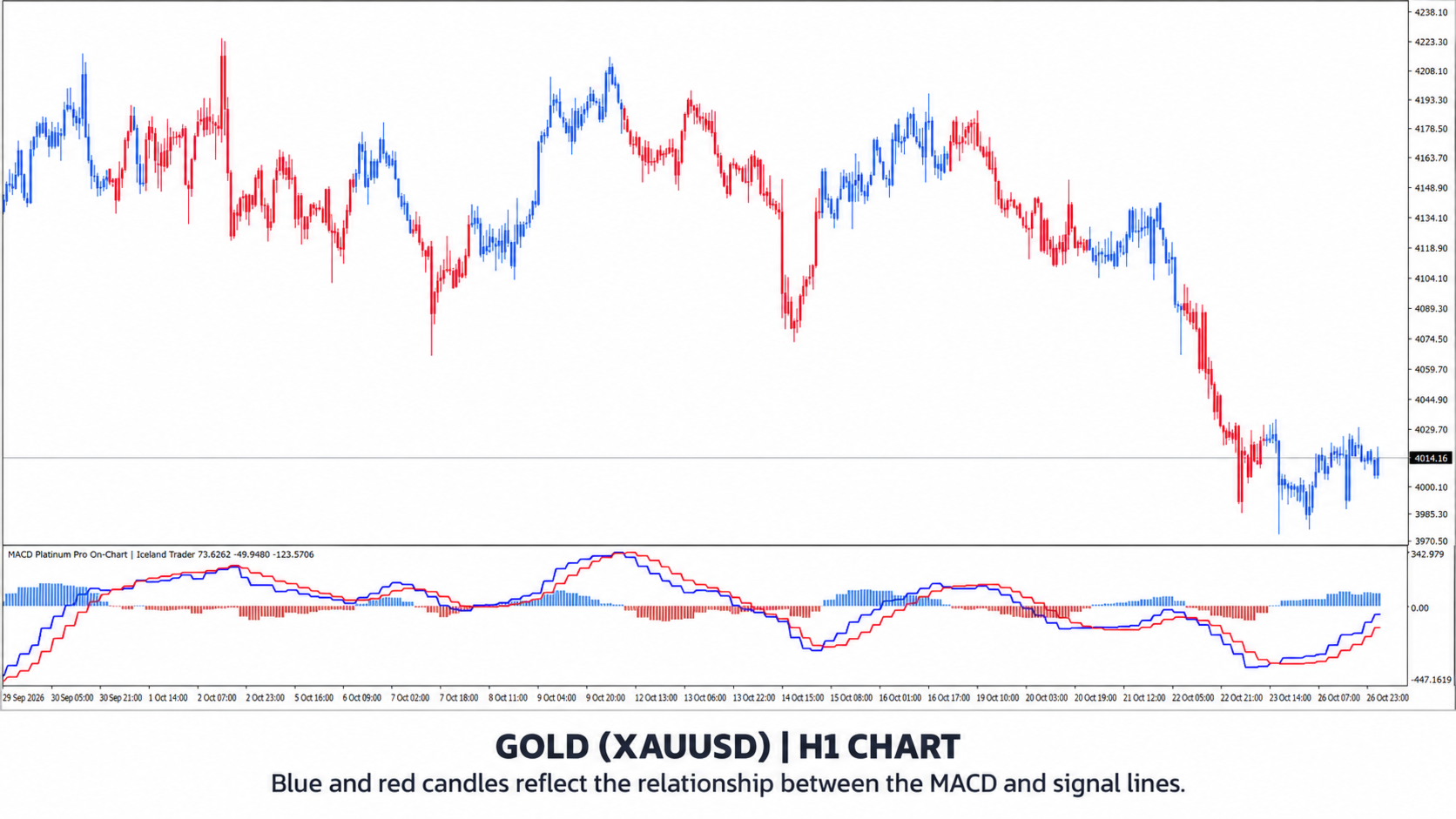
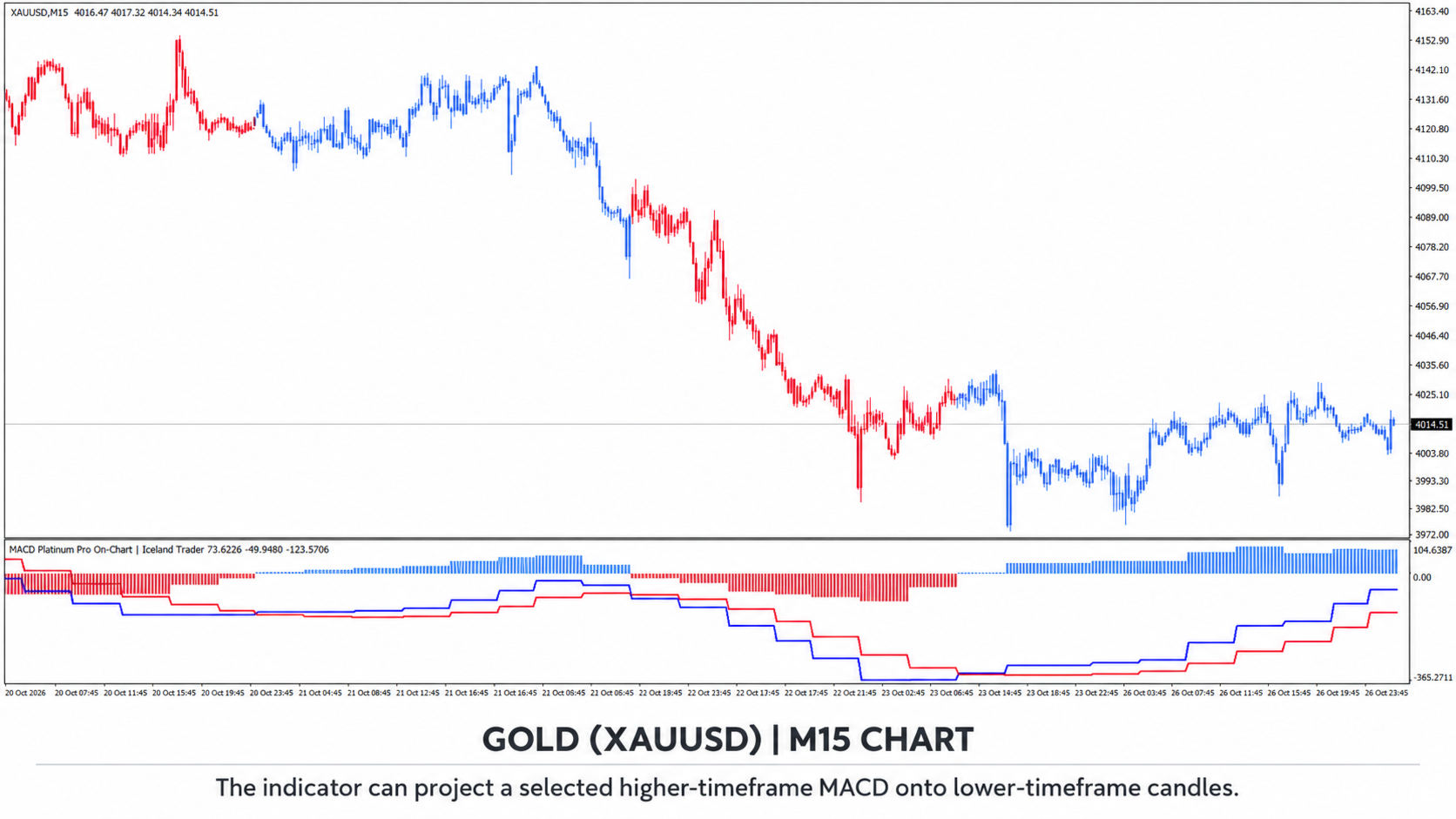
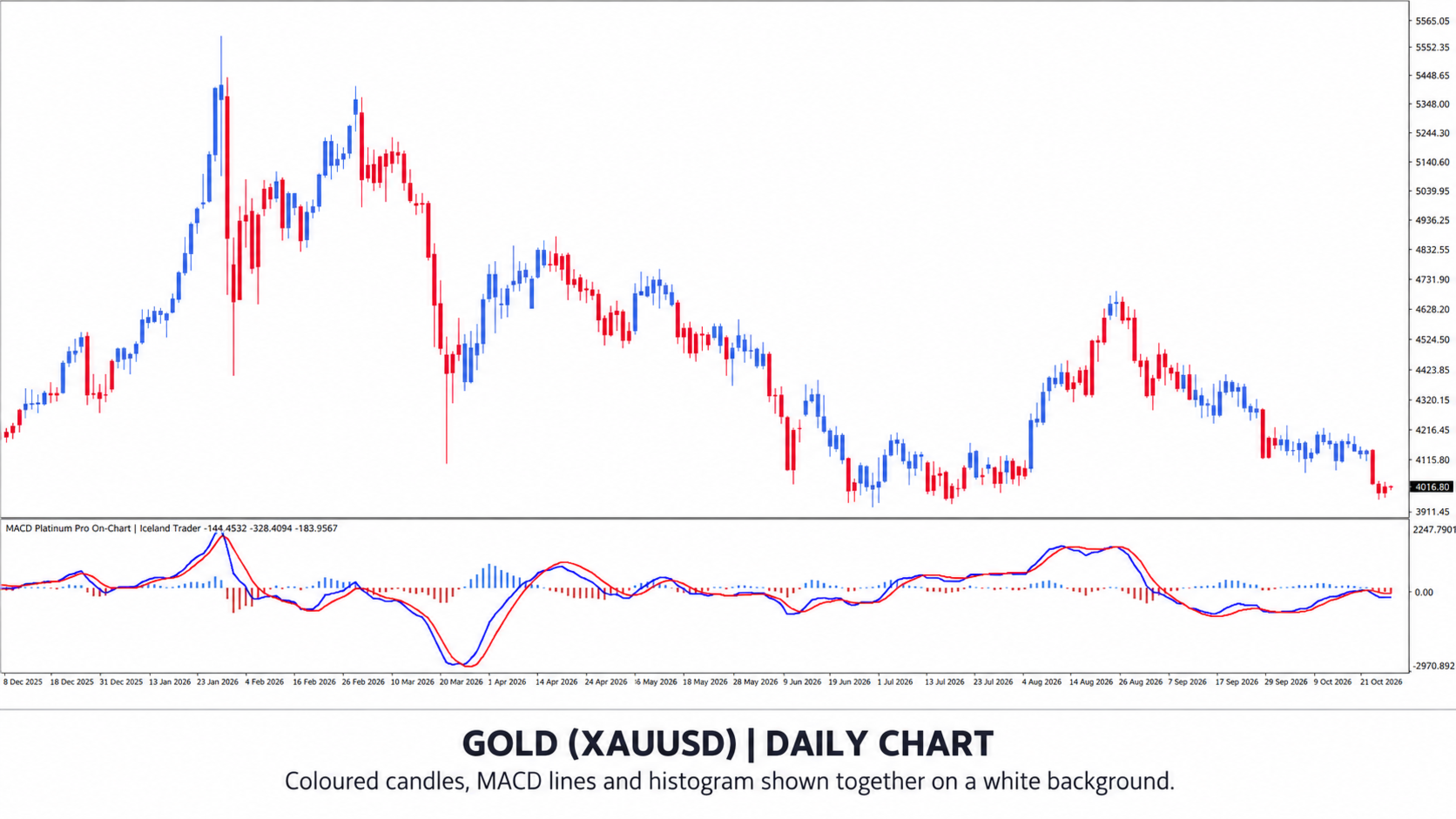
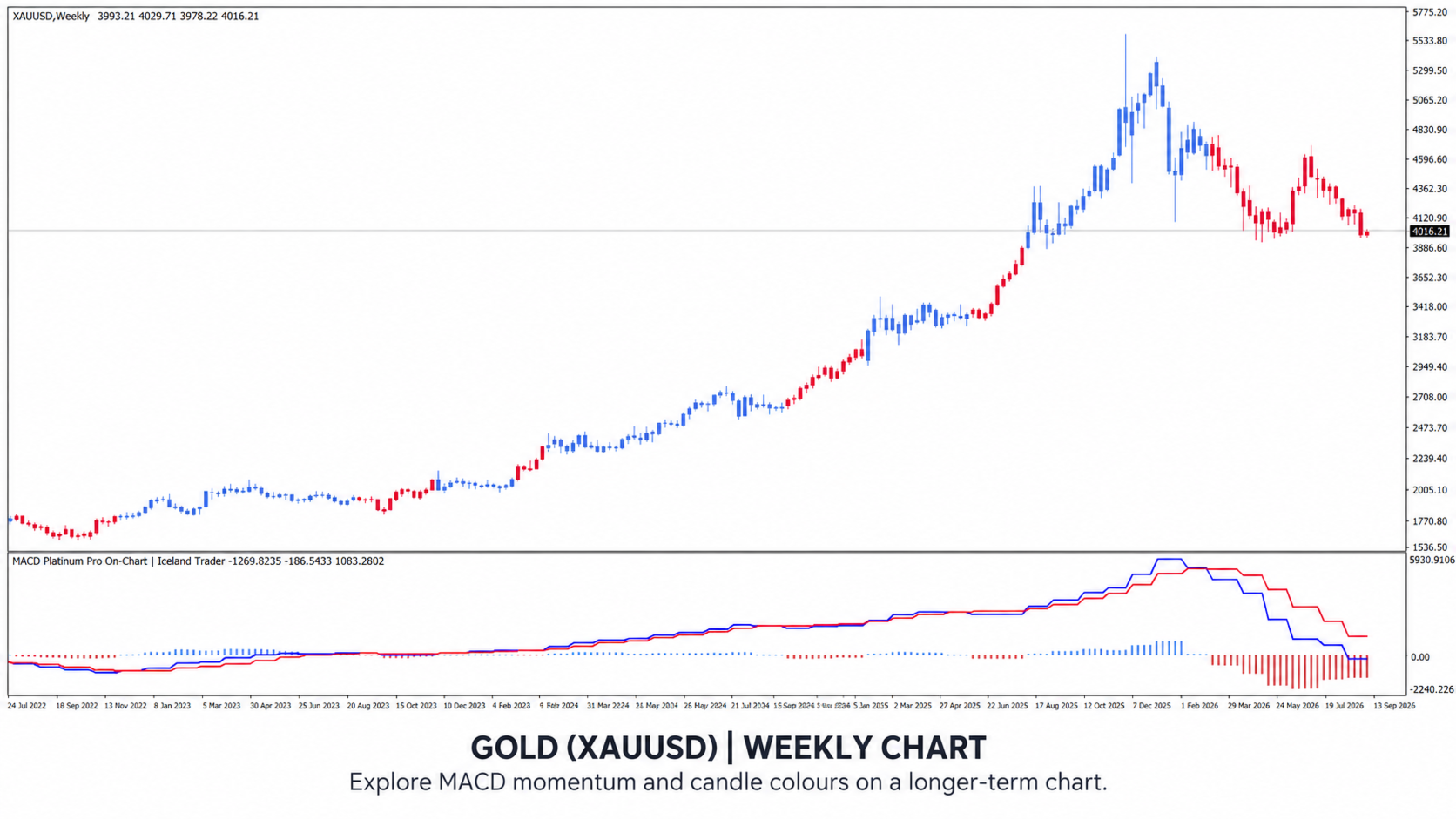
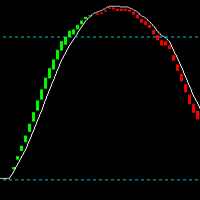
Its most distinctive feature is the coloured candle overlay. Instead of looking back and forth between the chart and the MACD window, you can see the relationship between the MACD and signal lines in the colour of the candles themselves.
By default, candles are blue when the MACD is above the signal line and red when it is below. You can choose your own colours to suit your chart and trading style.
Zero-Lag MACD
MACD Platinum Pro uses a DEMA-based zero-lag calculation by default. It is designed to reduce some of the delay associated with traditional moving averages, providing a more responsive view of changes in momentum.
The default settings are 12, 26 and 9 for the fast, slow and signal periods. You can adjust each period or switch off Zero Lag to use the standard EMA-based calculation.
The MACD line, signal line and optional histogram are displayed in a separate indicator window. The histogram shows the difference between the MACD and signal lines.
Multi-Timeframe Analysis
The indicator can display the MACD from the current chart timeframe or a higher timeframe. The current timeframe is selected by default.
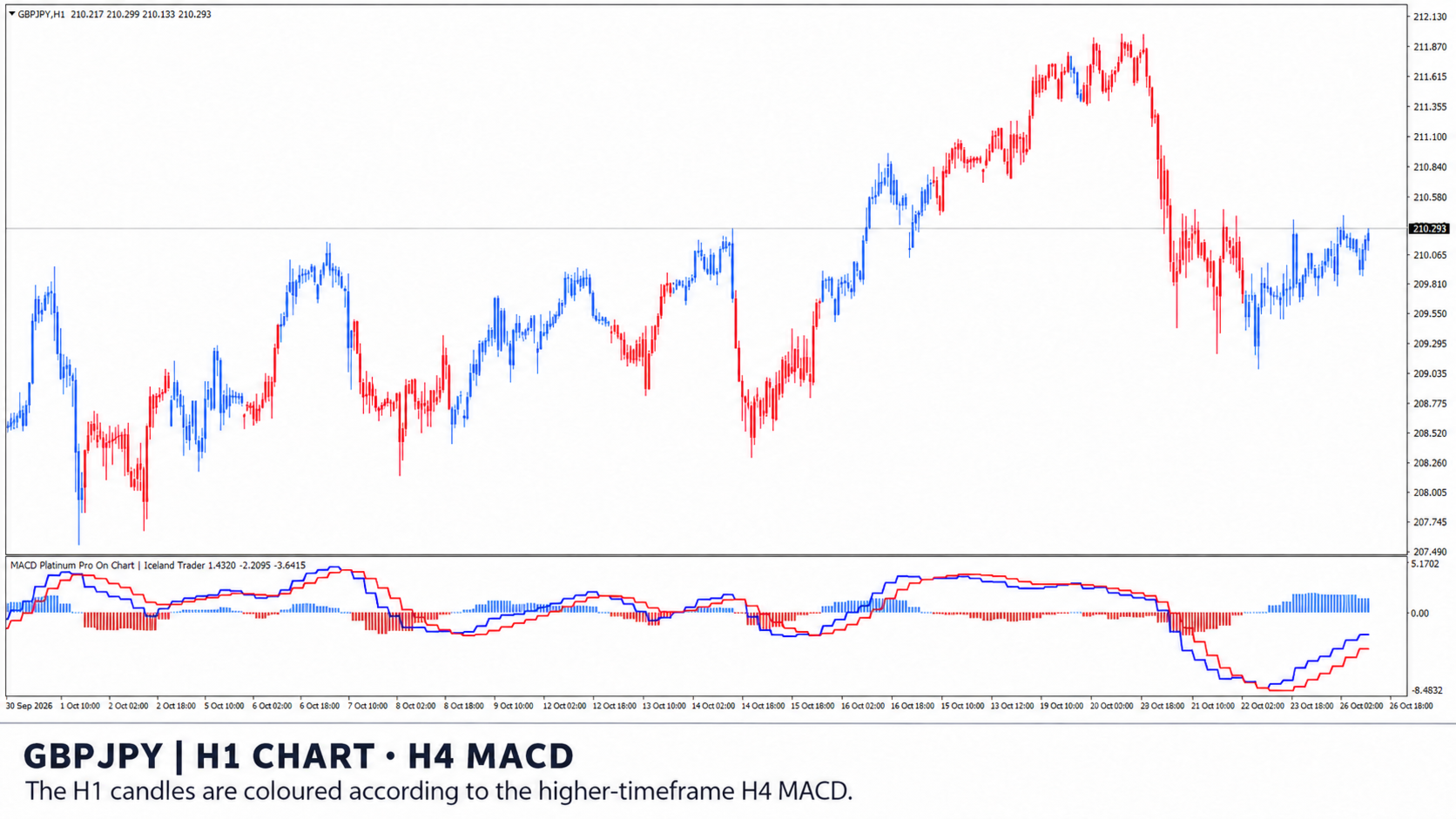
For example, you can view an H1 chart while selecting the H4 MACD. The indicator will display the H4 MACD and signal lines in the indicator window and colour the H1 candles according to the H4 MACD state.
In the default confirmed higher-timeframe mode, the indicator waits for the H4 candle to close. Its confirmed MACD state is then applied from the start of the next H4 period. This lets you follow the higher-timeframe momentum while observing price action on a lower timeframe.
You can also choose to use the forming higher-timeframe candle for a more immediate view. Its MACD state can change before the higher-timeframe candle closes, and historical lower-timeframe colours may change as a result.
Customisation
-
White and black chart schemes: Choose a coordinated colour palette for your preferred chart background.
-
Custom candle colours: Select the bullish and bearish overlay colours individually.
-
Custom MACD and signal lines: Adjust each line’s colour, thickness and style.
-
Optional histogram: Show or hide the MACD–signal difference and choose its colours and width.
-
Adjustable calculation: Change the fast, slow and signal periods, Zero Lag setting and value multiplier.
-
Optional crossover alerts: Enable popup or sound alerts when the MACD and signal lines cross.
-
Adjustable chart history: Control how many chart candles are coloured and how much source history is used for the calculation.
-
Clean chart display: The candle overlay is shown without crossover arrows. You can also turn the overlay off.
MACD Platinum Pro provides a clear visual way to compare momentum across timeframes and observe changes alongside price action. Use it with your preferred trend, support and resistance, or price-action analysis.
Available for MetaTrader 4 and MetaTrader 5.