Universal MidZone Expert Advisor
- Experts
-
Dragan Joksimovic
 MQL4 / MQL5 Expert Advisor and Indicator Developer
I develop and test Expert Advisors, indicators and trading utilities for MetaTrader 4 and MetaTrader 5 based on clearly defined trading rules.
My work includes:
• Expert Advisors for MT4 and MT5
• Custom indicators - Versione: 1.10
- Attivazioni: 5
Universal MidZone Expert Advisor – Automation Companion for H1 Container 5 Zones
Universal MidZone EA was developed as an automated trading companion to our free H1 Container M30 M15 M5 M1 - 5 Zones indicator.
The free H1 Container indicator gives traders a visual multi-timeframe view of the H1 candle and its internal M30, M15, M5 and M1 structures, divided into five price zones by the 20%, 40%, 60% and 80% levels.
Universal MidZone EA takes the same zone-based trading concept one step further by allowing these price relationships to be used for automated entries, exits and trade management.
The EA works independently and does not require the H1 Container indicator to be installed.
How the EA works
The EA uses two independently configurable timeframes:
- Trigger Timeframe – the current candle used as the trading trigger.
- Reference Timeframe – the candle whose percentage levels define the trading zones.
The Trigger value can be calculated from:
- (High + Low) / 2
- (Open + Close) / 2
The Reference candle can use either its complete High/Low range or its Open/Close body.
You can define your own BUY and SELL zone boundaries.
For example:
- 80% / 20% – trading around the outer zones used by the H1 Container concept.
- 60% / 40% – trading around the central directional zones.
- 75% / 25% – default Universal MidZone configuration.
This makes it possible to experiment with many combinations of the H1 Container zone concept without modifying the EA source code.
Example multi-timeframe configurations
H1 Reference + M5 Trigger
H1 Reference + M1 Trigger
M15 Reference + M5 Trigger
M5 Reference + M1 Trigger
A trader using the free H1 Container indicator for visual market structure can therefore use Universal MidZone EA to automate selected zone relationships.
Trading logic
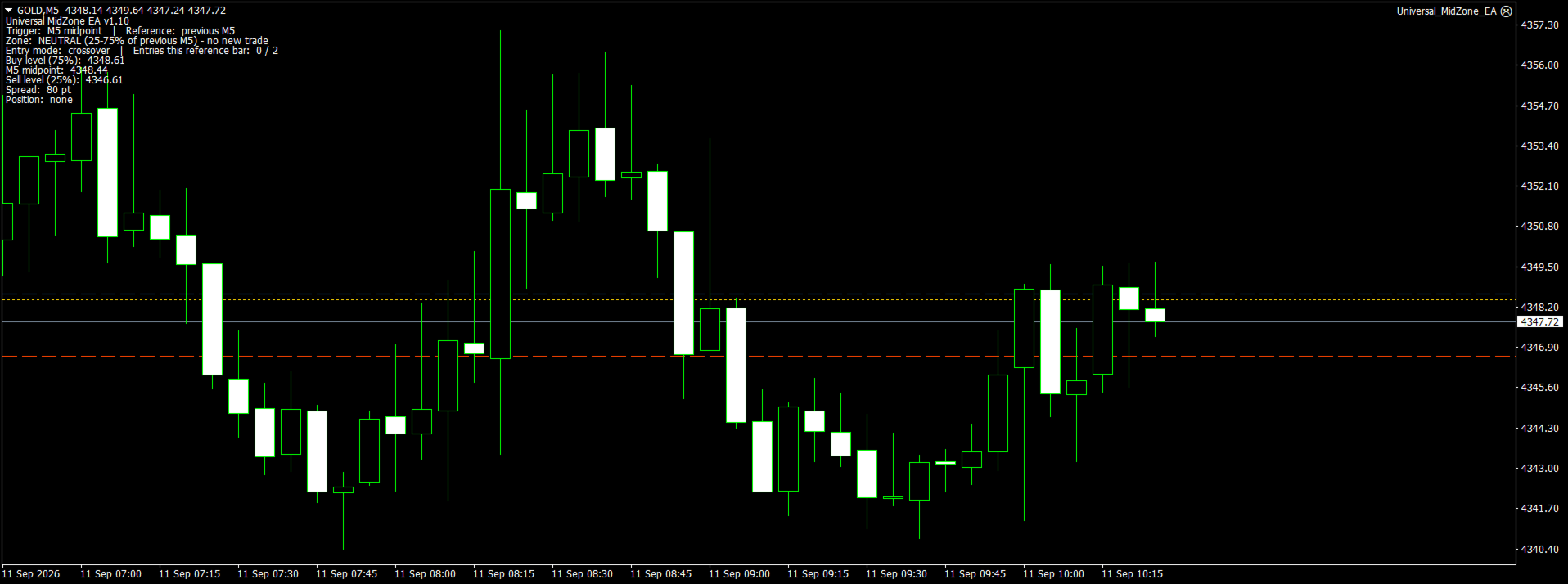
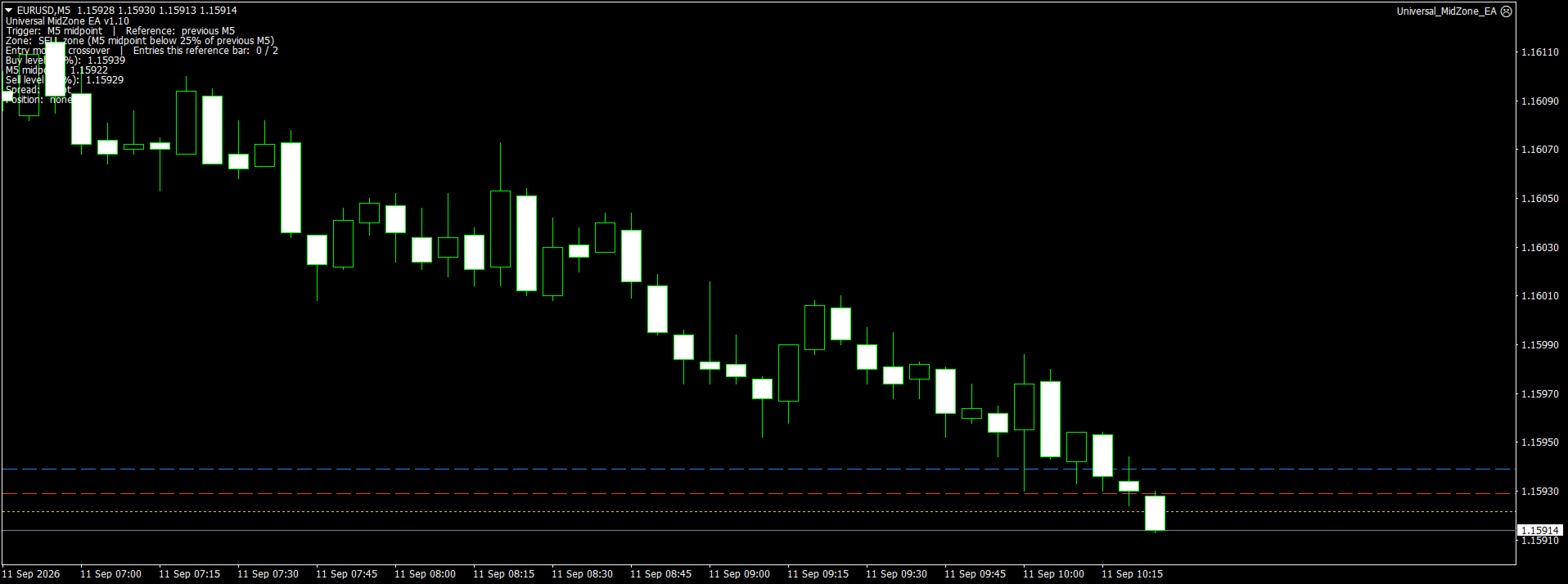
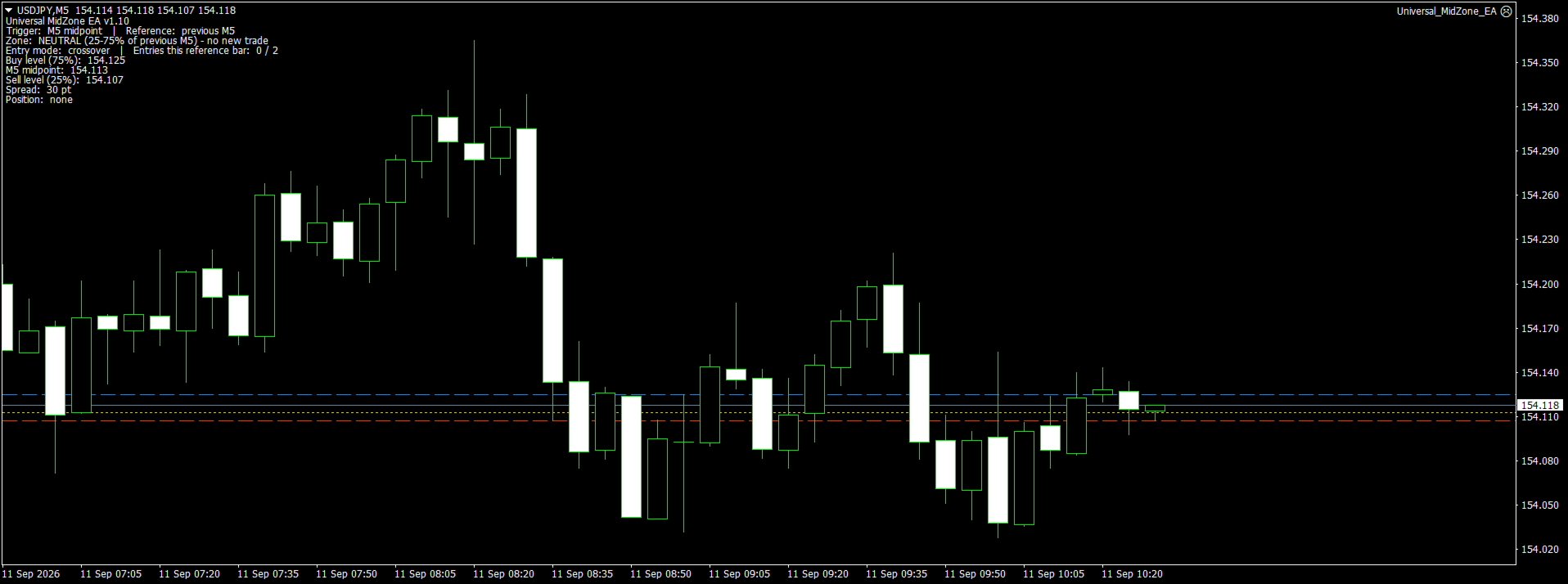
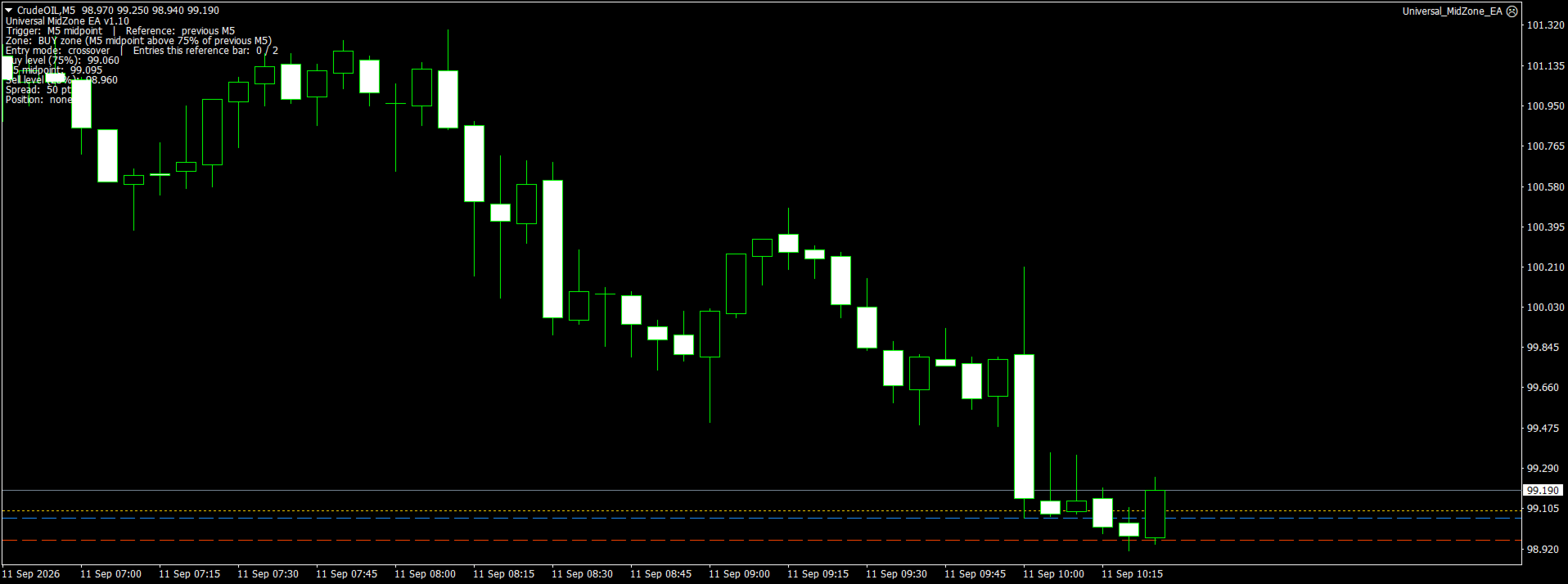
BUY zone:
Trigger midpoint is above the selected BUY percentage of the Reference candle.
SELL zone:
Trigger midpoint is below the selected SELL percentage of the Reference candle.
NEUTRAL zone:
Trigger midpoint is between the SELL and BUY levels.
The EA can optionally close an existing position when the Trigger returns to the Neutral zone.
Crossover mode
When Crossover is enabled, the EA does not simply open a trade because the Trigger is already inside a BUY or SELL zone.
It waits for an actual transition into the new zone.
This can help prevent repeated entries while price remains on the same side of a level.
Main features
- Multi-timeframe Trigger and Reference candles
- Configurable BUY and SELL percentage levels
- Compatible with 20/40/60/80 zone concepts
- High/Low midpoint or Open/Close midpoint
- Current or previous Reference candle
- Crossover-only entry option
- Neutral-zone exit option
- Automatic opposite-position closing
- Maximum trades per Reference candle
- Breakout buffer
- Spread filter
- Fixed lot trading
- Stop Loss
- Take Profit
- Break-even
- Trailing Stop
- ECN mode
- Magic Number
- On-chart trading information
- Reference and Trigger levels drawn directly on the chart
- Maximum one active EA position per symbol and Magic Number
H1 Container users
If you already use our free H1 Container M30 M15 M5 M1 - 5 Zones indicator, Universal MidZone EA provides a practical way to test and automate trading ideas based on the same type of multi-timeframe percentage-zone analysis.
For example, you can use H1 as the Reference timeframe and M5 or M1 as the Trigger timeframe while setting the EA levels to 80/20 or 60/40.
This allows the visual H1 Container analysis and automated MidZone trading to be used together as one workflow.
Important
Universal MidZone EA is a standalone Expert Advisor. It does not read signals directly from the H1 Container indicator and the indicator is not required for operation.
The H1 Container indicator is intended for visual multi-timeframe analysis, while Universal MidZone EA provides configurable automated execution based on percentage zones and candle midpoints.
All distance settings in the EA are expressed in broker points.
Before using the EA on a live account, test your selected symbol, timeframe combination and parameters in the MetaTrader 4 Strategy Tester and on a demo account.
Trading involves risk. Historical performance and backtests do not guarantee future results.