AccountManager PRO
- Utilità
-
Massimiliano Cianci
 A unique mix of competences from computer science and behavioural science blend in Software Development, Coaching and Consulting.
As a Software Developer I design Trading Systems for MetaTrader and TradingView as well as cross-platform and native applications for Android/iOS. - Versione: 1.52
- Aggiornato: 5 aprile 2026
- Attivazioni: 5
Your companion for Account Control & Risk Management
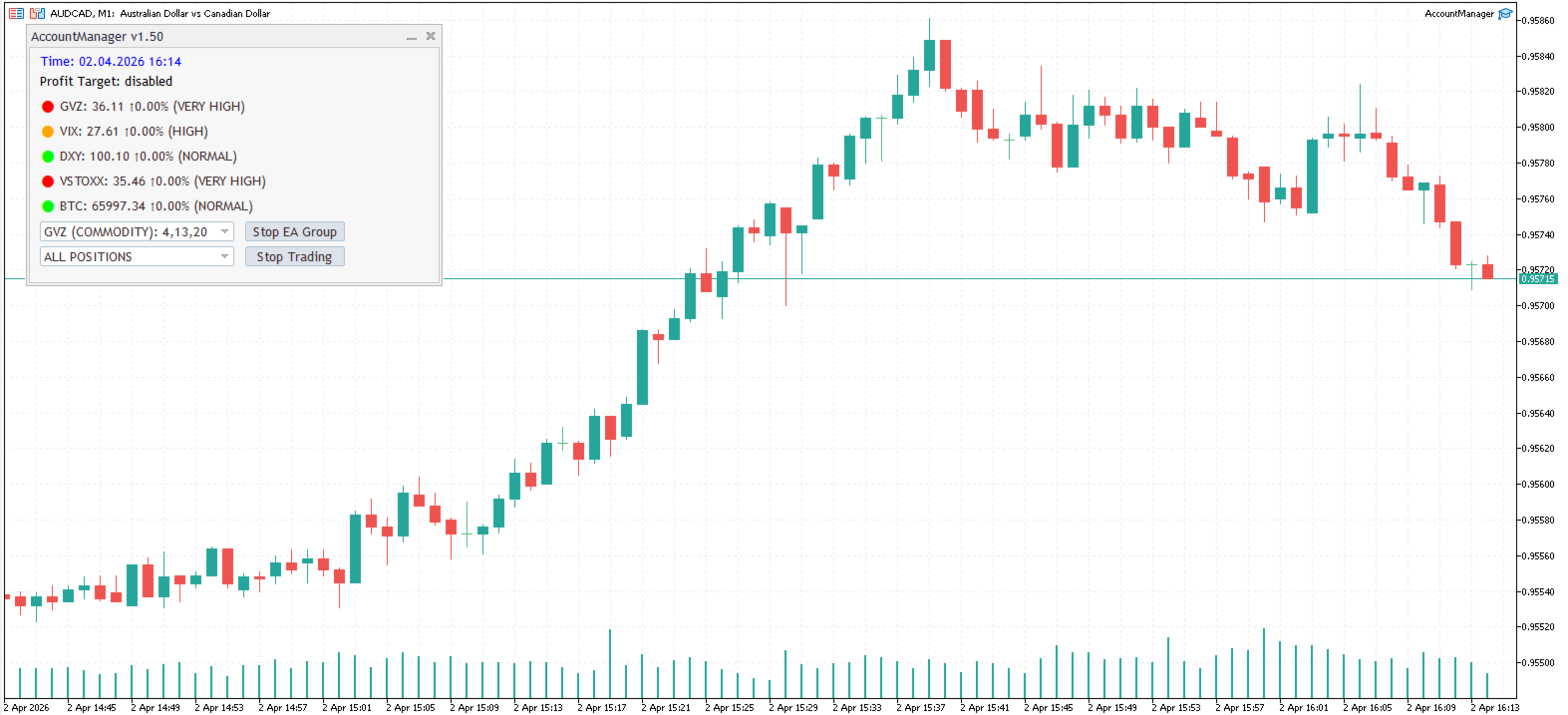
AccountManager PRO is a powerful administration tool for MQL5, designed for traders who need absolute control over their trading environment. Whether you are a manual trader or running multiple Expert Advisors (EAs), this utility provides the "Master Switch" and the monitoring tools necessary to protect your capital and optimize your exits.
🤖 Key Features:
-
Global Profit Protection: Set a specific profit target (in account currency). Once reached, AccountManager PRO will automatically close all open positions, locking in your gains and preventing give-backs.
-
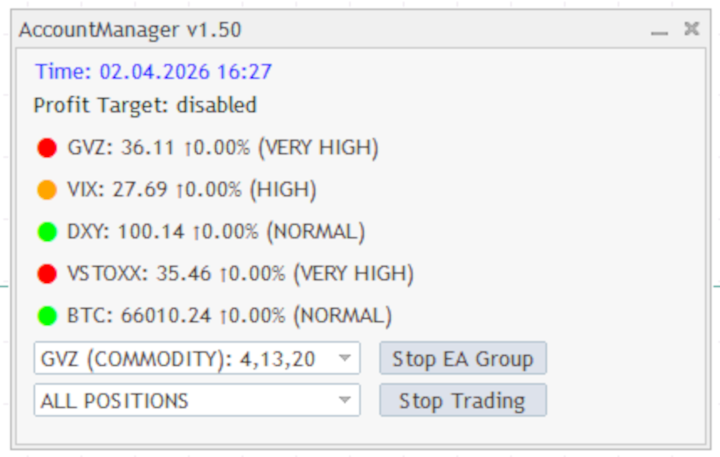
Advanced Market Stress Monitoring: Stay ahead of volatility. The EA integrates real-time monitoring of key stress indicators like GVZ (Gold Volatility) and VIX (Market Volatility), helping you decide when it's time to flatten your exposure.
-
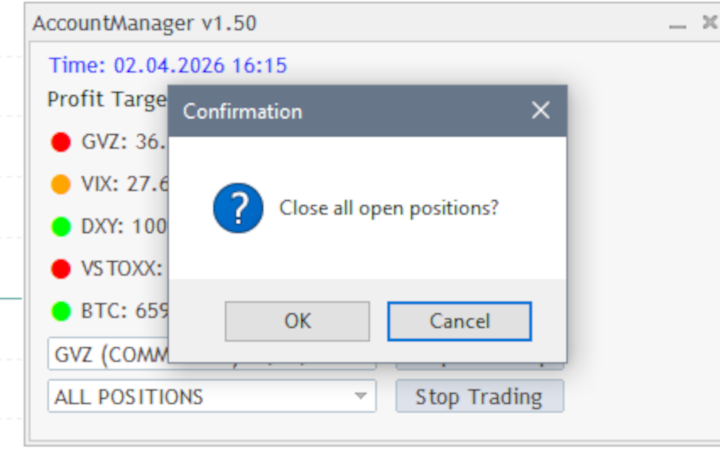
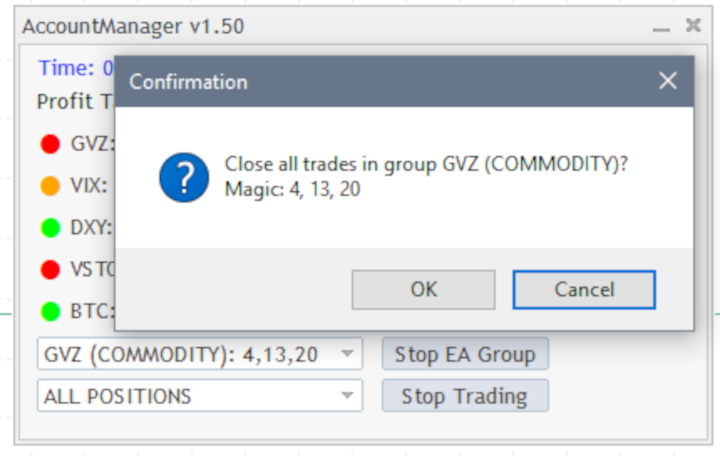
One-Click Universal Close: A dedicated interface allows you to instantly close all open trades across the entire account with a single click—perfect for high-impact news events.
-
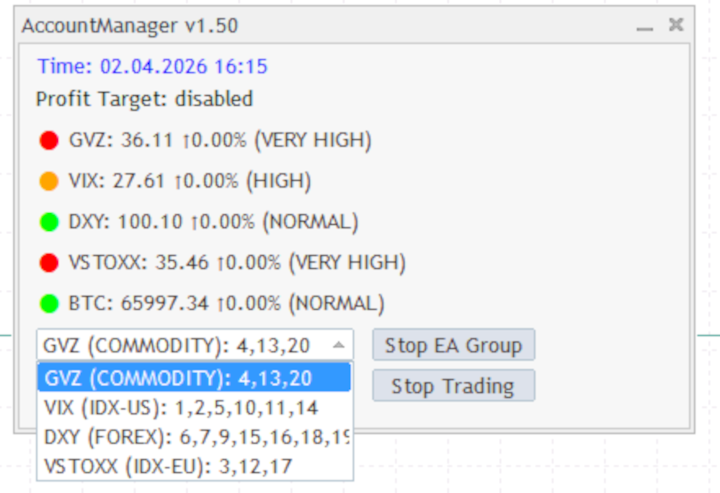
Smart Magic Number Grouping: Take control of your portfolio. You can group and close trades based on specific Magic Numbers. This allows you to stop specific EAs or strategies without affecting others.
-
Individual Trade Management: Not just global actions—manually close specific symbols or individual positions directly from the EA’s dashboard.
In modern trading, how you exit is as important as how you enter. AccountManager PRO acts as your personal "Risk Manager," sitting on your chart to ensure that your trading plan is executed with surgical precision.
It is the ideal companion for traders managing multiple EAs who need a centralized "Kill Switch" and a professional dashboard to monitor market sentiment at a glance.
Technical Specifications:
- Platform: MetaTrader 5
- Asset Classes: Works on Forex, Commodities, Indices, and Crypto.
- Setup: Easy "Drag & Drop" installation with an intuitive UI.
⚙️Input Parameters
AccountManager PRO is highly customizable. Below is a breakdown of the input groups to help you configure the EA to your trading style:
NB: you need to enable the following address in the MetaTrader 5 Terminal for the market indicators to work properly under Tools->Options->Expert Advisors->Allow WebRequest for listed URL (enabled):
https://query1.finance.yahoo.com
💰 Money Management
-
Profit Target in Units: Set your desired profit in your account currency (e.g., 100.00). When the account equity reaches this net profit, the EA will automatically close all open positions. Set to 0 to disable.
📊 Market Stress Indicators (Volatility & Risk-Off)
The EA monitors global sentiment using specialized indices. You can set thresholds for Moderate, High, Very High, and Panic levels, as well as Spike detection (percentage change over 1h or 4h).
-
GVZ (Gold Volatility): Essential for commodity traders. Detects sudden stress in the Gold market.
-
VIX (US Equity Volatility): The "Fear Gauge." Monitors the S&P 500 volatility levels.
-
DXY (US Dollar Index): Tracks rapid movements in the Greenback, crucial for Forex pairs.
-
VSTOXX (EU Equity Volatility): Monitors European market stress.
-
BTC (Bitcoin Risk-Off): Detects sudden "crash" movements in the crypto market, often a precursor to global risk-off sentiment.
🛠 Trade Management & Grouping
-
EA Group List: This is a powerful feature to organize your dashboard. You can group different Magic Numbers under a custom label.
-
Format: LabelName:Magic1,Magic2|NextLabel:Magic3
-
Example: Scalper:111,222|Swing:333
-
This will create specific buttons on your UI to manage those groups independently.
-
💡 Other Settings
-
Comment: Set a custom comment for the trades managed/closed by the EA for easier tracking in your history.
Quick Setup Tip:
-
For Global Protection: Just set the profitTargetUnits and let the EA run on any chart.
-
For Indicator Monitoring: The default values are optimized based on historical volatility standards, but you can tighten them if you want more aggressive alerts/monitoring.
-
For Multi-EA setups: Fill the eaGroupList with your other EAs' Magic Numbers to gain surgical control over your entire portfolio.