Smart TP SL Manager MT5
- Utilità
-
Hoai Nam Trinh
 💎 INIZIA DA QUI - MAPPA DEGLI STRUMENTI GOLD ALGO LAB
Non sai quale strumento MT5 si adatta meglio al tuo processo di trading su XAUUSD? - Versione: 1.30
- Aggiornato: 18 settembre 2026
- Attivazioni: 20
| Current price: $39 - increases by $10 after every 20 purchases until reaching the final price of $89. Next price: $49. Complete Buyer Kit: 37 Professional Resources included at no additional cost. MT5 Presets, PDF Guides, Checklists, Mindmaps, Reference Cards, and Excel Workbooks - built from 8 years of developing structured XAUUSD trading workflows. After purchase, please message me via MQL5 inbox. Your complete Buyer Kit will be delivered within 24 hours. |
Many trading problems happen after the entry. A position may be opened correctly, but then left without Stop Loss, moved to breakeven too late, or managed inconsistently when several trades are open. This tool is built for that part of the workflow.
The utility does not search for entries, generate trading signals or open new trades automatically. Its purpose is to assist with post-entry management, including Stop Loss, Take Profit, breakeven, trailing stop, partial close, profit lock and floating risk control.
It can be used on XAUUSD/Gold, Forex, indices, commodities and other symbols supported by MetaTrader 5. The exact behavior may vary between brokers because execution rules, spread, stop levels, freeze levels and symbol specifications are not always the same.
Main Features
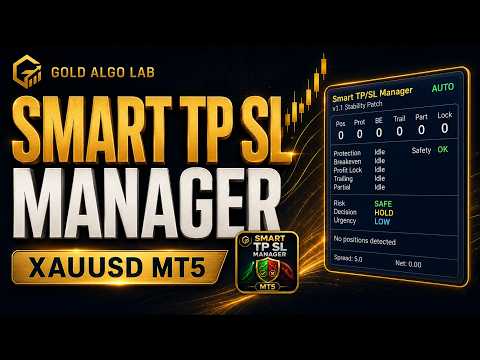
Smart TP SL Manager MT5 provides a compact on-chart panel for monitoring position protection and management status.
Main functions include:
- Initial Stop Loss and Take Profit management
- Breakeven based on selected trigger rules
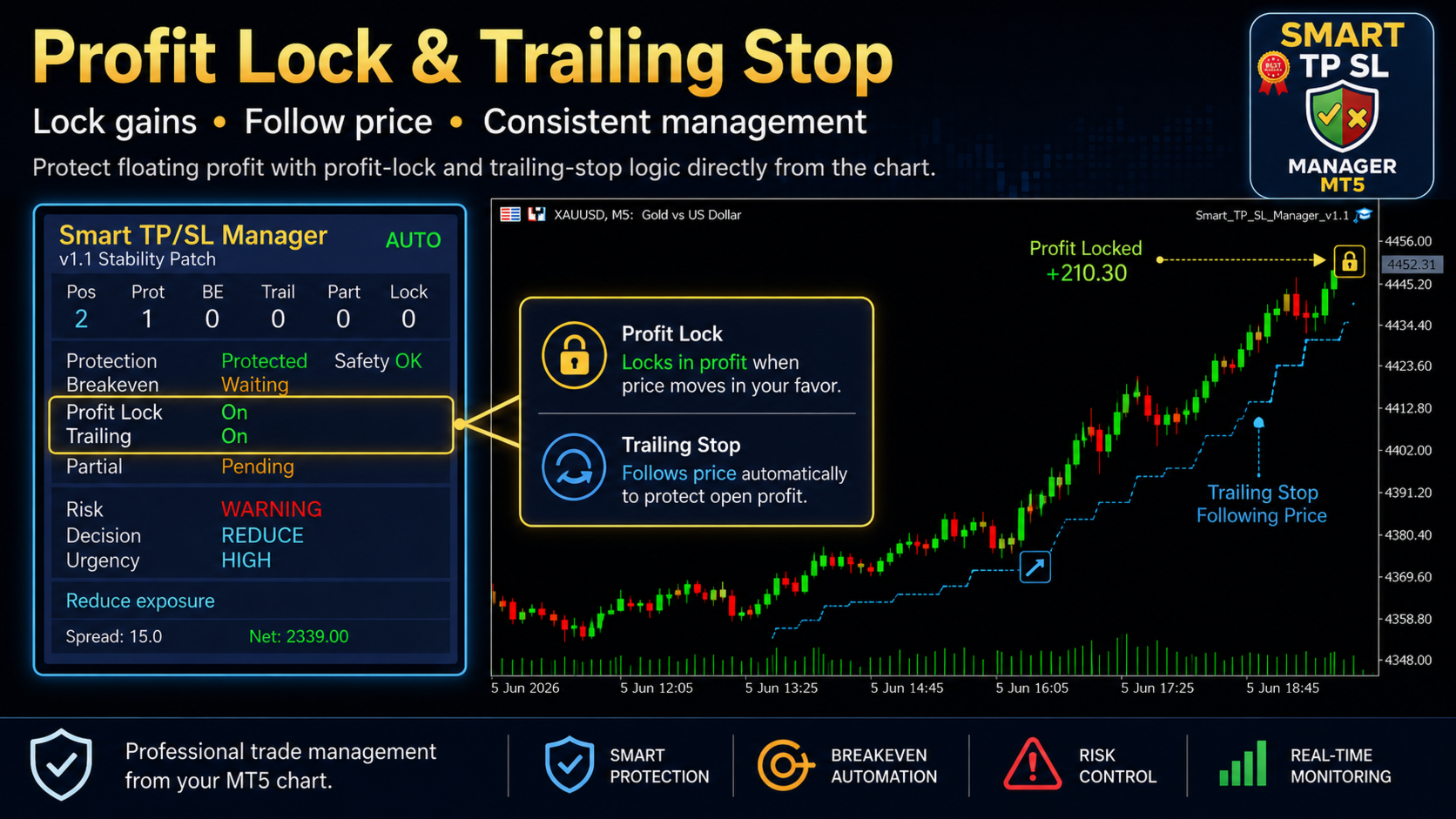
- Profit lock and trailing stop logic
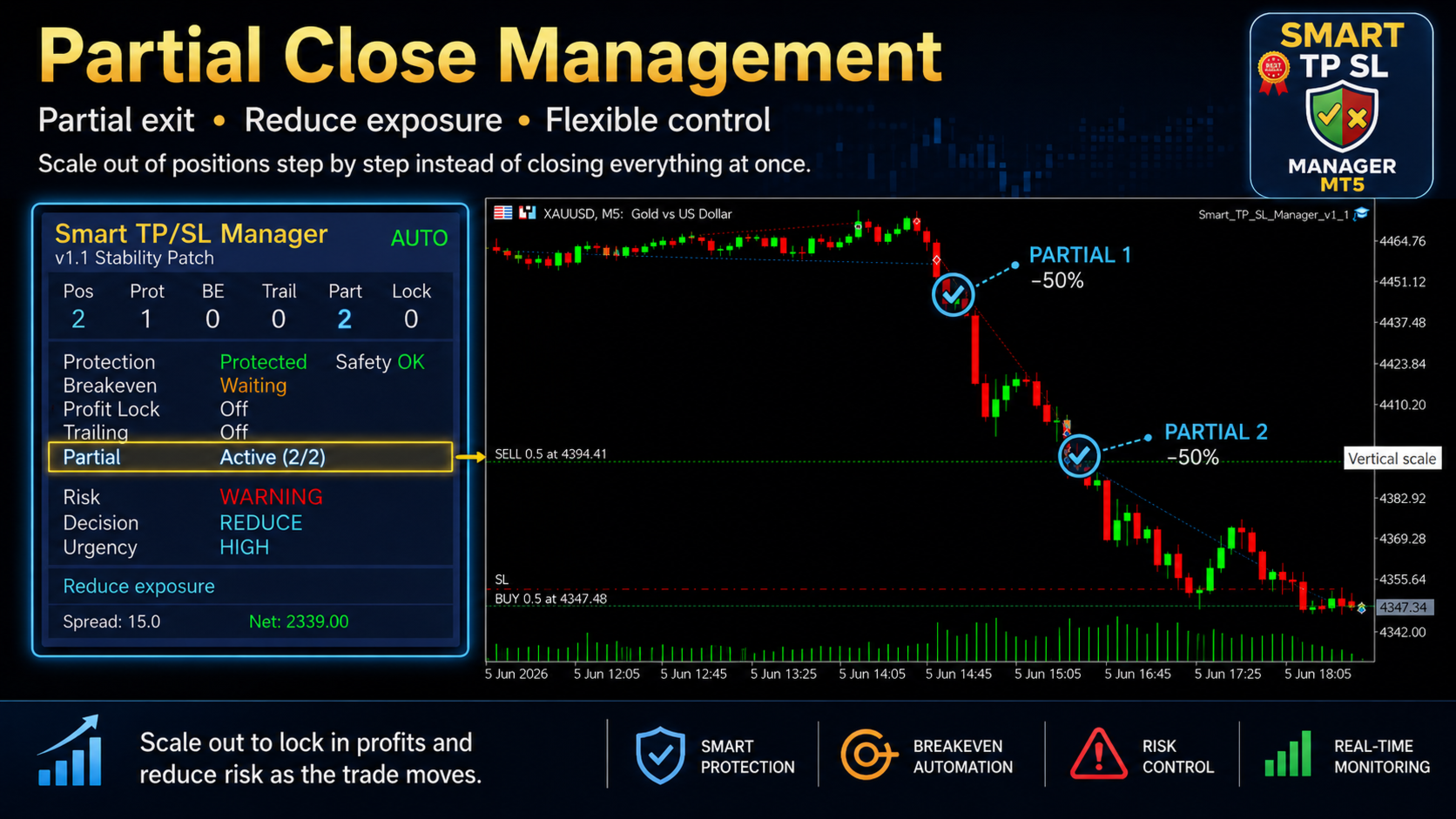
- Partial close management
- Emergency Stop Loss option
- Floating loss cap option
- Spread and session filters
- Current symbol, all symbols and magic number filtering
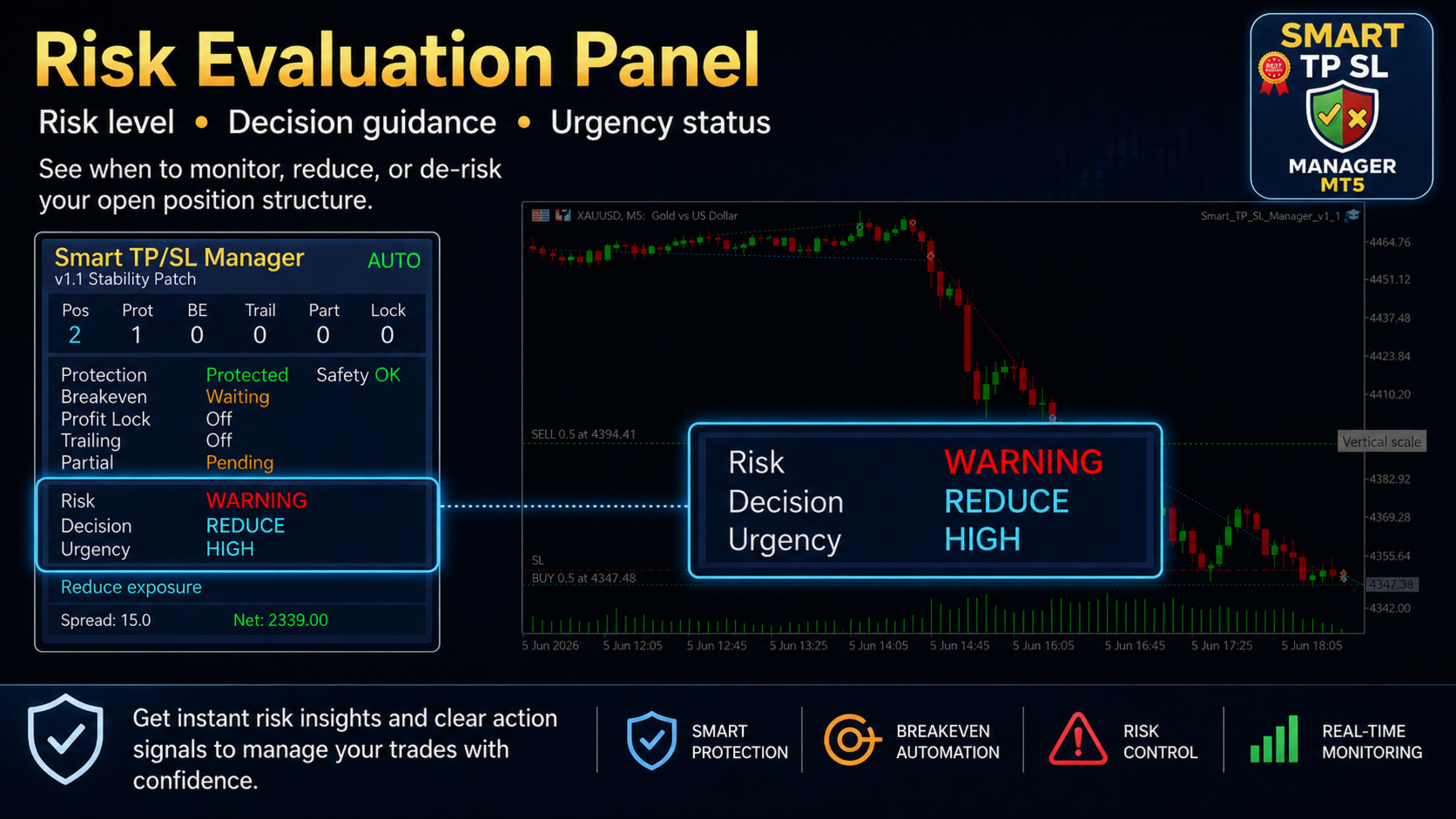
- Risk, decision and urgency display on the chart
The panel is intended to give a quick view of position status without switching between multiple terminal tabs.
Version 1.3 Update
Version 1.3 is a stability-focused update. The main purpose of this version is to improve internal handling, panel clarity and trade modification checks while keeping the same product concept as v1.0.
Changes in v1.3 include:
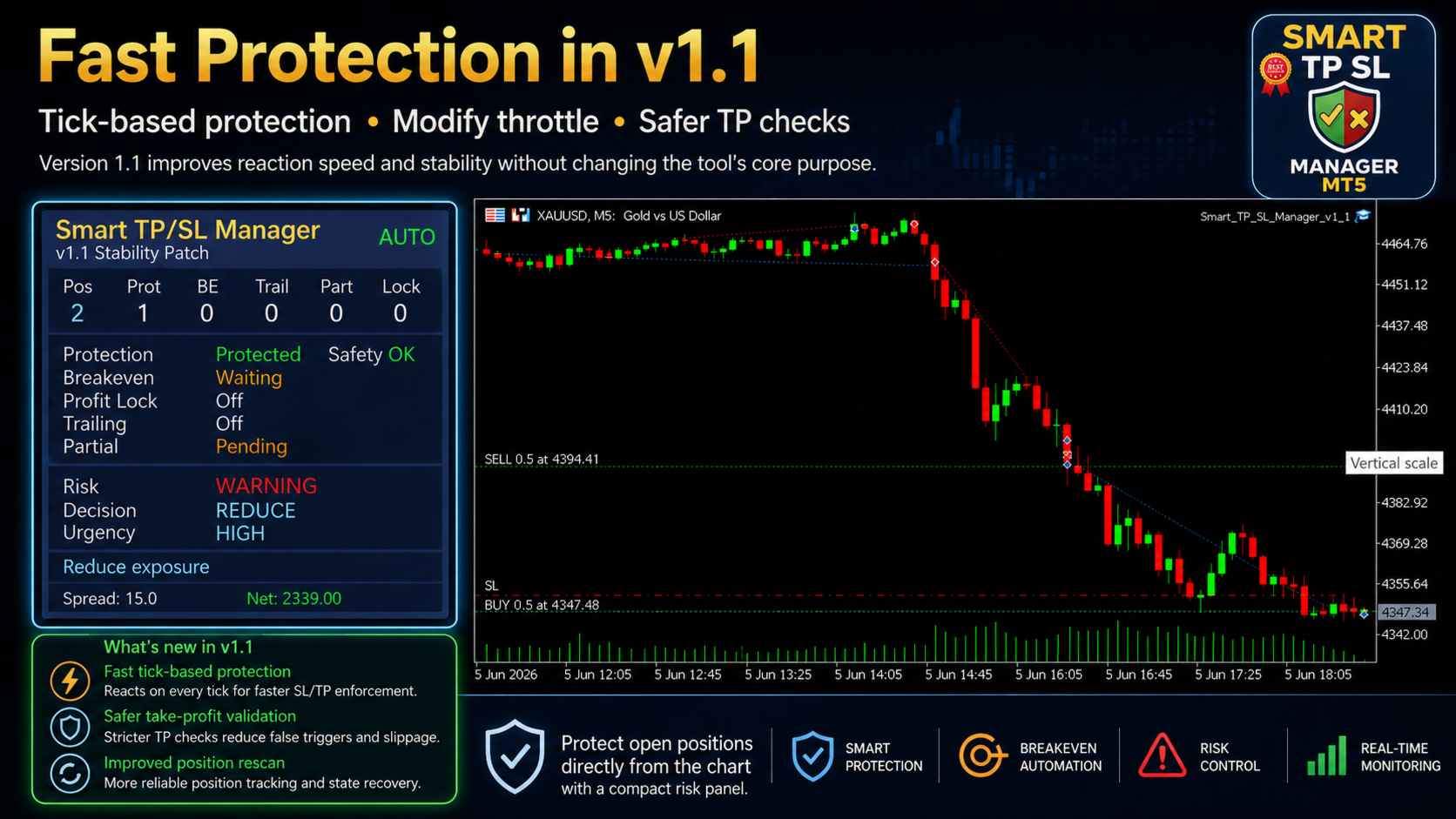
- Added tick-based protection path with throttle
- Improved modify cooldown and rate-limit logic
- Added Take Profit placement validation
- Improved safety checks for all-symbol management
- Improved broker server-hour session filter handling
- Improved net floating profit/loss handling where available
- Added stronger input validation
- Improved position rescan after trade actions
- Fixed decision color mapping
- Updated the panel with a blue utility theme and gold title
Panel and Safety Checks
The chart panel displays position count, protected positions, breakeven state, trailing state, partial close state, profit lock state, spread, floating profit/loss and current risk condition.
The decision layer is not a trading signal. It is a position-management status layer. It may show whether the current position structure is in a normal state, requires monitoring or may need exposure reduction.
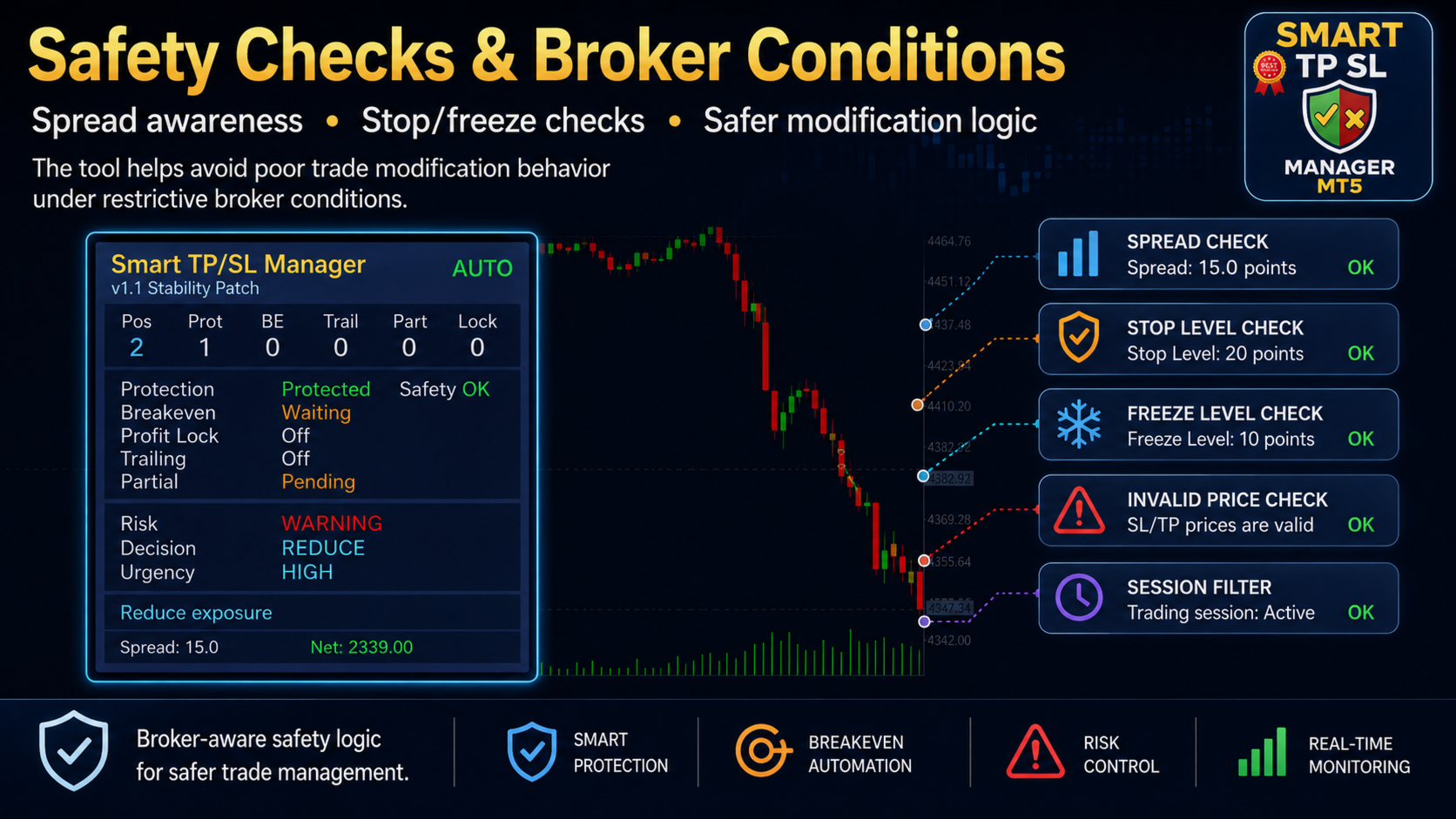
The utility also checks several broker-related conditions before applying management actions. These include spread condition, session filter, trade mode, stop level, freeze level, invalid price conditions, modify cooldown and maximum modification attempts per minute.
Partial close behavior depends on broker volume rules, minimum lot size and lot step. Stop Loss, Take Profit and trailing behavior also depend on broker execution and market conditions.
Broker Execution Differences
Different results across brokers are often caused by execution differences rather than strategy logic.
Smart TP SL Manager MT5 works with the prices, spread, stop level, freeze level, execution speed and trading conditions provided by each broker. Because of this, Stop Loss movement, Take Profit modification, partial close, trailing stop and loss-cap behavior may not be identical across all accounts.
Detailed explanation: https://www.mql5.com/en/blogs/post/769009
Not sure where this tool fits in your trading process?
Each Gold Algo Lab tool is built to solve one specific part of the trading workflow. The Gold Algo Lab Tool Map shows how our MT5 tools connect across 6 practical stages for XAUUSD traders: market context, setup selection, risk planning, trade execution, position management and account protection.
→ Gold Algo Lab Tool Map: Where to Actually Start With MT5 Tools for XAUUSD
https://www.mql5.com/en/blogs/post/771930
You do not need every tool. Start with the stage where your process breaks down most often, then build your workflow one layer at a time.
Important Notes and Risk Disclaimer
Smart TP SL Manager MT5 is a trade management utility, not a trading system. It does not predict market direction and does not guarantee profit.
Trade modification and closing depend on broker execution, liquidity, spread, slippage, platform connection and market conditions. A Stop Loss, trailing stop, partial close or loss cap does not guarantee execution at the exact expected price.
Test all settings on a demo account before using the utility on a live account. The user is responsible for all trading decisions, input settings and risk exposure.