Harmonic Confluence Pro Indicator
- Indicatori
- Versione: 1.82
- Aggiornato: 25 settembre 2026
- Attivazioni: 5

Harmonic Confluence Pro Indicator
Harmonic Confluence Pro is a scanner and signal indicator for manual traders. It detects harmonic price structures, applies price action and zone filtering, and calculates entry, stop loss, and take profit levels from market structure. All levels are drawn directly on the chart with arrows and labels.
Patterns
The indicator includes more than forty harmonic pattern definitions. Classic structures such as Gartley, Bat, Alternate Bat, Butterfly, Crab, Deep Crab, Cypher, Shark, 5-0 and ABCD are covered, along with extended families including Navarro 200, Leonardo, Nen Star, Black Swan, White Swan, Three Drives, and the Max, BG, NN and TOTAL series. Every pattern can be enabled or disabled individually, so you can narrow the scanner down to the structures you actually trade.
Confirmation and filtering
Detected patterns are checked against reversal candlestick formations at the completion point, and against support and resistance areas or supply and demand zones. Swing detection is configurable, and the ratio tolerance for pattern validation can be tightened or relaxed to trade off between more setups and stricter geometry.
On the chart
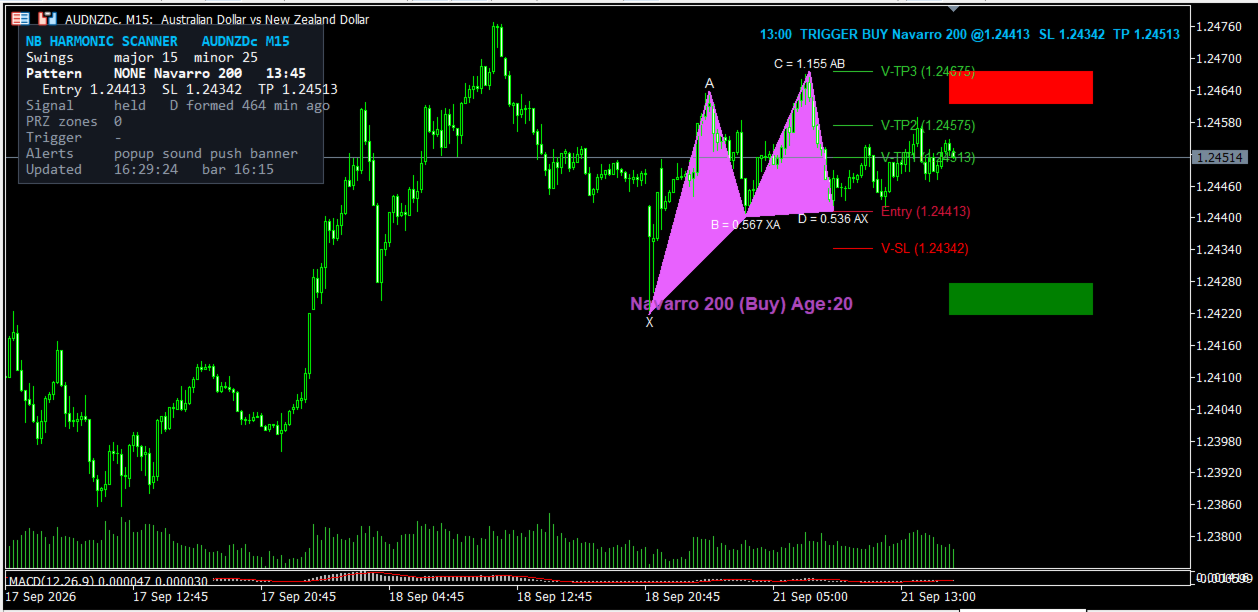
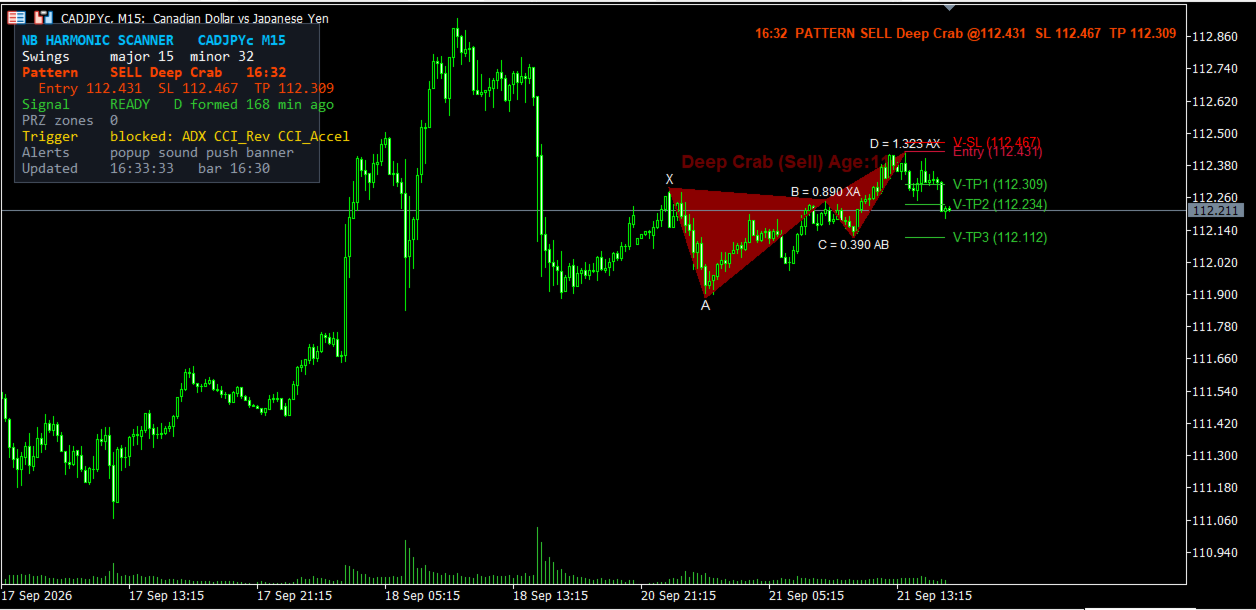
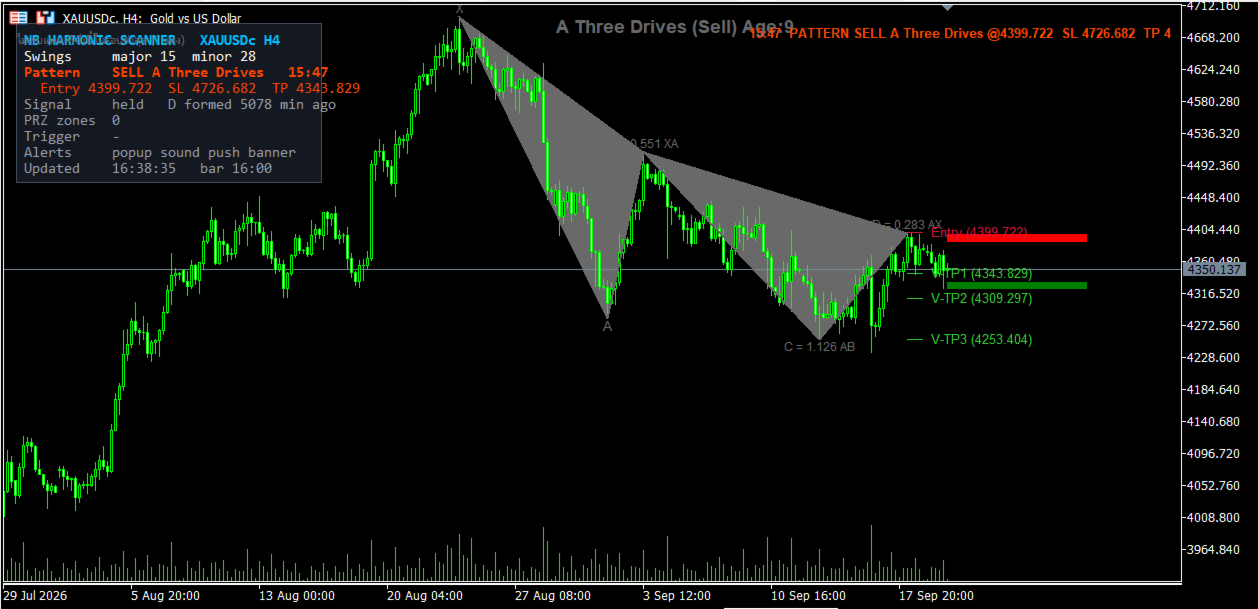
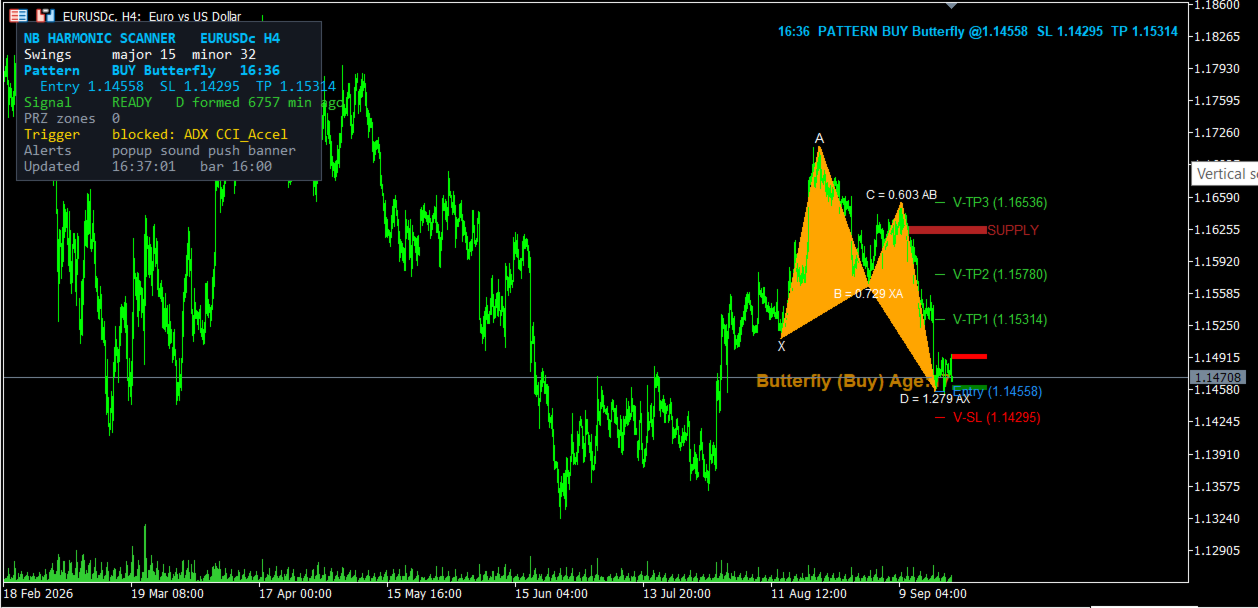
The indicator draws the full XABCD geometry, the potential reversal zone, and a projected D-point for patterns that are still forming. When a setup is confirmed it displays a direction arrow together with the entry price, stop loss, and multiple take profit levels. All price labels follow the digits of the symbol, so five-digit forex pairs, JPY crosses, metals and indices all display correctly.
A pattern that is no longer detected by the current scan is dimmed and marked with how many bars ago it was last seen, instead of being left on the chart looking current. An on-chart panel shows the symbol status and the pattern currently detected.
Alerts
New setups can trigger a terminal pop-up, a push notification to the MetaTrader mobile app, and a sound alert. Each channel can be switched on or off independently.
Settings
Inputs control which patterns are scanned, swing detection sensitivity, ratio tolerance, zone and candlestick filtering, panel visibility, alert channels, and all drawing colours.
How to use
Attach the indicator to a chart. Recommended timeframes are 15 minutes, 1 hour, and 4 hours. Wait for a pattern to complete and for the confirmation trigger to appear. When confirmed, the arrow and target levels are drawn and an alert is sent. Place the trade manually using the levels shown.
Disclaimer: this is a technical analysis indicator used to identify potential trading setups. It does not place trades automatically. Past performance is not indicative of future results