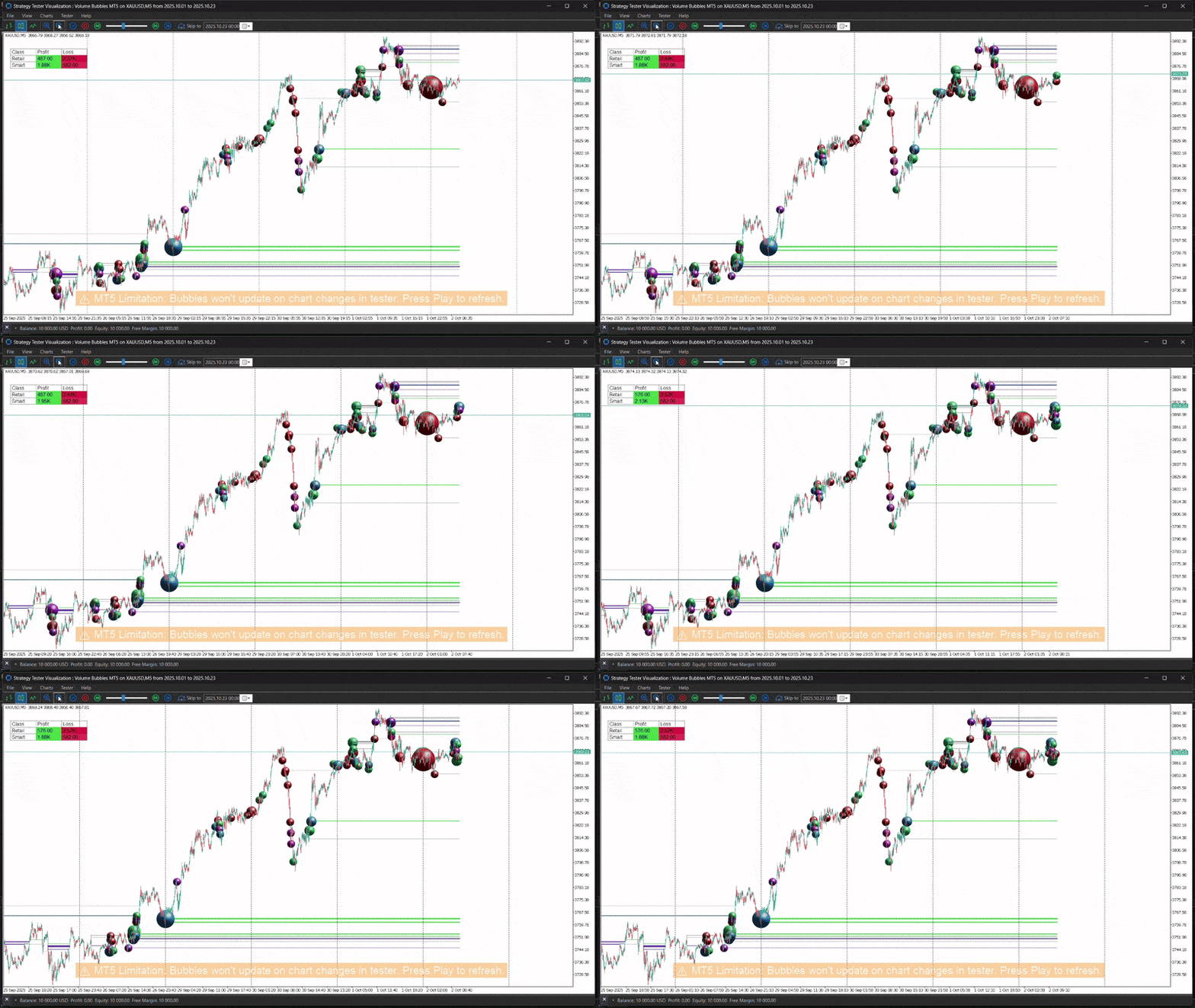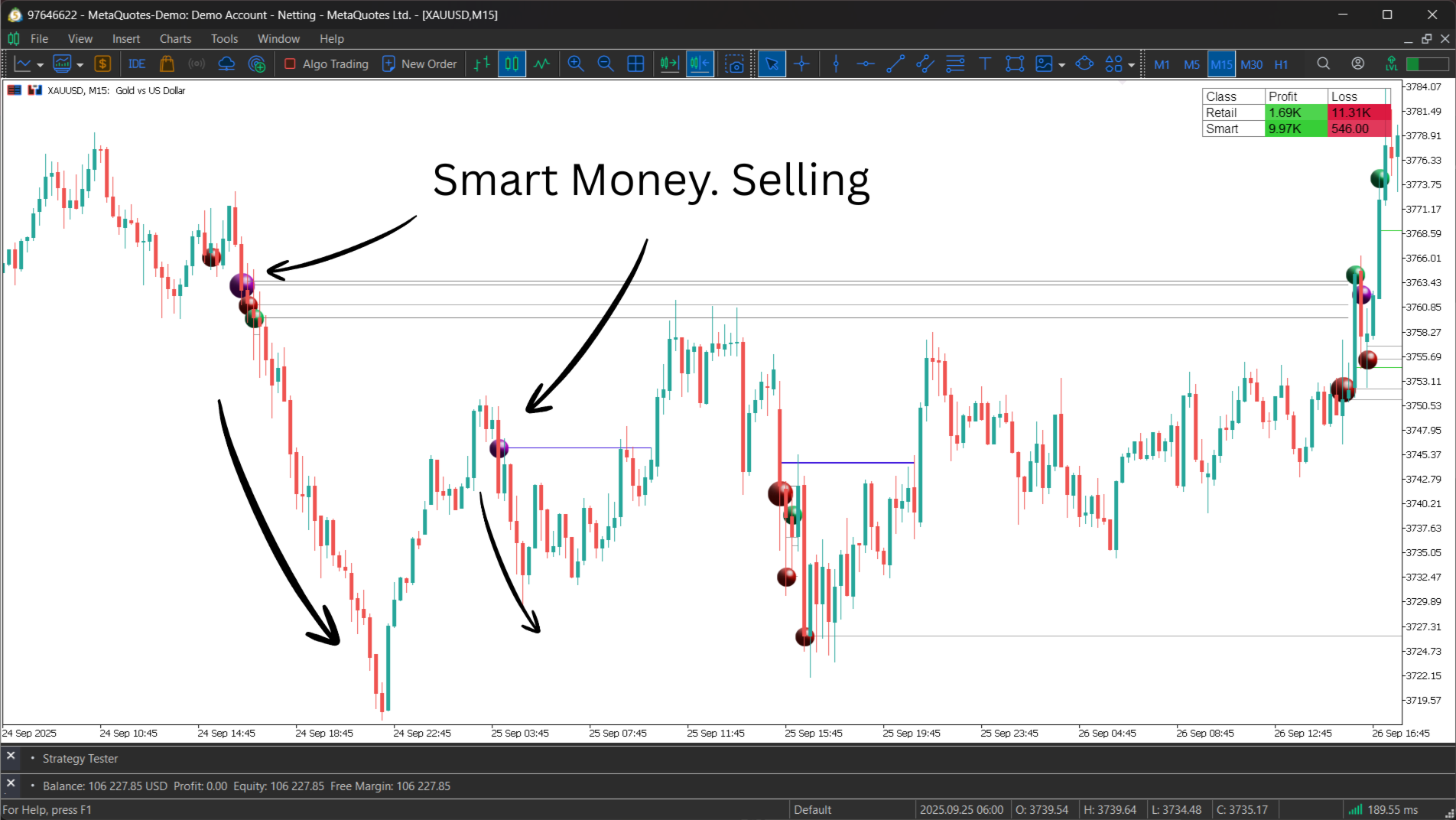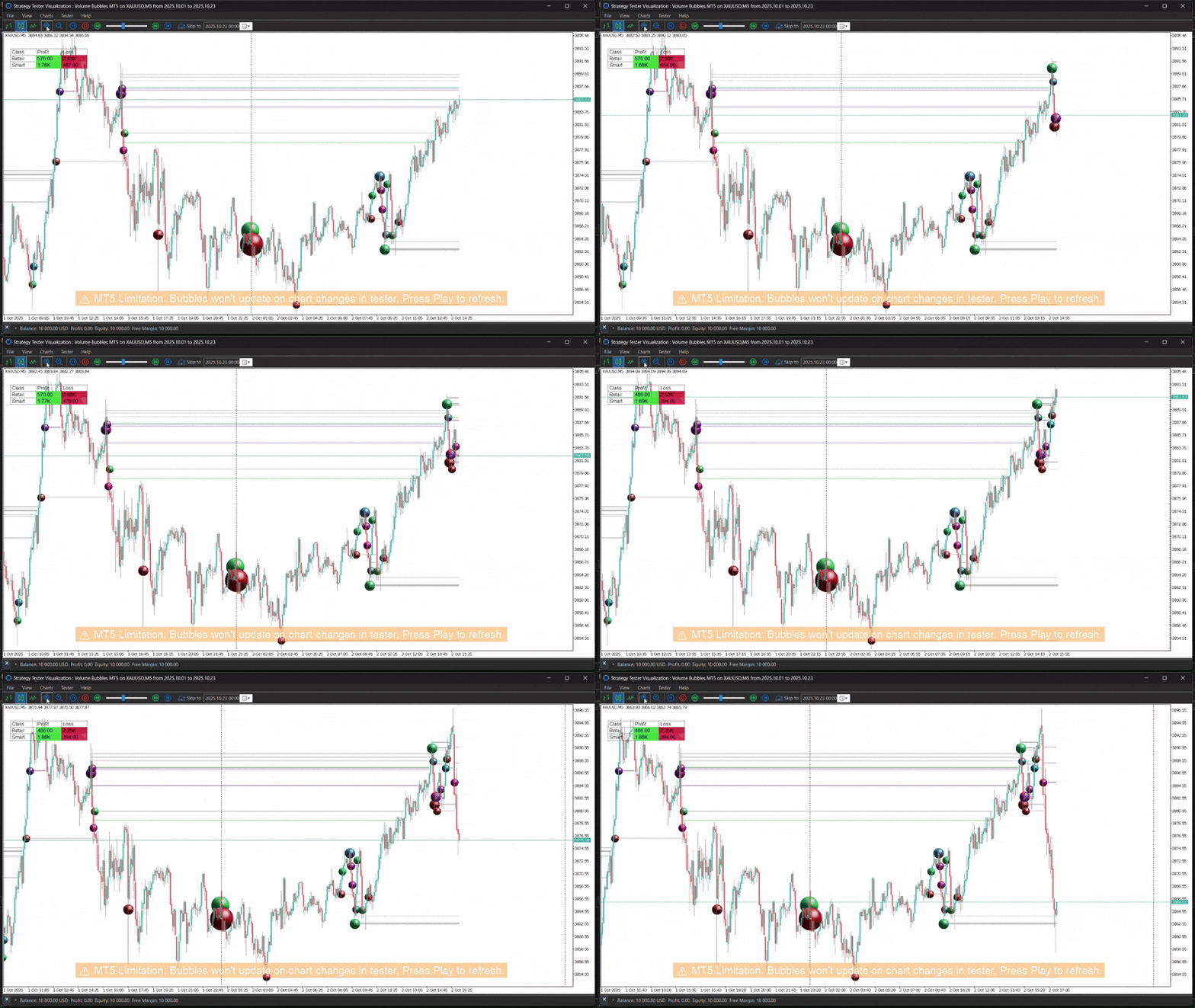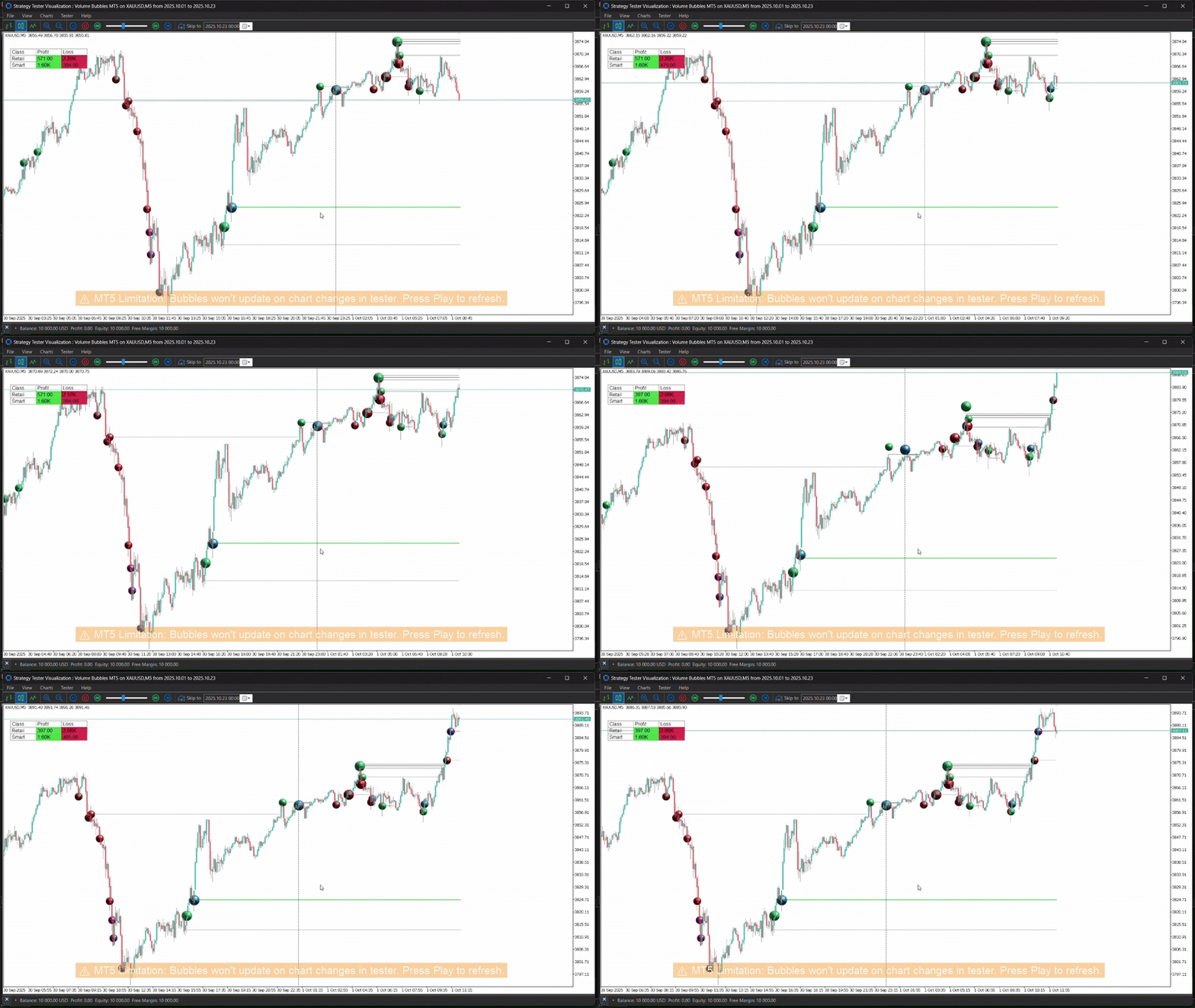
Volume Bubbles MT5
- Indicatori
- Versione: 2.0
- Aggiornato: 12 novembre 2025
- Attivazioni: 10

Benefits and Usage of the Volume Bubble Tool
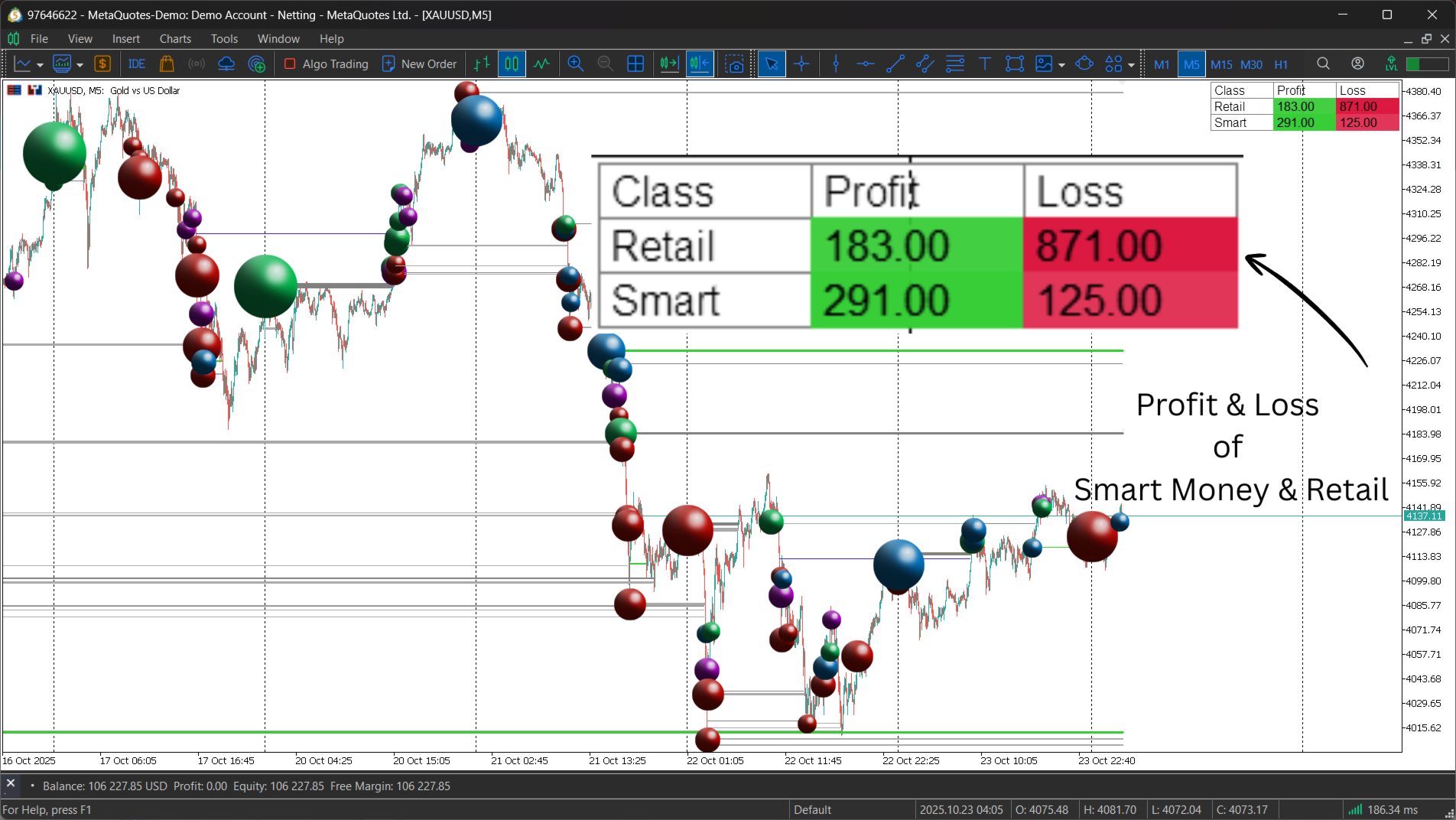
This tool, (one of my favorites by Algo Alpha, from Tradingview) provides an advanced method of volume analysis by moving beyond traditional histograms. It leverages statistical normalization (Z-score) on lower-timeframe data to identify and classify statistically significant volume events, visualizing the dynamic between "Smart Money" (institutional) and "Retail" participants.
Core Benefits
- Intuitive On-Chart Visualization: By plotting volume as bubbles directly on the price chart, the tool allows for an immediate, consolidated view of price and volume dynamics. The size of each bubble corresponds to the event's statistical intensity.
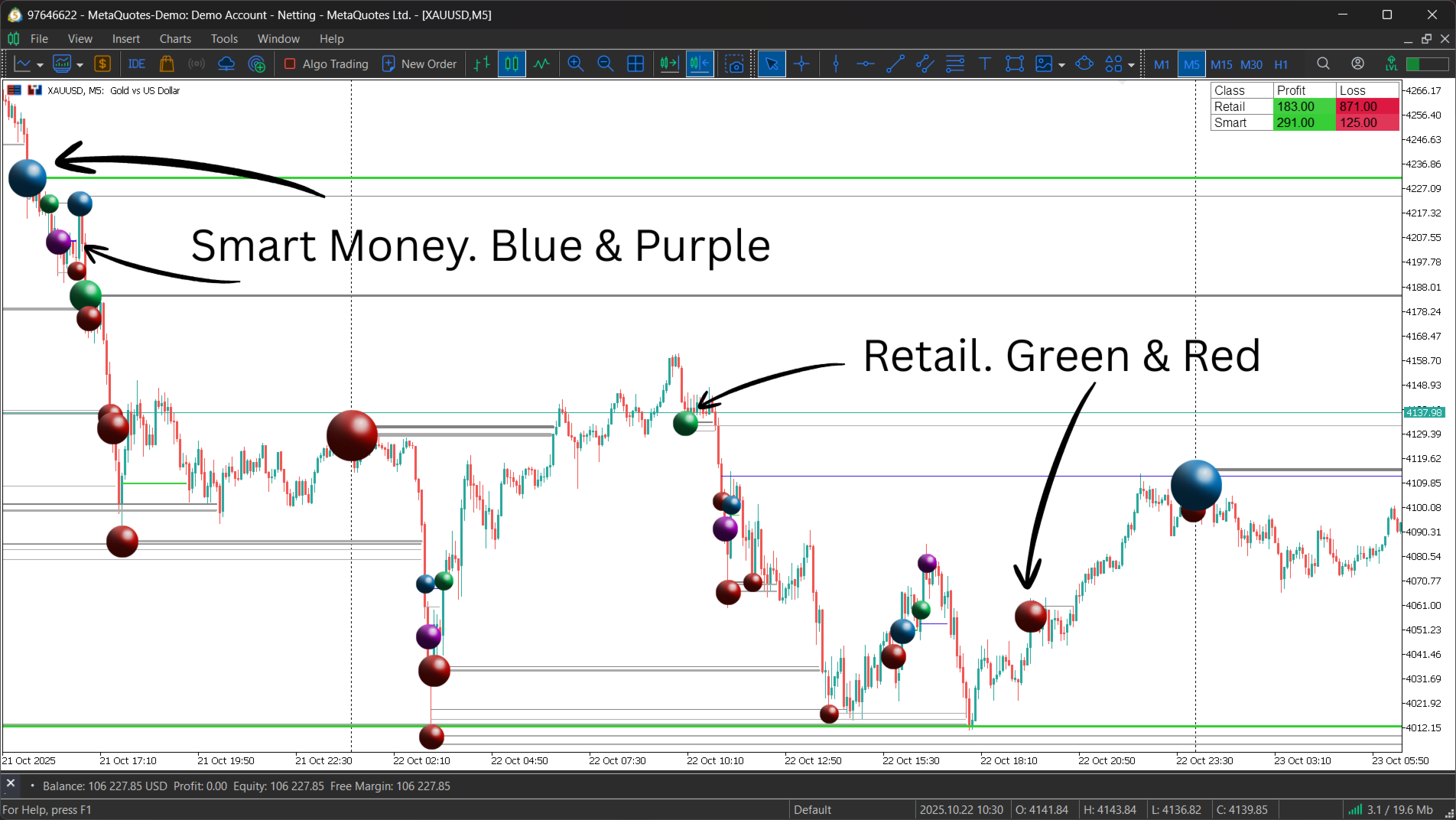
- Participant Behavior Analysis: The indicator's primary strength is its classification engine. It differentiates between:
- Smart Money: Extreme volume occurring within the candle body, suggesting planned accumulation or distribution.
- Retail: Extreme volume at bar extremes, suggesting reactive chasing of breakouts or panic-driven exits.
- Identification of Key Levels: Large bubbles and their corresponding horizontal lines highlight precise price levels of high-volume activity. These zones often act as significant future support, resistance, or liquidity "footprints."
- Live Performance Tracking: The integrated P/L (Profit/Loss) table provides a real-time summary of whether Smart Money or Retail-initiated levels are currently "in profit" or "at a loss," offering a clear gauge of which participant group is currently in control of the market.
Use Cases
- Analyzing Reaction Zones: Observe clusters of large bubbles and the horizontal levels they generate. These high-volume nodes (HVNs) represent areas where significant capital was transacted and are prime candidates for price reactions (rejections or bounces) on subsequent tests.
- Gauging Market Control: The P/L table is a key sentiment gauge. A persistently profitable Smart Money row suggests institutional alignment with the prevailing trend. Conversely, a deeply unprofitable Retail row can signal a "stuck" or "offside" crowd, which may provide fuel for trend continuation as those positions are liquidated.
- Confirming Price Action: Use the bubbles to validate market movements. A bullish reversal pattern gains significant confirmation if accompanied by a large "Smart Money" buy bubble near the low. A breakout that is only accompanied by "Retail" buy bubbles (chasing the high) may be viewed with more skepticism, as it could be prone to failure.
Indicator Settings Configuration
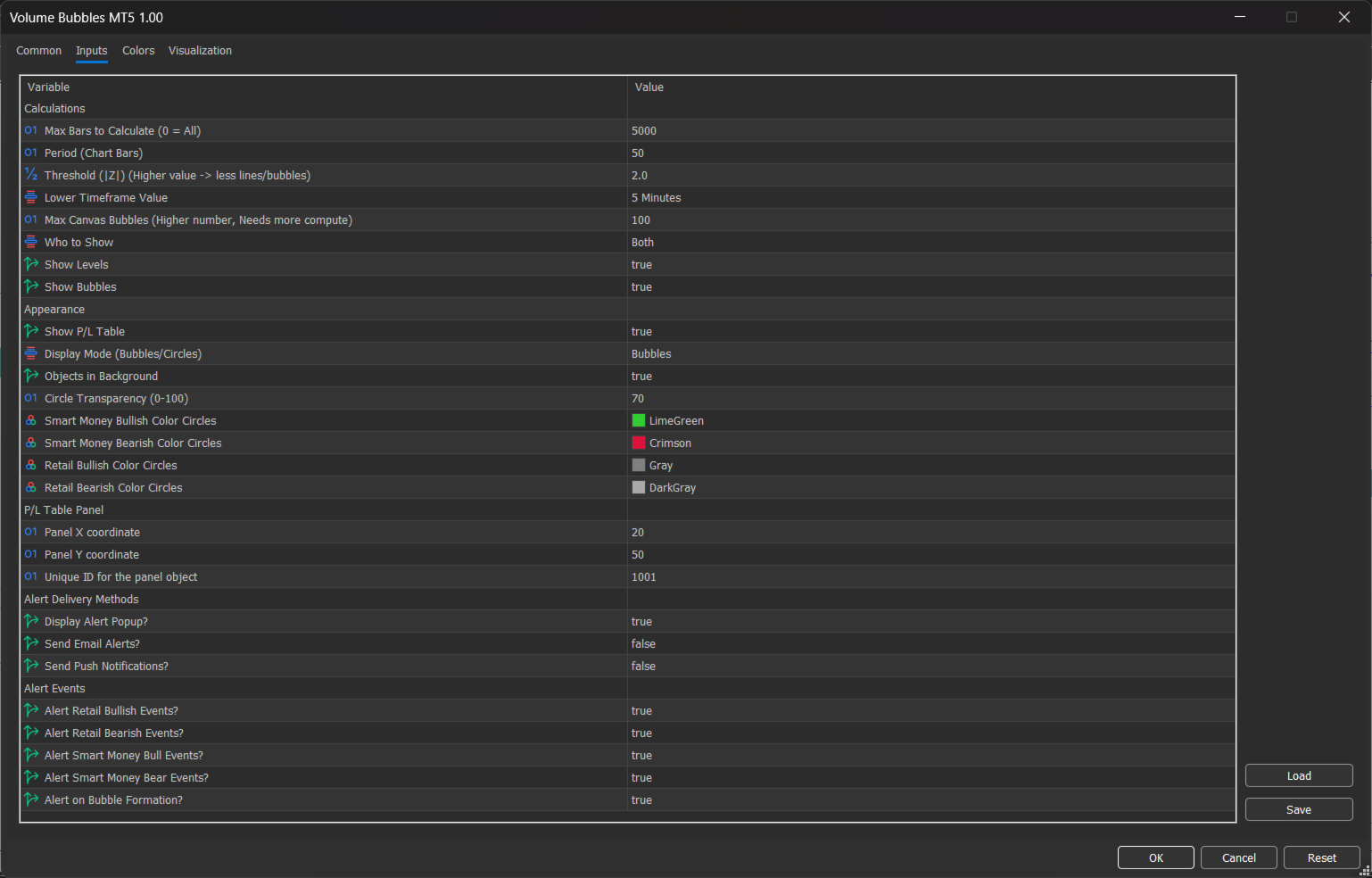
Below is a detailed explanation of each parameter within the indicator's input settings.
Calculations
This group controls the core data processing and event detection logic.
- Max Bars to Calculate (0 = All): Limits the number of historical bars the indicator will analyze to enhance performance. 0 calculates on all available history.
- Period (Chart Bars): The lookback period used to establish the "average" volume for the Z-score calculation. This defines what is considered "normal" activity.
- Threshold (|Z|): The minimum Z-score value a volume spike must reach to be registered. A higher value filters for only the most extreme volume events.
- Lower Timeframe Value: The specific lower timeframe (e.g., M5, M15) from which the indicator will sample volume data. This must be set to a timeframe lower than the one on your active chart.
- Max Canvas Bubbles: A performance setting that limits the total number of bubbles rendered on the chart to maintain platform speed.
- Who to Show: A filter to isolate the display. Options are "Both," "Smart Money" only, or "Retail" only.
- Show Levels: Toggles the visibility of the horizontal lines projected from detected volume events.
- Show Bubbles: Toggles the visibility of the volume bubbles themselves.
Appearance
This group controls the visual styling of the indicator's on-chart elements.
- Show P/L Table: Toggles the visibility of the on-chart profit/loss comparison dashboard.
- Display Mode (Bubbles/Circles): Selects the fill style for the plotted volume events (e.g., solid bubbles or outlines).
- Objects in Background: When true, all indicator objects are rendered behind the price candles to ensure chart clarity.
- Circle Transparency (0-100): Sets the opacity level for the "Circle" display mode.
- Smart Money Bullish Color Circles: Assigns the color for bullish (buy) Smart Money events.
- Smart Money Bearish Color Circles: Assigns the color for bearish (sell) Smart Money events.
- Retail Bullish Color Circles: Assigns the color for bullish (buy) Retail events.
- Retail Bearish Color Circles: Assigns the color for bearish (sell) Retail events.
P/L Table Panel
This group manages the positioning and identity of the P/L table.
- Panel X coordinate: The horizontal pixel position of the table on the chart.
- Panel Y coordinate: The vertical pixel position of the table on the chart.
- Unique ID for the panel object: A unique identifier to prevent object conflicts if multiple instances of the indicator are used on the same chart.