JKRapidFire
- Experts
-
Shi Yuan Wang
 Je développe des indicateurs personnalisés, des conseillers experts (EA), des scripts et des outils de trading
pour MetaTrader 4 et MetaTrader 5, ainsi que des indicateurs pour TradingView (PineScript).
Ce que je peux faire pour vous : - Version: 1.13
- Activations: 5
Overview
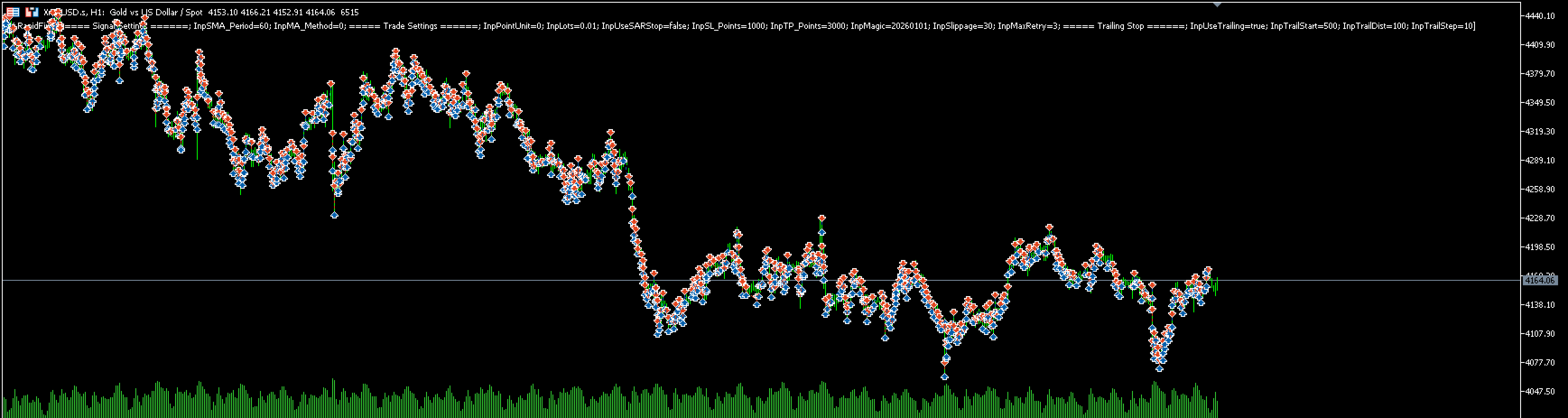
JK-RapidFire is an automated trading Expert Advisor for MetaTrader 5. It uses a proprietary internal signal engine to evaluate market conditions and open trades when its internal rules are met. The EA includes single-position management, stop loss, take profit, trailing stop, margin pre-check, and lot normalization.
It is designed for users who want a rule-based automated trading tool in MT5. The core entry logic is proprietary and is not disclosed in the product description or provided as public input parameters. All trading strategies involve risk, so thorough testing is required.
Key Features
-
Proprietary signal engine: internal entry conditions are not publicly disclosed.
-
Single-position management: manages one position per symbol/magic at a time.
-
New-bar evaluation: signals are evaluated after a bar closes to reduce tick-level noise.
-
Automatic SL/TP: stop loss and take profit can be set in points, pips, or ticks.
-
Optional initial protective stop: may be enabled depending on the version.
-
Trailing stop: starts after a specified profit and supports distance and step settings.
-
Margin pre-check: checks free margin before sending orders.
-
Lot normalization: automatically adjusts lot size to broker min/max/step rules.
-
Magic number support: allows multiple instances on the same account.
-
Retry on failure: can retry entry within the same bar after a failed attempt.
-
Strategy Tester compatible: works in the MT5 Strategy Tester.
How to Use
-
Purchase and install JK-RapidFire from the MQL5 Market.
-
Open MT5 Navigator, find the EA under Expert Advisors, and drag it onto a chart.
-
Enable AutoTrading.
-
Configure lot size, stop loss, take profit, trailing stop, and other public parameters according to your testing.
-
Backtest in the Strategy Tester with realistic spread, commission, and slippage.
-
Forward test on a demo account.
-
Consider live use only after you fully understand the EA behavior and risks.
It is recommended to use a separate chart and a separate magic number for each symbol or instance.
Public Input Parameters
Trade Settings
-
InpPointUnit : point unit for all point-based parameters:
-
UNIT_POINT : smallest point
-
UNIT_PIP : traditional pip
-
UNIT_TICK : symbol tick size
-
-
InpLots : lot size, normalized to broker rules.
-
InpSL_Points : stop loss in points.
-
InpTP_Points : take profit in points.
-
InpMagic : magic number.
-
InpSlippage : maximum slippage.
-
InpMaxRetry : maximum retries after entry failure on the same bar.
Trailing Stop
-
InpUseTrailing : enable trailing stop.
-
InpTrailStart : profit in points required to start trailing.
-
InpTrailDist : trailing stop distance.
-
InpTrailStep : minimum trailing step.