Vladislav Andruschenko
- i love my job en https//expforex.com/
- Ucrania
- 310964
|
14+ años
experiencia
|
44
productos
|
2332
versiones demo
|
|
93
trabajos
|
0
señales
|
0
suscriptores
|
👋 Bienvenido a Expforex
Soy Vladislav, desarrollador profesional de MQL4/MQL5. Desde 2007 creo herramientas para MetaTrader.
Expforex desarrolla soluciones prácticas de trading para MetaTrader 4 y MetaTrader 5:
Asesores Expertos, paneles de trading, copiadores de operaciones, utilidades de control de riesgo, informes de cuenta, herramientas de prueba y sistemas de automatización.
✅ Desarrollo para MetaTrader desde 2007
✅ Herramientas para MT4 y MT5
✅ Documentación, videotutoriales y soporte de productos
✅ Utilidades profesionales para traders, desarrolladores y gestores de cuentas
━━━━━━━━━━━━━━━━━━━━
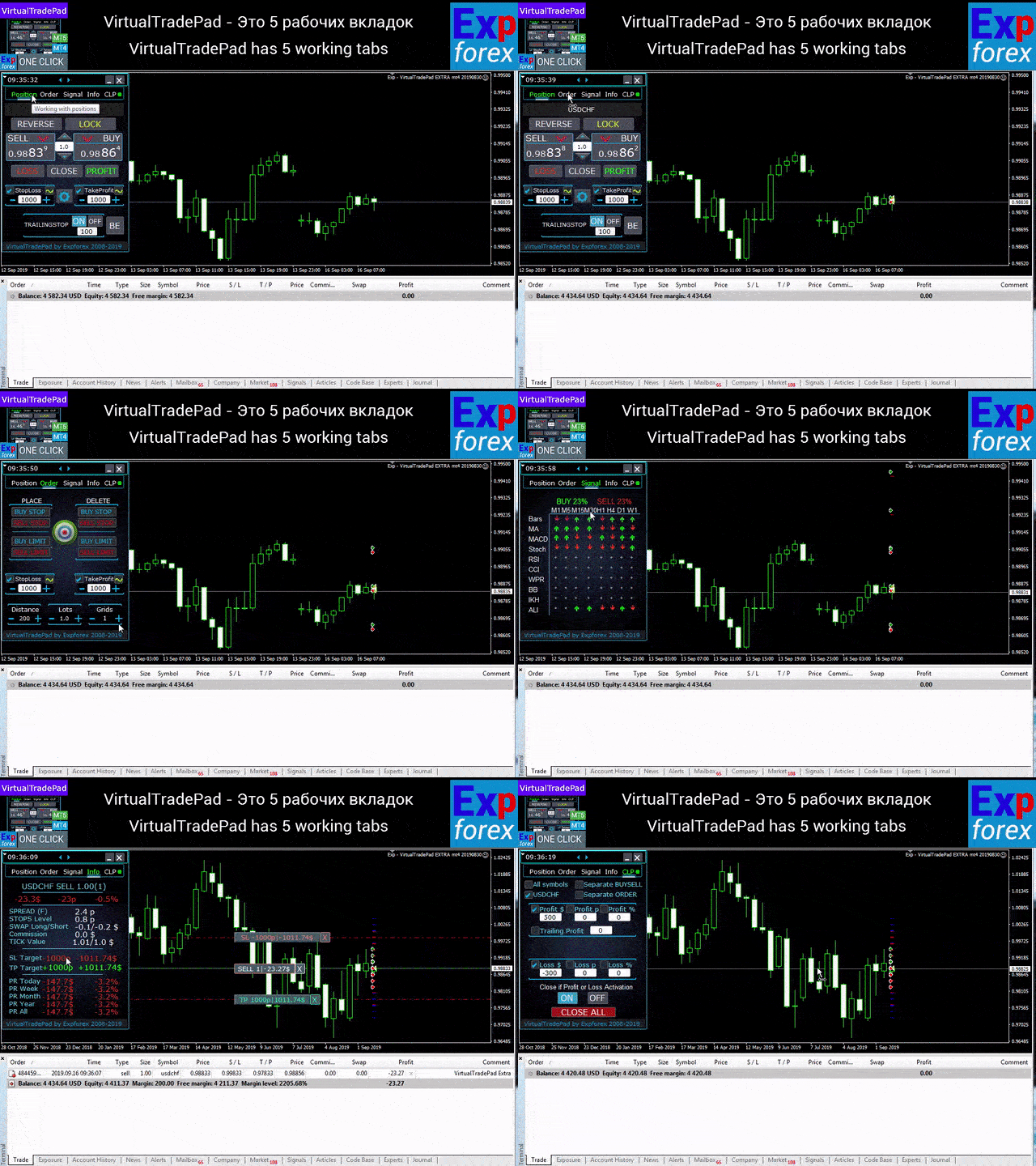
⭐ VirtualTradePad PRO SE — Espacio de trabajo premium para trading en MetaTrader
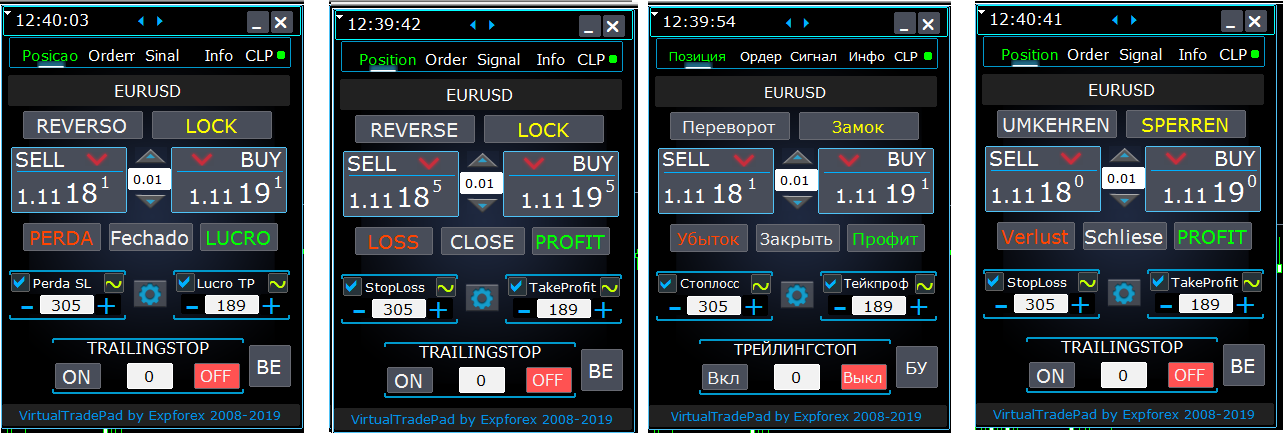
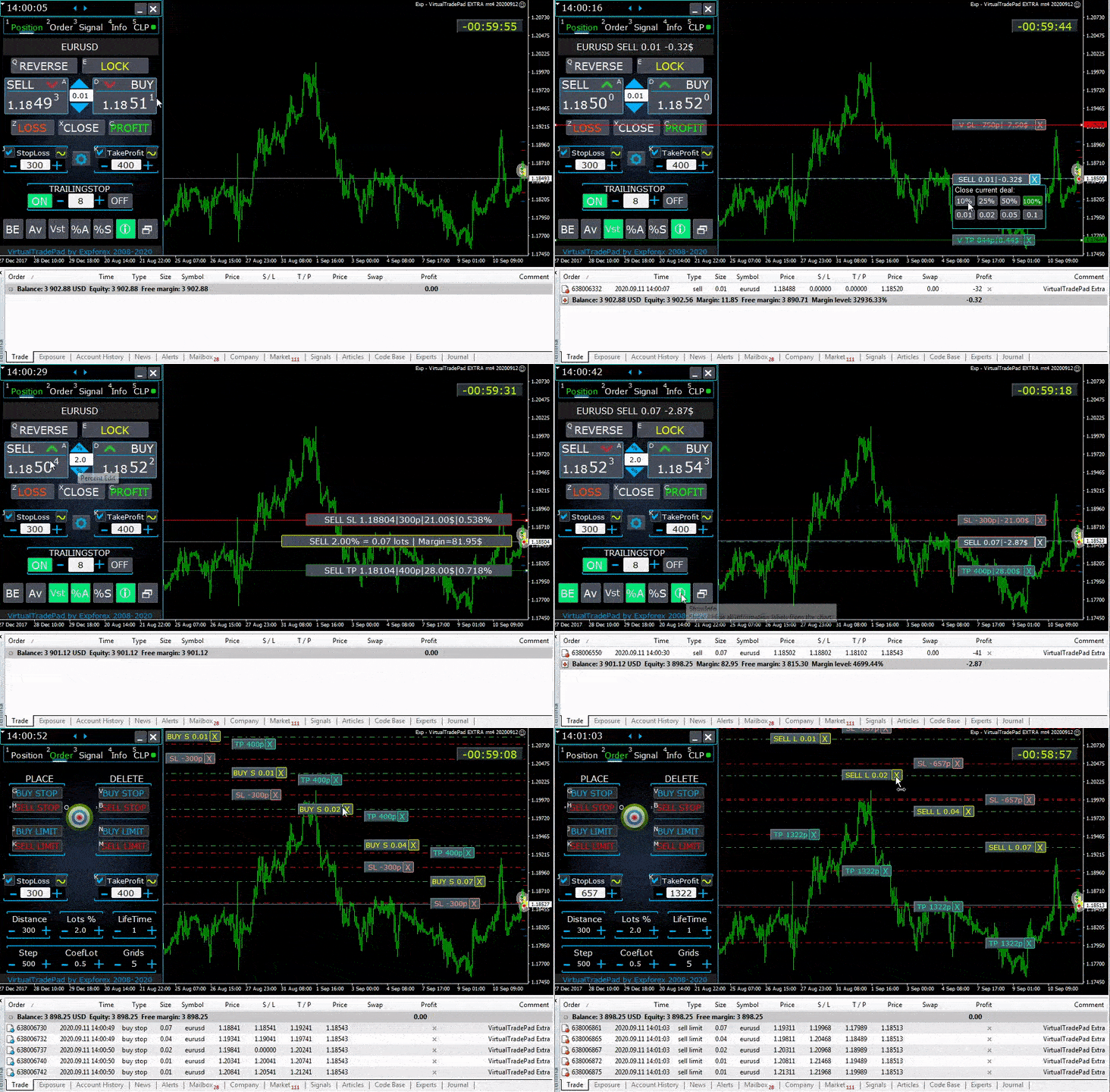
Panel profesional de trading manual para MT4 y MT5 con control desde el gráfico, gestión de posiciones, herramientas de órdenes, cierre parcial, promediación, área de señales, preparación para pruebas y módulos avanzados de trading.
https://expforex.com/es/vtpprosehero/
━━━━━━━━━━━━━━━━━━━━
🌐 Sitio web oficial de Expforex
https://www.expforex.com/es/
🚀 Centro completo de productos Expforex
https://www.mql5.com/es/blogs/post/760832
🛒 Todos los productos en MQL5 Market
https://www.mql5.com/es/users/vladon/seller#products
📘 Todas las guías de MQL5
https://www.mql5.com/es/users/vladon/blog
━━━━━━━━━━━━━━━━━━━━
💬 ¿Tienes preguntas, ideas o necesitas ayuda?
Siempre recomiendo empezar por la guía completa y la documentación del producto. La mayoría de respuestas, ejemplos de configuración y detalles importantes ya están explicados allí.
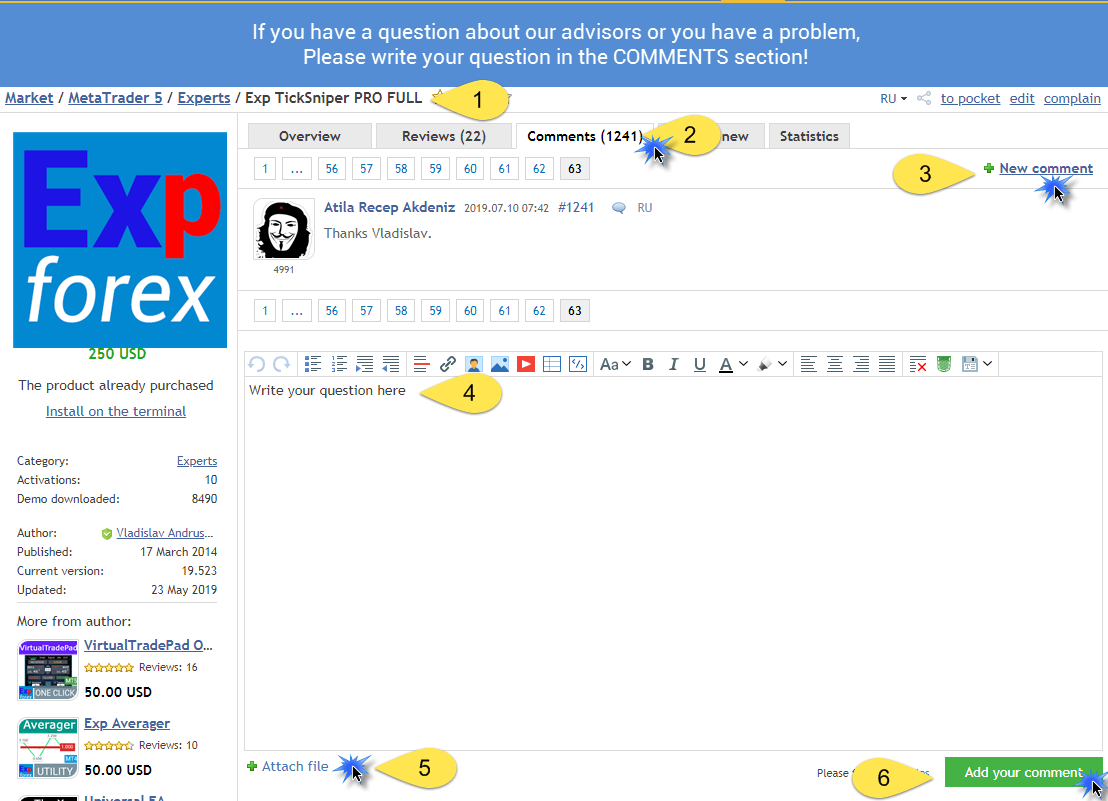
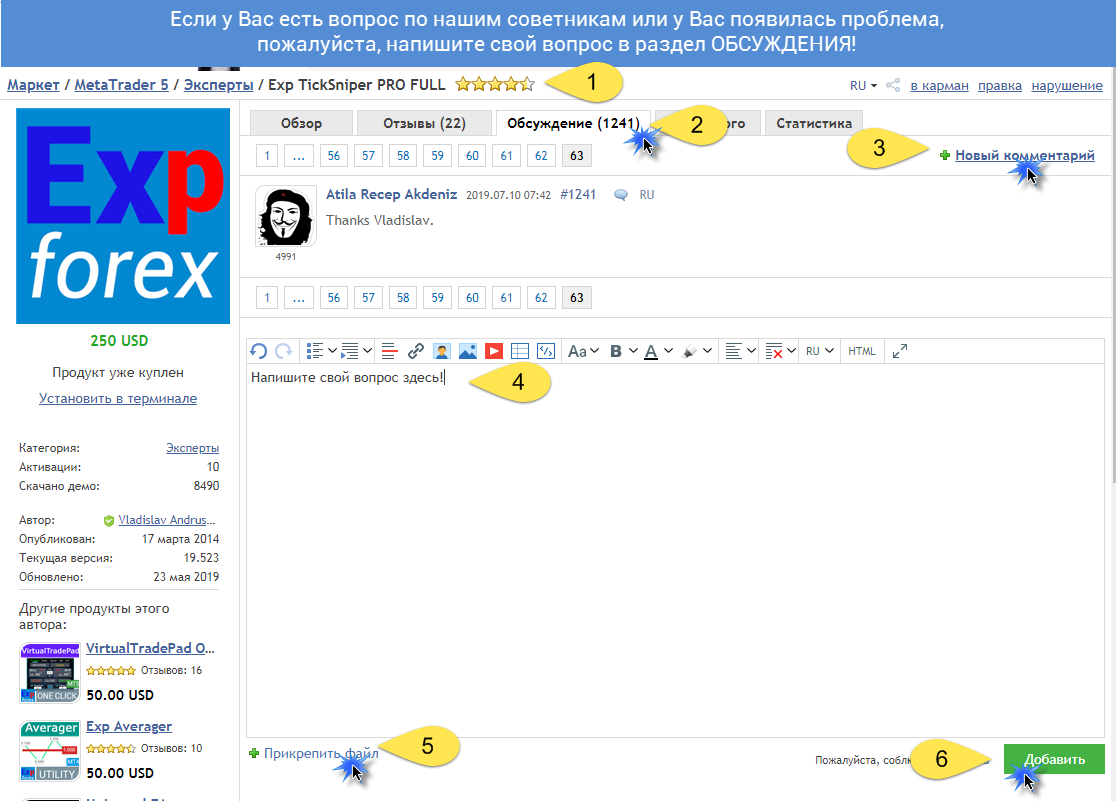
Si necesitas ayuda personal con un producto, escribe tu pregunta en la sección Comments de la página exacta del producto que estás utilizando. Así es más fácil revisar la versión del producto, los ajustes, las capturas de pantalla y los registros, y darte una respuesta más precisa.
Tus comentarios, ideas y escenarios reales de trading también ayudan a mejorar los productos de Expforex.
━━━━━━━━━━━━━━━━━━━━
🔗 Enlaces sociales
📢 Canal de MQL5
https://www.mql5.com/es/channels/expforex
▶️ YouTube
https://www.youtube.com/Expforex
📘 Facebook
https://www.facebook.com/ExpForex/
𝕏 X / Twitter
https://x.com/expforex
🎵 TikTok
https://www.tiktok.com/@expforex
📧 Contacto
https://expforex.com/es/contacts/
Soy Vladislav, desarrollador profesional de MQL4/MQL5. Desde 2007 creo herramientas para MetaTrader.
Expforex desarrolla soluciones prácticas de trading para MetaTrader 4 y MetaTrader 5:
Asesores Expertos, paneles de trading, copiadores de operaciones, utilidades de control de riesgo, informes de cuenta, herramientas de prueba y sistemas de automatización.
✅ Desarrollo para MetaTrader desde 2007
✅ Herramientas para MT4 y MT5
✅ Documentación, videotutoriales y soporte de productos
✅ Utilidades profesionales para traders, desarrolladores y gestores de cuentas
━━━━━━━━━━━━━━━━━━━━
⭐ VirtualTradePad PRO SE — Espacio de trabajo premium para trading en MetaTrader
Panel profesional de trading manual para MT4 y MT5 con control desde el gráfico, gestión de posiciones, herramientas de órdenes, cierre parcial, promediación, área de señales, preparación para pruebas y módulos avanzados de trading.
https://expforex.com/es/vtpprosehero/
━━━━━━━━━━━━━━━━━━━━
🌐 Sitio web oficial de Expforex
https://www.expforex.com/es/
🚀 Centro completo de productos Expforex
https://www.mql5.com/es/blogs/post/760832
🛒 Todos los productos en MQL5 Market
https://www.mql5.com/es/users/vladon/seller#products
📘 Todas las guías de MQL5
https://www.mql5.com/es/users/vladon/blog
━━━━━━━━━━━━━━━━━━━━
💬 ¿Tienes preguntas, ideas o necesitas ayuda?
Siempre recomiendo empezar por la guía completa y la documentación del producto. La mayoría de respuestas, ejemplos de configuración y detalles importantes ya están explicados allí.
Si necesitas ayuda personal con un producto, escribe tu pregunta en la sección Comments de la página exacta del producto que estás utilizando. Así es más fácil revisar la versión del producto, los ajustes, las capturas de pantalla y los registros, y darte una respuesta más precisa.
Tus comentarios, ideas y escenarios reales de trading también ayudan a mejorar los productos de Expforex.
━━━━━━━━━━━━━━━━━━━━
🔗 Enlaces sociales
📢 Canal de MQL5
https://www.mql5.com/es/channels/expforex
▶️ YouTube
https://www.youtube.com/Expforex
https://www.facebook.com/ExpForex/
𝕏 X / Twitter
https://x.com/expforex
🎵 TikTok
https://www.tiktok.com/@expforex
📧 Contacto
https://expforex.com/es/contacts/



Vladislav Andruschenko

· 3
Mostrar todos los comentarios (5)
Vladislav Andruschenko
2021.01.29
Конечно. Скидки есть всегда. Но максимальные скидки только пару раз в год!
Vladislav Andruschenko

· 4
Cristopher Lomongo
2020.11.25
Hi, I just an inquiry about your MT4 duplicator. Will it work with the trades that I am copying from copy-trading platform like Zulutrade?
Vladislav Andruschenko
2020.11.25
Yes you can copy anything in mt4. You can download my demo for check. https://www.expforex.com/load/2-1-0-157-20
Vladislav Andruschenko

· 8
david mackay
2020.02.20
The author gives tremendous and fast support , he must have the pages open to see support requests. Earlier today it took 4 minutes for him to reply to my request
Vladislav Andruschenko

· 11
Vladislav Andruschenko
2020.04.03
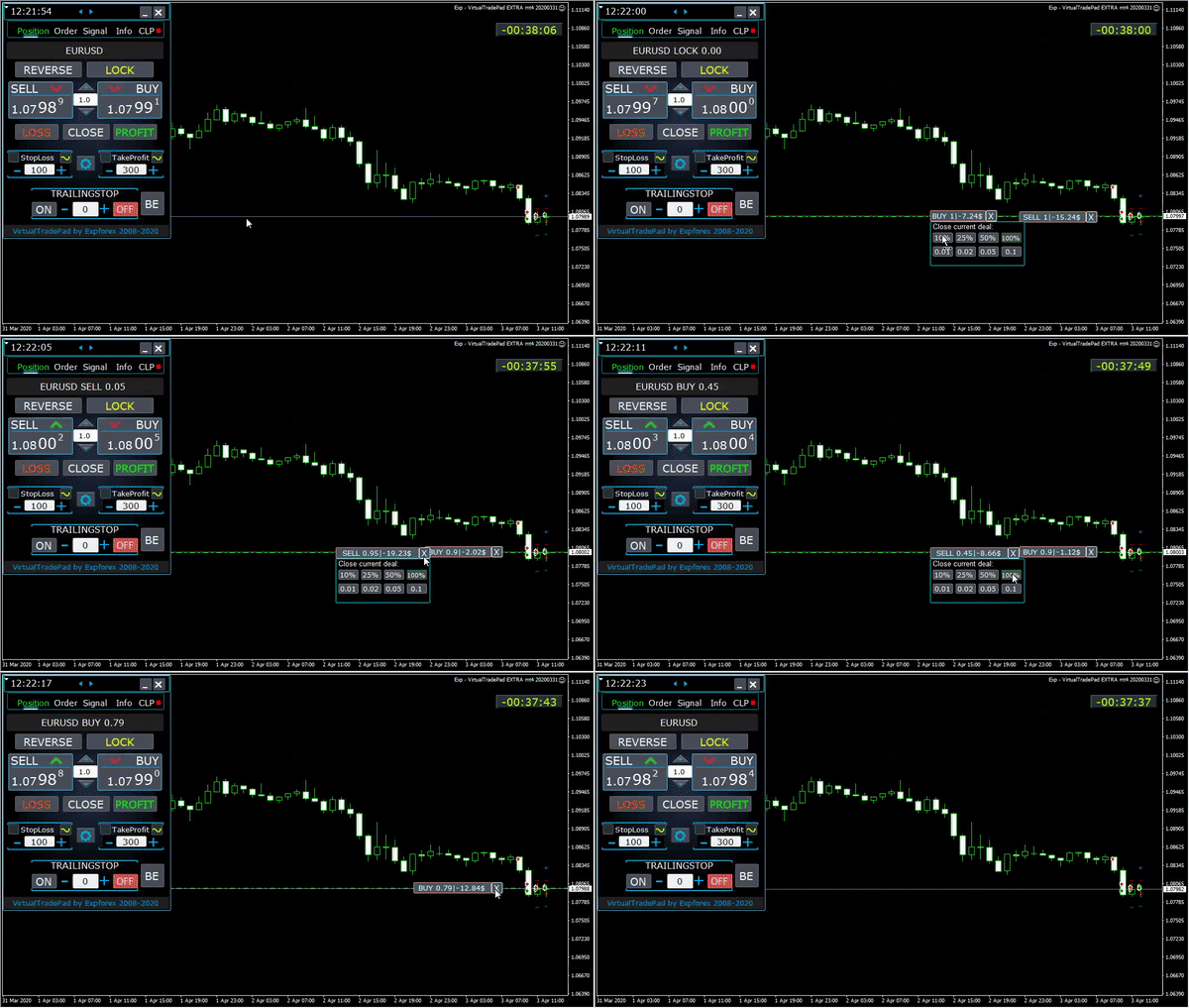
Кстати я специально добавил кружок, он зелёный когда функция включена, чтобы не забыть.
Vladislav Andruschenko
2020.04.11
Напишите в комментарии к продукту, прикрепите скрин и логи. Уточните какую лотность ? Эту функция не может зависать. Это просто поле плюс минус.