MT5 to telegram bridge
- Utilidades
- Versión: 3.0
- Activaciones: 5

MT5 to Telegram Bridge – Sistema completo de notificaciones de trading
Guía de instalación paso a paso
-
Crear un bot en Telegram
-
Abra Telegram y busque @BotFather .
-
Envíe /newbot y siga las instrucciones.
-
Copie el token del bot (ejemplo: 1234567890:ABCdef... ).
-
-
Obtener el ID del chat
-
Agregue el bot a su grupo de Telegram (o inicie un chat privado).
-
Envíe cualquier mensaje en ese grupo/chat.
-
En su navegador vaya a:
https://api.telegram.org/bot<SU_TOKEN>/getUpdates -
Busque "chat":{"id":-123456789} – copie el número (incluya - para grupos).
-
-
Instalar el EA en MT5
-
Copie el archivo .mq5 a la carpeta \MQL5\Experts\ .
-
En MetaEditor presione F7 (0 errores esperado).
-
-
Permitir WebRequest
-
En MT5: Herramientas → Opciones → Asesores Expertos.
-
Marque “Permitir WebRequest para URLs listadas”.
-
Agregue https://api.telegram.org y presione OK.
-
-
Adjuntar y configurar
-
Arrastre el EA a cualquier gráfico.
-
Ingrese el token del bot y el ID del chat en los parámetros.
-
Establezca EnableBridge = true .
-
Haga clic en OK.
-
-
Probar
-
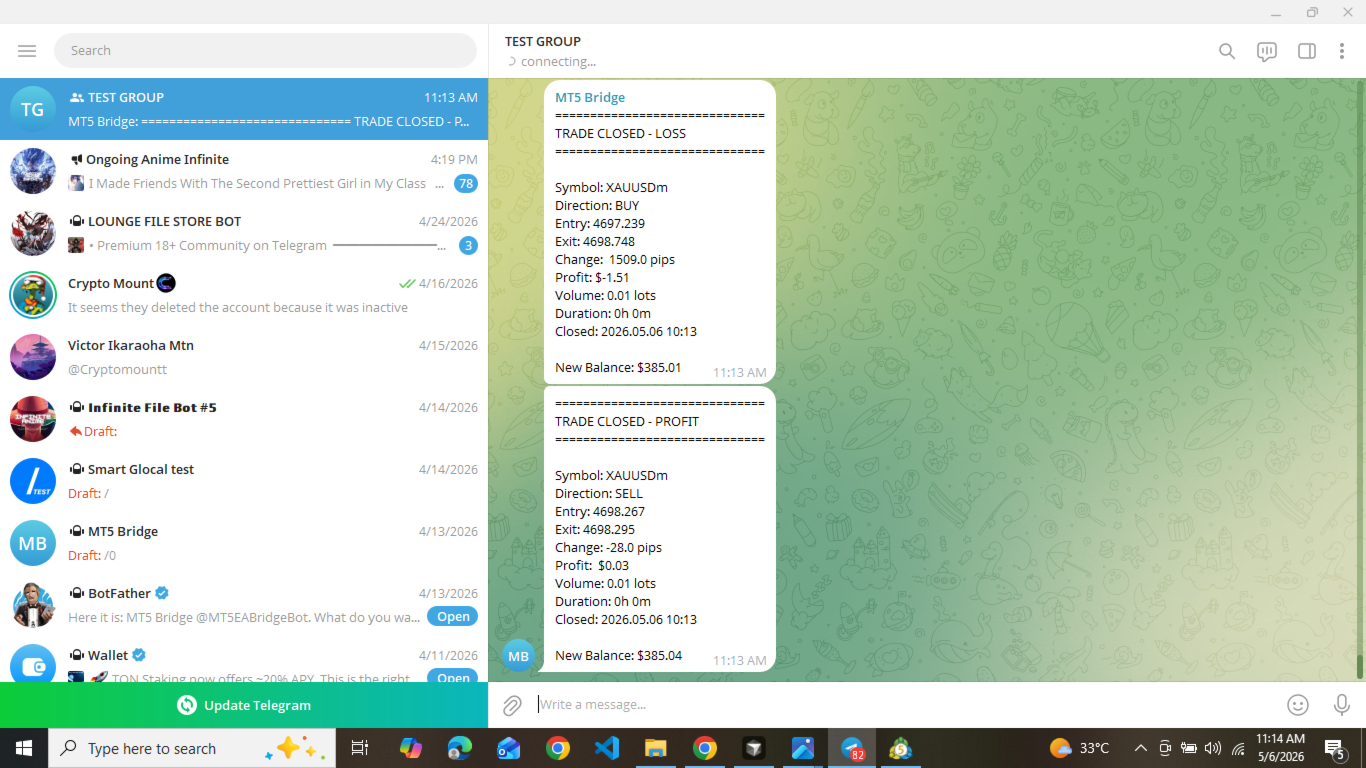
Abra una operación en demo.
-
Recibirá un mensaje detallado en Telegram.
-
Requisitos
-
MetaTrader 5 (build 2000+)
-
Cuenta de Telegram (gratuita)
-
Conexión a internet
¿Por qué elegir esta utilidad? Confiable, rápido (1-2 seg), pago único, actualizaciones y soporte gratis.