How to Stop a Prop Firm Daily Loss Limit Breach Before It Ends Your Challenge

A prop firm challenge can end in a single bad day. The strategy may be fine, the setup may be fine, and one open position, one pending order or one wrong reset time is enough to cross the daily loss limit. This post explains how a daily loss limit breach usually happens and how Multi Account Risk Sync Panel watches your limits for you.
The problem: the daily loss limit is easy to cross
The daily loss limit looks simple on paper: lose no more than a fixed percent or amount in one day. In practice it is measured in different ways, and each firm has its own version:
- Some firms measure the limit from your balance, some from your equity, some from the higher of the two.
- Floating loss on open positions counts, not only closed trades.
- The day resets at the firm's time, often in a different time zone from your broker, with daylight saving changes.
- Overall drawdown can be static from the initial balance or trailing behind your peak.
- A pending order can still fill after you have closed everything else.
- If you run several accounts, a bad day happens on all of them at once.
Why manual tracking fails
Most traders start with a spreadsheet, a calculator or a phone alert. That works until the market moves fast and you are away from the screen. By the time you read the alert, slippage and spread have already pushed the loss further. Manual tracking also depends on you remembering the correct reset time and the correct reference value every single day.
A safer way is to enter the firm's rules once and let a tool compare your account against them all day.
How Multi Account Risk Sync Panel helps
Multi Account Risk Sync Panel is a risk utility for MetaTrader 5. You enter your daily loss and drawdown limits once, and it checks the account against them. It does not open trades, does not copy trades and does not touch any other account.
- Daily loss limit: percent or fixed amount, measured from balance, equity or the higher of the two.
- Overall drawdown: static or trailing, with intraday or end-of-day peak.
- Reset time: set in your firm's time zone, daylight saving included.
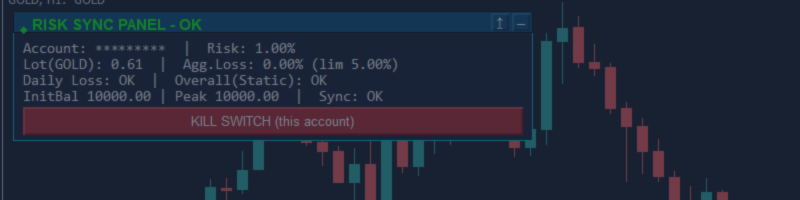
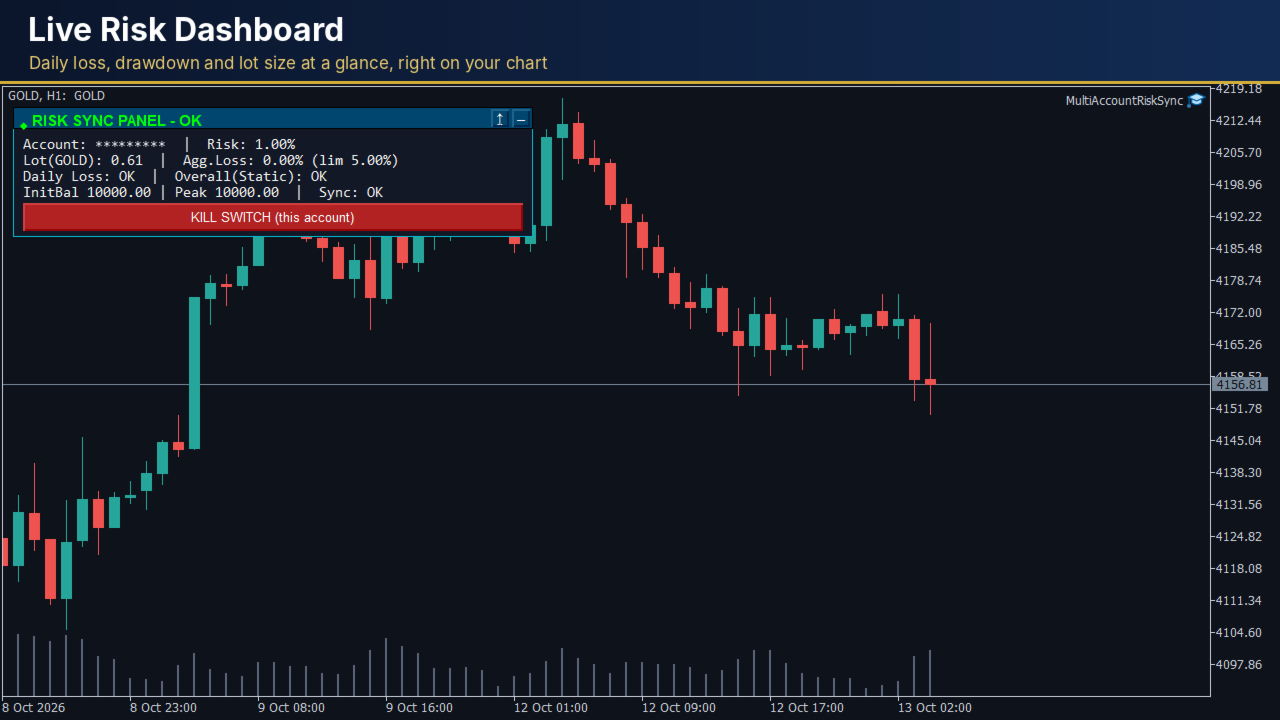
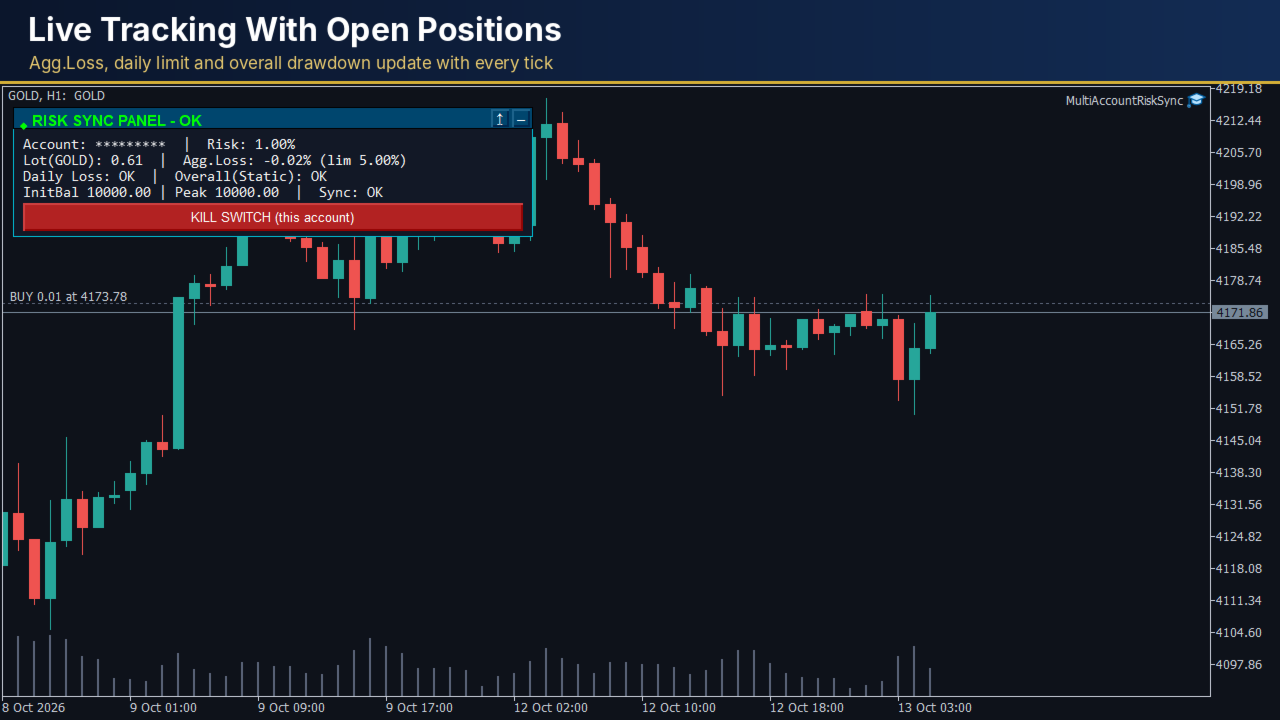
- Panel on the chart: shows the status (OK, BREACH or STOPPED), your lot size from your risk percent and stop-loss distance, the daily loss and the drawdown status.
- Several accounts: terminals on the same PC or VPS can share their daily results, so the panel can compare the combined result with your combined limit.
What happens when a limit is reached
A red KILL SWITCH button sits on the chart and asks for confirmation before it acts. A breach of the daily loss, the drawdown or the combined limit starts the same steps without any click:
- All open positions of the account are closed.
- All pending orders of the account are deleted.
- The tool stops itself and reports how many positions were closed and how many orders were deleted.
The tool never stops while a position is still open. If a close request is rejected, it is logged and retried. Deleting pending orders has its own on/off input, because it removes every pending order of the account, including orders from other EAs.
Settings you control
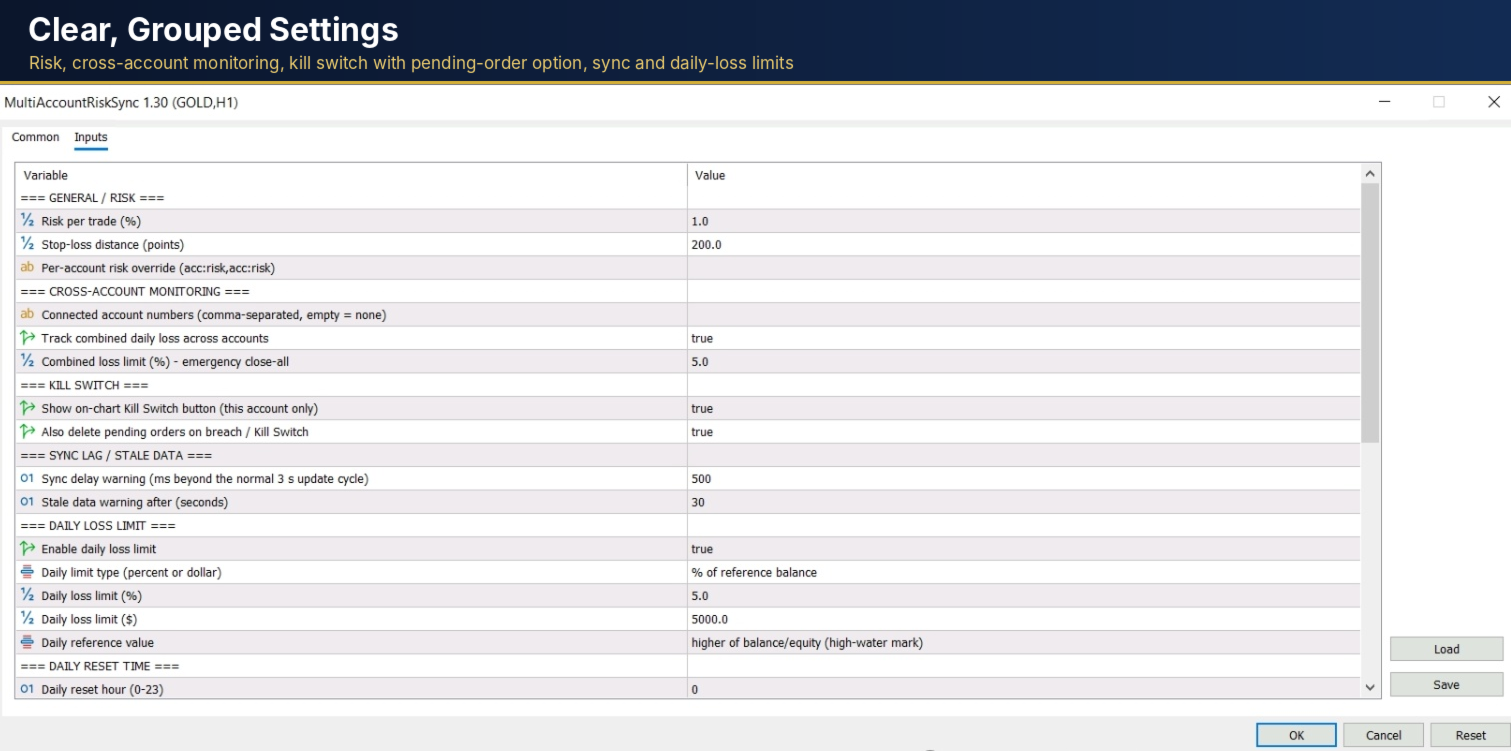
Inputs are grouped under clear headings: General / Risk, Cross-Account Monitoring, Kill Switch, Sync Lag / Stale Data, Daily Loss Limit, Daily Reset Time, Overall / Max Drawdown, Late-Attach Override and Alerts. If you attach the tool after the challenge has started, the starting balance and the peak are rebuilt from your account history, or you can enter them by hand. Alerts can be sent as a popup, sound, Telegram message or MT5 mobile notification.
Things to know before you start
- It is a risk tool, not a strategy, and it does not promise any result.
- Slippage, gaps and spreads can make the final result differ from your limit.
- You enter your firm's rules yourself, so confirm the current rules with your firm.
- It was tested live on hedging accounts. Netting accounts have not been tested.
- Test on a demo account first, with Algo Trading enabled and the terminal running. A VPS is recommended.
Where to find it
Multi Account Risk Sync Panel is available in the MQL5 Market: Multi Account Risk Sync Panel.