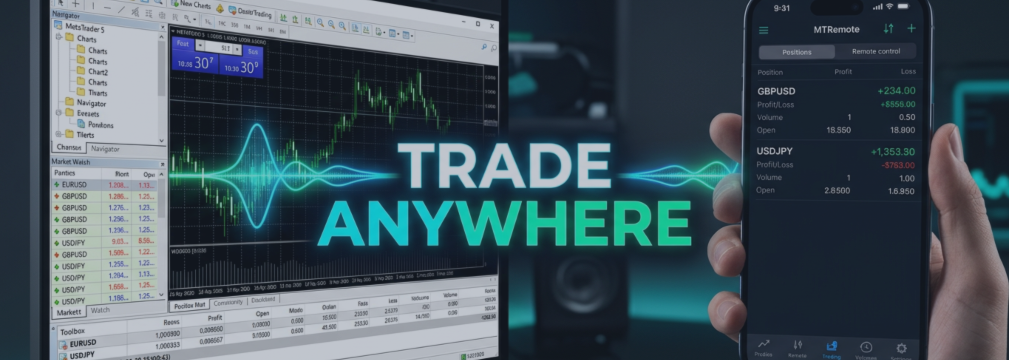

The best way to understand remote control is to use it. That is why MTRemote has a free live demo: a real control panel connected to a real MetaTrader terminal, open in your browser, with nothing to install on your computer or your phone.
There are two ways to get in, depending on how much time you want.
Option 1: five minutes, one click
Open the demo page and press **Open Live Demo**. That is the whole procedure - no sign-up, no email, no waiting in line. A moment later the MTRemote panel opens with a terminal already connected, and you are free to look around.
Five minutes is enough to see how the platform feels in practice. In that time you can:
- check the status of the Agent, Broker, Trade and EA connections at a glance;
- watch live quotes for the symbols in Market Watch;
- open any chart straight from your terminal's price feed;
- review your balance, equity, margin and open positions with their profit;
- browse the trade history, with swap and commission for every deal;
- switch the whole panel to the dark theme and change the language.
When the five minutes are up, the session ends automatically and the panel is released for the next visitor.
What if the demo is busy?
The instant demo runs on a single real terminal, so only one visitor can use it at a time. If someone is already inside, you will see a short notice at the top of the page saying that the demo is busy right now. Do not worry - just wait a minute and press the button again. Sessions are short, so the wait is rarely long.
Option 2: exclusive access for a longer test
Five minutes is a good first look, but if you want to dig in - attach an Expert Advisor to a chart, work through positions and orders, check how everything behaves over a couple of hours - ask for exclusive access.
Scroll down on the same demo page , type your email into the form and send the request. When your turn comes, our team replies with an email containing a link to the panel, a temporary password and an OTP code. Exclusive sessions last two to four hours and are given out one at a time, because the demo runs on one terminal.OR SEND ME A PM MESSAGE
Your email stays yours
Ready to try it?
Open the demo page and press the button: in a few seconds you will be looking at your first MetaTrader terminal on a phone-sized screen. If you like what you see, the setup guide https://www.mql5.com/en/blogs/post/771404 shows how to connect your own terminals in three steps - and remember, it works without RDP.
TO GET :
MT4 Remote : https://www.mql5.com/en/market/product/180646
MT5 Remote : https://www.mql5.com/en/market/product/180643



