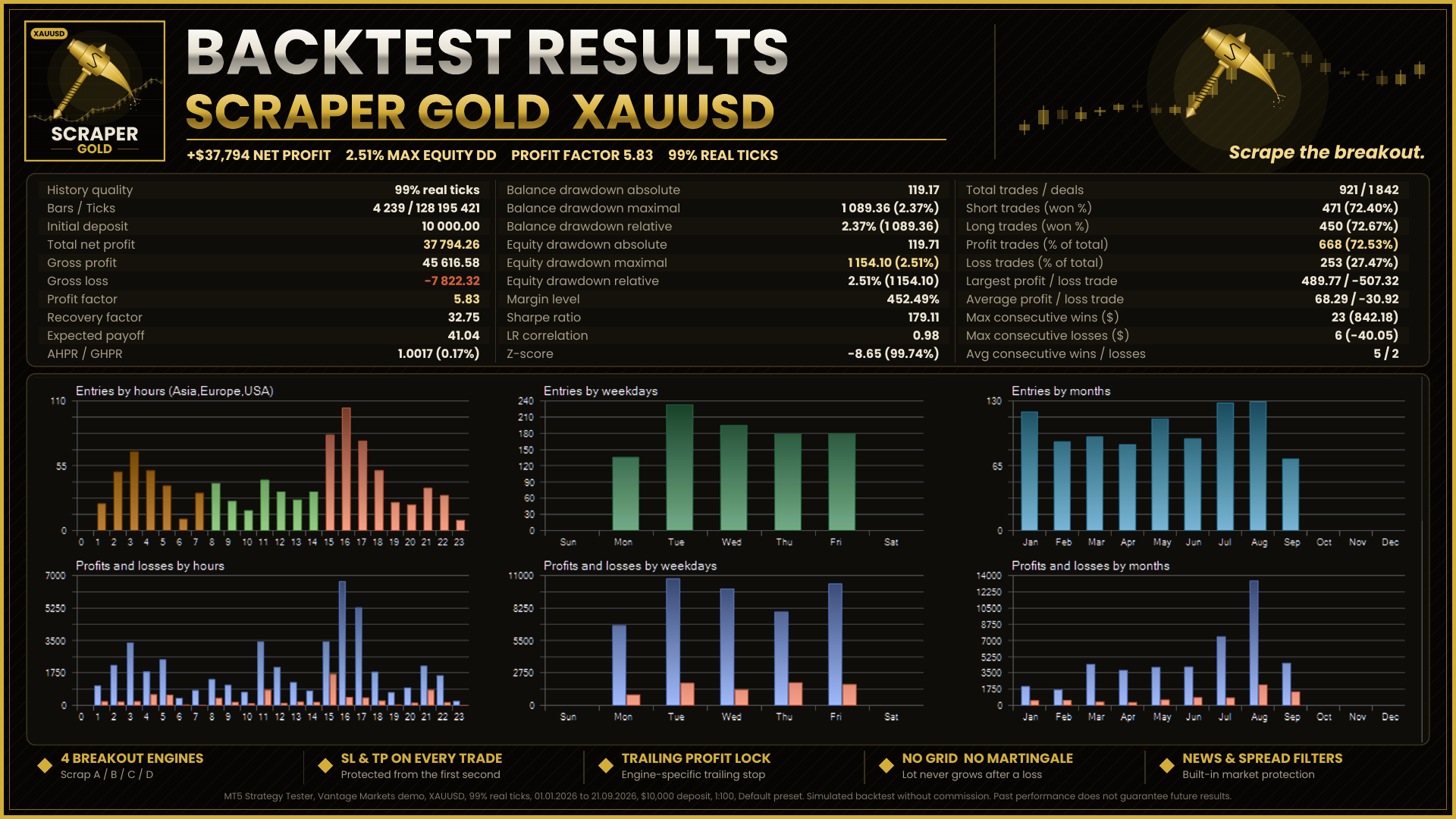

his week a trader tested ScraperGold and told me it couldn't reach a 10% target in a whole year. My own backtest showed something completely different. The reason turned out to be one small detail: the symbol.
He was testing on "XAUUSD.m – Gold Micro". Micro and cent gold symbols often have a much smaller contract size (1 or 10 oz per lot instead of 100). An EA that sizes lots from the balance then trades positions worth 10–100× less, and the profit shrinks by the same amount. When he re-ran the test on a standard XAUUSD symbol, the result was in line with mine.
Checklist for a realistic gold backtest
1. Check the contract size. Right-click the symbol in Market Watch → Specification. Standard gold is usually 100.
2. Use "Every tick based on real ticks". Generated ticks and 1-minute OHLC can be far too optimistic for EAs with tight trailing stops.
3. Add commission if your account type charges it.
4. Use realistic leverage and deposit for the account you plan to trade.
5. Test more than one period. A strategy that only works in one year is a warning sign.
On a micro or cent symbol, switch ScraperGold's Lot Mode to Risk Percent. That mode uses the symbol's tick value and adapts to any contract size.
The free demo of ScraperGold is available on the product page for Strategy Tester use: https://www.mql5.com/en/market/product/197663