Candle Time and Quick Chart Control Panel
- 指标
- 版本: 1.0

Candle Time & Quick Chart Control Panel
A lightweight chart utility that combines a live candle countdown timer with a compact one-click control panel. It does not generate trading signals and does not open or modify trades. It simply makes your chart faster and cleaner to work with.
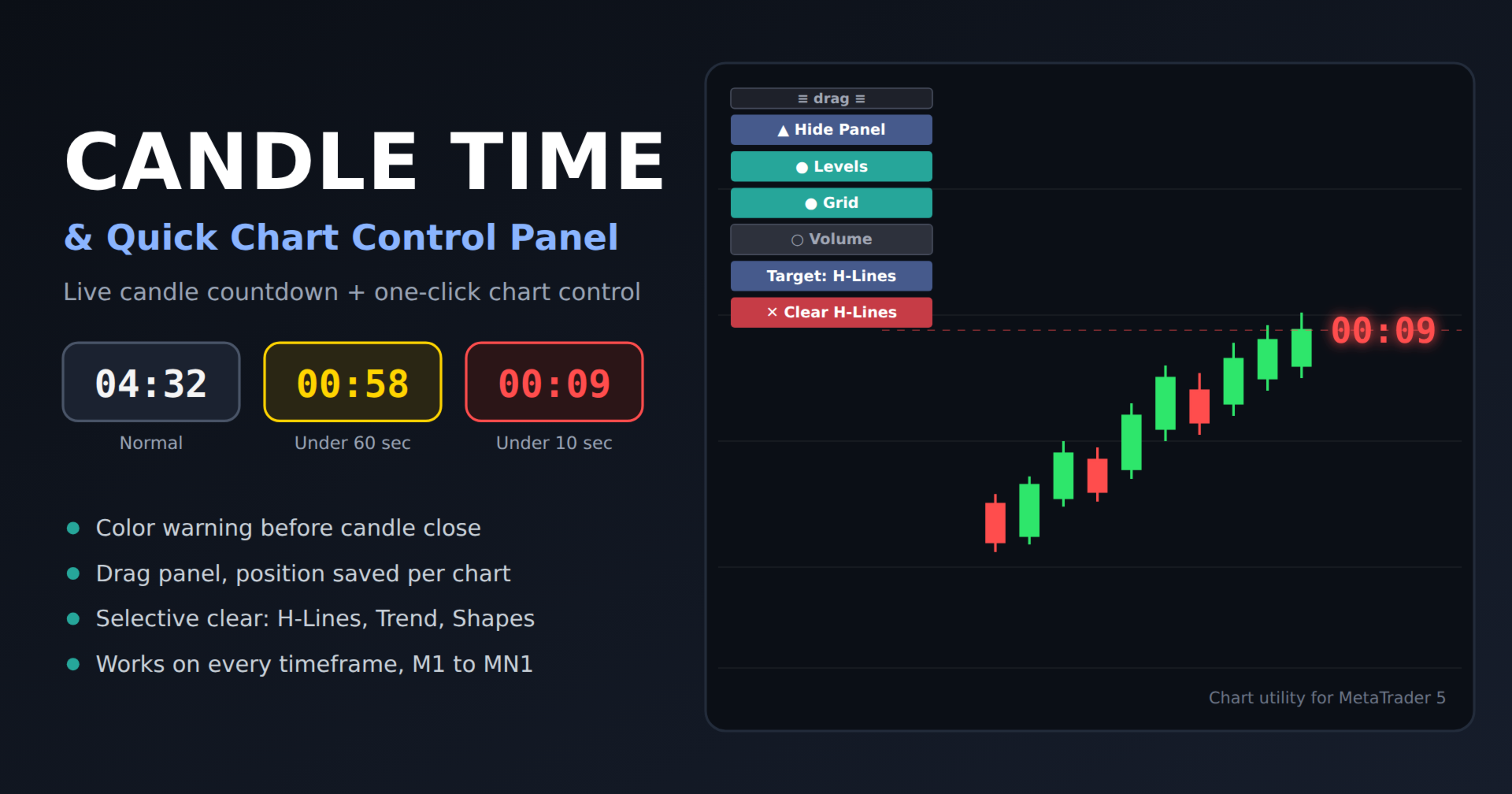
Candle Countdown Timer
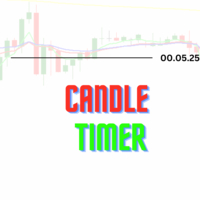
The timer shows the exact time remaining until the current candle closes, placed right next to the live candle. It works on every timeframe from M1 to MN1.
- Color warning near close: the timer changes color as the candle approaches its close. By default it turns yellow at 60 seconds and red at 10 seconds. Both thresholds and both colors are adjustable. This makes it easy to prepare for entries or exits on candle close without staring at the clock.
- Smart threshold on short timeframes: on very short candles (such as M1) the warning threshold is automatically limited to half of the candle length, so the timer does not stay yellow for the whole candle.
- Flexible display: show standard time (for example 04:32 or 01:12:45 or 2d 05:10:00 on higher timeframes) or add the “Remaining” label. Font, size, bold style, color, and position relative to the candle are all configurable.
- Server-time based: the countdown follows the broker’s server time, so it keeps counting even when ticks are slow.
- Efficient: the chart is redrawn only when the displayed text, color, or position actually changes.
Control Panel
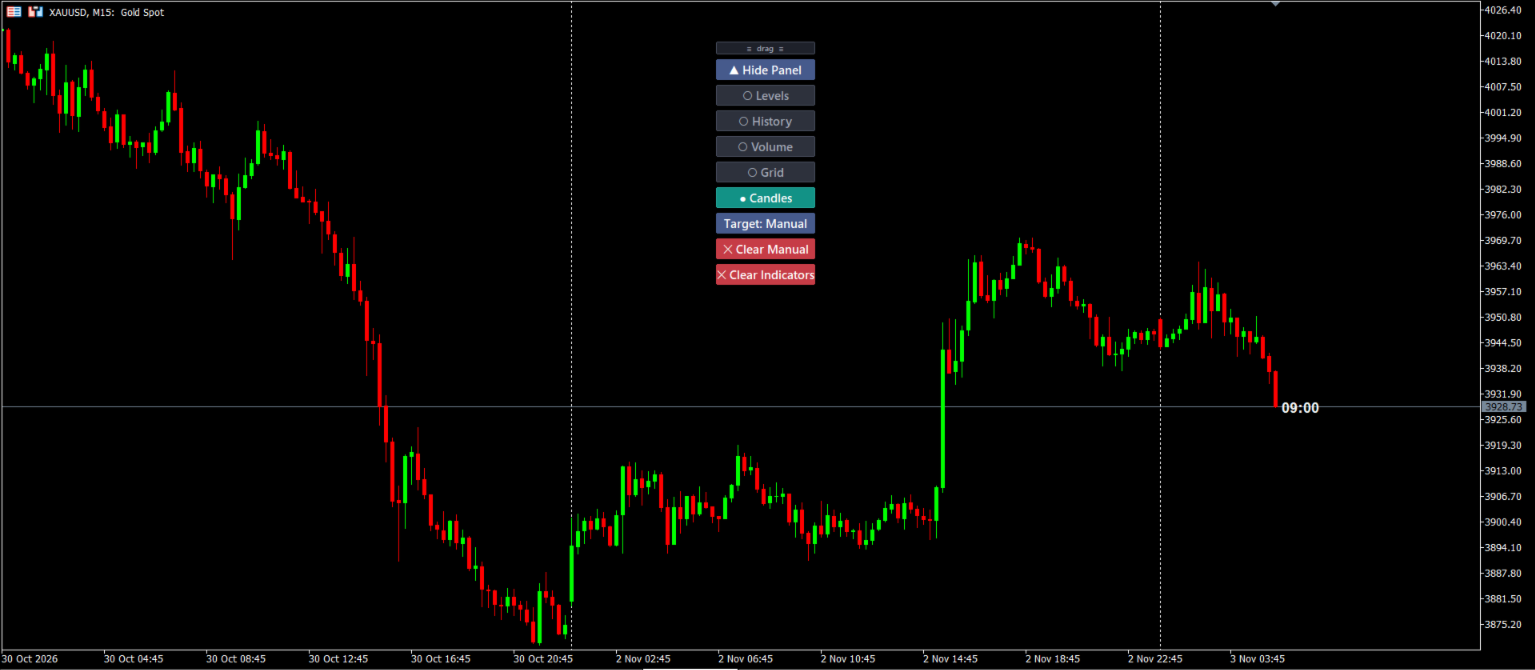
All buttons are toggles with clear ON/OFF states:
- Levels: show or hide trade levels
- History: show or hide trade history
- Volume: show or hide tick volume
- Grid: show or hide the chart grid
- Candles: switch to your custom bull and bear colors, and restore the original colors with one click
- Target and Clear: choose what to delete (All, H-Lines, V-Lines, Trend, Shapes, or Manual) and clear it with a two-click confirmation
- Clear Indicators: remove all other indicators from the chart, also with confirmation
- Hide Panel: collapse the whole panel when you need a clean chart
Drag and Position
Move the panel anywhere on the chart by dragging the handle at the top. The position, hidden state, and selected clear target are remembered per chart and survive timeframe and symbol changes while the terminal is running. The panel always stays inside the visible chart area.
Important Notes
- The Clear Indicators button removes every other indicator on the chart, and Clear Objects deletes the selected objects. Both ask for confirmation first and cancel automatically after 3 seconds.
- “Manual” clear mode recognizes hand-drawn objects by MT5’s default naming (for example “Trend Line 12345”). Objects you have renamed are not detected in this mode.
- Settings saved per chart are kept until the terminal is closed.
Main Inputs
- Button position, size, gap, font, and colors
- Start with panel hidden
- Bull and bear candle colors
- Timer: show or hide, color, font, size, bold, shift, text format
- Timer warning: on or off, warning and critical seconds, warning and critical colors