Spikes Zone

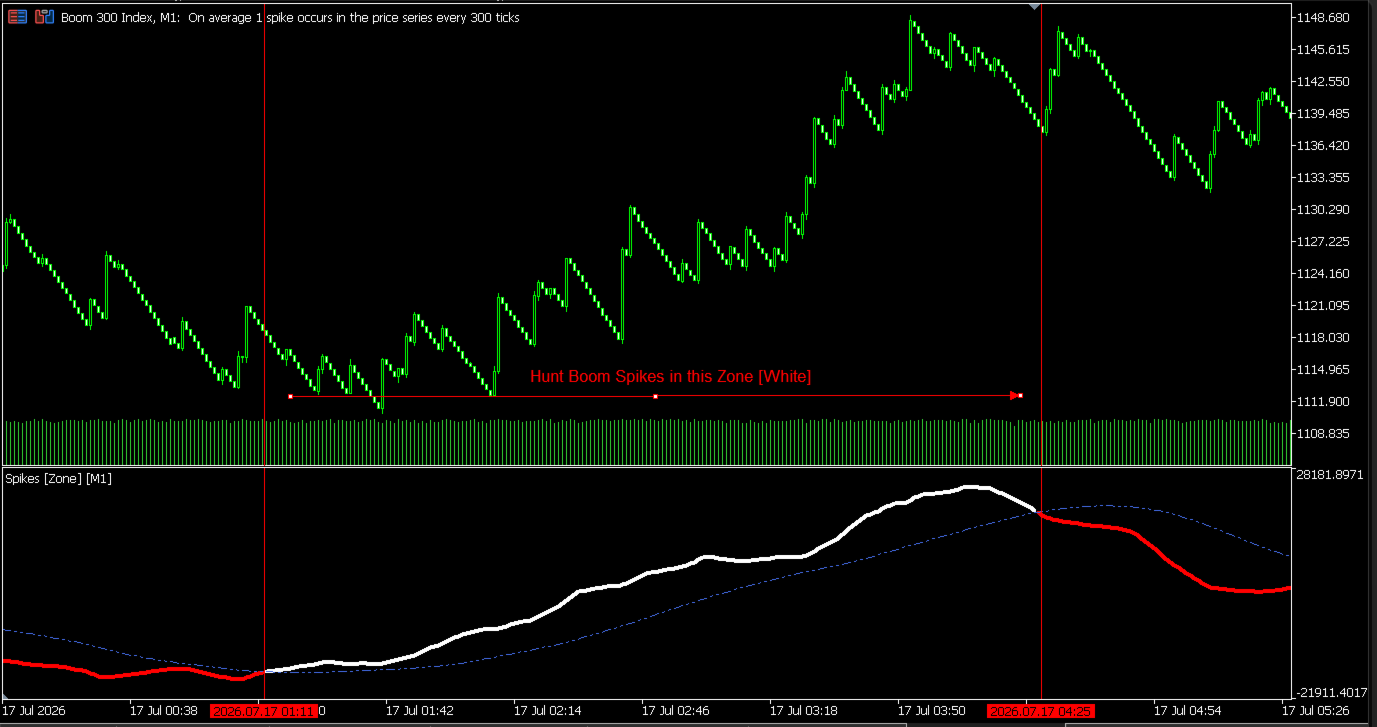
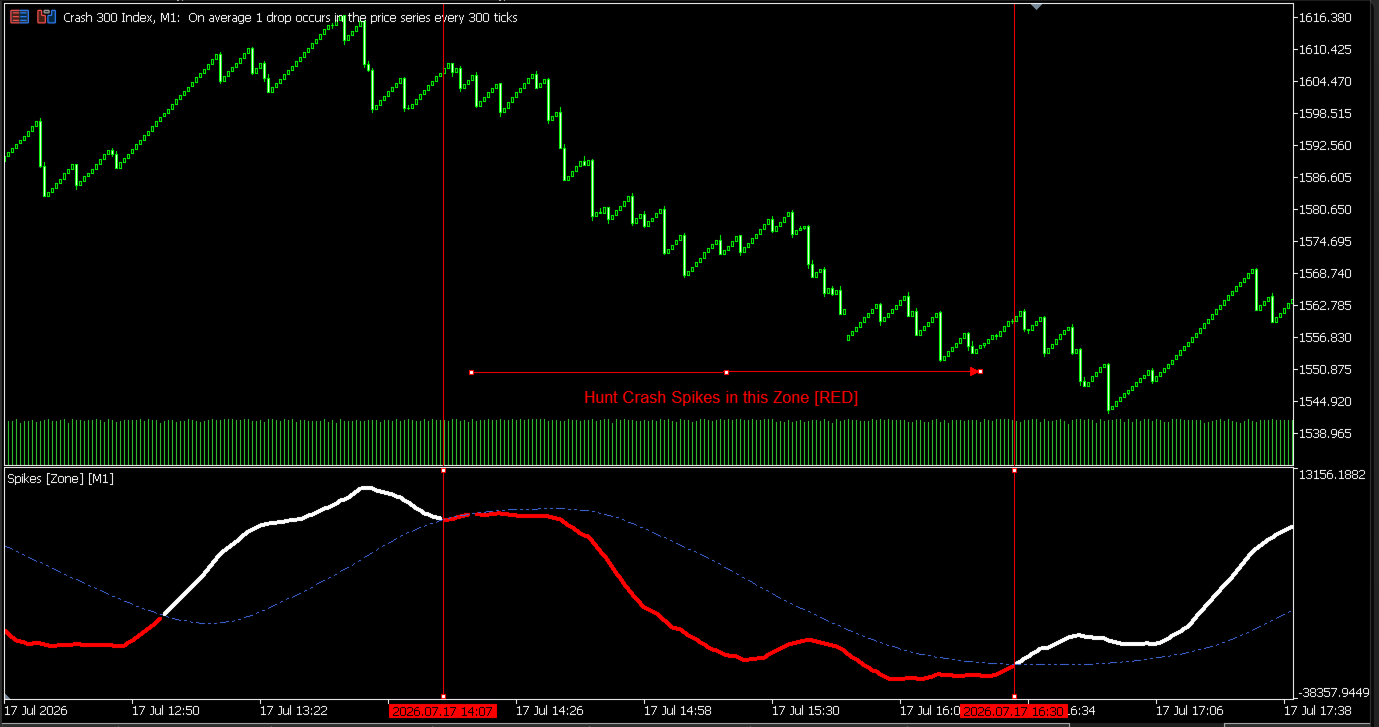
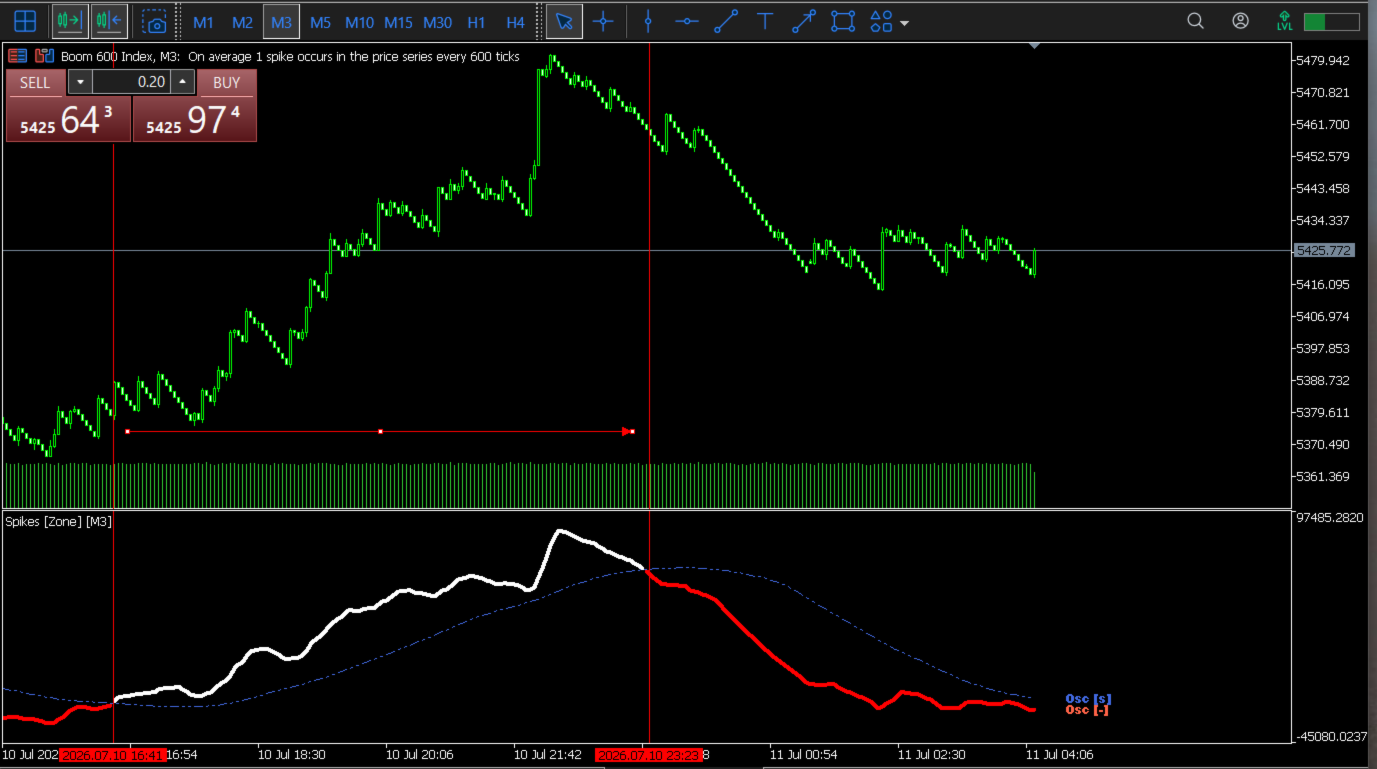
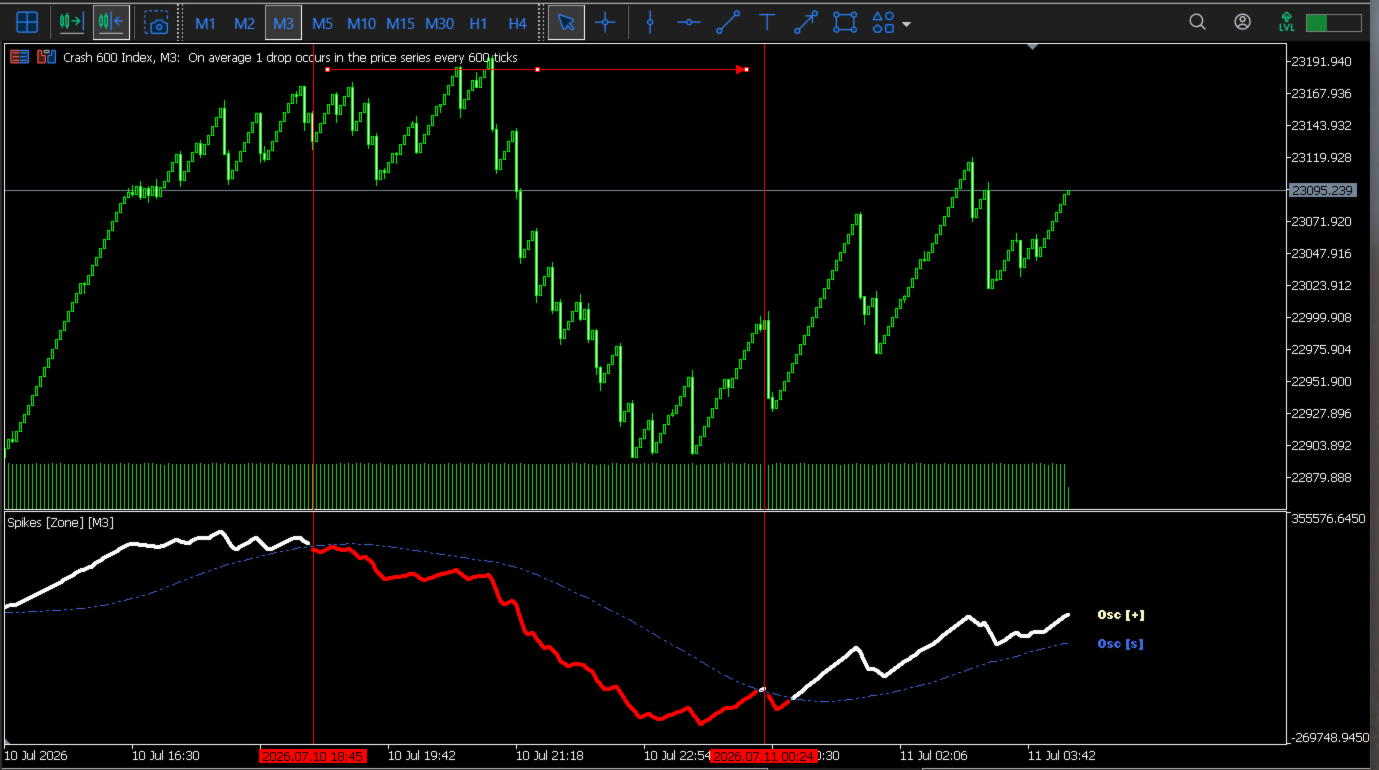
If you're a trader of Boom and Crash markets, then welcome! Spikes [Zone] is an indicator developed with the purpose of detecting the market area with the highest probability of SPIKES occurring.

Spikes [Zone] consists of an oscillator and its respective signal which, through the inputs, can be adjusted for better performance [choose the mode of operation and the periods]

In Boom markets, the region with the highest probability of spike occurrence, the oscillator is colored WHITE, and for Crash markets, it is colored RED. Detecting these regions is more effective on the M1, M2, and M3 timeframes.

When trading with this indicator, always remember:

“During the year, there are rainy months and dry months. Sometimes it rains during the dry months.”


Yazarın diğer ürünleri
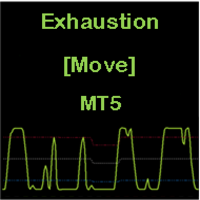
Exhaustion Move
Tiofelo Da Olga Gilbert Teles
CONSTITUTION Exhaustion [Move] is an indicator consisting of an oscillator and three dynamic levels (upper, middler, lower). The inputs can be used to adjust the oscillator, dynamic levels and warning signals. It is designed for the MT5 platform only. APPLICATION This indicator should be used with a trend filter [e.g. moving averages, MA 200]. It detects the exhaustion of correction movements within a trend, thus giving entry points for new trades.   It is usually used in the RENKO chart for SCA
Shoot Point
Tiofelo Da Olga Gilbert Teles
1. CONSTITUTION Shoot [Point] is momentum indicator composed of one oscillator and three floating levels [upper, middler, lower]. The oscillator crosses the floating levels forming Shoot Points!  The inputs can be used to adjust the oscillator, the floating levels and the alert signals. It is designed only for the MT5 platform. 2. OPERATION As entry signal: When combined with a trend filter [preferably the Currency Strength Meter], it provides very good entry points. bullish entry signal: oscill
Goby Trailing
Tiofelo Da Olga Gilbert Teles
Let's follow the trend with Goby trailing! According to your filters, you can use the arrows (Bullish [start] and Bearish [start]) as entry signals. After making an entry [position], you can use the Bullish [trailing] as a trailing stop for bullish positions and Bearish [trailing] as a trailing for bearish positions. Through the inputs, you can adjust the indicator for better performance in the assets you operate! Enjoy...
Trader SWORD
Tiofelo Da Olga Gilbert Teles
Trader [SWORD] is a panel EA designed to help the trader [scalper]. From the dashboard, the trader can: set the order volume, stop loss and take profit values [in points]; open a market order with its respective stop loss and take profit values. close all [win only, loss only or win and loss] positions opened through the EA.  On the panel we have:   the buttons to open new market orders [buy and sell];   the buttons to set the order volume [increasing and decreasing de volume order]; the buttons
Filtrele:
Değerlendirme yok
Değerlendirmeye yanıt