QuantEx EA
- Uzmanlar
- Sürüm: 1.20
- Güncellendi: 26 Ağustos 2026
- Etkinleştirmeler: 5

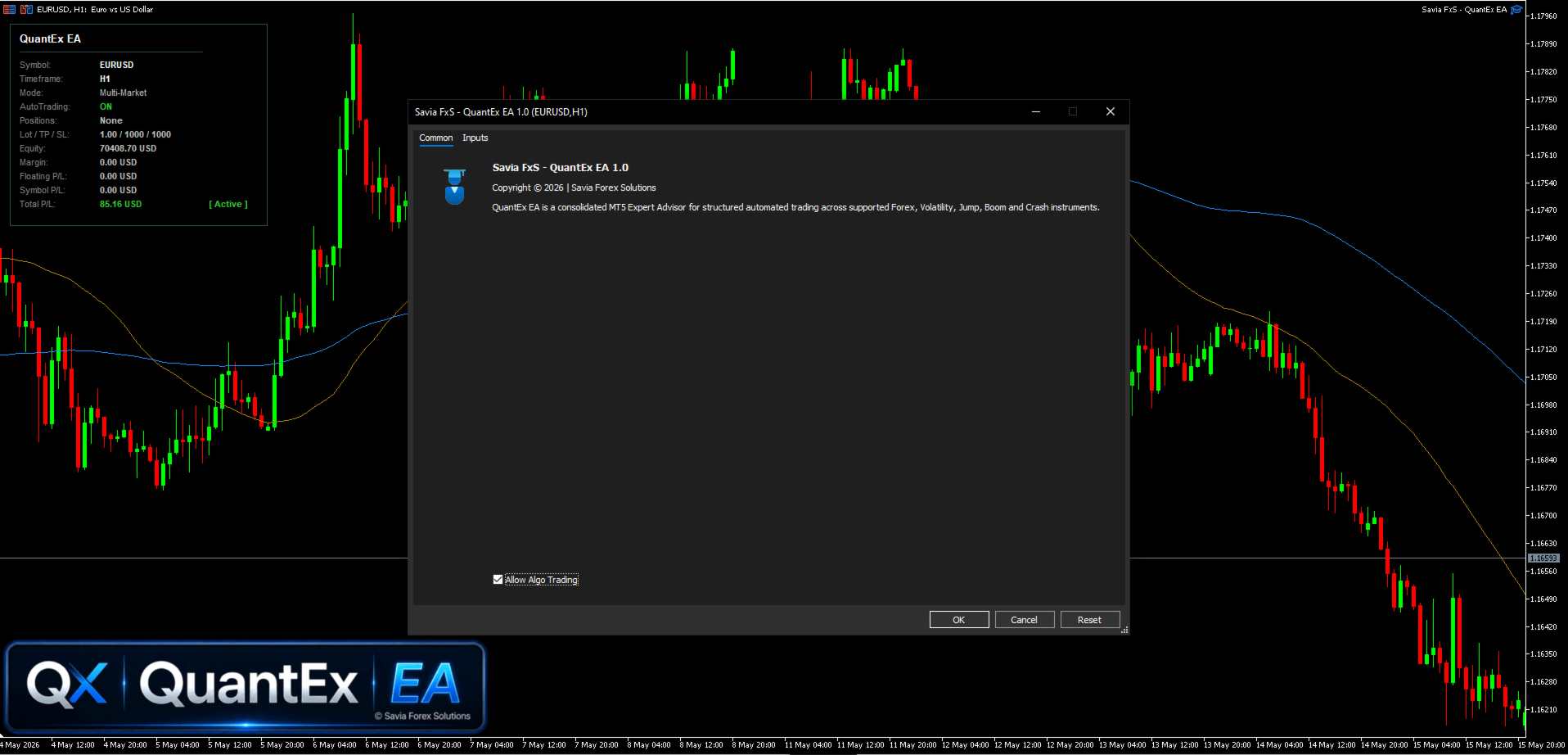
The EA combines automated Buy and Sell entries, trade management tools, and a clean on-chart trading panel.
QuantEx EA can be used on compatible Forex instruments, Volatility Indices, Jump Indices, Boom & Crash instruments, and other supported MT5 synthetic index charts.
Key Features
-
Automated Buy and Sell trade execution.
-
Market-aware entry handling.
-
MA35 and MA100 reference lines.
-
Configurable lot size, take profit, stop loss, and trailing stop settings.
-
Supports stacked positions.
-
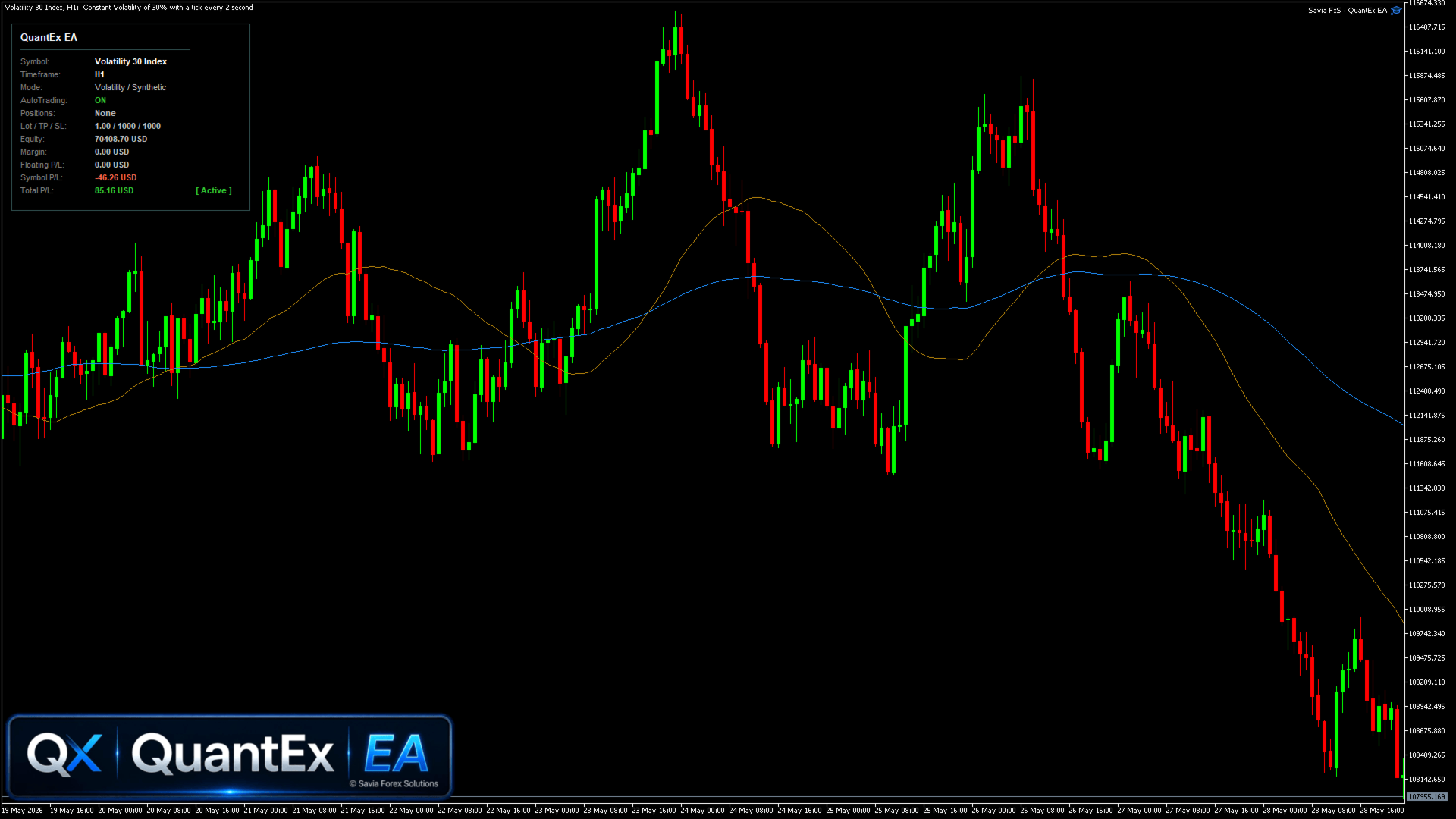
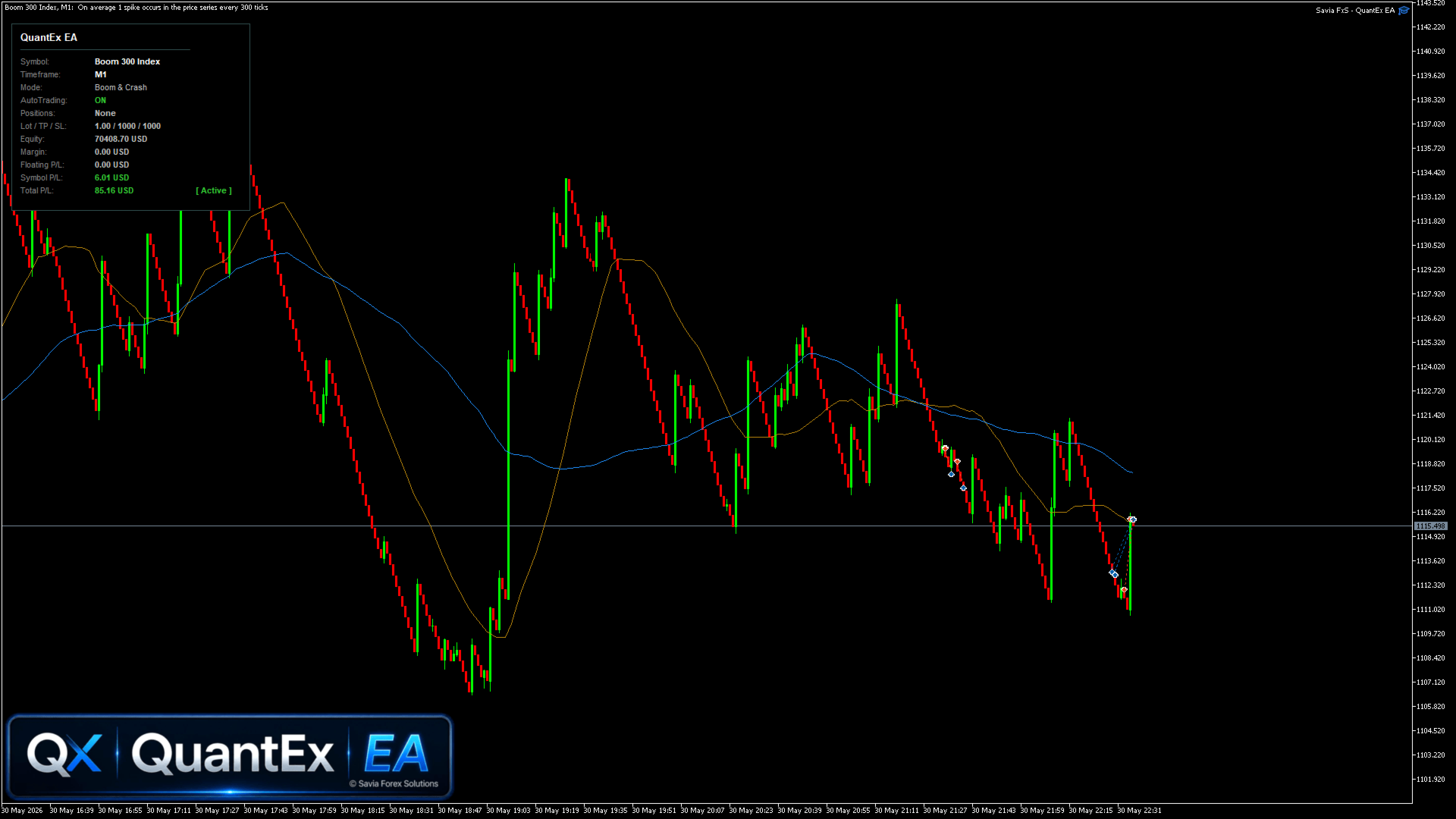
Clean on-chart trade panel.
-
Displays AutoTrading status, open positions, equity, margin, floating P/L, symbol realized P/L, and total realized P/L.
-
Designed for supported MT5 symbols and timeframes.
How to Use
-
Install QuantEx EA in your MT5 terminal.
-
Attach it to your selected chart.
-
Enable Algo Trading.
-
Adjust the input settings according to your trading plan and risk management.
-
Monitor the EA panel and open positions.
Main Settings
Threshold
- Adjusts internal signal sensitivity.
Lot Size
- Sets the trading volume.
Stacked Positions
- Controls the number of allowed stacked positions.
Take Profit / Stop Loss
- Sets the exit levels.
Trailing Start / Step / Stop
- Controls trailing stop management.
Magic Number
- Identifies trades opened by this EA.
Supported Markets
-
Forex instruments
-
Volatility Indices
-
Jump Indices
-
Boom & Crash instruments
-
Other compatible MT5 synthetic index charts
Behaviour may vary depending on broker conditions, symbol specifications, timeframe, spread, execution speed, and market volatility.
Disclaimer
QuantEx EA is an automated trading tool and does not guarantee profitable trades. Test the EA on a demo account before using it live. Forex, synthetic indices, and derivative trading involve risk. This product does not provide financial advice, investment advice, or trading recommendations. All trading decisions and outcomes remain the responsibility of the user.