OrderFlow Sniper Pro
- Göstergeler
- Sürüm: 1.10
- Güncellendi: 10 Mayıs 2026

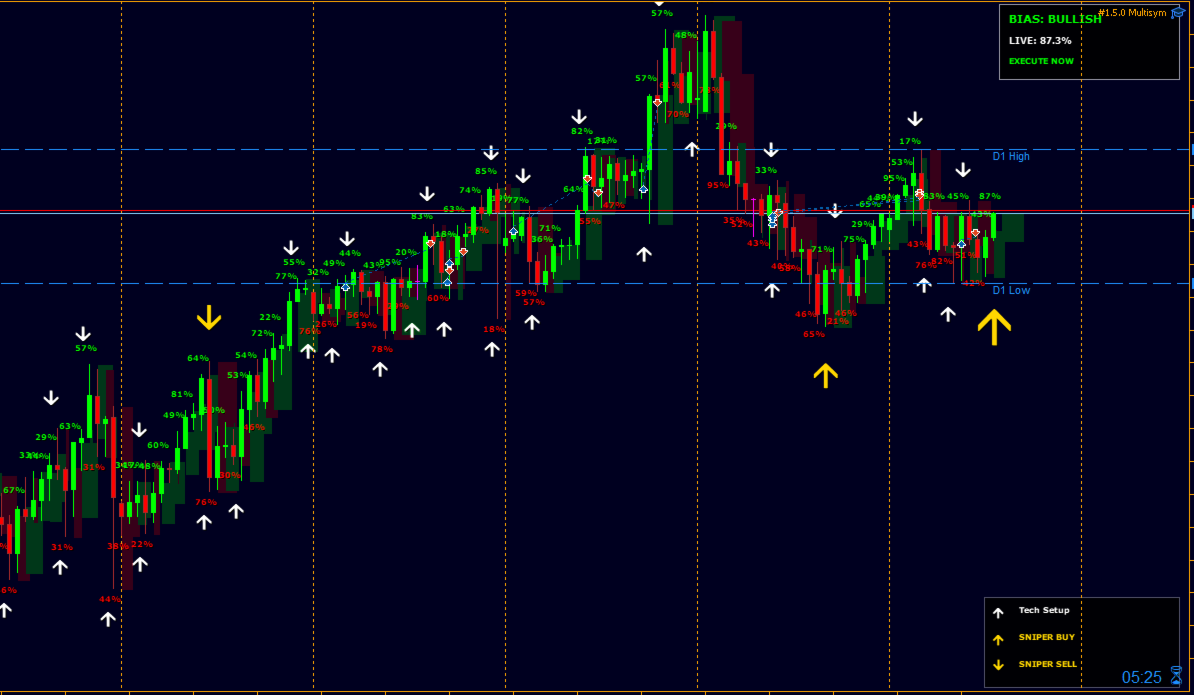
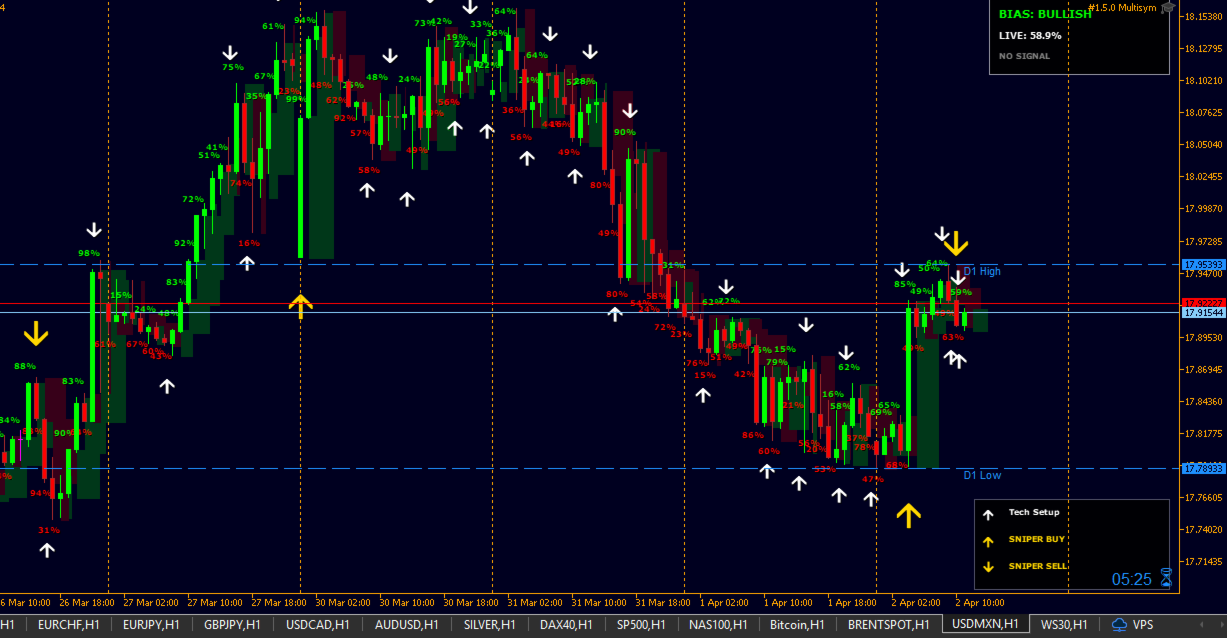
OrderFlow Sniper Pro is a high-performance visual analysis tool designed for professional traders who need to see more than just price. It combines the classic Bill Williams Fractal logic with a sophisticated Volume Delta engine.
Why do you need this?
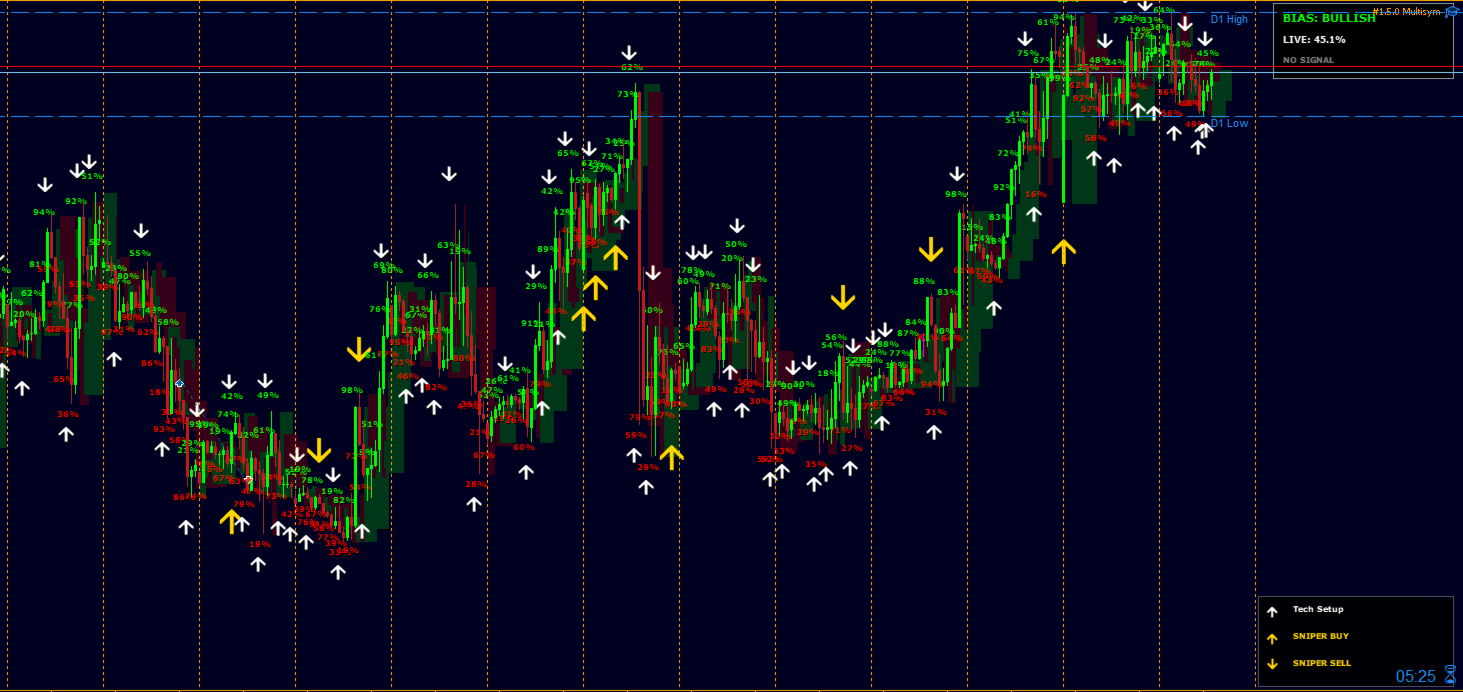
A standard Fractal tells you a price turned. OrderFlow Sniper Pro tells you why it turned. By analyzing the ratio between the candle body and its total range, it reveals the net aggressive pressure of buyers and sellers. When a technical turning point (Fractal) meets massive volume pressure (Delta), a Golden Sniper Signal is generated.
Key Features:
-
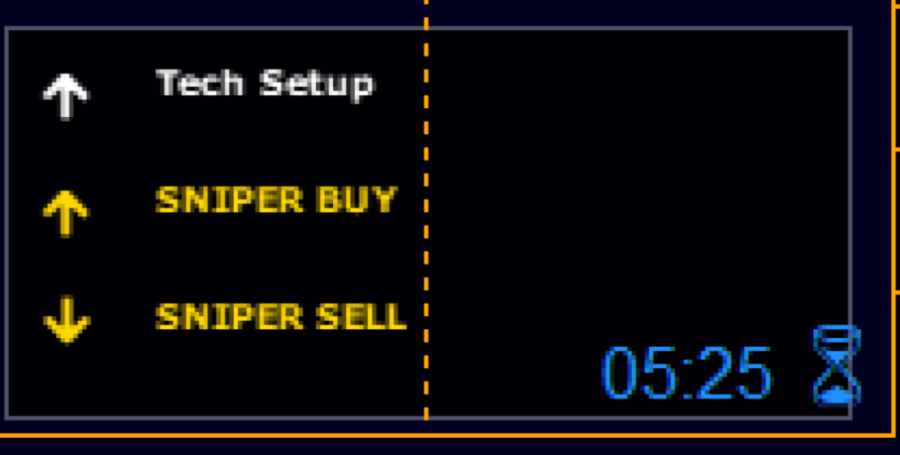
XXL Sniper Signals: Gold arrows for high-probability entries.
-
Live Sentiment Box: Real-time bias and energy tracking.
-
Transparent Orderflow Bars: See the internal strength without hiding your candles.
-
Multi-Alert System: Never miss a sniper move again (Push, Email, Sound).
-
Lightweight Performance: Built with Canvas for ultra-fast rendering on any VPS.
How to Use & Strategy Context
OrderFlow Sniper Pro is designed to be a high-end decision support tool. However, no indicator can guarantee profits or work with 100% accuracy in all market conditions.
-
Convergence is Key: For the best results, do not use the signals in isolation. Combine the Golden Sniper Arrows with other technical tools such as Moving Averages (e.g., 200 EMA for trend direction), Support/Resistance zones, or Daily Pivot points.
-
Smart Money Context: The indicator is most powerful when a Sniper Signal appears at a known market structural level.
Setup for Mobile Push & Email Alerts
The indicator sends alerts using your MetaTrader 5 system settings. To receive notifications on your phone or via email, you must configure your terminal:
-
Push Notifications: Go to Tools -> Options -> Notifications. Enable "Enable Push Notifications" and enter your MetaQuotes ID (found in your mobile MT5 app settings).
-
Email Alerts: Go to Tools -> Options -> Email. Enable the feature and fill in your SMTP server details (e.g., Gmail or Outlook SMTP).
-
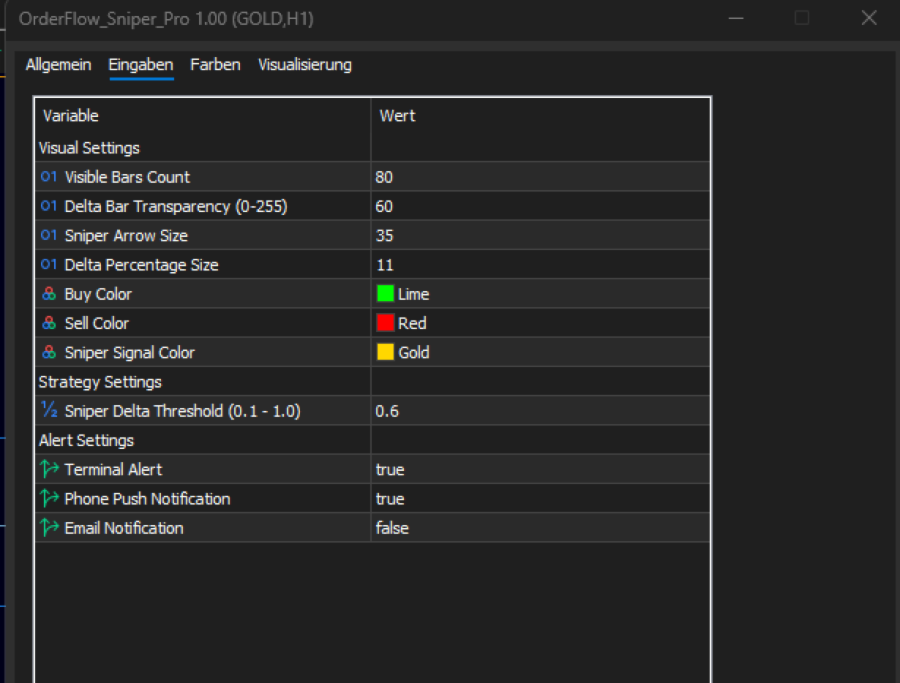
Once configured in MT5, simply enable the Alert inputs in the indicator settings
Customization & Settings:
-
InpMinDelta: Adjust the sensitivity of the gold Sniper signals (Default 0.60).
-
InpArrowSize: Change the size of the arrows to fit your screen resolution.
-
InpAlpha: Control the transparency of the orderflow histogram.
-
Visuals: Move the info box to any corner of your chart to keep your workspace clean.
Disclaimer
Trading foreign exchange and commodities on margin carries a high level of risk and may not be suitable for all investors. This software is provided as a trading aid only and does not constitute financial advice. Past performance is no guarantee of future results. Always trade responsibly and use proper risk management.